Apps Games Articles
Paint Color: Color by number
Special Coloring Studio
Rating 4.8star icon
Editor's summary
Editor rating
star icon star icon star icon star icon
half star icon
4.5

One-line summary Choose Paint Color if you want a genuinely relaxing, visually rich color-by-number app with striking artwork, but think twice if frequent ads, tiny hard-to-find spots, or occasional display glitches are instant deal-breakers for you.

  • Installs

    5M+

  • Developer

    Special Coloring Studio

  • Category

    Board

  • Content Rating

    Everyone

  • Latest version

    1.0.189

  • Package

    com.pixel.art.paint.coloring.book.draw.puzzle.game

In-depth review
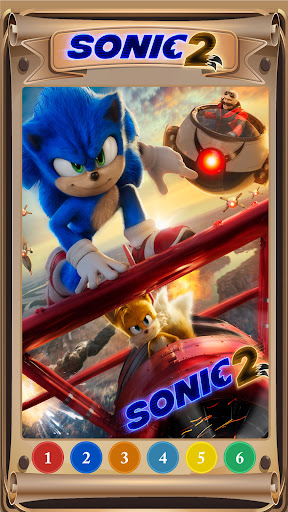
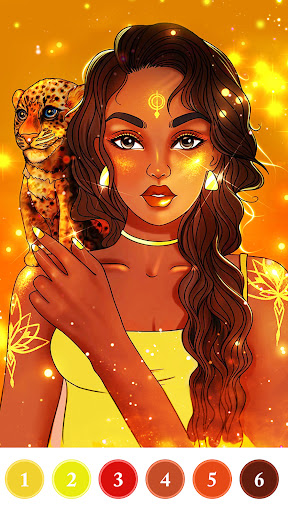
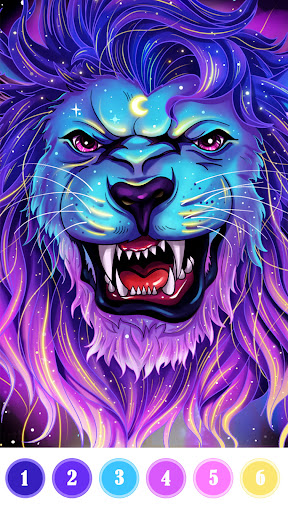
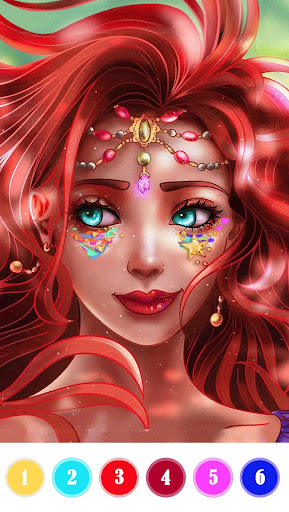
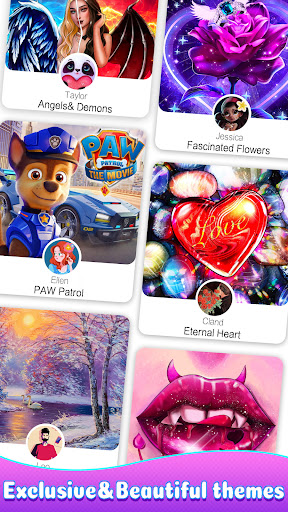
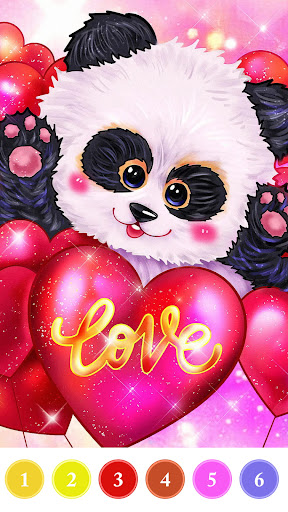
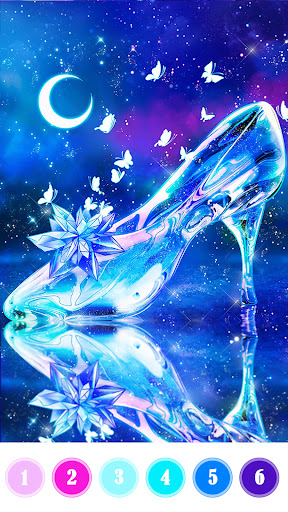
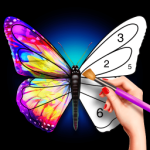
Paint Color: Color by number is one of those apps that looks familiar at first glance and then quietly wins you over once you start using it. On paper, it is another tap-to-fill coloring app. In practice, it feels more art-focused than a lot of the throwaway color-by-number titles crowding Google Play. After spending time with it across multiple sessions, what stood out most was not just the quantity of images, but the mood the app creates. This is the kind of app you open when you want your brain to settle down for twenty minutes, not when you want a challenge in the traditional gaming sense. The core experience is simple: pick an image, tap the numbered color, and fill the matching spaces. That sounds basic, but Paint Color gets several small details right. The artwork has more personality than the generic mandalas and stock animals that dominate this category. Many of the illustrations have richer contrast, stronger palettes, and a more polished final reveal than expected. Finished images often look vibrant rather than muddy, which matters a lot in a genre where the reward is seeing the picture come together. There is a sense of payoff here. Even when an image starts as a confusing mass of numbered regions, it usually resolves into something attractive enough to make the time feel well spent. A second strength is how calm the actual coloring process feels. The interface is easy to understand, and once you settle into the rhythm, it becomes pleasantly mechanical in the best possible way. There is enough detail in many pictures to keep you engaged, but not so much friction that the app becomes tiring. Some images are straightforward and breezy, while others ask for more patience because the numbered spaces are layered in ways that only become clear after you build up the surrounding colors. That creates a nice range. You can casually finish one picture while half-watching TV, or you can sit with a more detailed one and let it absorb your full attention. The third thing Paint Color does well is content variety. During testing, it never felt like the app was serving the same image structure over and over with a different skin on top. There are enough categories and enough visual styles to keep the app from going stale quickly. That matters because color-by-number apps live or die on whether they feel repetitive after a week. Paint Color does a respectable job of avoiding that trap. It is especially good for people who use these apps as a wind-down routine, stress reliever, or low-effort creative habit. That said, it is not hard to find the rough edges. The biggest annoyance is advertising. This is a free app, and ads are part of the tradeoff, but Paint Color can still feel a little too eager to interrupt the flow. The most noticeable friction comes when moving from one picture to the next. If you are the kind of user who completes several images in a sitting, the ad cadence starts to feel less like a mild inconvenience and more like a tax on momentum. The ads are not always outrageously long, but they are frequent enough to be part of the experience, and not in a good way. Another weakness is precision. Some images contain tiny numbered pockets that are easy to miss, especially in facial details, eyes, borders, or other dense areas. For some players, that is part of the puzzle; for others, it can become tedious. During use, there were moments when the last missing segment felt less like a satisfying scavenger hunt and more like a pixel hunt. If you enjoy detail work, you may appreciate it. If you prefer smoother, larger fill zones, this app can occasionally test your patience. The third issue is technical inconsistency. Most of the time, the app runs smoothly, but there are occasional display or freezing hiccups that break the otherwise relaxing mood. A coloring app has to feel dependable because its whole appeal is low-stress interaction. When an image does not render properly, the border freezes, or a daily element seems stuck, it stands out more than it would in a faster, noisier game. These moments were not constant, but they were noticeable enough to mention. Who is this app for? It is a strong fit for adults and older kids who want a calm, low-pressure visual activity and who enjoy seeing polished artwork emerge piece by piece. It also works well for people who use coloring apps to decompress, manage restlessness, or fill short breaks with something more soothing than social media. If you like bright finished images, a large selection of pictures, and a straightforward interface, Paint Color is easy to recommend. Who is it not for? If you are extremely ad-sensitive, if tiny hidden regions drive you crazy, or if you expect every image and bonus feature to behave perfectly every time, this one may wear you down. It is also not the best pick for someone looking for true freeform creativity, since the fun here comes from guided completion rather than artistic control. Overall, Paint Color: Color by number is a very good coloring app that succeeds where it matters most: it is relaxing, attractive, and easy to return to. Its best moments make it feel like a dependable little escape. Its worst moments are mostly familiar free-to-play irritations rather than fatal flaws. If you can tolerate the ad load and the occasional fiddly detail, this is one of the better color-by-number apps currently available on Android.