Apps Games Articles
Pixel Paint - Coloring Book
ONESOFT GLOBAL PTE LTD
Rating 4.4star icon
Editor's summary
Editor rating
star icon star icon star icon star icon empty star icon
4.2

One-line summary Pixel Paint is an easy, genuinely calming color-by-number app with a lot to do, but the constant ad pressure keeps it from being an effortless recommendation.

  • Installs

    10M+

  • Developer

    ONESOFT GLOBAL PTE LTD

  • Category

    Board

  • Content Rating

    Everyone

  • Latest version

    2.1.7

  • Package

    com.dinofun.paintbynumber.pixelgame

Screenshots
In-depth review
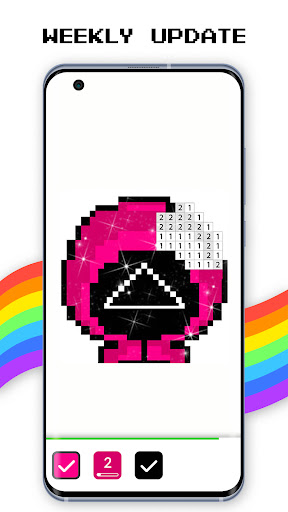
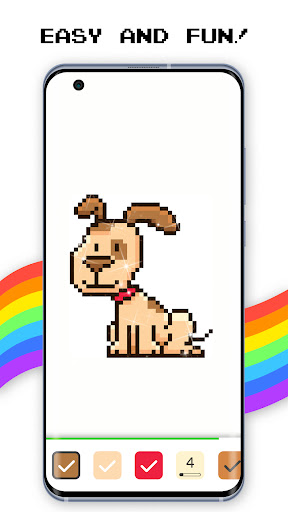
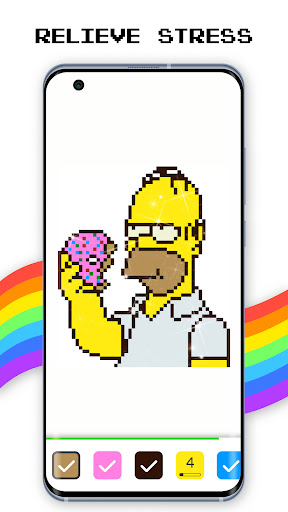
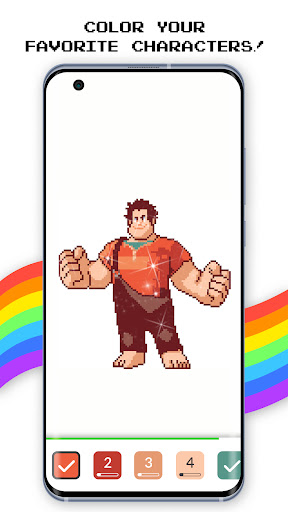
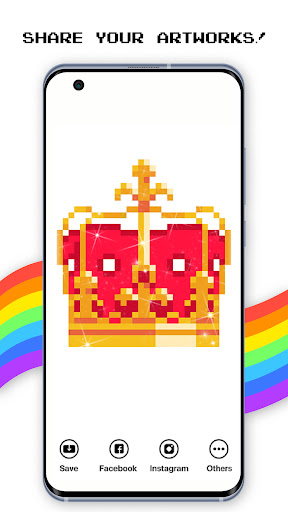
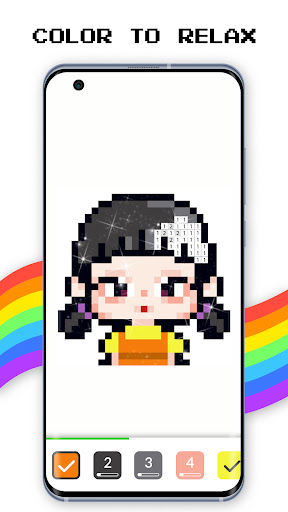
Pixel Paint - Coloring Book knows exactly what kind of app it wants to be: a low-effort, low-pressure, pick-up-and-relax coloring game for people who want to switch off for a few minutes. After spending time with it, that core appeal absolutely comes through. This is the kind of app you open while waiting for an appointment, sitting on a bus, or winding down before bed. It does not ask much from you, and most of the time that is its biggest strength. The basic loop is instantly familiar. You choose an image, pinch to zoom until the numbered cells become visible, then tap colors and fill the matching blocks. There is no learning curve to speak of. Within seconds, you understand how the app works, and within a minute or two you are in that pleasant rhythm color-by-number apps are built around. Pixel Paint is at its best when it gets out of the way and lets that loop do the work. The controls feel simple and readable, and the process of watching a blank grid slowly turn into a finished image is consistently satisfying. One of the strongest things here is volume. Pixel Paint feels generous with content. There are plenty of pictures to choose from, and the overall impression is that you are not going to run out of things to color anytime soon. The app leans hard into variety too, with cute, casual subject matter that suits quick play sessions: animals, flowers, fantasy-style images, and other light, friendly themes. It is not trying to be a serious art tool, and that is the right call. It works because it understands that most people opening this app want a comforting digital coloring book, not a demanding creative suite. A second strength is that the app is genuinely calming when it is in motion. The repetitive tap-and-fill pattern is good at narrowing your attention. If you like games that help quiet mental clutter without requiring strategy or reaction speed, Pixel Paint does a nice job. It is especially effective in short bursts. You can finish part of an image in two or three minutes, put your phone down, and come back later without feeling lost. That makes it more useful in everyday life than many puzzle apps that demand longer sessions. The third standout feature is the ability to work from your own photos. That adds a personal angle that many casual coloring apps either skip or bury. Turning your own image into something you can color gives Pixel Paint a little more staying power than a gallery-only app. It is not the main reason to download it, but it does make the experience feel less disposable. That said, Pixel Paint also has a very obvious weakness, and you run into it quickly: ads. This is the biggest reason I would hesitate before recommending it without qualification. Free apps need to make money, and that is not the problem by itself. The issue is how often Pixel Paint nudges you toward ad-watching, especially around extra tools and boosts. Those little helpers are useful, but they are tied closely enough to ads that the app can start to feel less relaxing than it should. In a game built around stress relief, anything that repeatedly interrupts the flow stands out more than it would in a less meditative app. A second issue is that the app can feel a bit noisy in presentation. The core coloring mechanic is calm, but parts of the surrounding experience are more cluttered than elegant. Menus, reward prompts, and the general push toward extra actions occasionally undercut the simple appeal. It is not confusing, exactly, but it does not have the clean, minimalist polish that the best apps in this category manage. The third weakness is that while the content library is large, the actual act of coloring can become repetitive if you are not already a fan of pixel-based paint-by-number. Pixel Paint delivers comfort food, not surprise. If you are hoping for deep customization, a more premium artistic feel, or richer creative tools beyond tapping numbered cells, this app will feel limited fairly quickly. The DIY photo option helps, but it does not transform the experience into a robust art app. So who is this for? It is a very good fit for casual players, kids, adults looking for stress relief, and anyone who enjoys repetitive, tidy task-completion games. If you like the satisfaction of clearing small numbered spaces and seeing an image snap together piece by piece, Pixel Paint is easy to enjoy. It is also well suited to people who want something they can use offline and in short sessions. Who is it not for? Anyone with a very low tolerance for ads, or anyone looking for a premium-feeling creative app, should probably look elsewhere. It is also not ideal for users who get bored by straightforward paint-by-number gameplay and want more artistic freedom. Overall, Pixel Paint - Coloring Book succeeds at its main job. It is accessible, soothing, and packed with enough content to keep a casual user busy for a long time. I enjoyed it most when I treated it as a pocket-size decompression tool rather than a full-fledged art app. In that role, it works well. Just be prepared for the app to occasionally break its own relaxing mood with one ad prompt too many.