Apps Games Articles
Pixel Art - color by number
Easybrain
Rating 4.5star icon
Editor's summary
Editor rating
star icon star icon star icon star icon empty star icon
4.3

One-line summary Pixel Art is one of the most satisfying and content-rich color-by-number apps on Android, but its ad friction and occasional interface annoyances keep it from feeling completely effortless.

  • Installs

    100M+

  • Developer

    Easybrain

  • Category

    Puzzle

  • Content Rating

    Everyone

  • Latest version

    7.7.0

  • Package

    com.europosit.pixelcoloring

In-depth review
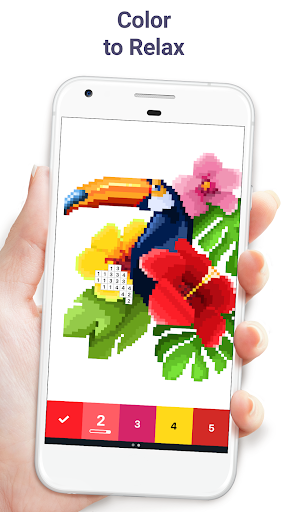
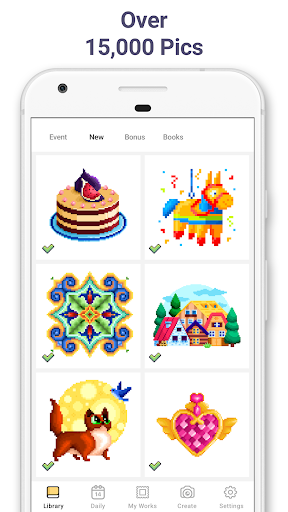
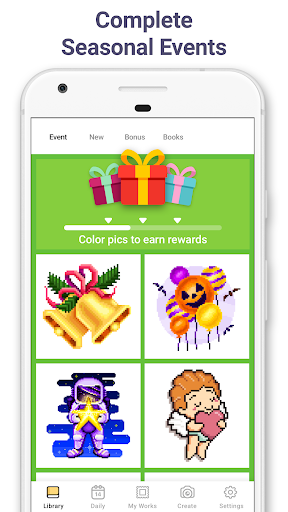
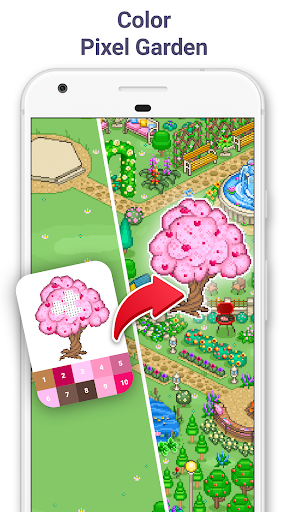
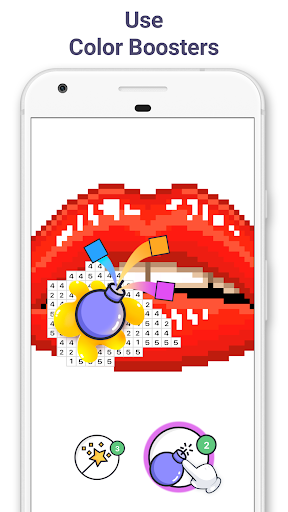
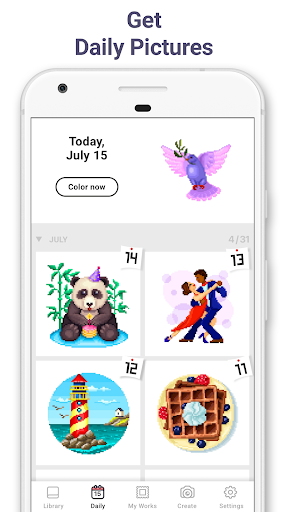
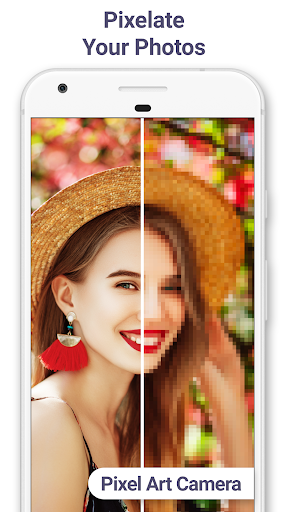
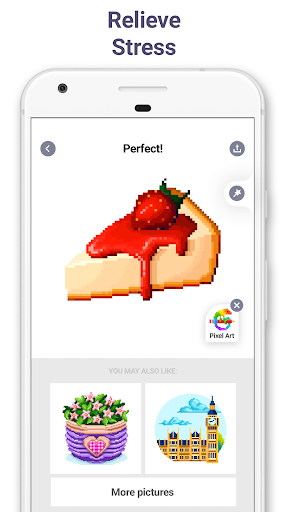
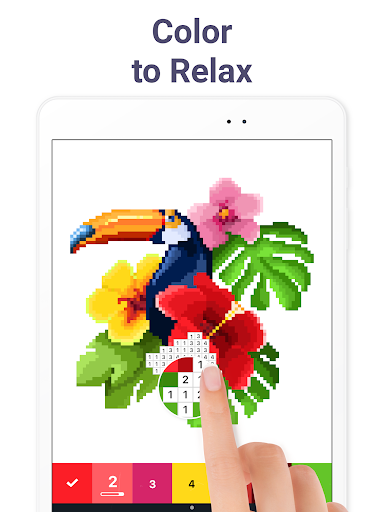
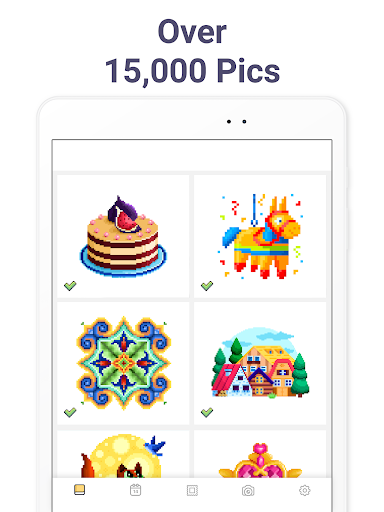
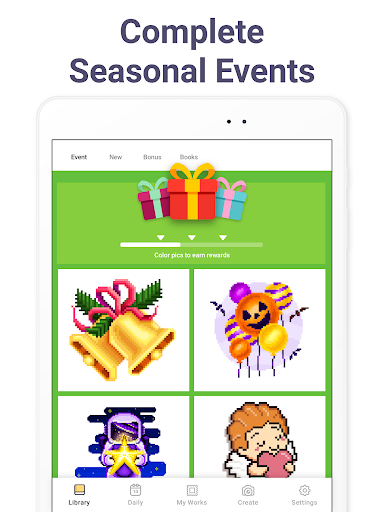
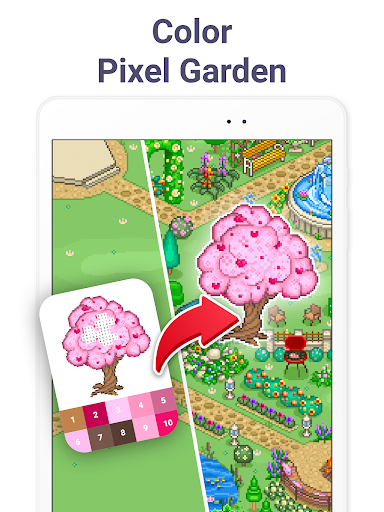
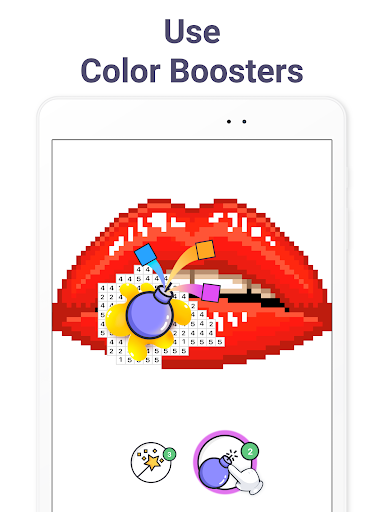
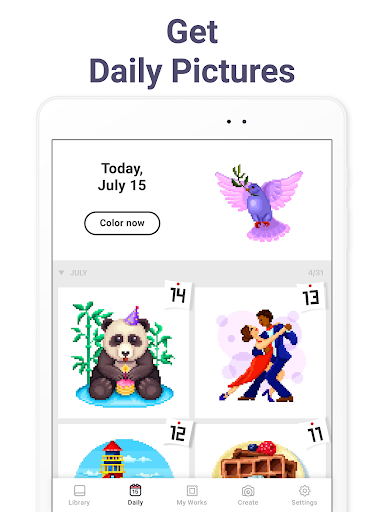
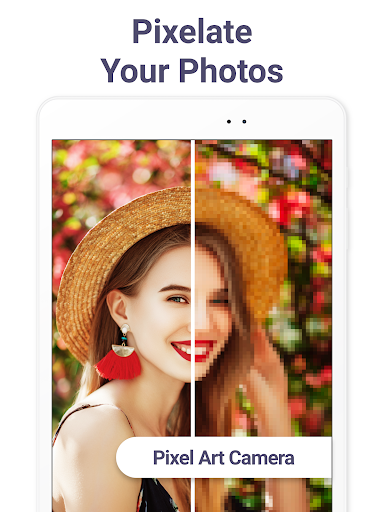
After spending real time with Pixel Art - color by number, it is easy to see why it has become such a long-running comfort app for so many people. This is not a flashy reinvention of the coloring-by-number formula. It succeeds because it understands the appeal of the format better than most: quick access, a huge pile of artwork, and a repetitive tap-and-swipe loop that is genuinely calming when you are in the mood to switch your brain into idle. If what you want is a low-pressure app to fill a few minutes before bed, kill time on a commute, or settle your nerves with something tactile and simple, Pixel Art does that very well. The first thing that stands out in daily use is the sheer volume of things to do. There is a lot here. The app does an excellent job of making you feel like you will not run out of pictures anytime soon, and the steady drip of new content keeps it from becoming a one-week novelty. The selection is broad enough that you can bounce between tiny, quick images and sprawling, detail-heavy pieces depending on your energy level. That range matters more than it sounds. Some coloring apps feel monotonous because every image takes roughly the same amount of effort; Pixel Art is better because it supports both a two-minute session and a full hour of zoning out on a dense picture with dozens of colors. The core interaction is also strong. When the app is in sync with you, coloring feels smooth and satisfying. Tapping the numbered palette, hunting for matching cells, and sweeping through clusters creates a rhythm that is strangely meditative. The visual payoff is immediate, and the time-lapse sharing feature adds a nice little flourish even if you never use it often. There is also a playful side here that keeps the experience from feeling sterile: sparkly finishes, themed events, and side content like the garden mechanic make the app feel more like a hobby app than a bare utility for filling in boxes. The option to turn your own photos into pixel art is another smart hook. It is not the main reason to install the app, but it gives the app a bit more longevity once you have exhausted your favorite categories. That said, this is not an entirely frictionless experience. The biggest annoyance is ads. They do not completely drown the app, but they show up often enough to break the mood, especially when you are finishing images or jumping between activities. In a relaxation app, interruptions feel worse than they do in a puzzle game or arcade title. Pixel Art is at its best when it disappears and lets you sink into the task, and ads are the thing most likely to pull you right back out. Even when the ad load is technically tolerable, the placement can make the app feel more pushy than serene. The interface can also be clumsy in ways that become obvious after extended use. Browsing such a large library should feel effortless, but filtering and discovery are not as elegant as they could be. When you want something specific, or just want to avoid endlessly scrolling through categories that do not match your mood, the app can feel more cumbersome than relaxing. A stronger search or sorting system would go a long way here. Likewise, some pictures are so large and color-dense that the process shifts from soothing to fiddly, especially if you are trying to work quickly on a phone screen. In those moments, the app starts to feel like it is testing your precision rather than helping you unwind. Performance is mostly solid, but not flawless. During regular use, I found it dependable enough to keep coming back to, yet it still has those occasional rough edges common in long-running mobile apps with lots of moving parts. Load times can feel a bit slow, and the app sometimes gives the impression that it is one awkward update away from making a familiar process less convenient than before. That kind of instability does not define the experience, but it does stop the app from feeling impeccably polished. What keeps Pixel Art highly recommendable despite those complaints is that the fundamentals are so well judged. The artwork variety is excellent, the difficulty range is broad, and the act of coloring remains satisfying for far longer than you might expect. Many apps in this genre are pleasant for a day and then forgettable. Pixel Art has enough content and enough little engagement hooks to become part of a routine. It works especially well for adults who want a calming, low-stakes app that does not demand strategy, reflexes, or heavy attention. It is also a good fit for casual players who like creative apps but do not actually want to draw from scratch. It is less ideal for people who are highly sensitive to ad interruptions, users who want a cleaner organizational system for huge content libraries, or anyone who expects total smoothness from every update and every menu. If your patience for free-to-play friction is low, this app may wear on you faster than it should. And if you want a true art tool rather than a guided coloring experience, this is obviously not built for that. Still, judged on what it is trying to be, Pixel Art gets more right than wrong. It is relaxing, generous with content, and easy to slip into for short or long sessions. The best version of this app feels like a pocket-sized stress reliever. The worst version feels like that stress reliever briefly stopping to wave an ad in your face. Most of the time, thankfully, the better version wins.