Apps Games Articles
LINE: Calls & Messages
LINE Corporation
Rating 4.2star icon
Editor's summary
Editor rating
star icon star icon star icon star icon empty star icon
4.2

One-line summary LINE is easy to recommend for its polished chats, dependable calls, and unmatched sticker culture, but account transfer and sync quirks still make it harder than it should be to trust during device changes.

  • Installs

    500M+

  • Developer

    LINE Corporation

  • Category

    Communication

  • Content Rating

    Everyone

  • Latest version

    -

  • Package

    jp.naver.line.android

In-depth review
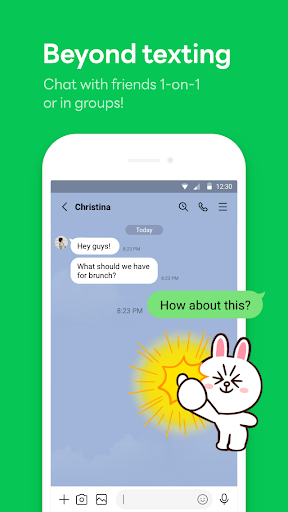
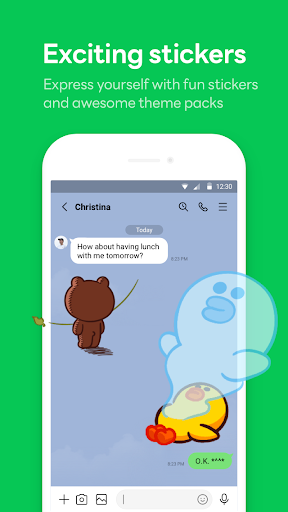
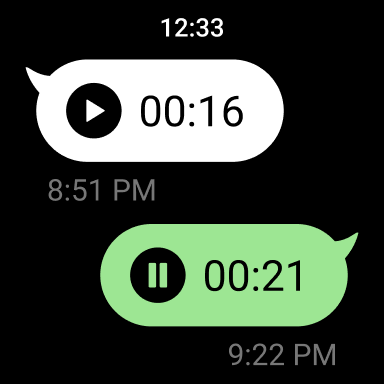
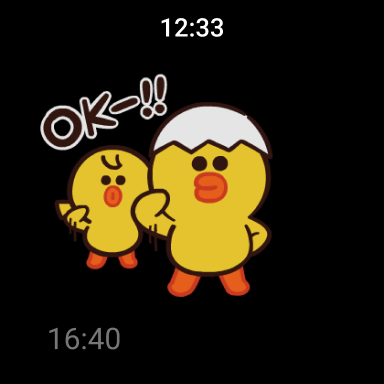
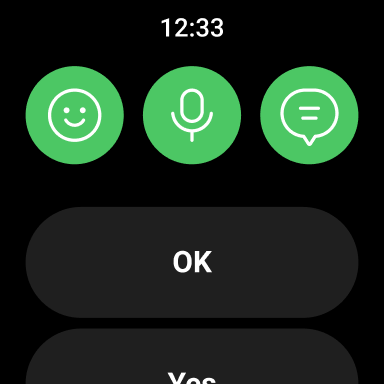
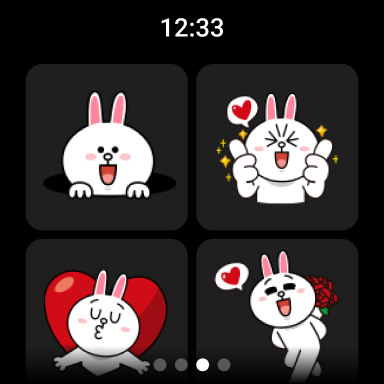
LINE remains one of those messaging apps that immediately feels like it has its own personality. After spending time with it as an everyday communication tool, what stands out first is not a single headline feature but the overall feel: it is quick to understand, lively without being chaotic, and clearly built around the idea that messaging should be both practical and expressive. If your daily routine includes text chats, group conversations, photo sharing, and the occasional voice or video call, LINE can still feel like a very complete package. The strongest part of the experience is basic communication. Text messaging is fast, familiar, and generally friction-free. Chats load quickly, sending photos is straightforward, and group conversations are easy to follow. The interface does not feel stripped down, but it also does not bury the important things under too many layers. There is a nice balance here: enough features to feel full-service, but not so much clutter that it becomes exhausting just to send a message. In regular use, LINE feels mature. It gives the impression of an app that has spent years refining how people actually talk to each other. Calls are another major reason to use it. In testing, voice and video calling felt like a real strength of the platform. Audio quality was clear, video quality was solid, and calls connected without much drama. That matters more than flashy extras. A communication app lives or dies by whether it can handle a simple call when you need one, and LINE generally does that well. It is especially useful for staying in touch across different phones and devices, and it works well as a general family-and-friends communication app rather than something only for one narrow use case. Then there is the part of LINE that has always helped it stand apart: expression. Stickers, emojis, and themes are not just decorative extras here. They are central to the tone of the app. Some messaging platforms feel clinical; LINE feels warm. The sticker ecosystem gives conversations a playful rhythm that plain text cannot match, and the app does a good job making those expressive tools feel integrated rather than tacked on. Even if you are not a heavy sticker user, the customization options help the app feel less generic than many of its rivals. There are also thoughtful touches around privacy and personal storage that make the app more useful day to day. Encrypted messaging through Letter Sealing adds reassurance, and Keep Memo is genuinely handy as a personal holding space for notes, links, photos, and temporary saves. It is one of those small features that becomes more useful the longer you use the app. Instead of forwarding things to yourself through awkward workarounds, you have a built-in place for them. That said, LINE is not without frustrations, and the biggest one is account portability. This is where the app feels more fragile than it should in 2025. Moving between devices, logging in on a new phone, or trying to maintain a smooth multi-device setup can be more stressful than with the best messaging apps in the category. The process does not always inspire confidence, especially if chat history matters to you. In day-to-day use on one device, LINE can feel seamless; during a device change, it can suddenly feel far less forgiving. A second weakness is inconsistency around syncing and recovery. When everything is stable, the app feels dependable. When something goes wrong, though, the experience can turn murky. Missing chat history, disappearing contacts or groups, and uneven restoration behavior are the kinds of problems that hit harder in a messaging app than they would in almost any other category. These are not cosmetic issues. Communication apps hold memories, plans, work messages, and social continuity. Any uncertainty there cuts into trust quickly. The third issue is that some updates or platform-specific behaviors still seem capable of creating annoying rough edges. Notification behavior, camera behavior, and desktop verification flow do not always feel perfectly locked down. None of this ruins the app when it is working properly, but it does create a sense that LINE is strongest as a daily messaging tool and less impressive when you start testing edge cases or switching contexts. Who is LINE for? It is for people who want a full-featured messenger that mixes practical communication with personality. It works well for close friends, families, long-distance relationships, group chats, and anyone who values stickers, customization, and reliable calling alongside normal messaging. It is also a good fit for users who want one app that can cover text, calls, light personal storage, and cross-device access without feeling too corporate or sterile. Who is it not for? If you change phones often, obsess over perfectly painless chat migration, or need absolute confidence that every login and backup process will be effortless, LINE may test your patience. It is also not the best match for someone who wants the most minimal, bare-bones messaging environment possible. Overall, LINE still earns its place as a genuinely strong communication app. Its best qualities are easy to appreciate: polished everyday messaging, very good voice and video calls, and a more expressive, human feel than many alternatives. Its problems are real, though, and they mostly revolve around trust during transitions rather than trust during routine use. If you plan to settle into it on a primary device and use it as your main social messenger, LINE is easy to enjoy. If you expect frequent device switching and flawless recovery every time, you may want to keep your expectations in check.