Apps Games Articles
Colorscapes® - Color by Number
Fuero Games Sp. z o.o.
Rating 4.8star icon
Editor's summary
Editor rating
star icon star icon star icon star icon
half star icon
4.5

One-line summary Colorscapes is one of the best color-by-number apps I’ve used thanks to its huge, attractive art library and smooth coloring flow, but the ad load and a few fiddly edge cases keep it from feeling truly premium.

  • Installs

    10M+

  • Developer

    Fuero Games Sp. z o.o.

  • Category

    Board

  • Content Rating

    Everyone

  • Latest version

    3.11.2

  • Package

    com.artlife.coloringbook

Screenshots
In-depth review
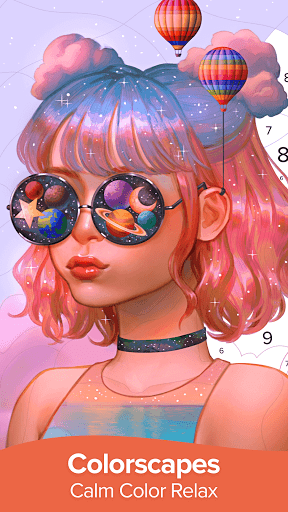
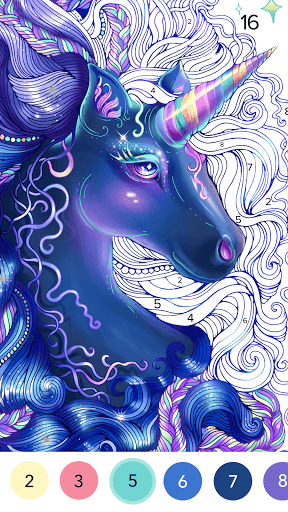
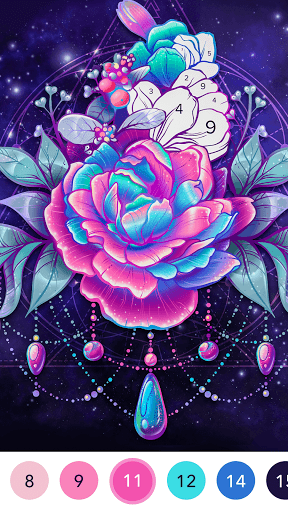
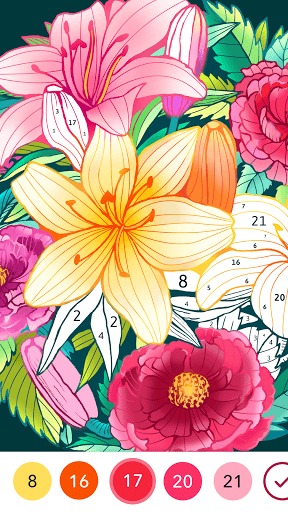
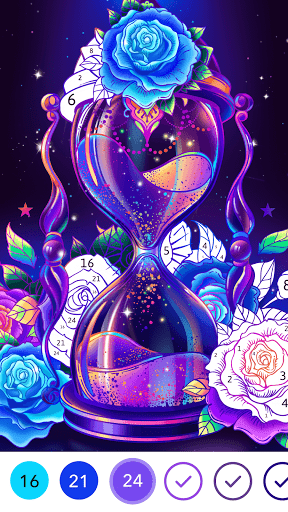
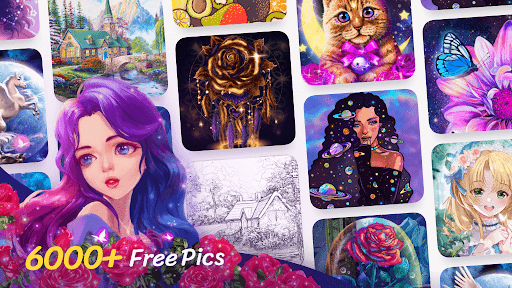
Colorscapes® - Color by Number knows exactly what kind of app it wants to be: a low-effort, high-reward relaxation game you can dip into for five minutes before bed or lose an entire evening to without noticing. After spending real time with it, that focus comes through clearly. This is not a drawing app, not a creativity suite, and not something built around artistic control. It is a polished paint-by-number experience designed to calm your brain, keep your hands busy, and deliver a steady stream of satisfying completions. The first thing that stood out to me was the quality and breadth of the artwork selection. A lot of apps in this category lean too hard in one direction: either they flood you with generic mandalas and flowers, or they go all-in on cutesy illustrations that start to blur together after a few sessions. Colorscapes does a better job than most of making the library feel varied. I found enough range in portraits, stylized paintings, cartoons, and decorative scenes that it rarely felt like I was paging through clones of the same image. That matters more than it sounds. In a color-by-number app, content is the product, and Colorscapes gives the impression that you are not going to run out of things worth tapping on anytime soon. The second big win is how fluid the coloring process feels. This app is fast. Taps register cleanly, the fill behavior is predictable, and moving from one color to the next is generally friction-free. On a touchscreen, that sense of responsiveness is crucial. If you have ever used a coloring app that made you zoom way in, hunt tiny regions, and repeatedly jab at the display for one stubborn pixel, you will immediately appreciate the difference here. Colorscapes feels more forgiving than many rivals. The touch radius is generous enough that coloring remains relaxing instead of turning into a precision test, and the app does a good job of helping you locate the remaining cells for a number. It is one of those apps where the interface gets out of the way and lets the satisfaction loop do its job. There are also several small touches that make the experience more pleasant over longer sessions. The completion feedback is rewarding without being overdone, and the app has a nice sense of momentum as you work through an image. It is easy to start one more picture, then another, because the whole loop is tuned around instant progress. I also liked that the app feels approachable whether you use it casually on the couch, on a commute, or as a bedtime wind-down tool. You do not need to learn anything. Open image, tap number, color, repeat. Sometimes simple really is best. That said, Colorscapes is not frictionless, and its biggest annoyance is easy to predict: ads. They are not so aggressive that the app becomes unusable, but they are frequent enough to break the mood. In a genre built around relaxation, interruption matters more than it would in a puzzle or arcade game. When an ad appears before or after a picture, it cuts into the calm rhythm the app otherwise builds so well. If you are patient, this may feel like a tolerable tradeoff for a free app. If you are particularly sensitive to interruptions, though, this will be the main reason to hesitate. A second issue is that while the tap handling is generally good, some pictures still have the classic color-by-number problem of tiny, awkwardly placed regions near borders or hidden in places that are harder to spot than they should be. The app offers ways to help you find missing spaces, which is useful, but I still ran into moments where I was not admiring the art so much as scanning for one microscopic unfinished patch tucked against the frame. It does not ruin the experience, but it occasionally nudges the app away from soothing and toward mildly tedious. The third weakness is that Colorscapes can feel a bit one-note if you want more than passive relaxation. That is not a flaw in the strict sense, because the app delivers what it promises, but it does define its audience. If you want creative freedom, custom palettes, serious drawing tools, or a more expressive art experience, this is not that app. Colorscapes is strongest when you accept it on its own terms: guided, polished, and repetitive in a comforting way. Anyone looking for a digital coloring book with artistic control may find it too structured. Who is it for? It is ideal for people who use mobile apps to decompress: casual players, bedtime scrollers, fans of paint-by-number games, and anyone who wants a mentally light activity that still feels productive. It is also a strong fit for people who have tried other coloring apps and been frustrated by clunky controls or thin content libraries. Who is it not for? Anyone who hates ads, wants a premium-feeling uninterrupted session, or expects a true art creation tool rather than a guided coloring experience should look elsewhere. Overall, Colorscapes earns its popularity. It has the three things this category absolutely needs: a large and appealing art catalog, smooth and forgiving controls, and an easygoing flow that makes it genuinely relaxing to use. Its downsides are real, especially the ad interruptions and the occasional hunt for tiny edge pieces, but they are not enough to erase how polished the core experience feels. If what you want is a color-by-number app that is easy to pick up, difficult to put down, and consistently satisfying, Colorscapes is one of the stronger options on Android.