Apps Games Articles
HBO Max: Stream TV & Movies
WarnerMedia Global Digital Services, LLC
Rating 4.8star icon
Editor's summary
Editor rating
star icon star icon star icon star icon
half star icon
4.5

One-line summary HBO Max is easy to recommend for its premium library and unusually polished playback, but the extra cost for ad-free viewing and a few missing mobile-friendly controls keep it from being a no-brainer.

  • Installs

    100M+

  • Developer

    WarnerMedia Global Digital Services, LLC

  • Category

    Entertainment

  • Content Rating

    Teen

  • Latest version

    VARY

  • Package

    com.wbd.stream

In-depth review
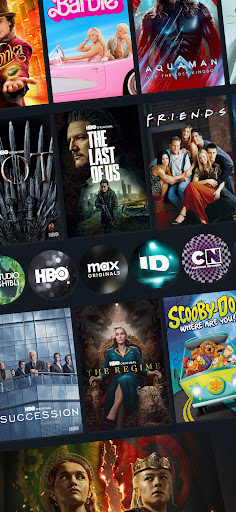
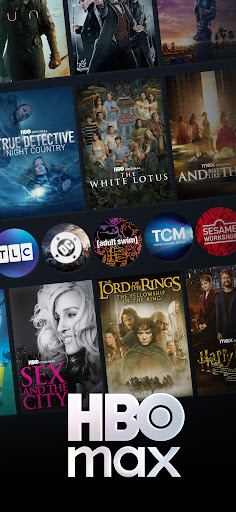
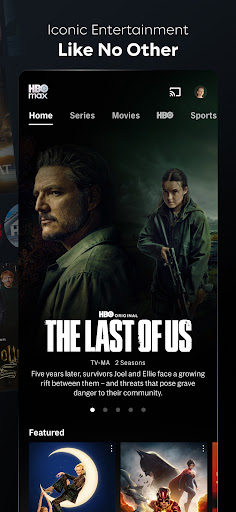
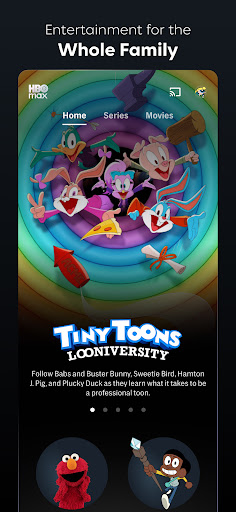
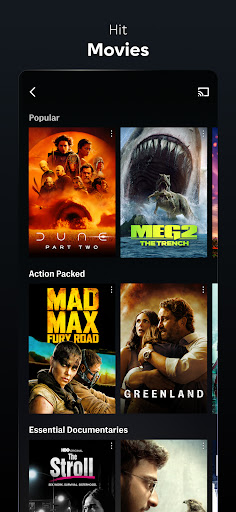
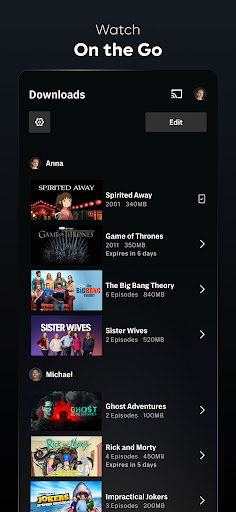
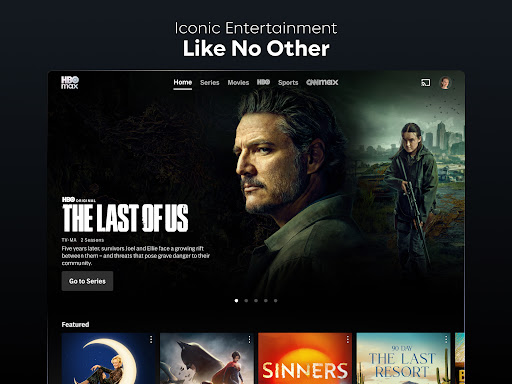
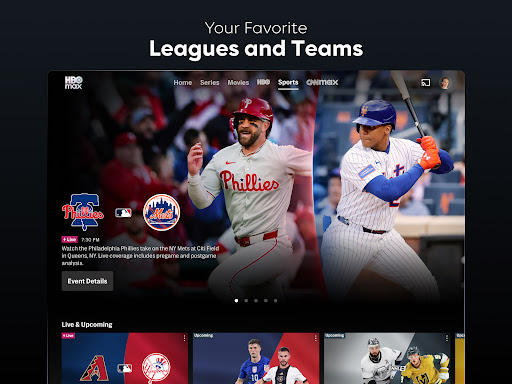
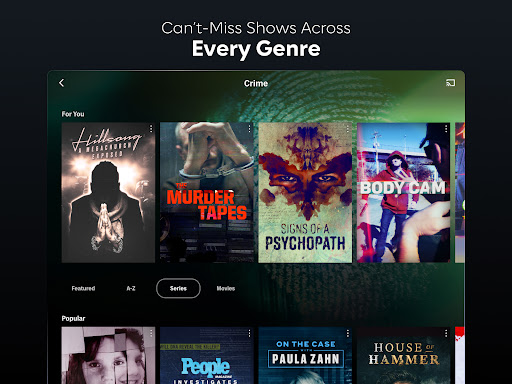
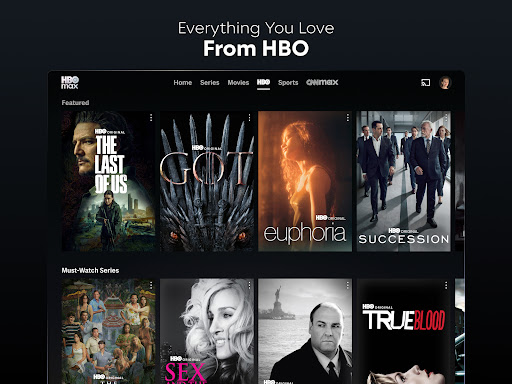
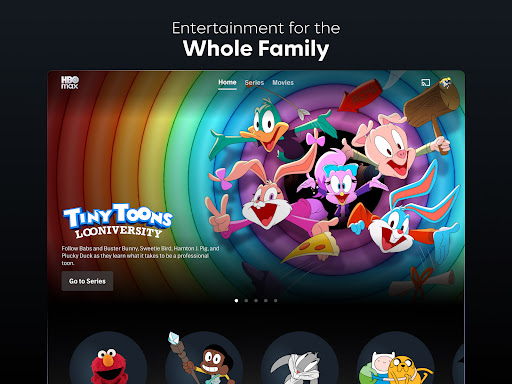
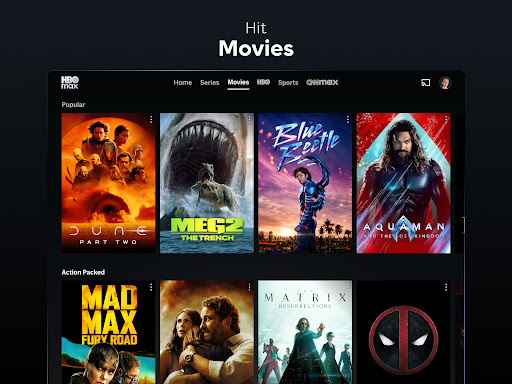
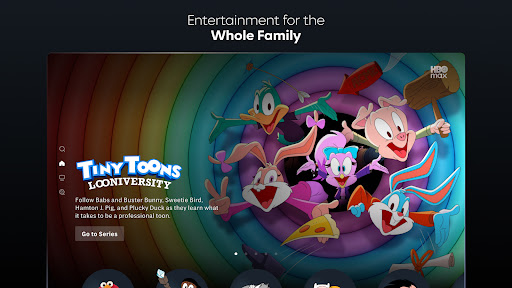
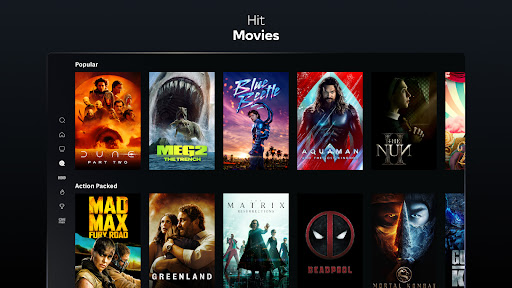
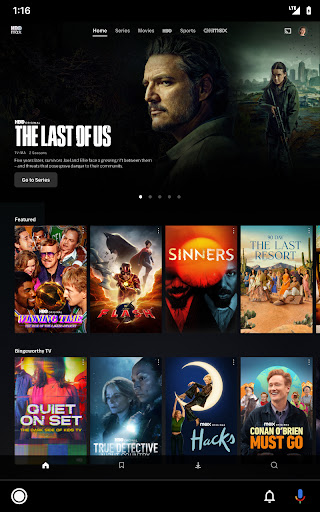
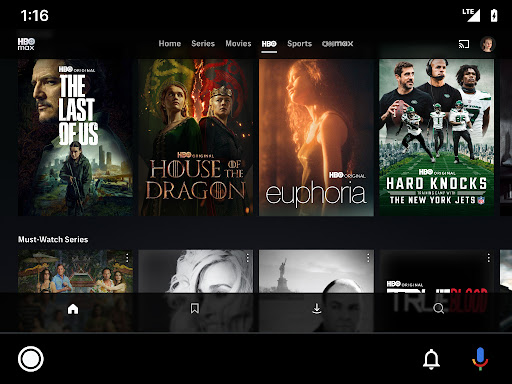
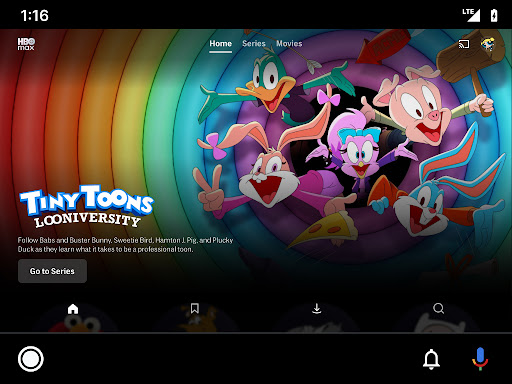
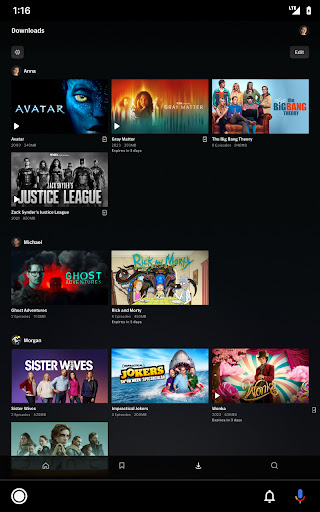
HBO Max feels like a streaming app built by people who understand that good content alone is not enough; the app itself has to stay out of the way. After spending real time with it on mobile, the biggest takeaway is that it is one of the smoother, more reliable streaming experiences on Android. It opens quickly, browsing feels snappy, playback starts without much hesitation, and video quality generally holds up well once you hit play. For an app meant to deliver long-form entertainment rather than quick clips, that basic stability matters more than flashy design tricks, and HBO Max gets that part right. The first thing that stands out is the quality of the catalog presentation. HBO Max has a lot of heavyweight content, but what makes the app work is that it does not bury it under a cluttered interface. The home screen is busy in the way every major streaming service is busy, but navigation is still straightforward. Rows are organized clearly, search is easy to use, and the brand-based browsing helps when you know roughly what kind of thing you want. If you are hopping between prestige HBO dramas, DC titles, documentaries, animation, reality TV, and comfort-watch sitcoms, the app makes that jump feel natural. I never felt like I was wrestling the interface just to find something watchable, which is not true of every streaming app. Playback is another area where HBO Max earns its reputation. In day-to-day use, streams generally load fast and run cleanly. I had very little of the stuttering, quality drops, or awkward buffering that can make mobile streaming feel cheap. On a good connection, the app simply settles into playback and stays there. That may sound like faint praise, but it is actually one of HBO Max’s biggest strengths. A streaming app is at its best when you stop noticing it, and this one often reaches that point. Picture quality is consistently strong, and where supported by your plan and device, the app clearly aims for a premium audiovisual experience rather than just functional playback. The profile system is also thoughtfully handled. Having separate profiles, including kid-oriented controls and PIN options, makes the app much more practical in a shared household. Resume playback across devices works the way it should, and My Stuff is useful enough that I actually used it rather than ignoring it. Those little continuity features do a lot to make the app feel mature and lived-in instead of merely functional. That said, HBO Max is not flawless, and the rough edges become more noticeable the longer you use it. The first irritation is the subscription structure around ads. The app is perfectly usable on an ad-supported plan, but there is no getting around the fact that paying extra to get a cleaner experience can feel frustrating, especially when you are already paying for a premium entertainment service. The ads are not always excessive, but when they break the mood of a movie or interrupt a binge session, you feel them. In an app built around immersive, high-end content, that disruption stands out more than it would on a more casual platform. The second weakness is that some playback controls still feel behind the best in the category. During my time with the app, I kept wanting a few conveniences that should really be standard by now: faster access to the next episode, more intuitive skip controls, and better mobile viewing options like a simple zoom-to-fill mode. On a phone, that last one especially matters. Plenty of content looks fine letterboxed, but there are moments when you just want the choice to fill the screen instead of living with black bars. HBO Max feels polished in the fundamentals, yet oddly conservative in these user-facing details. The third issue is inconsistency around edge cases. Most of the time the app behaves well, but when something goes wrong, the feedback is not always helpful. There are moments when a title does not play as expected or where a device-specific quirk leaves you guessing whether the problem is rights availability, plan limitations, or a playback bug. It is not a constant problem, but when it appears, the app does not always explain itself well. That makes troubleshooting feel more annoying than it needs to be. Who is HBO Max for? It is ideal for viewers who care about prestige TV, strong movies, recognizable brands, and a generally polished streaming experience. If your habits lean toward sitting down for a serious drama, a quality film, a documentary, or a high-profile franchise title, HBO Max feels tailored to that rhythm. It is also a good fit for households that want a mix of adult programming and family-friendly options inside one app without sacrificing a premium feel. Who is it not for? If you are extremely price-sensitive, allergic to ads, or someone who expects every mobile playback convenience to be present and perfect, HBO Max may leave you a little irritated. It is also not the best match for viewers who want a purely utilitarian bargain streamer and do not care about curation or presentation. Overall, HBO Max is one of the better entertainment apps on Android because it balances a high-end library with dependable performance. It feels fast, stable, and confident in the ways that matter most. I came away impressed by how often it simply worked, and by how easy it was to go from browsing to actually watching something worthwhile. The flaws are real, especially around ad-tier friction and missing convenience features, but they do not outweigh the core experience. If you want a streaming app that feels premium both in content and in day-to-day use, HBO Max is a strong pick.
Alternative apps