Apps Games Articles
Hulu: Stream TV shows & movies
Disney
Rating 4.4star icon
Editor's summary
Editor rating
star icon star icon star icon star icon
half star icon
4.5

One-line summary Hulu is easy to recommend for its huge TV-first library and reliably smooth playback, but the ad-supported tier and a few rough edges in the mobile app can still test your patience.

  • Installs

    100M+

  • Developer

    Disney

  • Category

    Entertainment

  • Content Rating

    Teen

  • Latest version

    6.23.0+14737115-google

  • Package

    com.hulu.plus

In-depth review
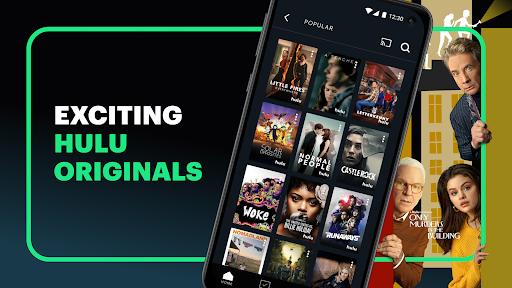
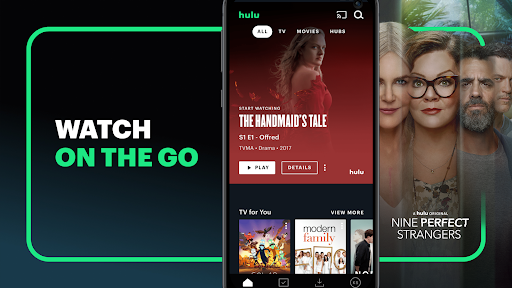
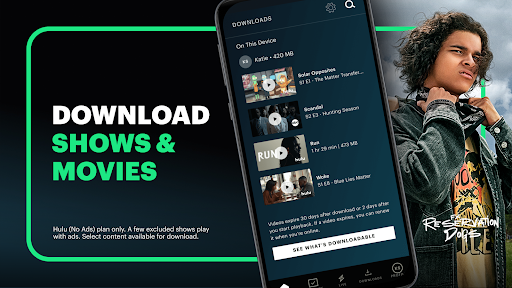
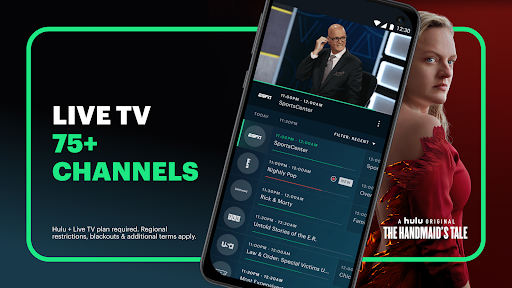
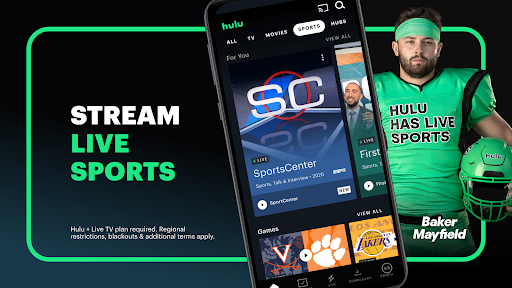
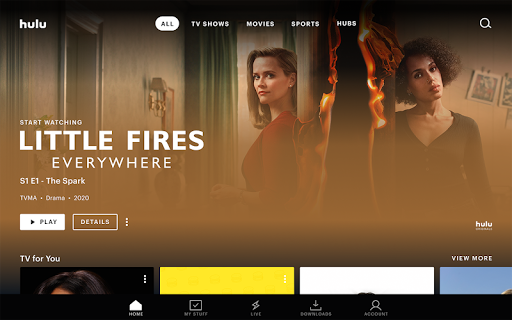
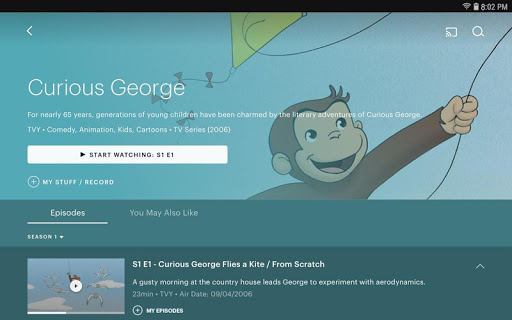
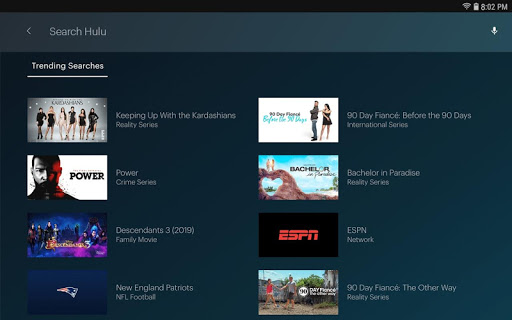
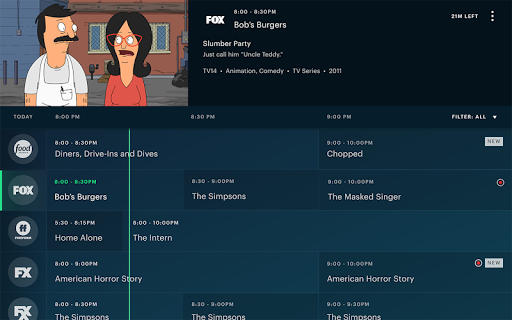
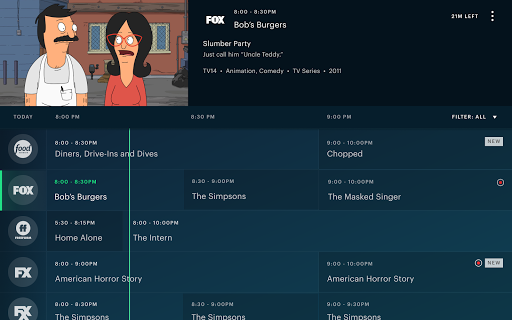
After spending real time with Hulu on Android, what stands out most is that this is a streaming app built for people who watch television as a habit, not just as an occasional weekend event. Some platforms feel like giant digital bargain bins where you scroll forever and still end up rewatching the same comfort show. Hulu feels more purposeful. It is especially strong if your idea of a good streaming service is keeping up with current series, diving into older catalog TV, sampling originals, and having enough variety that the app rarely feels stale. The first thing I noticed in everyday use was how approachable the app feels. Signing in, picking a profile, resuming shows, and jumping between series is generally quick and intuitive. Hulu does a solid job surfacing things you are likely to continue, and its recommendations are usually close enough to your habits to save you from endless searching. That matters more than flashy design. In practice, the app gets out of the way and lets you watch. For a service with a very large catalog, that sense of momentum is a real strength. The second big win is the content mix. Hulu has the kind of library that rewards different moods: prestige drama one night, reality TV the next, animation or anime after that, then a movie when you want something self-contained. It leans heavily into series, and that is where it really shines. If you are the kind of viewer who wants full seasons, older favorites, and a constant stream of familiar network and cable-style programming, Hulu is one of the strongest options on Android. I also found that it does a nice job making the service feel active rather than static. Even after several sessions, it still felt like there was always another show to try. The third major strength is playback. In my use, streaming was stable, loading was fast, and general video quality felt dependable. This is one of those things you only appreciate when it goes wrong elsewhere. Hulu mostly avoids that frustration. Episodes start quickly, resume where you left off, and maintain a polished lean-back feel. That reliability makes a big difference if you watch daily rather than occasionally. The app also benefits from multiple profiles, which is a practical feature rather than a headline feature. In a shared household, separate watch histories and recommendations keep the experience from becoming messy. That said, Hulu is not friction-free. The biggest annoyance is still advertising on the lower-priced plan. The app does not make ads unbearable, but they are frequent enough to shape the experience, and repetition can become more irritating than the total ad time itself. Watching the same commercial several times in a short stretch is the kind of thing that breaks immersion fast. If you are sensitive to interruptions, the ad-supported version will wear on you over time, especially during binge sessions. Hulu gives you the option to pay for less interruption, which helps, but that does not make the ad-tier complaint go away. I also ran into the kind of smaller app issues that are not deal-breakers but do chip away at polish. On some devices, the interface can feel a little inconsistent around episode browsing and video presentation. The core experience is strong, but there are moments where you notice that certain playback or display controls are less flexible than they should be. If you are particular about how content fills the screen, or you expect every series page and episode list to behave perfectly every time, Hulu can occasionally feel less refined than its best moments suggest. A third weakness is more about the nature of the catalog than the app itself: Hulu is excellent as a broad TV streaming service, but it is not always the ideal one-and-only service. It covers a lot of ground, yet some series and films can still feel transient, and if you are hunting for one very specific title, there is always the chance it is missing, has moved, or requires an add-on. That does not ruin the platform, but it does mean Hulu works best for people who enjoy exploring a deep bench of content rather than expecting every franchise or every must-watch title to live in one place forever. Who is Hulu for? It is a great fit for regular streamers who prioritize TV shows over blockbuster movie hunting, especially viewers who like variety across drama, reality, animation, anime, and originals. It also makes sense for households that need multiple profiles and for people who appreciate a service that is easy to dip into every day without much setup or fuss. If live sports and live channels matter to you, Hulu becomes even more relevant through its broader plan options. Who is it not for? If you are highly intolerant of ads, only subscribe to one service at a time, or want a perfectly pristine mobile app with zero interface quirks, Hulu may frustrate you. It is also less compelling for viewers who mainly want a pure movie-first service or who dislike the idea of occasional content churn. Overall, Hulu remains one of the most satisfying streaming apps on Android because it gets the fundamentals right: strong TV catalog, dependable playback, useful personalization, and an interface that usually keeps you moving instead of making you work. Its flaws are real, especially around ad repetition and the occasional rough edge, but they do not overshadow the fact that this is a service I found genuinely easy to use and easy to return to. For TV lovers in particular, Hulu still feels like one of the best subscriptions to keep in regular rotation.
Alternative apps