Apps Games Articles
PlayStation App
PlayStation Mobile Inc.
Rating 3.6star icon
Editor's summary
Editor rating
star icon star icon star icon star icon empty star icon
4.2

One-line summary If you own a PS4 or PS5, the PlayStation App is one of the most genuinely useful console companions around, but its occasional sluggishness and random messaging/login hiccups keep it from feeling as premium as the hardware it supports.

  • Installs

    100M+

  • Developer

    PlayStation Mobile Inc.

  • Category

    Entertainment

  • Content Rating

    Teen

  • Latest version

    26.2.0

  • Package

    com.scee.psxandroid

In-depth review
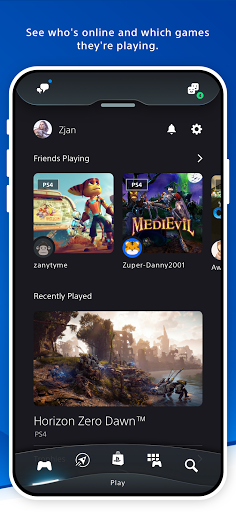
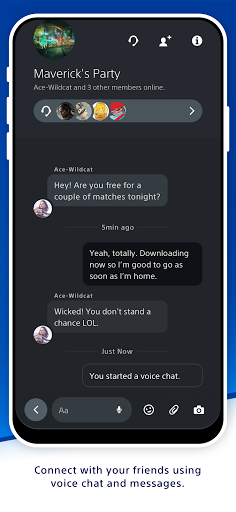
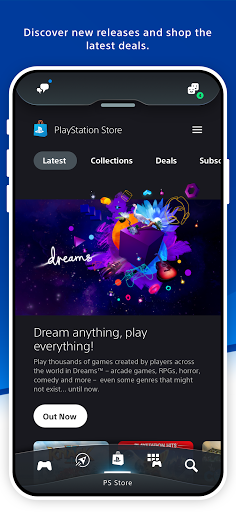
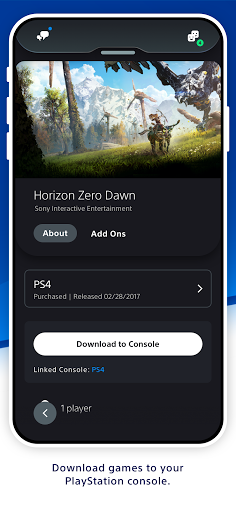
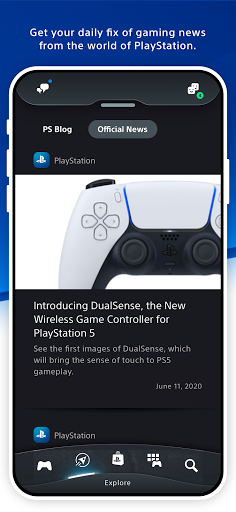
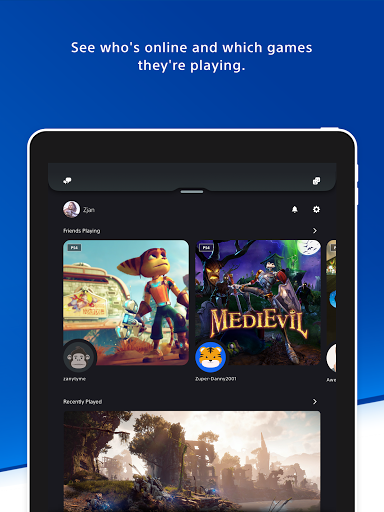
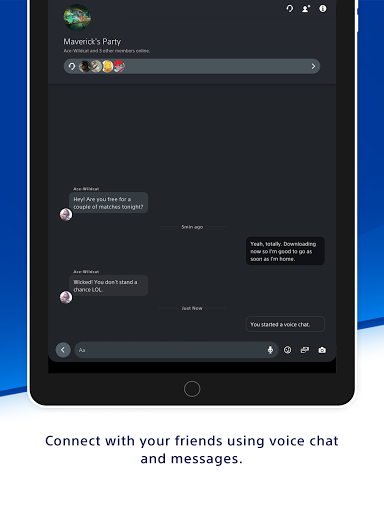
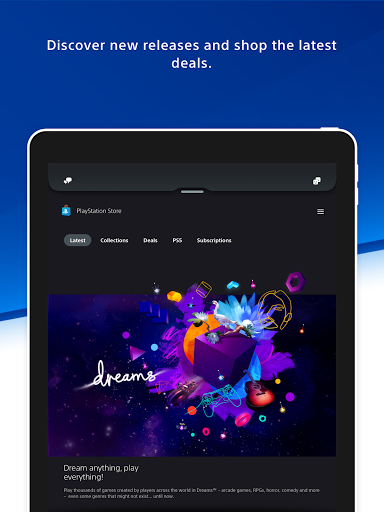
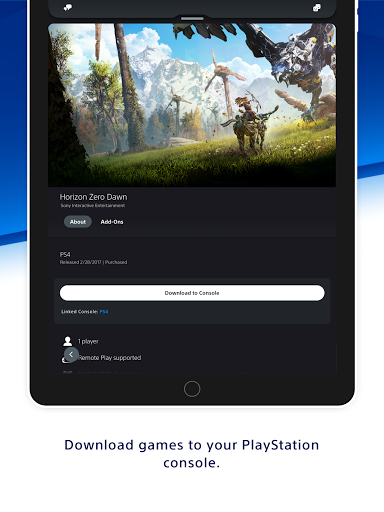
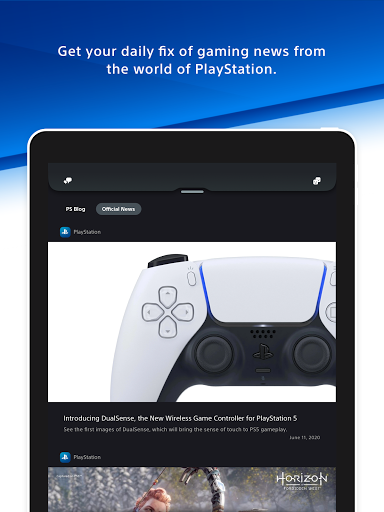
The PlayStation App is one of those rare companion apps that quickly becomes part of your gaming routine rather than a one-time download you forget about. After spending real time with it as a second screen for PlayStation use, my overall impression is positive: this is a genuinely practical tool for PS4 and especially PS5 owners, and in several areas it is simply more pleasant to use than the console interface itself. It is not flawless, though, and its rough edges are noticeable enough that they stop it short of being an easy five-star recommendation. What stands out immediately is convenience. The app does a good job of pulling the core PlayStation experience onto your phone without making it feel like a clumsy web wrapper. Checking which friends are online, opening messages, browsing your profile, tracking trophies, and peeking at your library all feel natural enough that I found myself reaching for my phone before turning on the console. For messaging alone, the app earns its place. Typing on a phone is dramatically faster than pecking away with a controller, and that makes casual coordination with friends much easier. If you regularly organize multiplayer sessions, swap screenshots, or just keep up with your PSN circle, the app saves time every single day. The second big win is store browsing and remote purchasing. This is arguably the app’s best feature. Shopping for games on a phone is cleaner, faster, and less annoying than doing it on a TV with a controller. Browsing deals, checking wishlisted items, and grabbing monthly games or discounted titles feels frictionless in a way console storefronts often do not. Even better, being able to buy something remotely and have it sent to your console is the kind of quality-of-life feature that sounds minor until you use it a few times. It is genuinely satisfying to pick up a game while away from home and know it will be waiting for you later. A third strength is that the app serves as a solid account hub. Trophies, profiles, game progress snapshots, friend activity, notifications, and console-related controls are all in one place, and that centralization matters. It gives the PlayStation ecosystem a sense of continuity when you are away from the TV. I especially liked how easy it was to pop in, check status, and leave again. Good companion apps respect your time, and at its best, this one does. Still, the PlayStation App has some familiar frustrations. The biggest is performance inconsistency. Most of the app is perfectly usable, but certain sections can feel slower than they should, especially when loading store content or moving between heavier pages. It is not unusable slow, but it does occasionally break the illusion of polish. Sony’s console brand is built on premium presentation, and when the mobile app hesitates, stutters, or takes a beat too long to populate content, you notice. The second annoyance is reliability. In day-to-day use, the app mostly behaves, but it still has that slightly fragile feel common to large account-driven companion apps. Messaging can be excellent when it works, but there are moments where things feel sticky or delayed. Login and connection issues also seem close enough to the experience that they cannot be ignored. Nothing here made the app impossible to use in my time with it, but there is a lingering sense that if something goes wrong, the fix may be as old-school as signing out, reinstalling, or trying again later. That is not ideal for an app this mature. The third weakness is that some media-sharing workflows still feel more cumbersome than they should. The app is useful for handling captures and keeping up with content from your console, but there are places where the process lacks elegance. Getting media exactly where you want it, in the form you want, can feel less direct than it ought to in 2025. This is not a dealbreaker, but it does make parts of the app feel a step behind its best features. In terms of design, the app is generally clean and easy to understand. Important sections are where you expect them to be, and the interface is modern without being overly clever. That said, once you start digging into settings and secondary menus, navigation can get a little busy. There is a lot packed in here, and while that breadth is useful, it can make some functions harder to locate quickly than they should be. So who is this app for? Quite simply, it is for anyone who actively uses a PlayStation console and wants faster access to the ecosystem from their phone. If you buy digital games, chat with friends, claim monthly titles, follow trophy progress, or queue downloads remotely, this app is close to essential. It is especially good for players who treat PlayStation as a daily social platform rather than just a box under the TV. Who is it not for? If you rarely interact with PSN features, mostly buy physical games, never message friends, and only use your console in a very self-contained way, the app will feel more like a nice extra than a must-have. And if you have zero patience for occasional bugs or inconsistent loading times, some of its rougher moments may irritate you more than its convenience impresses you. Overall, the PlayStation App succeeds because it delivers real utility. It makes communication easier, storefront browsing better, and remote console management genuinely practical. Its flaws are real—occasional slowness, intermittent reliability hiccups, and some clunky media handling—but they do not overshadow how useful the app becomes once it is part of your routine. For most PlayStation owners, this is an easy install and, despite its imperfections, one of the better console companion apps available on Android.
Alternative apps