Apps Games Articles
Xbox
Microsoft Corporation
Rating 4.5star icon
Editor's summary
Editor rating
star icon star icon star icon star icon
half star icon
4.5

One-line summary If you live in the Xbox ecosystem, this is one of the best companion apps around—just be prepared for the occasional rough edge when captures, sign-in, or downloads decide not to cooperate.

  • Installs

    100M+

  • Developer

    Microsoft Corporation

  • Category

    Entertainment

  • Content Rating

    Teen

  • Latest version

    2512.1.5

  • Package

    com.microsoft.xboxone.smartglass

In-depth review
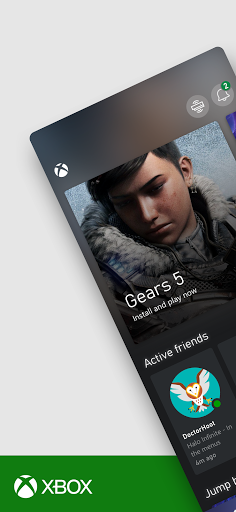
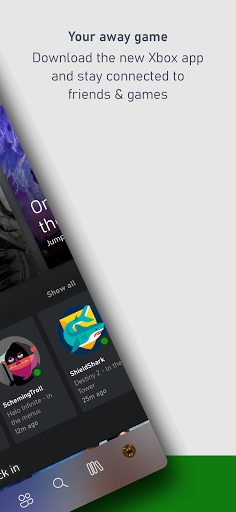
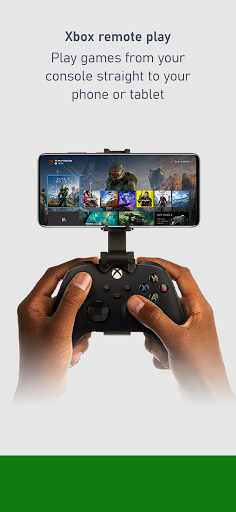
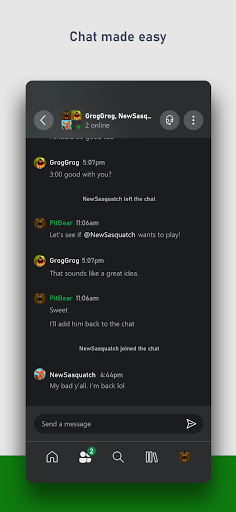
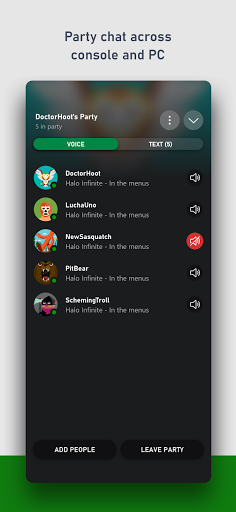
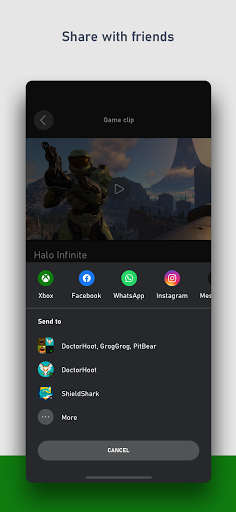
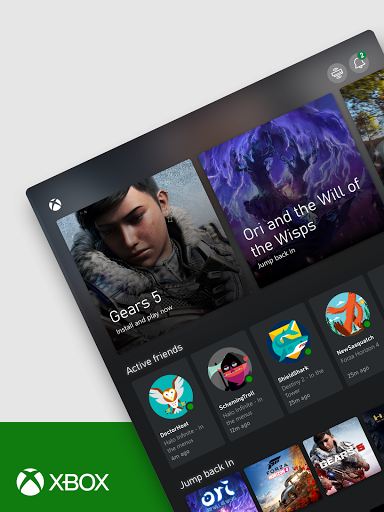
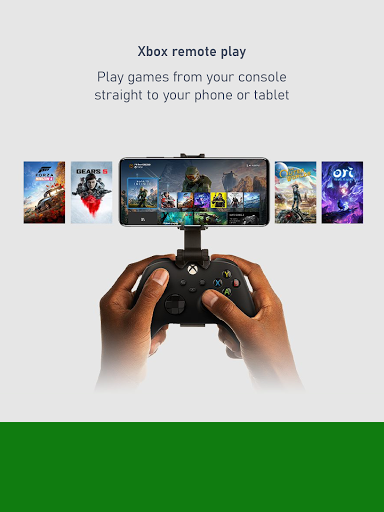
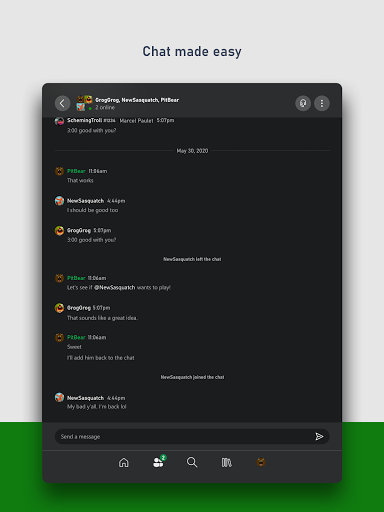
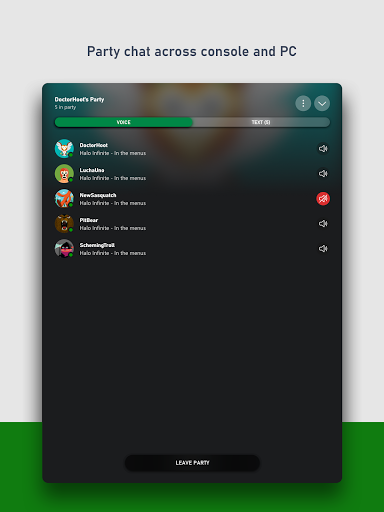
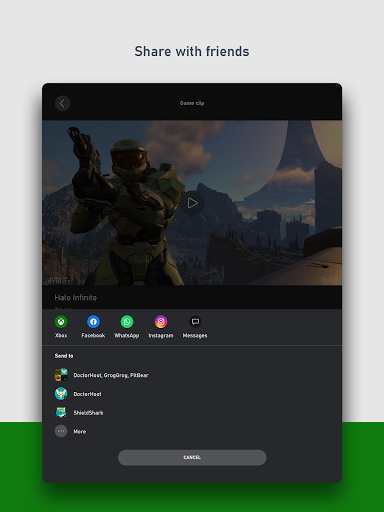
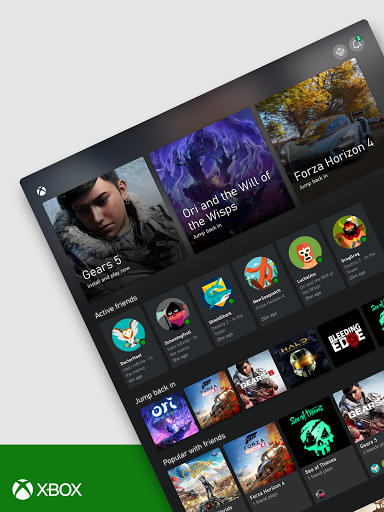
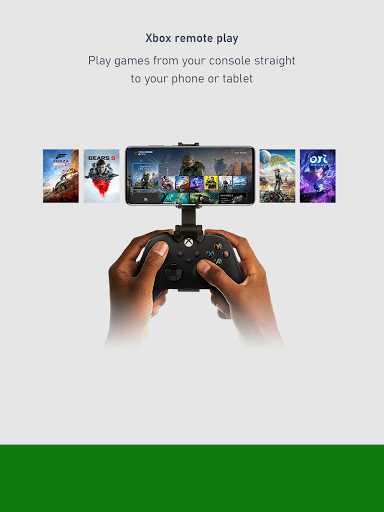
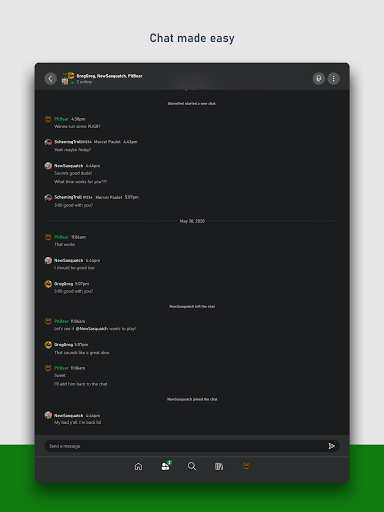
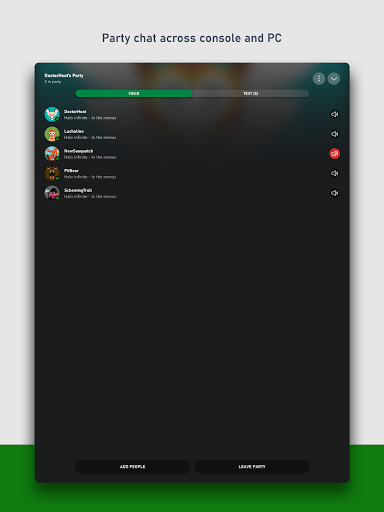
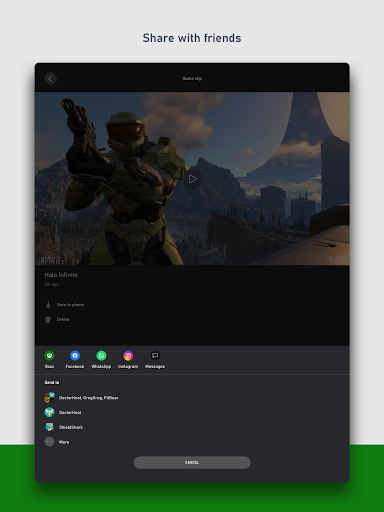
The Xbox app is one of those rare companion apps that actually feels like part of the platform instead of an afterthought. After spending time with it as a day-to-day extension of the console experience, my takeaway is simple: if you own an Xbox or spend time in Xbox’s social and Game Pass ecosystem, this app is genuinely useful. Not theoretically useful, not “nice to have if you remember it exists,” but the kind of app that ends up saving time and quietly becoming part of your routine. The first thing the app gets right is connection. Microsoft clearly understands that Xbox is not just a box under a TV anymore; it is friends lists, parties, messages, achievements, clips, purchases, installs, and a sense of being plugged into your gaming life even when you are nowhere near your console. In practice, that makes the app feel less like a store wrapper and more like a control panel for your account. Checking who is online, replying to messages, hopping into a party, browsing your profile activity, and tracking achievements all feel natural here. If you have ever tried typing messages with a controller and immediately regretted your life choices, the mobile app is a massive quality-of-life improvement. That social side is arguably the app’s strongest feature. Voice and text chat are easy to access, and the convenience of joining a party from your phone is real. It is especially handy when your controller is dead, the console is across the room, or you just want to stay in the conversation while away from the TV. There is a directness to the app’s communication tools that makes Xbox feel more flexible as a platform. Instead of being tied to the console, your account and community travel with you. The second big win is remote management. Being able to browse games, buy something, and queue downloads to your console from your phone is exactly the kind of modern convenience that should exist, and here it works often enough to matter. It is satisfying to install a game while out of the house and come back to something ready to launch. The Game Pass integration also helps make the app feel alive rather than static. Browsing the catalog, checking perks, and deciding what to play next works well on a phone. This is where the app does a great job of reducing friction: instead of sitting in front of your console scrolling endlessly, you can poke around on your phone whenever you have a spare minute. The third strength is captures and sharing. Pulling screenshots and clips from your console and moving them to your phone is one of the smartest things this app offers. For anyone who likes sharing highlights to social platforms, sending clips to friends, or simply saving memorable moments, the app turns what used to be a chore into a mostly straightforward process. When it is working properly, it feels slick and modern, and it reinforces the idea that your gaming content should not be trapped on the console. That said, the Xbox app is not flawless, and its frustrations tend to come from reliability rather than design ambition. The biggest issue I ran into was inconsistency with media and downloads. Captures do not always load as smoothly as they should, and there are moments where downloading a clip or image feels more fragile than it ought to in an app this mature. When it behaves, it is excellent; when it doesn’t, the experience can feel oddly brittle. A second annoyance is that sign-in and setup issues can be disproportionately disruptive. Because this app is tied so closely to your account, anything that interrupts login or console linking immediately kneecaps the whole experience. There is very little value in a companion app if it temporarily stops being able to connect to the thing it is meant to accompany. Those rough patches stand out more here because the app is otherwise so central to the Xbox experience. The third weakness is that some parts of the app still feel slightly uneven in polish. The core navigation is solid, and the layout is generally easy to understand, but a few tasks can feel slower than they should or buried one step deeper than ideal. It is not a messy app, but it does occasionally remind you that it is trying to be many things at once: social hub, remote, storefront, Game Pass browser, capture manager, and support layer. Most of the time it juggles those jobs well; sometimes you can feel the weight of all that functionality. I also spent some time with the newer Copilot addition, and while I would not call it the main reason to install the app, it does add an interesting layer. Used lightly, it can feel like a helpful bonus for recommendations or getting unstuck. It is not yet the soul of the experience, but it fits the app’s larger goal of keeping players engaged and informed without forcing them back to the console for everything. Who is this app for? Very clearly, Xbox owners, Game Pass users, and anyone who treats their gaming profile as something they want access to throughout the day. If you regularly message friends, monitor achievements, queue downloads, redeem perks, or share clips, this app earns its space on your phone. It is also useful for players who want basic remote functionality and a faster way to interact with their console. Who is it not for? If you do not own an Xbox console, do not use Xbox social features, and do not care about Game Pass or captures, there is not much here for you. Likewise, if you are the kind of player who only turns on the console to launch a game and then immediately signs off, the app may feel optional rather than essential. Overall, the Xbox app is one of the better first-party gaming companions on Android. It is genuinely practical, often polished, and strong where it matters most: communication, remote management, and keeping your gaming life accessible from anywhere. Its occasional reliability stumbles stop it short of perfection, but not by much. For most Xbox players, this is not just worth downloading—it is close to indispensable.
Alternative apps