Apps Games Articles
Themepack - App Icons, Widgets
YoloTech
Rating 4.7star icon
Editor's summary
Editor rating
star icon star icon star icon star icon
half star icon
4.5

One-line summary Themepack is one of the easiest and most satisfying Android theming apps to actually live with, but the steady drip of ads and coin-gated extras keeps it just short of being an instant no-brainer.

  • Installs

    50M+

  • Developer

    YoloTech

  • Category

    Personalization

  • Content Rating

    Teen

  • Latest version

    1.0.0.3814

  • Package

    com.iconchanger.widget.theme.shortcut

In-depth review
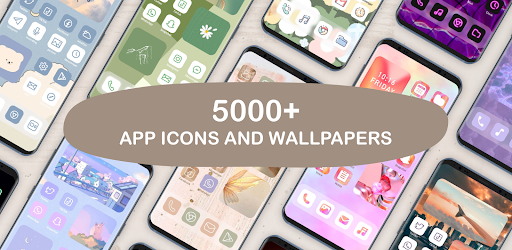
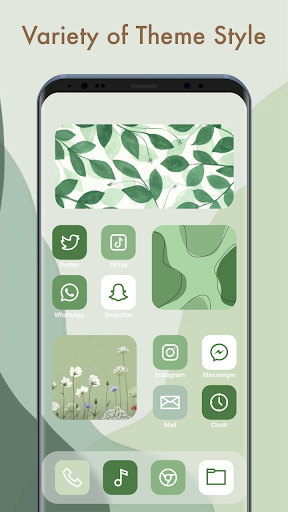
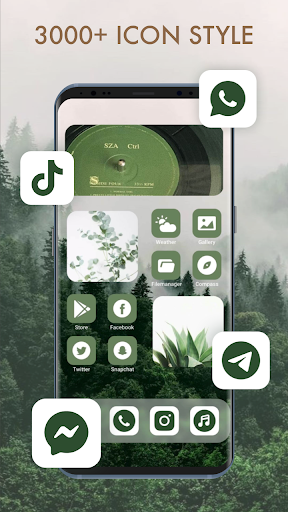
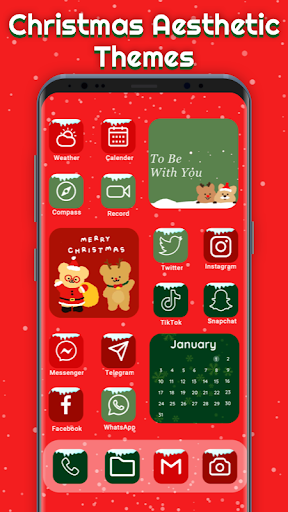
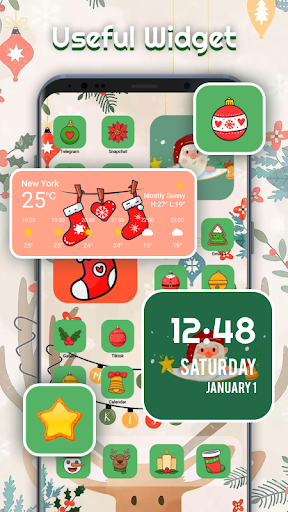
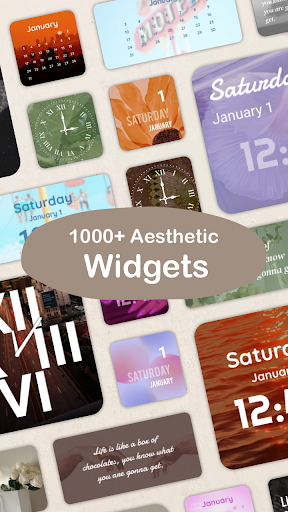
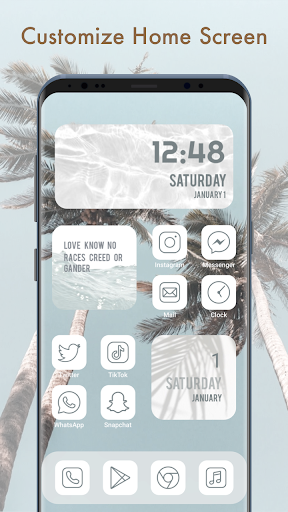
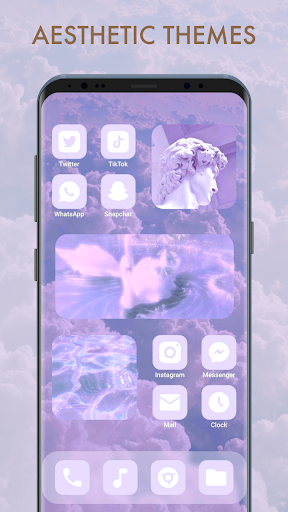
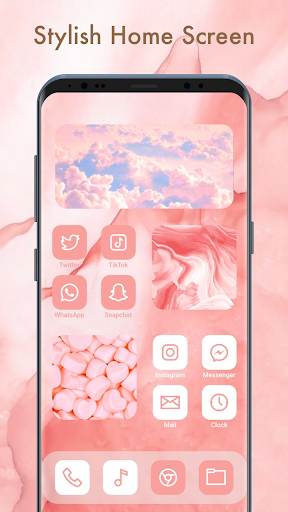
After spending real time with Themepack - App Icons, Widgets, my biggest takeaway is simple: this app understands what most people actually want from phone customization. They do not want to spend an hour manually assembling a home screen from scratch. They want their phone to look better quickly, with enough room to personalize it further if inspiration strikes. Themepack gets that balance mostly right. From the moment I started browsing, the app felt built for visual discovery. The catalog is large, and more importantly, it is approachable. Some customization apps bury you in menus, layer settings on top of settings, and make basic changes feel like a design project. Themepack is much friendlier than that. I was able to move through wallpapers, icon styles, and widgets without much confusion, and it was easy to get from “this looks nice” to “I want this on my home screen.” That smoothness matters more than it sounds. A personalization app lives or dies on momentum, and Themepack usually keeps you in that fun, low-friction zone. The strongest part of the experience is the variety. This is not one of those theme apps where everything starts to blur together after ten minutes. There is a wide mix of aesthetics, from cute and soft to louder neon looks, anime-inspired sets, seasonal themes, and more general modern minimalism. I also liked that the app does not feel locked into all-or-nothing theming. In practice, I found it more useful to grab a wallpaper from one pack, combine it with widgets from another, and then tweak icons separately. That flexibility makes the app feel more like a creative toolbox than a rigid storefront. Widgets are another highlight. The app leans hard into home-screen decoration, and for the most part that works in its favor. There are practical widgets like clock, calendar, weather, and battery options, but the bigger appeal is how much they contribute to the overall look. Some are functional first, others are essentially decorative pieces that help tie the screen together. Either way, they do a lot to make a customized setup feel intentional rather than random. I also appreciated that the app encourages some DIY creativity. Being able to use your own images and play with icon appearance adds enough personal control to keep the experience from feeling template-driven. That said, Themepack is not a perfect escape from the usual free-app compromises. The most obvious issue is advertising. I would not call the ad load catastrophic, but it is persistent enough that you notice it regularly. Watching ads in exchange for items is one thing; that is a familiar tradeoff in free personalization apps. The irritation starts when the flow of browsing and applying content gets interrupted too often. If you are the kind of user who changes your theme once a month, you may shrug it off. If you like experimenting constantly, the repetition can wear thin. The coin economy softens this a little but does not fully solve it. You can earn coins and unlock content without paying, which is better than a hard paywall, and in fairness the app does give you ways to keep decorating for free. Still, the whole system means that what looks like casual customization can become a small routine of rewards, ad watching, and unlocking. I never felt completely blocked, but I did feel nudged more often than I wanted. The setup process also has some rough edges depending on your device. Once everything is in place, the result can look great, but getting there is not always as seamless as the app’s polished browsing experience suggests. Android theming is still partly constrained by how different phones handle shortcuts, widgets, and home-screen replacements, and Themepack cannot fully hide that complexity. I had moments where the process felt more fiddly than it should, especially when moving from preview to applied theme elements. It is manageable, but not always elegant. Another weak point is consistency in smaller details. Most of the app feels well organized, yet there are moments where a missing convenience feature or a stubborn loading hiccup reminds you that this is a huge content-driven app, not a tightly curated design suite. When creating or customizing, I occasionally wanted better search or faster access to exactly the style I had in mind rather than more browsing. The abundance of content is a strength, but it can also make the app feel slightly less precise than it could be. Still, those frustrations never outweighed the core appeal during my time with it. Themepack succeeds because it makes Android customization feel playful rather than technical. That is not a small achievement. A lot of theming apps either look impressive in screenshots and become annoying in real use, or they are functional but visually uninspired. Themepack lands in the sweet spot more often than not: easy to browse, packed with attractive options, and flexible enough to let you create a phone setup that feels like yours. Who is it for? This is a very good fit for anyone who enjoys changing their home screen regularly, likes aesthetic phone setups, or wants a quick path to a more personalized Android without learning a complicated launcher workflow. It is especially appealing for users who enjoy mixing wallpapers, icons, and widgets rather than sticking with one rigid preset. Who is it not for? If you hate ads, dislike reward currencies, or want a completely frictionless premium-feeling tool from the first tap, Themepack may test your patience. It is also not ideal for people who want deep system-level transformation with zero setup quirks. In the end, I came away impressed. Themepack is not the cleanest or most elegant customization app ever made, but it is one of the more enjoyable and generous ones to use. For a free Android theming app, that counts for a lot.