Apps Games Articles
MP3 Downloader, YouTube Player
Super Music Player Downloader
Rating 4.5star icon
Editor's summary
Editor rating
star icon star icon star icon star icon
half star icon
4.5

One-line summary Choose it if you want an unusually feature-packed free music app that blends YouTube playback, offline listening tools, and smart extras in one place; hesitate if you need a spotless interface and perfectly reliable playlist management every time.

  • Installs

    100M+

  • Developer

    Super Music Player Downloader

  • Category

    Audio

  • Content Rating

    Teen

  • Latest version

    1.609

  • Package

    com.atpc

In-depth review
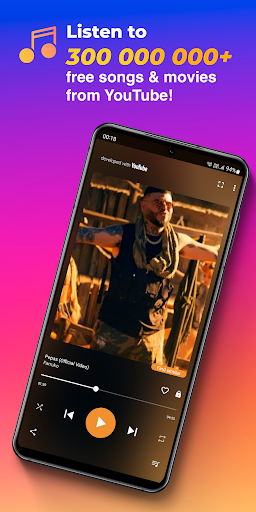
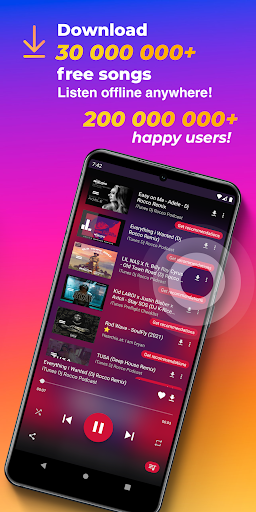
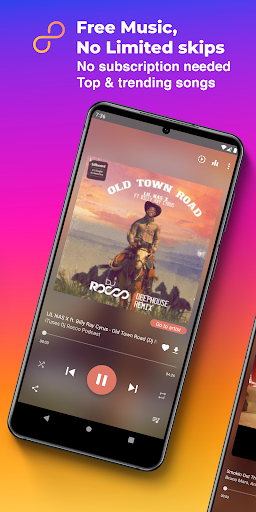
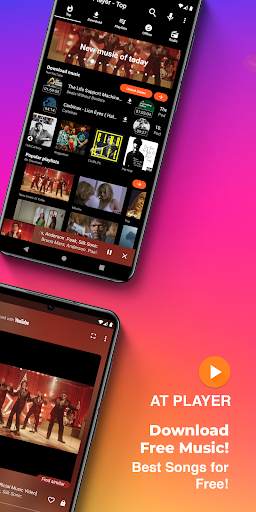
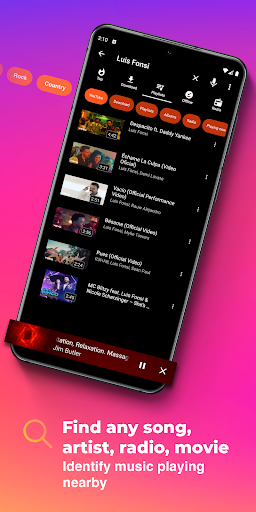
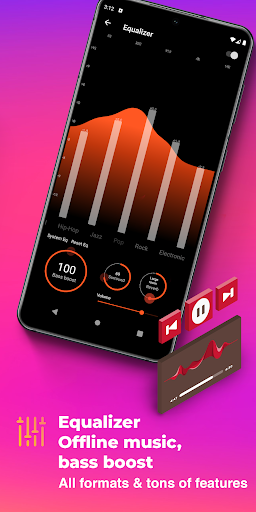
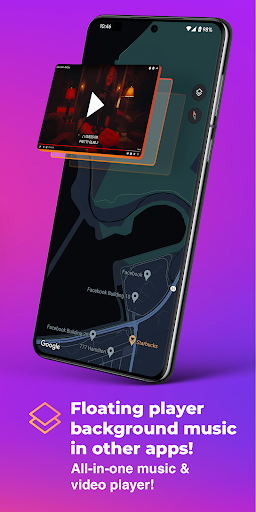
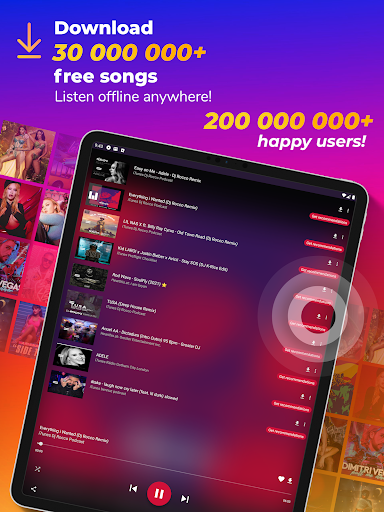
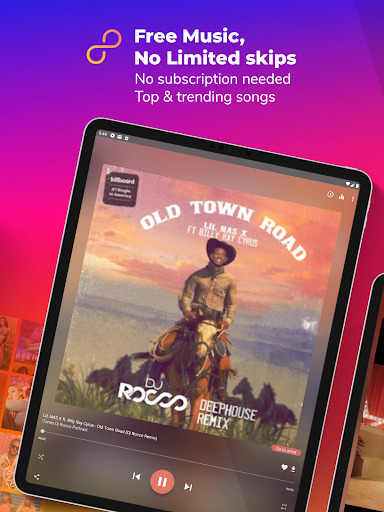
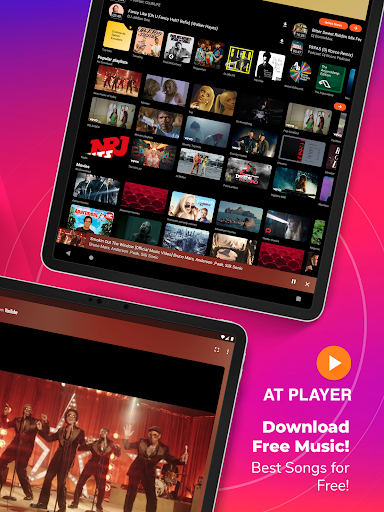
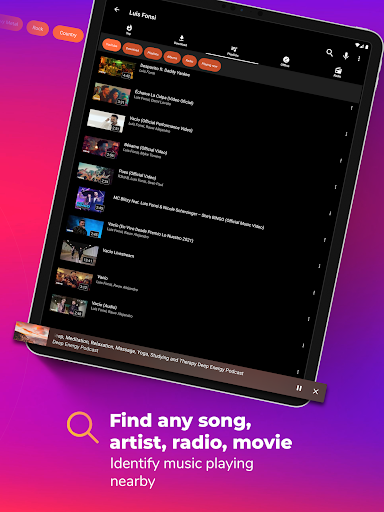
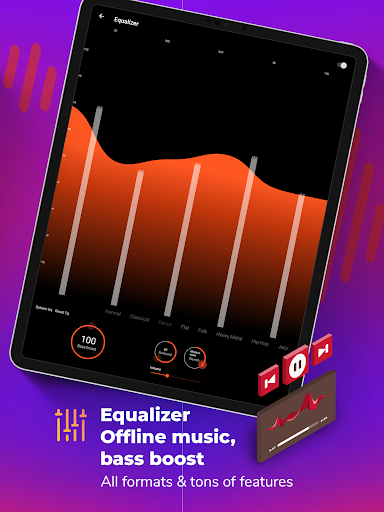
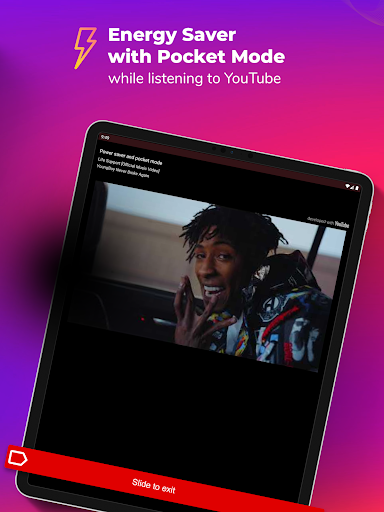
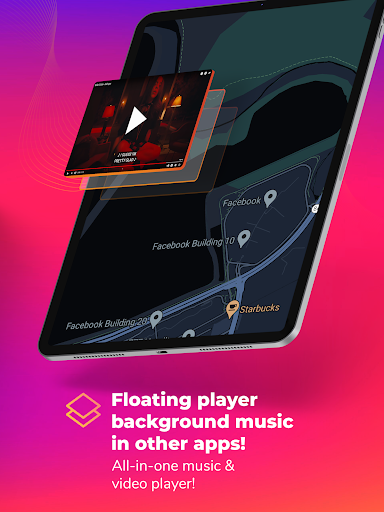
MP3 Downloader, YouTube Player is one of those Android apps that tries to do far too much on paper and somehow still manages to be genuinely useful in practice. After spending time with it as an everyday music app rather than just testing a few headline features, what stood out most was how flexible it feels. This is not a minimalist player for people who want one clean screen and nothing else. It is a busy, all-in-one music toolbox built for listeners who want streaming, local playback, YouTube access, playlist importing, radio, lyrics, playback controls, and offline options under one roof. The first thing I noticed is that the app makes a strong case for itself as a practical YouTube companion. If your music life already lives in YouTube playlists, this app is much more appealing than starting over elsewhere. Importing playlists is one of the biggest quality-of-life wins here, and once your library is in place, playback is straightforward. The floating player and background-friendly behavior are the kind of features that make a real difference in daily use. Being able to keep music going while jumping between apps feels natural, and it gives the app a “useful utility” edge rather than just being another generic player. The second major strength is breadth. During use, the app rarely feels limited to a single purpose. It can act as a streaming player, an offline music player, a YouTube front end, a radio app, and even a more tweakable listening environment than many mainstream music apps. The equalizer, bass boost, sleep timer, lyrics support, playlist tools, and speed controls are not niche fluff; they change how the app fits into different routines. If you listen casually, there is enough here to replace a basic music app. If you are more hands-on, features like playback speed and repeat controls make it useful for more focused listening too, whether that means looping a section, slowing down a track, or just setting a sleep timer before bed. That leads to the third strength: it often feels better than expected for a free app. Ads exist, and this is definitely not an ad-free experience by default, but in normal listening they were not as destructive as they could have been. Once playlists are set up, the app is capable of fading into the background and just doing its job. Search also deserves credit. The app is clearly built around the idea that listeners want to find almost anything quickly, and in general it gives the impression of a broad, flexible catalog experience rather than a locked-down one. That said, MP3 Downloader, YouTube Player is not elegant. Its biggest weakness is interface clutter. There is so much going on that navigation can feel slightly messy, especially at first. Moving between search results, playlists, downloads, and different content tabs is not always as intuitive as it should be. The app is usable, but it is not refined in the way the best polished consumer audio apps are. If you value a calm, carefully structured interface above all else, this one may feel noisy. The second weakness is inconsistency around organization. Playlist handling is one area where the app can become frustrating. In testing, this is the sort of app where building a library is rewarding, but maintaining that library can occasionally feel less stable than it should. Reordering, managing collections, and keeping everything exactly how you want it may require patience. That matters because this app encourages heavy use; the more you lean on it, the more those rough edges become visible. The third weakness is occasional reliability friction. This is not a catastrophic problem, but this kind of feature-stuffed app inevitably feels a little more delicate than a simpler player. Small hiccups, crashes, or odd behavior around certain use cases would not surprise me, especially when mixing Bluetooth, floating playback, imports, and large libraries. Most of the time it works well enough to justify using it, but it does not always have the effortless smoothness of a narrower, more disciplined app. There is also an important expectation-setting point: despite the app’s branding, it is not a magic everything-downloader for YouTube. The app itself is clear that YouTube music can be streamed but not downloaded from YouTube. In real use, that means this app works best if you understand it as a hybrid player with offline functionality from supported sources, not as a loophole for every piece of streaming content you can find. Who is this app for? It is for Android users who want one app that covers a lot of ground, especially those who already organize music around YouTube and want background playback, playlist importing, radio, local files, and useful playback tools without paying upfront. It is also a good fit for people who enjoy tinkering with how they listen, whether through speed changes, looping sections, or theme customization. Who is it not for? It is not for listeners who want a clean, premium-feeling interface with zero learning curve, and it is not ideal for people who get irritated by occasional quirks in playlist management or the general busyness that comes with an all-in-one design. Overall, MP3 Downloader, YouTube Player succeeds because it is more capable than it is polished. I came away impressed not by any single flashy claim, but by how often it proved genuinely handy in everyday listening. It can feel cluttered, and it can occasionally frustrate, but when you judge it by what it lets you do for free, it is easy to see why it has become a long-term keeper for so many Android users.