Apps Games Articles
Samsung Music
Samsung Electronics Co., Ltd.
Rating 3.8star icon
Editor's summary
Editor rating
star icon star icon star icon star icon
half star icon
4.5

One-line summary Samsung Music is one of the cleanest and most pleasant offline music players on Android, but its occasional quirks and a few missing power-user tools keep it from being an automatic recommendation for everyone.

  • Installs

    1B+

  • Developer

    Samsung Electronics Co., Ltd.

  • Category

    Audio

  • Content Rating

    Teen

  • Latest version

    16.2.28.9

  • Package

    com.sec.android.app.music

In-depth review
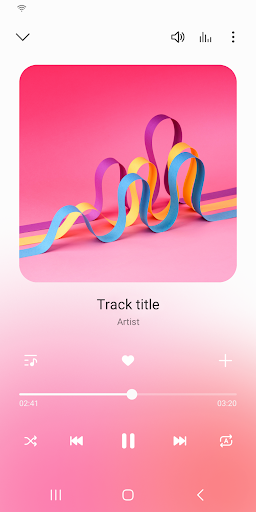
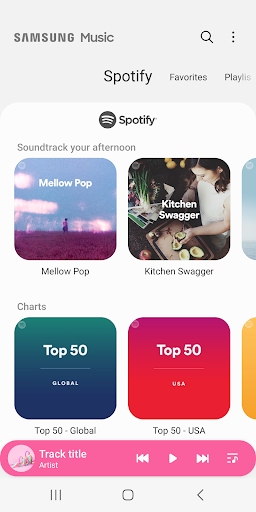
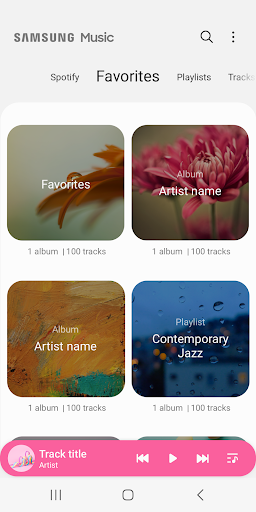
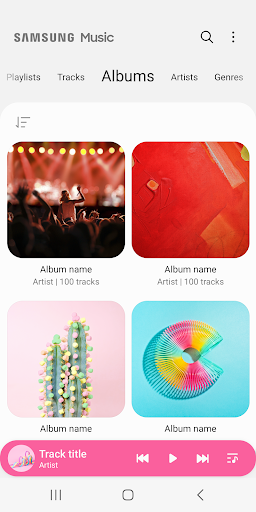
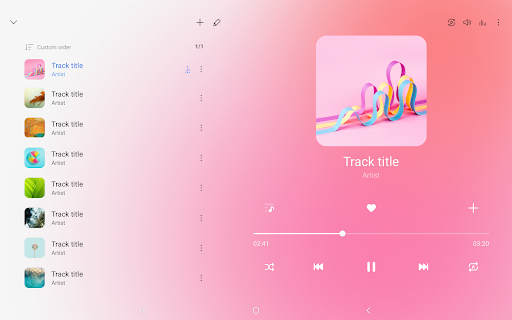
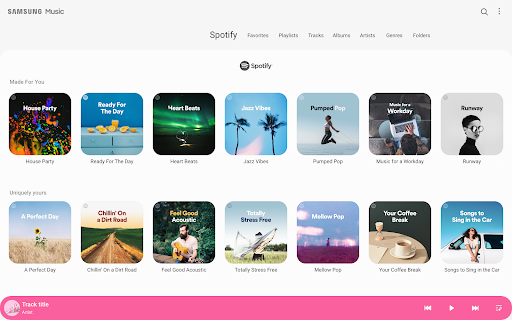
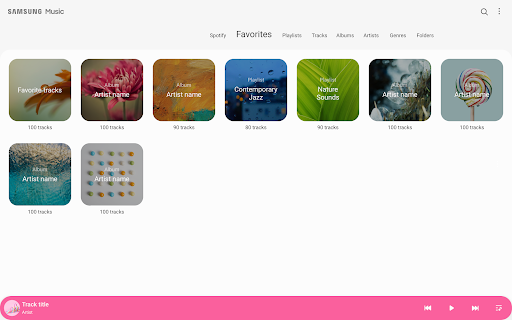
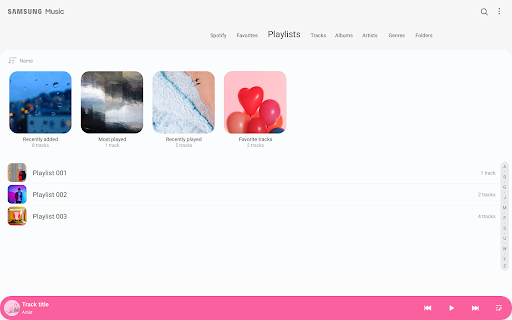
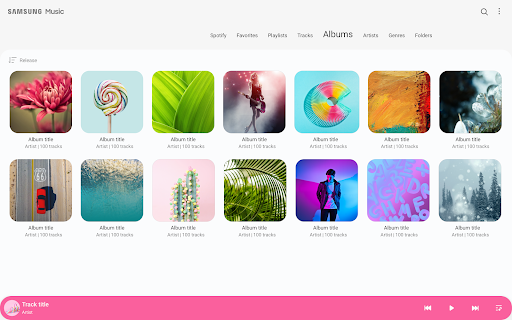
Samsung Music feels like the kind of app that understands a basic truth many modern music apps have forgotten: sometimes you just want to play the music you already own, without being pushed toward subscriptions, cluttered discovery feeds, or a wall of interruptions. After spending time with it as a day-to-day offline player, that straightforwardness ends up being its biggest advantage. The first thing that stands out is how calm the app feels. Samsung Music has a clean, familiar layout that gets out of the way quickly. Browsing by track, album, artist, genre, folder, and composer makes local libraries much easier to manage than in many flashier players that look modern but bury practical tools. If you keep a large collection of MP3s or FLAC files on your phone or SD card, this organization matters. During testing, it was easy to jump between albums, surface older tracks, and build a listening session without feeling like I had to fight the interface. That simplicity also extends to playback. For a free app, Samsung Music is refreshingly restrained. It does not bombard you with the sort of aggressive ad behavior that has made many free music players irritating to live with. That alone gives it a huge everyday advantage. Open the app, tap an album, hit play, and it mostly behaves like a music player should. In 2025, that almost feels like a luxury. Another strong point is metadata handling. Samsung Music is surprisingly useful if your library is a little messy. Being able to edit song details and manage album art adds real value, especially if your files came from multiple sources and aren’t tagged consistently. I found this especially helpful for cleaning up albums that had broken cover art or uneven naming. The result is a library that looks much better and is easier to navigate. For anyone who actually curates their own collection rather than just streaming whatever an algorithm serves up, this is a meaningful feature, not a minor extra. Sound quality, in normal use, is solid. Playback across wired headphones, Bluetooth, and car audio felt dependable and clear. The app also earns points for supporting the formats most people care about, including MP3, AAC, and FLAC, which makes it practical for both casual listening and higher-quality local libraries. There are also quality-of-life touches here that make longer listening sessions more pleasant, such as queue controls, sorting options, and a sleep timer. Samsung Music isn’t trying to reinvent mobile audio; it is trying to make the basics comfortable, and it usually succeeds. That said, the app is not flawless, and some frustrations show up once you move beyond simple album playback. The biggest issue is inconsistency. In regular use, Samsung Music is generally stable, but it has the kind of occasional odd behavior that can make a polished app feel less trustworthy than it should. Resume behavior and playback continuity have not always felt rock solid, and even if those issues are not constant, they matter more in a music app than almost anywhere else. When a player loses your place in a long track or audiobook-style file, it instantly turns a convenience app into a nuisance. The second weakness is that Samsung Music sometimes stops just short of being a true power-user favorite. It has useful organization tools, but some finer controls still feel undercooked. Search and sorting can be better in certain views, playlist management could be more flexible, and there are little missing conveniences that you only notice after living with the app for a while. This is not a deal-breaker for casual listeners, but if you are obsessive about library control, queue management, or highly granular playback customization, you may run into limits faster than you expect. The third complaint is that some features feel unevenly developed rather than fully thought through. Spotify recommendations are present, but they do not define the app, and the local playback experience is clearly the main event. That is fine, but it also means Samsung Music sits in a slightly awkward middle ground: it is best when acting as a pure offline player, yet it occasionally hints at a broader ecosystem experience without fully becoming one. If you want cloud syncing, deeper music discovery, or a more advanced built-in audio toolset, this app may feel a little conservative. Who is Samsung Music for? It is an excellent fit for people with a local music library, especially Samsung phone owners who want a dependable, attractive player that feels native to the device. If you have downloaded albums, ripped CDs, saved live recordings, or just want a no-nonsense app for offline playback, Samsung Music is easy to like. It is also a good choice for listeners who value clean design over feature overload. Who is it not for? If your listening life revolves around streaming-first features, social discovery, heavy playlist collaboration, or advanced music analytics, Samsung Music will probably feel too narrow. It is also not ideal for anyone who expects every power-user option to be present and perfectly implemented. In the end, Samsung Music succeeds because it remembers its job. It plays your music, presents your library clearly, and avoids the ad-heavy chaos that ruins so many free alternatives. It does not offer the deepest toolset in the category, and it can still be a little rough around the edges, but as an everyday offline player it remains genuinely easy to recommend. For the right listener, especially someone tired of bloated streaming apps, it feels less like a compromise and more like a relief.
Alternative apps