In-depth review
ABCmouse: Kids Learning Games feels like a digital preschool-and-early-elementary activity cabinet that has been packed into one app, and after spending time with it, that is both its biggest strength and the main source of its friction. At its best, it offers a polished, cheerful learning space where young kids can move from phonics to counting to songs to simple art activities without needing a parent to constantly redirect them. At its worst, it can feel a little too eager to steer children through its own system, while some of the most appealing content sits behind the premium wall.
The first thing that stands out in actual use is how approachable the app feels for children. The visual design is bright without being chaotic, and the interface does a solid job of making large content libraries feel manageable. There is a lot here, but it rarely feels like a random pile of mini-games. ABCmouse has the kind of structure that helps younger kids settle into a routine: open the app, see fresh content, tap into a learning path, and start moving through short activities that don’t overstay their welcome. That rhythm matters. For preschoolers and kindergartners especially, the app understands that attention spans are short and that a good educational app needs to feel more like play than homework.
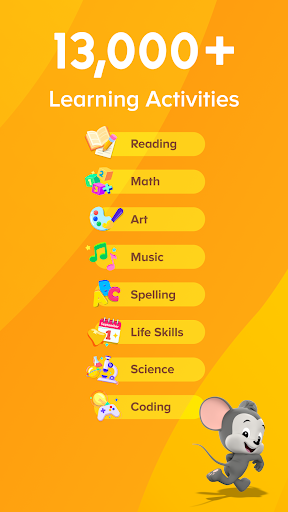
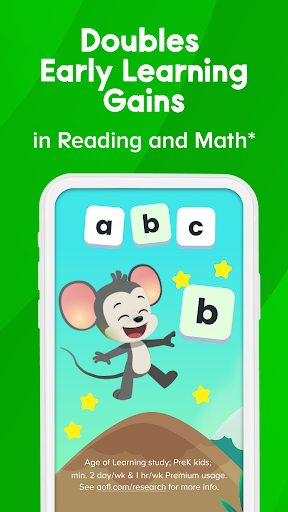
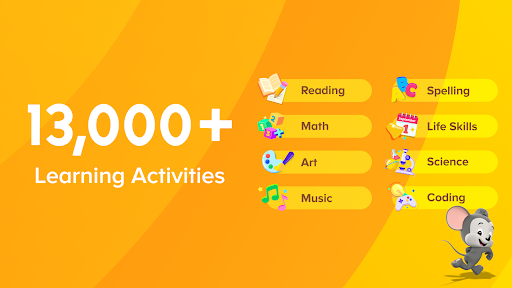
The second major strength is the variety. Plenty of children’s learning apps are really one-trick ponies dressed up in colorful graphics. ABCmouse does better than that. Reading and math are clearly the backbone, but the app also branches into art, music, science, social studies, videos, puzzles, and creative play spaces. In practice, this breadth keeps the experience from getting stale. One session might lean into letter sounds and word recognition; the next might be more about number sense, a song, or a simple interactive book. That mix gives ABCmouse more staying power than a narrow phonics app or a basic counting game.
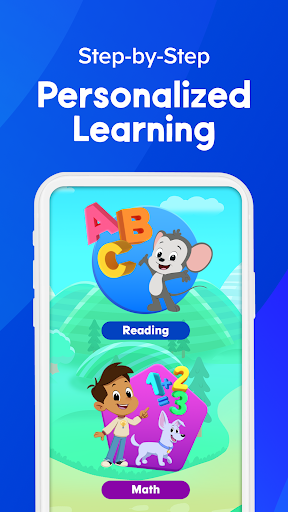
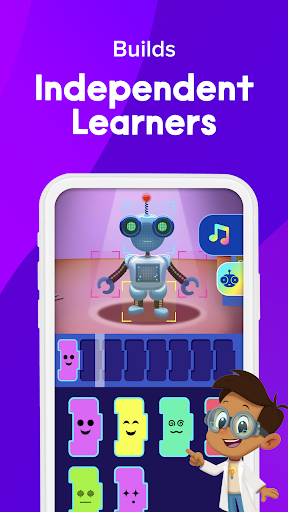
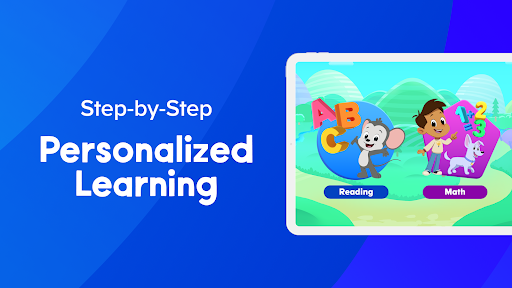
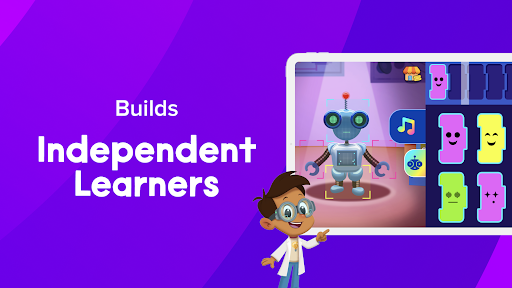
The third strength is that the content generally feels designed by people who understand early learners. Activities are bite-sized, rewards are simple and motivating, and the progression tends to encourage independent use. Kids are nudged forward without the whole thing becoming too mechanical. The split between subject areas, especially reading and math, makes the experience feel more organized and easier for a parent to understand at a glance. If your goal is to replace some passive screen time with something more constructive, ABCmouse does that very well.
But this is not a flawless app, and the first weakness is easy to spot: the free experience is limited enough that you will quickly run into the boundaries. Yes, there are daily activities and enough to get a feel for the product, but ABCmouse is clearly built to funnel families toward premium access. That is not unusual, but it does affect how the app feels in day-to-day use. Some children will notice that areas they want to explore more deeply are restricted, and some parents may find the subscription path a bit more layered than they would like. If you are looking for a truly generous free educational app, this is not quite that.
The second weakness is parental control depth. ABCmouse is good at presenting learning content, but it is not always as flexible as a hands-on parent might want. There are moments where the app’s helpful automation can also feel intrusive. For example, some families will want more control over read-aloud behavior, puzzle assistance, or how much help the app gives before a child has had time to work independently. In other words, ABCmouse is very good at guiding children, but sometimes it guides a little too much.
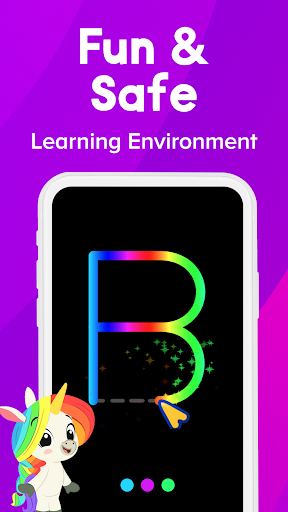
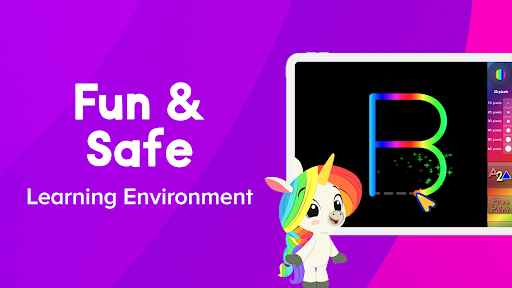
The third issue is platform and setup friction. On Android itself, the app experience is generally smooth and stable, and the kid-safe environment is a genuine plus. There are no third-party ads popping up to break focus, which is a big deal in this category. But account flows, subscriptions, and device expectations can still be a mild annoyance depending on how your family uses screens. If you want something ultra-simple to manage across every device in the house, ABCmouse may occasionally feel more cumbersome than the child-facing interface suggests.
In everyday use, though, the app still gets more right than wrong. The lessons are engaging, the presentation is warm, and the app does a commendable job of making learning feel playful without turning everything into noisy, overstimulating fluff. Young children can genuinely spend time here learning letters, sounds, counting, and basic problem-solving while still feeling like they are playing a game. That balance is hard to get right, and ABCmouse mostly nails it.
Who is it for? This is a strong fit for families with kids roughly ages 2 to 8, especially preschoolers, pre-K learners, kindergartners, and early elementary children who benefit from guided, structured educational activities. It is also a good pick for parents who want one app covering multiple subjects instead of juggling separate apps for reading, math, and general enrichment.
Who is it not for? Older children will likely outgrow it quickly, and parents who want highly customizable teaching controls or a robust free tier may come away less impressed. It is also not ideal for families who dislike subscription-based educational apps on principle.
Overall, ABCmouse remains one of the stronger all-in-one early learning apps on Google Play. It is polished, broad, and thoughtfully built for young kids. The subscription model and a few control limitations keep it from being a perfect recommendation, but if you want a safe, structured, engaging learning app that can hold a child’s attention better than another round of random video watching, ABCmouse is easy to like and fairly easy to recommend.