Apps Games Articles
Nike: Shoes, Apparel & Stories
Nike, Inc.
Rating 4.7star icon
Editor's summary
Editor rating
star icon star icon star icon star icon
half star icon
4.5

One-line summary Nike’s app is one of the slickest brand-store experiences on Android, but if you mainly live for high-demand drops, the occasional login hiccup and sold-out chaos can test your patience.

  • Installs

    50M+

  • Developer

    Nike, Inc.

  • Category

    Shopping

  • Content Rating

    Everyone

  • Latest version

    25.28.1

  • Package

    com.nike.omega

In-depth review
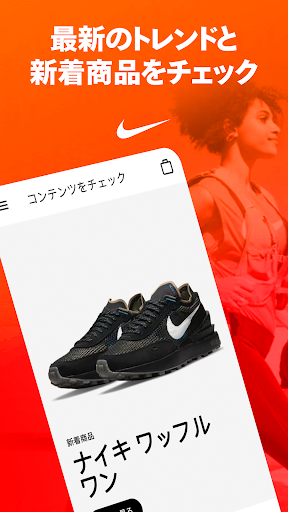
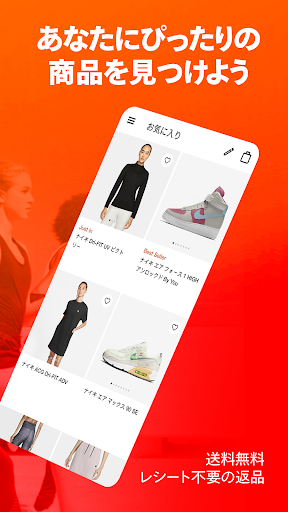
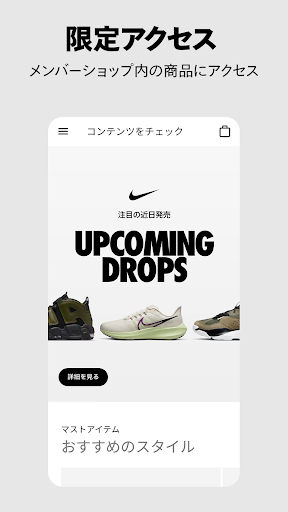
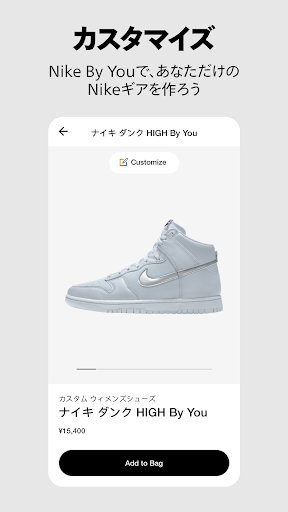
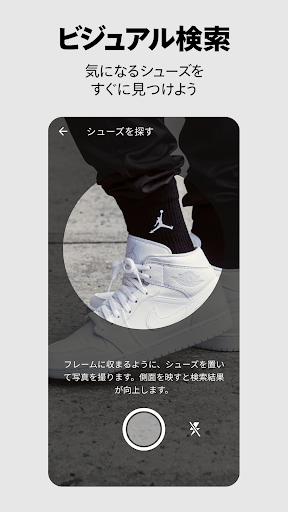
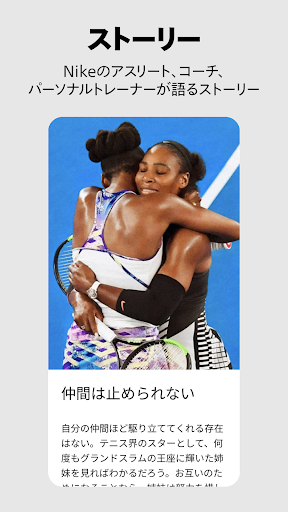
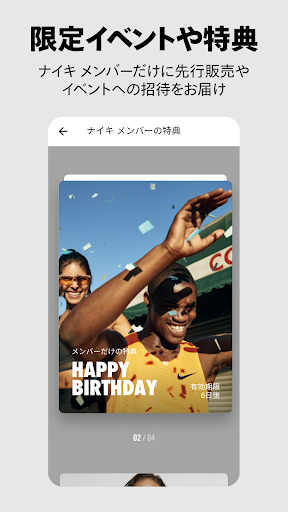
Nike: Shoes, Apparel & Stories feels less like a basic storefront and more like a polished members’ hub built around shopping, discovery, and brand immersion. After spending real time browsing, searching, checking product pages, following launches, and moving through the account and support flows, my biggest takeaway is simple: this is one of the better retail apps in its category, especially if you already buy Nike or Jordan gear with any regularity. The first thing the app gets right is presentation. The interface is clean, modern, and easy to understand without feeling stripped down. Product photography is strong, categories are clearly laid out, and browsing never feels like work. It’s easy to jump from featured releases to everyday apparel, then into running shoes, Jordan items, or accessories without getting lost in clutter. Search is also better than average for a retail app. I was able to move around the catalog quickly, and the app does a good job surfacing similar items when you land on a product page. That matters more than it sounds, because this is the kind of app where one pair of sneakers can easily turn into ten tabs’ worth of “maybe this one instead.” That browsing experience is the app’s first real strength: it encourages exploration without becoming confusing. Whether I was looking casually or trying to narrow in on a specific style, it usually felt smooth. The product pages help too. Sizing, color options, and customization paths where available are presented in a way that feels approachable rather than overwhelming. Nike By You is especially fun if you like putting your own spin on classic models. It doesn’t turn the app into a design suite, but it offers enough flexibility to make custom shopping feel personal instead of gimmicky. The second big strength is how well Nike ties membership perks into normal use. This app clearly wants you inside the Nike ecosystem, but it gives you practical reasons to stay there. Order history, purchase tracking, returns, member offers, and the occasional exclusive all make the app feel useful after checkout, not just during it. I also found the return and support flow notably less painful than what many retail apps offer. The support options are visible, the help experience is straightforward, and the app generally gives the impression that Nike has invested in reducing shopping friction rather than hiding customer service behind endless menus. The third strength is the app’s sense of curation. This is not just a giant warehouse of products dumped into a mobile interface. There is a clear editorial layer to the home feed, release areas, and story-driven sections. If you enjoy sneaker culture, athlete storytelling, or just seeing what Nike is pushing this week, the app feels alive in a way many shopping apps do not. Even if you’re not buying every time you open it, it’s easy to browse for inspiration. That said, the app is not flawless, and its worst moments tend to happen when reliability matters most. My biggest frustration came around high-interest launches and account access. In everyday browsing, the app feels stable enough. But when trying to log in or jump into a time-sensitive release, things can get shakier. Pages sometimes hesitate, notifications can feel late or inconsistent, and there are moments when the app’s polished exterior gives way to the usual drop-day stress. If your main reason for installing Nike’s app is to chase popular releases the second they go live, be prepared for occasional disappointment. The experience is good, but not always calm. That leads to the second weakness: inventory pressure and sold-out fatigue. Nike does a great job making products look desirable, but the app can also become an exercise in watching items vanish. This is especially noticeable for limited releases. You can do everything right and still miss out. That’s not unique to Nike, but it absolutely affects the user experience. The app feels premium until demand spikes, and then it can feel like you’re racing a crowd you were never really going to beat. The third weak point is value perception. This is Nike, so the app naturally leans premium. There are discounts, member offers, and occasional sale wins, but many items still sit in a price range that will make budget-conscious shoppers hesitate. I never felt the app was hiding this; in fact, pricing is clear. But it does mean the experience is more enjoyable if you already accept Nike’s pricing logic. If you’re bargain-first and brand-loyalty second, there are moments when the app feels more aspirational than practical. Who is this app for? It’s for regular Nike buyers, sneaker fans, Jordan followers, and shoppers who want a clean mobile retail experience with good support and some member perks mixed in. It is also for people who like browsing as much as buying, because the editorial and discovery side is genuinely well done. Who is it not for? If you only want the absolute cheapest athletic gear, this won’t suddenly turn premium pricing into budget shopping. And if your entire use case is winning hyped drops, you may find the app exciting but occasionally maddening. Overall, I came away impressed. Nike: Shoes, Apparel & Stories is polished, easy to navigate, and strong at the fundamentals that actually matter: product discovery, account management, support, and keeping the shopping process simple. Its occasional instability around launch moments and its premium pricing keep it from being an easy perfect score, but for a branded shopping app, this is one of the best-built examples on Android.
Alternative apps