In-depth review
Quizlet has been around long enough that it would be easy to dismiss it as just another flashcard app with a familiar brand name. After spending real time with the Android app, that undersells it. This is not merely a place to flip through digital cards. It is a well-built, highly flexible study companion that understands a basic truth about learning: most students do better when they actively retrieve information, not when they just reread notes and hope something sticks.
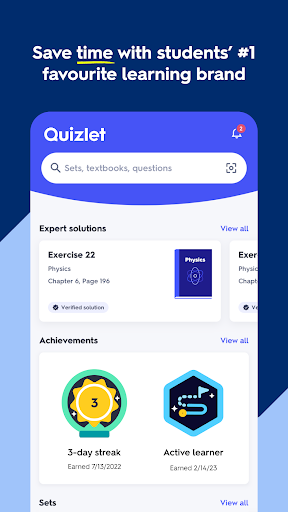
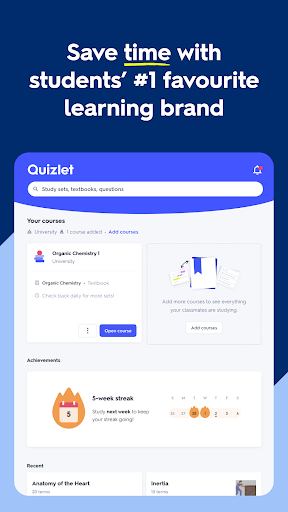
What struck me first was how quickly Quizlet gets you from “I need to study this” to actually studying. The app is clean, fast to navigate, and notably less intimidating than many feature-heavy education apps. You can create your own sets, pull from a huge library of public material, or turn existing notes into something more interactive. In day-to-day use, that convenience matters. If you are cramming between classes, reviewing on a train, or trying to squeeze in fifteen minutes before bed, Quizlet is at its best when it removes friction.
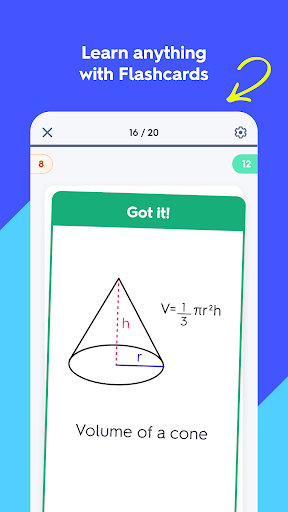
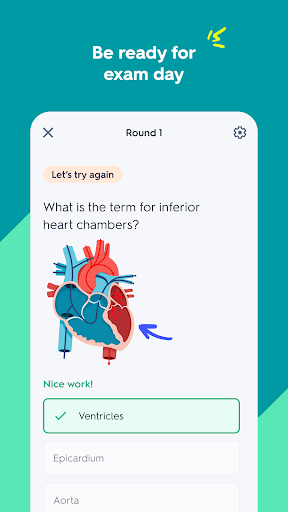
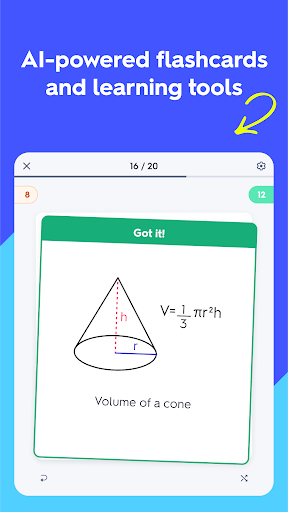
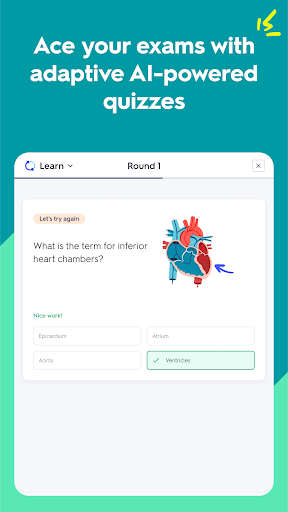
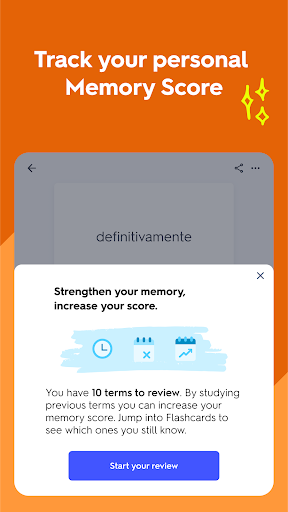
The app’s strongest feature is still the core flashcard experience, but the real value comes from what happens after that. Rather than leaving you with a static pile of terms and definitions, Quizlet pushes you into multiple formats: flashcards, matching, written responses, multiple choice, true/false, and personalized test-style review. That variety keeps the app from feeling monotonous, and more importantly, it helps prevent the common trap of memorizing the order of a deck instead of learning the material itself. During my time with it, the study flow felt smart without becoming overcomplicated. It nudges you toward weak areas and gives enough feedback to make each session feel productive.
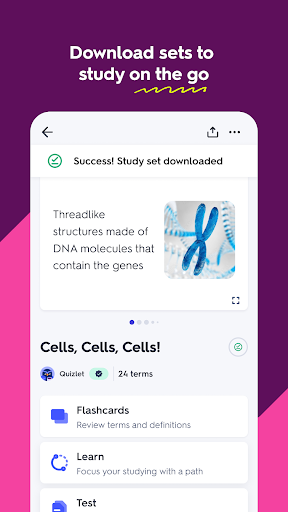
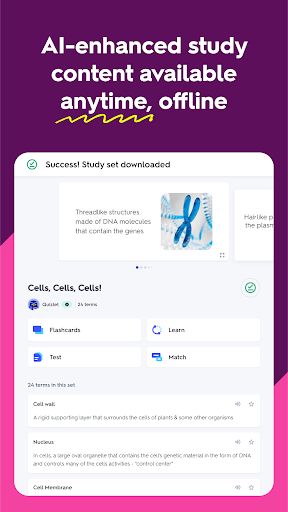
A second major strength is how good Quizlet is at fitting into messy real student life. This is a very portable app in the practical sense. You can build material on a larger screen and then review on your phone, or quickly use what someone else has already made. The ability to study anywhere is not a minor perk here; it is central to the product. Quizlet works especially well for subjects that rely on repetition and recall: vocabulary, terminology, anatomy labels, historical facts, formulas, and language learning. If you need constant exposure to key concepts, it’s hard not to appreciate having everything in your pocket.
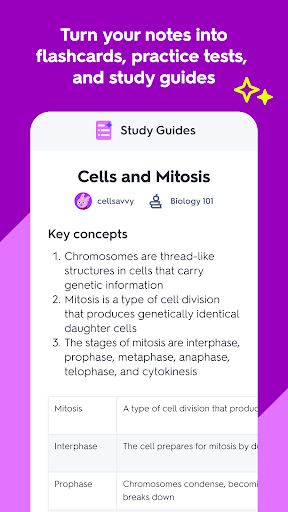
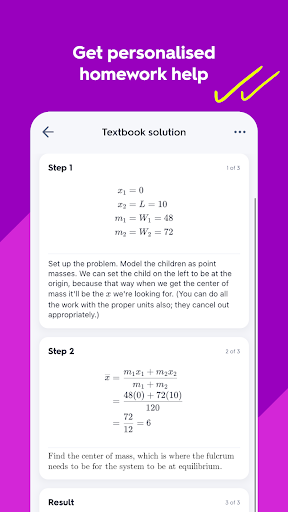
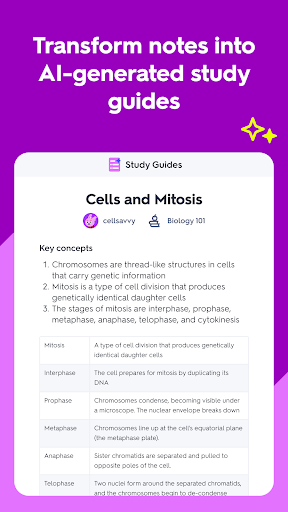
The third standout is how polished the app feels. A lot of education apps are functionally useful but clunky. Quizlet usually avoids that. Menus are understandable, study modes are easy to switch between, and the overall presentation feels mature. Even features that could have become gimmicky, like AI-assisted deck creation or turning notes into study material, fit naturally into the app’s workflow. In practice, this makes Quizlet feel less like a novelty and more like a tool you can come back to throughout a semester.
That said, Quizlet is not perfect, and some frustrations become clearer the more you use it. The first is that the app’s free version, while still useful, constantly reminds you that there is a paid tier waiting above it. Quizlet is not stingy to the point of being unusable without paying, but the pressure is there. If you are the kind of user who hates seeing premium prompts or bumping into locked features at exactly the moment you want to go further, the experience can feel a little transactional.
The second weakness is that Quizlet is only as strong as the material you feed it or find inside it. Public study sets are convenient, but convenience is not the same thing as quality control. Some are excellent, some are incomplete, and some are simply built around another student’s interpretation of the topic. When I used existing decks, the experience varied noticeably depending on how carefully the set had been made. The app is powerful, but it cannot fully rescue weak source material.
The third limitation is more fundamental: Quizlet is best for memorization-heavy learning, not every kind of learning. It can absolutely help reinforce understanding, especially through repeated testing and targeted review, but it is not a magic substitute for deep comprehension in concept-dense subjects. If your class demands long-form reasoning, essays, open-ended problem solving, or layered interpretation, Quizlet works better as a supplement than a complete system. You can use it for those courses, but the fit is less natural than it is for language study, medical terminology, or exam prep built around recall.
Who is this app for? Students, language learners, test preppers, and professionals studying certifications will get the most from it. It is particularly strong for anyone who learns by drilling, reviewing, and repeating across short sessions. It also suits people who want a study tool that can start simple and become more advanced as needed. If you like organizing your own material and revisiting it in multiple formats, Quizlet is easy to recommend.
Who is it not for? If you dislike flashcards on principle, want a fully free experience with no upgrade temptation, or need a tool centered more on lectures, long-form notes, or conceptual teaching than self-quizzing, this may not be your ideal app. Likewise, students hoping the app will do all the intellectual heavy lifting for them may be disappointed. Quizlet rewards engagement; it does not replace it.
Overall, I came away impressed. Quizlet succeeds because it respects your time, gives you flexible ways to review, and feels refined enough to become part of your real routine rather than a one-week experiment. Its premium pressure and recall-first design keep it from being a universal recommendation, but for the right learner, it remains one of the best study apps on the Play Store.