Apps Games Articles
Google Play Games
Google LLC
Rating 4.3star icon
Editor's summary
Editor rating
star icon star icon star icon star icon
half star icon
4.5

One-line summary Google Play Games is still the best glue for Android gaming thanks to effortless cloud saves and achievements, but I’d hesitate if you expect flawless account linking or perfectly reliable game launching every time.

  • Installs

    5B+

  • Developer

    Google LLC

  • Category

    Entertainment

  • Content Rating

    Teen

  • Latest version

    VARY

  • Package

    com.google.android.play.games

In-depth review
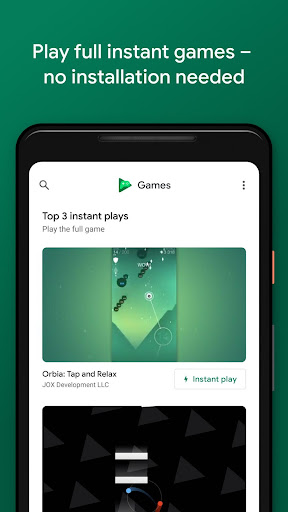
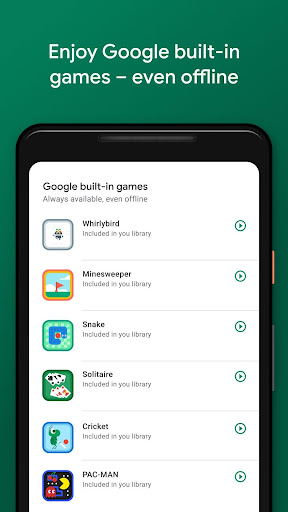
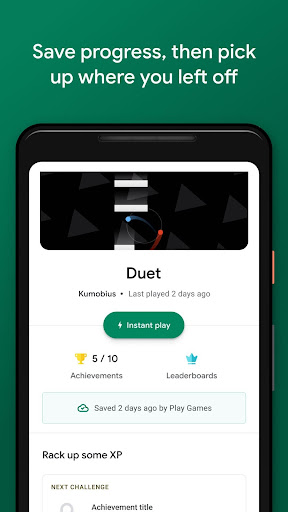
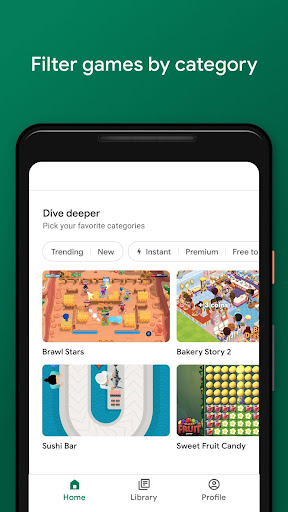
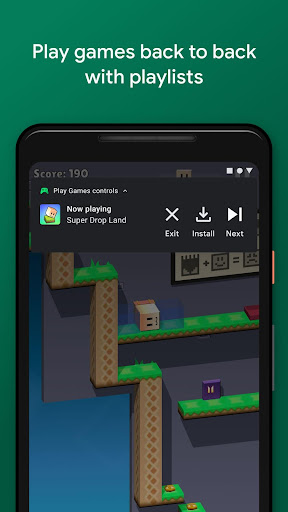
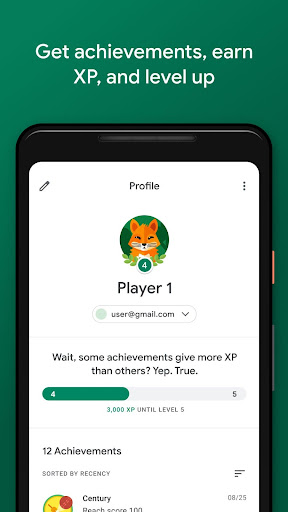
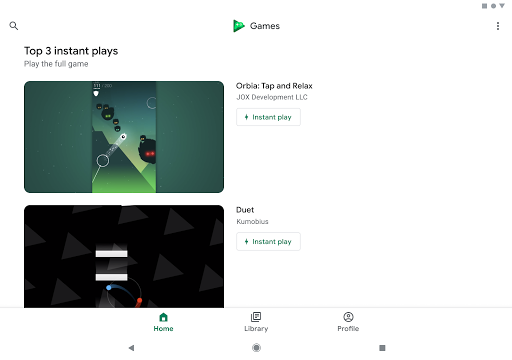
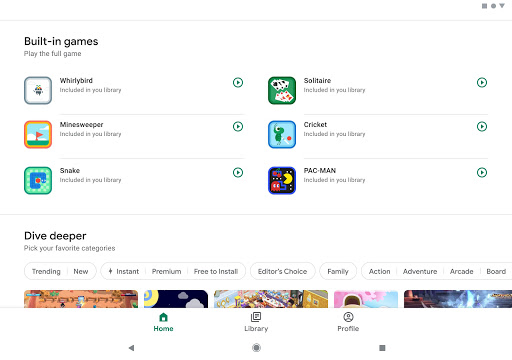
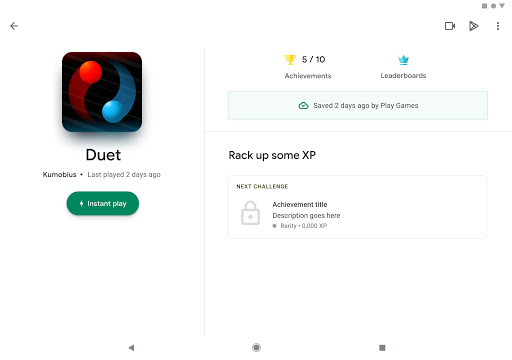
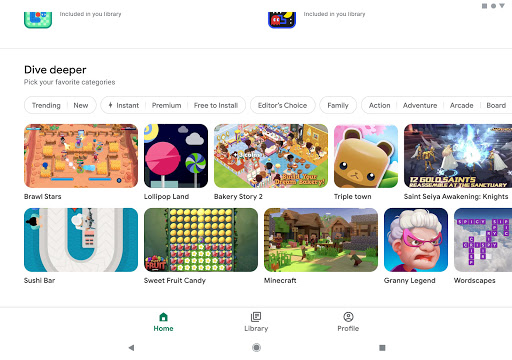
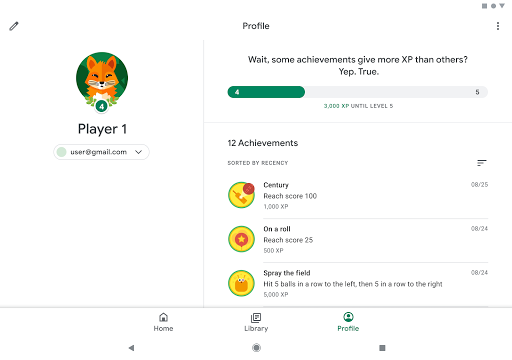
Google Play Games is one of those apps that many Android users end up having without ever really thinking about it, but after spending real time with it as a gaming hub rather than just a background service, I came away appreciating how useful it can be when it’s working at its best. It is not a game in itself so much as a layer that sits on top of your Android gaming life, and when that layer clicks, it makes mobile gaming feel more organized, more persistent, and frankly more rewarding. The best thing about Google Play Games is how little effort it asks from you when you use it the way it wants to be used. Sign in, pick a gamer profile, and it starts doing the quiet work of turning a random pile of mobile games into something more coherent. I liked having a single place to browse my installed titles, jump back into recent games, check achievement progress, and see a sense of continuity across devices. Cloud saving is the feature that earns its keep immediately. There is a real comfort in opening a game on another device and not feeling like you are starting from zero. If you bounce between phones or tablets, or if you have ever replaced a device and dreaded losing progress, this app feels less like a nice extra and more like insurance. Achievements are another reason the app has staying power. Even if you are not deeply competitive, they add structure to games that might otherwise blur together. During testing, I found myself actively favoring games that tied into Play Games achievements because they gave me a reason to push further, replay levels, or try optional challenges I would normally ignore. The leveling and profile systems are light, but they make the whole ecosystem feel connected. There is just enough meta-progression to make the app feel like a companion to your gaming, not merely a launcher. I also enjoyed the app’s general interface. It is clean, simple to navigate, and rarely confusing. Google has years of experience making utility apps that stay out of your way, and that restraint mostly works here. The library-like feel is genuinely convenient. If you play a mix of casual puzzle games, arcade titles, and a few longer-running games that support progress syncing, this app helps keep everything from feeling scattered. The built-in games are a surprisingly welcome touch too. They are not the reason to install the app, but for quick offline moments they add a bit of value and make the app feel less empty. That said, Google Play Games is also the kind of app that can become frustrating precisely because it is meant to be invisible. When account syncing, game launching, or profile linking stumbles, it disrupts a basic expectation: you wanted to play a game, and now the hub itself is the obstacle. In day-to-day use, that was my biggest complaint. Most of the time, sign-in and game access are seamless. But when they are not, the troubleshooting can feel more annoying than it should in a Google-made app. Account selection is better than it used to be, but it can still feel overly automatic at times, especially if you use multiple Google accounts and need one specific save profile. The second weakness is inconsistency in how well the app integrates with individual games. Google Play Games can only feel as polished as the game’s own support allows, and that means the experience varies. Some games connect quickly, save progress cleanly, and expose achievements properly. Others feel half-attached to the system, with spotty sign-in behavior or progress features that are less reassuring than they should be. When everything lines up, the app feels essential. When it doesn’t, you are reminded that this is still partly dependent on outside implementation. The third issue is that some extra features feel less developed than they could be. The social layer exists, but only lightly. You can build a profile and connect around shared gaming activity, but it never quite becomes the social gaming destination some players might want. If you are hoping for richer friend interaction, easier communication, or a stronger sense of community inside the app itself, it comes up short. Gameplay recording is a nice idea on paper, but the core value here remains saves, achievements, and access, not a full social or creator toolkit. There is also a broader usability question around what this app is really for. If you mainly play offline premium games, emulator titles, or games that do not support Google’s ecosystem features, Play Games will feel less essential. If your mobile gaming habits are casual and fragmented, you may open it only occasionally. But for Android players who like having a central hub, who care about achievements, who move across devices, or who want a cleaner way to keep track of their library, Google Play Games is genuinely useful. So who should install it? Android gamers who value cloud saves, achievement tracking, and an organized game library will get the most out of it. It is especially good for players who dip in and out of many different titles and want some persistent identity across them. Who is it not for? Anyone expecting a fully fledged gaming social network, or anyone who gets irritated by account-management hiccups and wants a zero-friction experience every single time. In the end, Google Play Games succeeds because it solves practical problems better than it creates new ones. It makes Android gaming feel more connected, it protects your progress, and it adds a layer of motivation through achievements and profiles. Its weak spots are real, particularly around occasional launch or linking glitches and the undercooked social side, but they do not outweigh the convenience. For most Android gamers, this remains one of the easiest recommendations in the ecosystem—not because it is flashy, but because it quietly improves the everyday experience of playing on Android.