Apps Games Articles
Phone Cleaner - AI Cleaner
Brain Trust
Rating 4.9star icon
Editor's summary
Editor rating
star icon star icon star icon star icon
half star icon
4.5

One-line summary Phone Cleaner - AI Cleaner is an easy, genuinely useful storage-cleanup tool that works fast and finds more junk and duplicates than many rivals, but its ad-heavy flow and occasional rough edges keep it from feeling fully premium.

  • Installs

    10M+

  • Developer

    Brain Trust

  • Category

    Tools

  • Content Rating

    Everyone

  • Latest version

    1.0.65

  • Package

    myfiles.filemanager.fileexplorer.cleaner

Screenshots
In-depth review
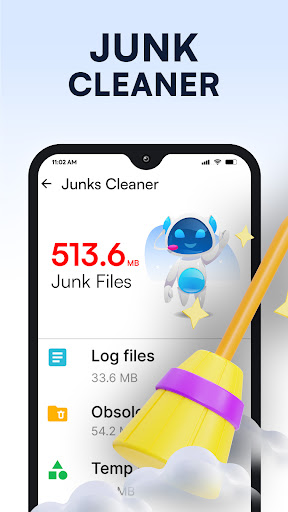
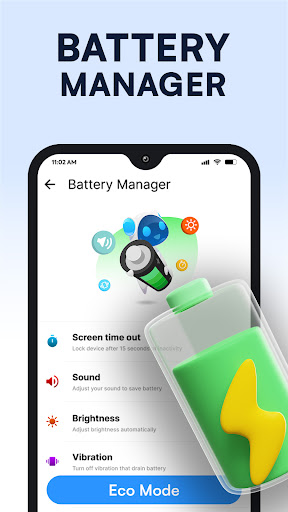
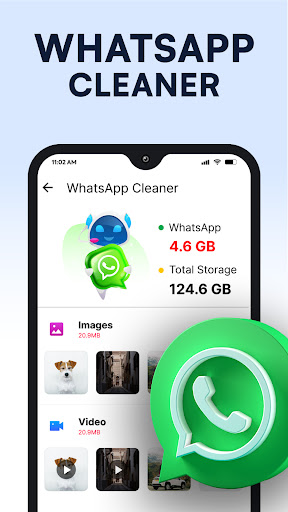
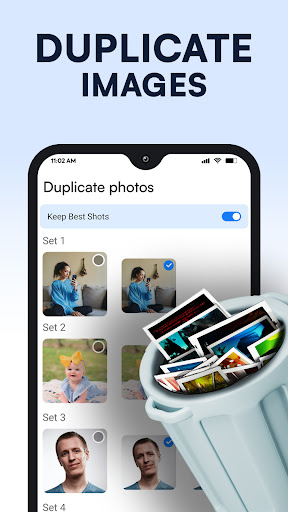
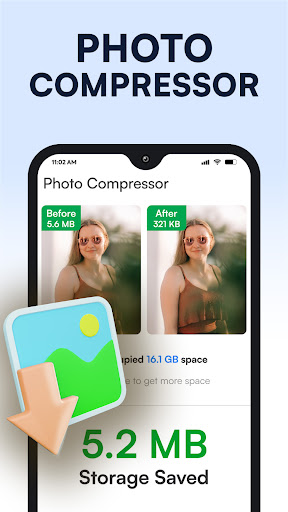
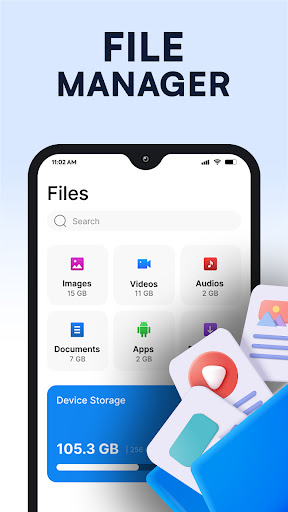
Phone Cleaner - AI Cleaner makes a strong first impression because it does not waste your time. From the moment we launched it, the app pushed us quickly toward the parts that matter: scanning junk, surfacing large files, checking duplicates, and showing where storage is actually going. That sounds basic, but a surprising number of cleanup apps bury those essentials under cluttered dashboards, scare tactics, or aggressive paywalls. This one feels more practical. It is built for people who want their storage back without turning the process into a research project. In day-to-day use, the biggest win here is speed. The app gets to results quickly, and the main cleaning actions are easy to understand even if you are not especially technical. We liked that it did not feel like a mysterious “one-tap optimizer” making hidden system changes. Instead, it tends to show you categories of files and gives you a chance to decide what goes. That matters, especially when dealing with duplicates, old screenshots, residual files, or large media that may still be useful. The best moments with the app came when it clearly pointed to forgotten storage hogs that had been sitting on the device unnoticed. The duplicate and large-file cleanup tools are where the app feels most valuable. On a phone that had built up the usual mess of chat media, screenshots, downloads, and repeated images, it was easy to find obvious dead weight. We especially appreciated that the app appears to lean toward selection rather than blind deletion. A cleaner app should save time, not create anxiety, and this one generally understands that balance. For users constantly running into the “storage full” warning, this is the kind of app that can make an immediate difference. Another strength is the interface. It is simple, bright, and readable. Nothing about it feels especially sophisticated, but that is partly why it works. The app avoids the intimidating look that some utility apps have, where every button sounds like it might break something important. Here, the overall tone is accessible. Even when it includes animated or playful touches, the experience stays focused enough to be useful. We could easily imagine a less technical user opening it and understanding what to do within seconds. It also helps that the app extends beyond junk cleaning. The inclusion of app management and file browsing gives it a little more staying power than a single-purpose cleaner. Once the initial novelty of “freeing space” wears off, users still have reasons to come back, especially to locate large apps or browse files by category. It is not a full replacement for a power-user file manager, but it is useful enough for casual maintenance. That said, the app is not flawless. The most obvious drawback is advertising. The ads are not the worst we have seen in this category, and they often appear in predictable spots after tasks, but they are still part of the rhythm of using the app. If you are cleaning several categories in one session, that stop-and-start ad flow becomes noticeable. More importantly, some ads feel visually loud enough that less experienced users could mistake them for part of the cleanup flow. That is not a dealbreaker, but it does cheapen an otherwise efficient experience. The second issue is that the app can occasionally feel a little too eager to present every bit of reclaimable storage as equally important. In practice, not all “junk” is equally disposable, and not every duplicate suggestion deserves automatic trust. We found the app most effective when used with a quick review rather than as a mindless tap-through tool. It is helpful, but it still needs a human check before deleting media or files that may matter. The third complaint is polish. While the core functions work well, there are moments where the app feels a bit rough around the edges. The presentation is clean enough, but not everything feels perfectly refined, and there are hints of minor glitchiness in the overall flow. Nothing we encountered made the app unusable, yet it does not deliver the smooth, premium-grade consistency of the very best Android utilities. Who is this app for? It is for everyday Android users who are running low on storage, tired of digging through folders manually, and looking for a free tool that can quickly identify clutter. It is also good for people who want a guided cleanup experience instead of a deeply technical one. If your phone is full of duplicate photos, oversized downloads, old APKs, and leftover junk, this app is likely to feel immediately useful. Who is it not for? If you hate ads, want a highly advanced file manager, or expect a cleaner app to perform miracles for battery life and overall device speed, you should approach with measured expectations. This app is best at helping you reclaim space and organize visible storage problems. It is less convincing as an all-purpose performance cure. Overall, Phone Cleaner - AI Cleaner earns a recommendation because it gets the basics right. It is fast, easy to use, and genuinely helpful when your phone is crowded with obvious storage waste. It does not completely escape the usual cleaner-app annoyances, especially around ads and the occasional rough edge, but unlike many apps in this category, it feels like it actually delivers practical results. For most users who simply need to free up space without fuss, that is enough to make it one of the better options in the Play Store.