Apps Games Articles
Google Keep - Notes and Lists
Google LLC
Rating 4.2star icon
Editor's summary
Editor rating
star icon star icon star icon star icon
half star icon
4.5

One-line summary Google Keep is one of the fastest, easiest note apps you can live in every day, but power users may bounce off its lack of folders, rich formatting, and note-level privacy controls.

  • Installs

    1B+

  • Developer

    Google LLC

  • Category

    Productivity

  • Content Rating

    Everyone

  • Latest version

    VARY

  • Package

    com.google.android.keep

In-depth review
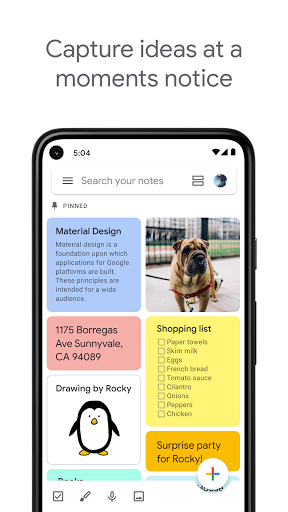
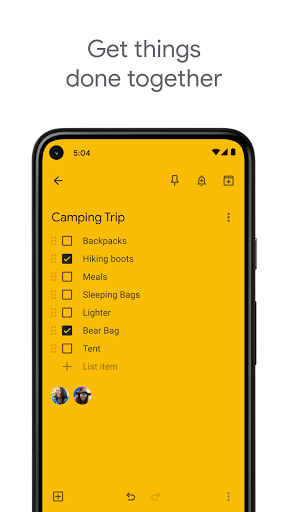
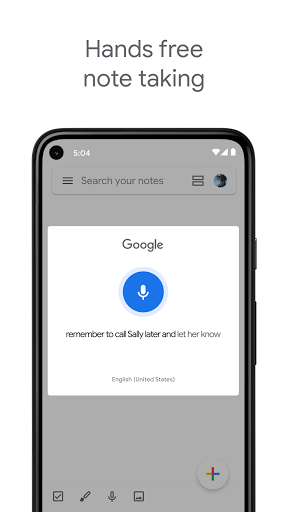
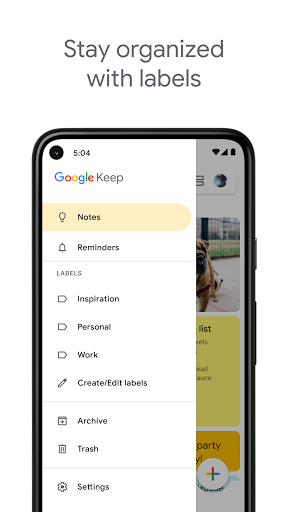
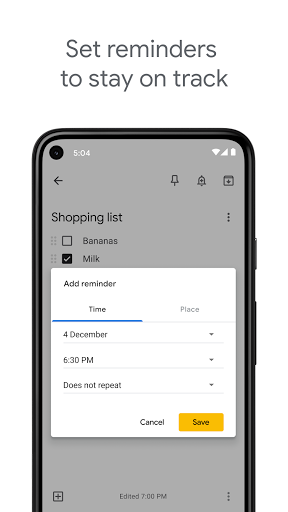
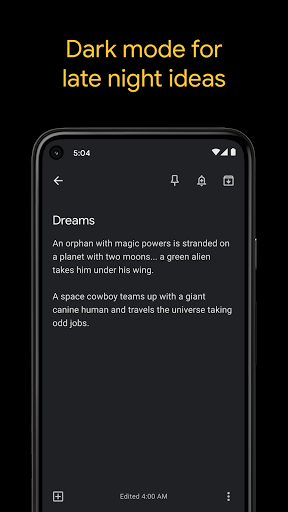
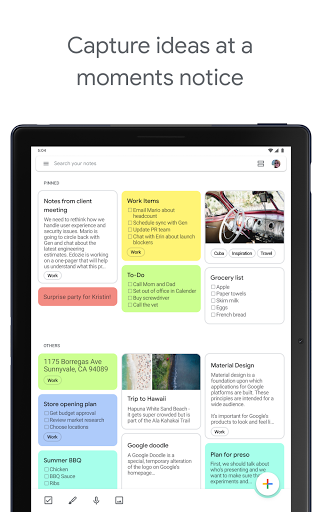
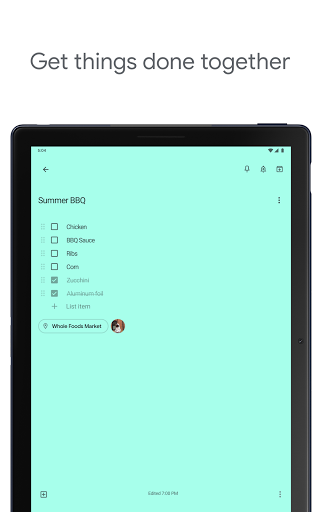
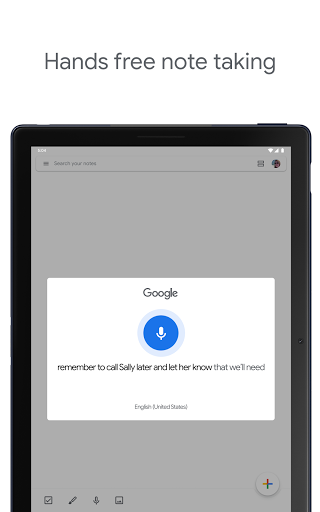
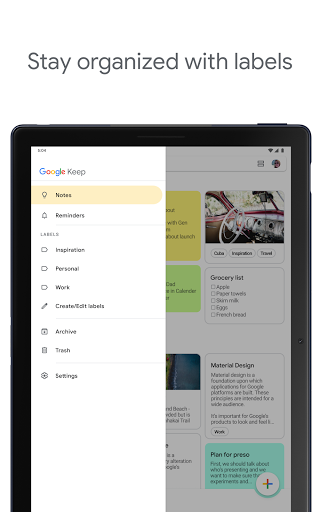
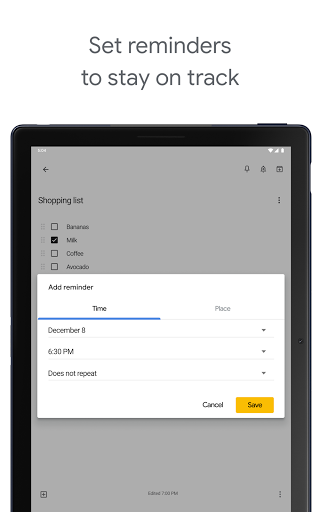
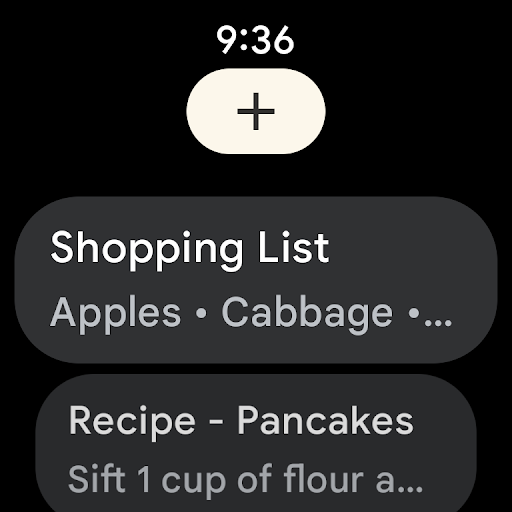
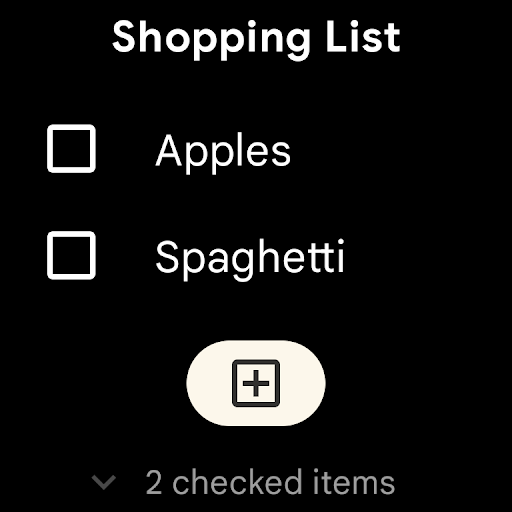
Google Keep succeeds because it understands a truth that many productivity apps forget: most notes are not grand projects. They are fragments. A grocery list started in the kitchen, a reminder set while walking out the door, a half-baked idea captured before it disappears, a photo saved so you remember which cable to buy later. After spending real time with Keep across phone and desktop, that is exactly where it shines. It is quick, lightweight, and almost frictionless in a way that makes you use it more often than more ambitious note apps. The first thing that stood out in daily use was speed. Keep opens fast, creating a new note feels immediate, and the interface gets out of the way almost completely. That matters more than it sounds. Plenty of note apps can technically do more, but if they make capture feel like a mini project, you stop trusting them for spontaneous use. Keep feels built for interruption. You open it, type something, maybe add a color, maybe turn it into a checklist, and move on. That simplicity is the app’s biggest strength. Its second big win is cross-device convenience. Keep works best when you treat it as a universal inbox for thoughts. During testing, moving between phone and computer felt natural: jot something down on one device, check it later on another, and keep going. For shopping lists, task reminders, rough article outlines, and small personal reference notes, that syncing behavior gives Keep much of its long-term value. It is the kind of app that becomes more useful the longer it lives in your routine. The third strength is that Google has packed just enough organization into the app without making it intimidating. Labels, colors, pinning, search, reminders, image notes, and checklists cover a lot of real-life scenarios. Search in particular helps Keep avoid becoming a digital junk drawer. Even if your note library grows messy, it is usually easy to surface what you need. For lightweight organization, Keep is very effective. But Keep’s restraint also creates its biggest limitations. The most obvious weakness is structure. Labels and colors help, but they are not the same as true folders or notebooks. Once you build up a large collection of personal notes, work notes, saved links, ideas, travel plans, and lists, the app can start to feel flatter than it should. There is a point where scrolling and searching still work, but they no longer feel elegant. If you are the kind of person who wants deeply nested organization or clearly separated spaces for different parts of life, Keep will feel too loose. The second weakness is formatting. Keep is still surprisingly bare-bones when it comes to text styling. For plain notes, that is fine. For anything longer or more structured, the lack of richer formatting becomes annoying. There are moments when you want to bold a heading, italicize a key phrase, highlight an important line, or generally make a note easier to scan. Keep remains closer to a digital sticky note board than a true writing workspace. That makes it brilliant for capture, but less satisfying for polishing or maintaining dense notes. The third weak spot is privacy and control at the individual note level. Keep benefits from Google’s broader account ecosystem, but inside the app, there is still a sense that some people will want more granular protection. If you store sensitive personal information, medical notes, or anything private, the absence of a dedicated per-note lock can feel like a gap. Similarly, some small control issues stand out over time, like how edits affect timestamps and how the app’s simple model can occasionally feel too simple when you want stronger note management. In everyday use, though, Keep remains highly likable. Checklists are excellent for groceries and errands. Reminders are practical because they tie a note to an action rather than separating planning from content. Voice capture is useful when typing is inconvenient. Attaching images can also make notes more useful than plain text alone, especially for receipts, whiteboards, or items to remember later. The app is at its best when you stop expecting it to be an everything app and let it be a very good capture-and-recall tool. The design is also approachable in a way many productivity apps are not. Non-technical users can figure it out quickly, and experienced users can move through it almost at muscle-memory speed. There is very little ceremony. That makes it easy to recommend to families, students, busy professionals, and anyone who wants one place for reminders, short notes, shopping lists, and lightweight collaboration. Shared notes are especially handy for trip planning or household lists because they feel immediate and uncomplicated. Who is Keep for? It is for people who value speed, clarity, and access across devices more than advanced note architecture. It is for users who want to capture ideas quickly, manage daily lists, set reminders, and keep life organized without learning a heavy system. It is also great for anyone already living in Google’s ecosystem, since it naturally fits into that environment. Who is it not for? If you want a polished writing environment, heavy formatting tools, notebook-style organization, file-style management, or locked private notes, Keep will eventually feel limiting. It can hold a lot, but it does not always help you shape that information in deeper ways. Even with those limitations, Google Keep remains one of the easiest note apps to recommend. It is not the most powerful note platform on Android, and it does not pretend to be. What it offers instead is something many people need more: reliability, speed, and almost zero friction between having a thought and saving it. For quick notes and lists, that is often more valuable than a hundred extra features.