Apps Games Articles
Piano Star: Tap Music Tiles
Potato Games Studio
Rating 4.5star icon
Editor's summary
Editor rating
star icon star icon star icon star icon empty star icon
4.3

One-line summary Piano Star is easy to pick up, packed with satisfying songs, and surprisingly relaxing for a free rhythm game, but the ad-heavy progression and limited control over custom-song pacing keep it from feeling truly premium.

  • Installs

    10M+

  • Developer

    Potato Games Studio

  • Category

    Music

  • Content Rating

    Everyone 10+

  • Latest version

    1.2.0

  • Package

    com.piano.tiles.music.game.circles.dancing.beat.magictiles

In-depth review
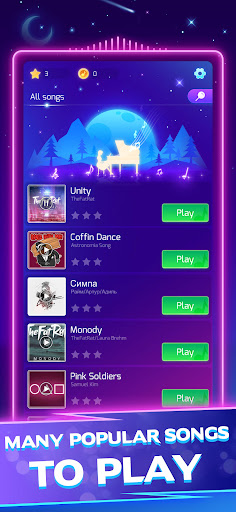
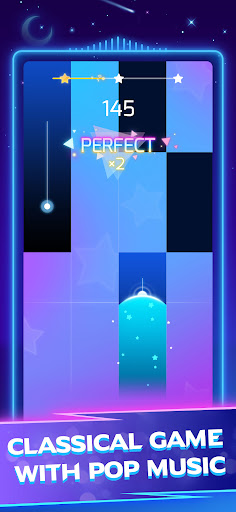
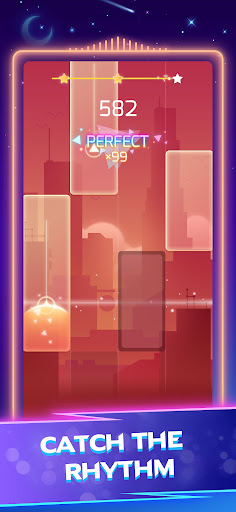
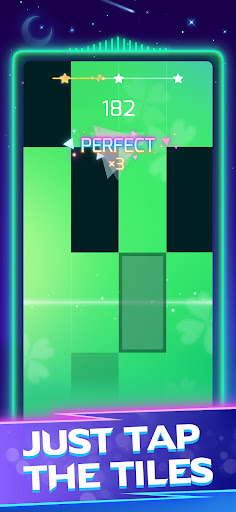
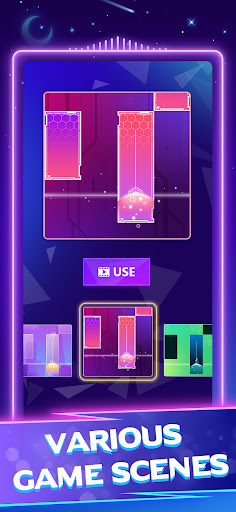
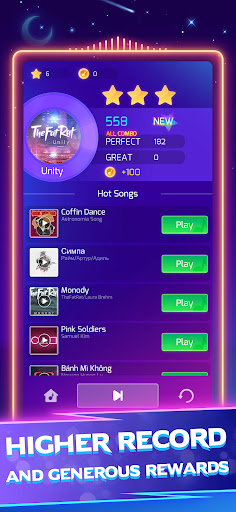
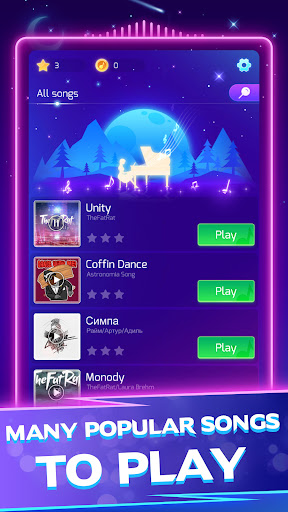
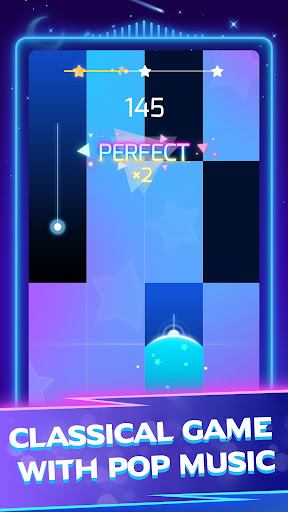
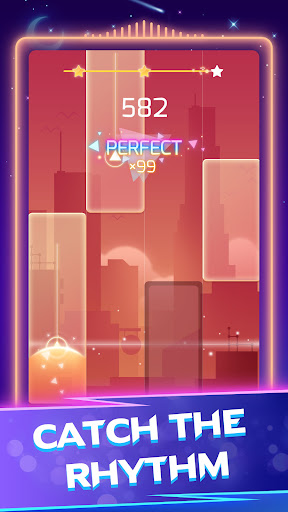
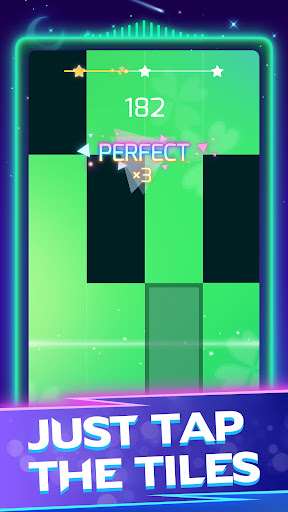
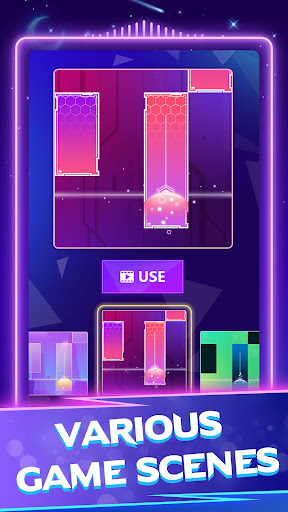
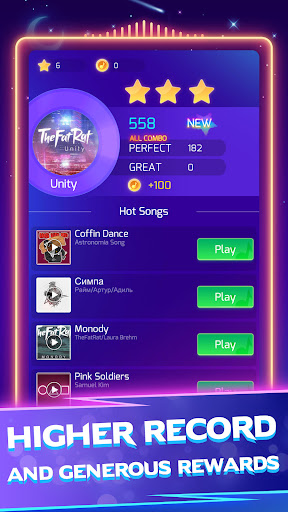
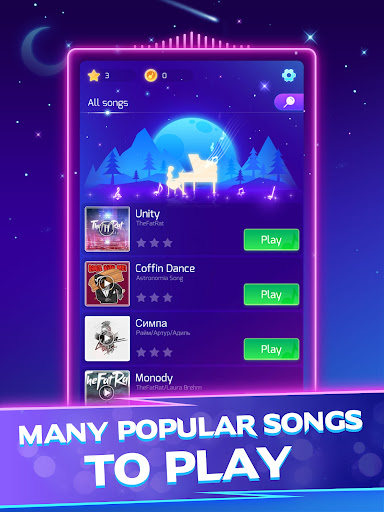
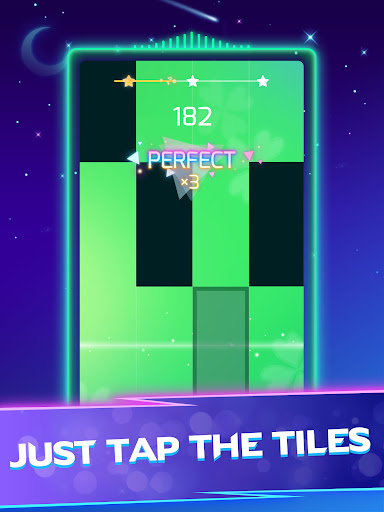
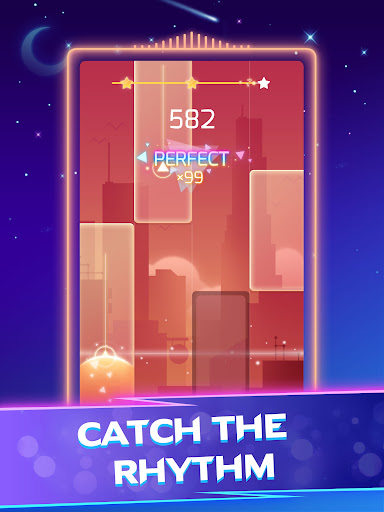
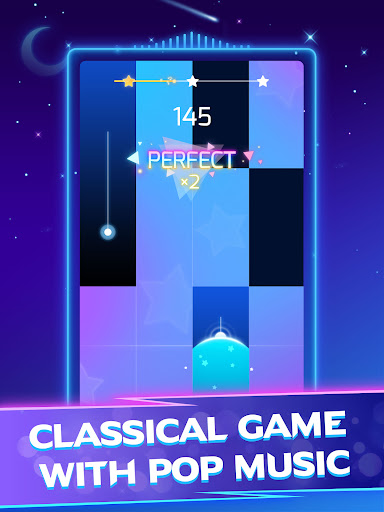
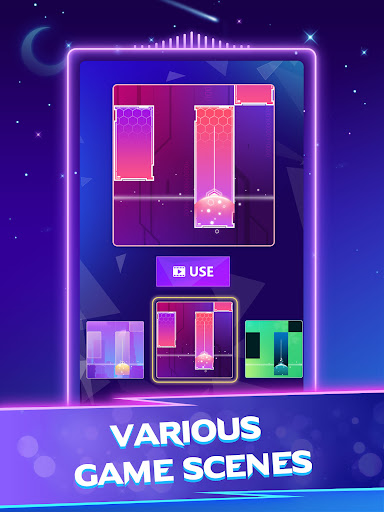
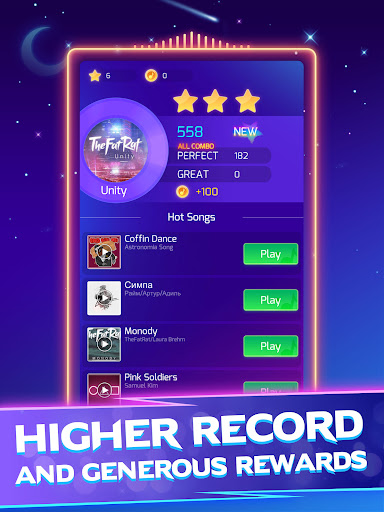
Piano Star: Tap Music Tiles knows exactly what kind of mobile game it wants to be: quick, accessible, and instantly rewarding. After spending time with it as a casual rhythm game rather than a serious music-learning tool, I came away impressed by how well it delivers that core experience. This is not an app that asks for patience before it gets fun. You launch it, pick a song, start tapping black tiles, and within seconds you are in that familiar rhythm-game trance where your eyes lock onto the lane and your fingers begin working on instinct. The best thing about Piano Star is how frictionless it feels at the start. A lot of music games make the mistake of being either too barebones or too punishing, but this one lands in a sweet spot. The input pattern is easy to understand, and the game introduces enough variation through holds, double tiles, and faster patterns to keep songs from blurring together. It gives you the pleasure of performing without demanding the commitment of mastering a deep rhythm system. That makes it especially good for players who want a few minutes of fun between tasks, or who like music games but hate the feeling of being instantly punished for every tiny mistake. That sense of accessibility carries over into the song library. Piano Star does a good job mixing recognizable pop tracks with classical pieces, and that blend gives the app broader appeal than many one-note rhythm games. In one session it feels light and playful; in another it becomes almost meditative, especially with the classical material. I found the classical tracks particularly effective because the visual simplicity of the game matches that music well. With headphones on, the app can become genuinely relaxing, and there is a nice satisfaction in finishing a song cleanly and feeling like you performed something rather than merely survived it. Another standout feature is the ability to play your own music. That is the kind of feature that can easily feel gimmicky, but here it adds real replay value. Being able to load personal audio and turn it into a playable track gives the game a more personal hook than many rivals in the same category. It is also where Piano Star feels a little more ambitious than its simple presentation suggests. For players who like experimenting, this can become the reason to keep the app installed after the built-in catalog loses some novelty. Still, the app is not without obvious friction. The biggest issue in regular use is monetization pressure, especially through ads. Piano Star is far from the worst offender on Google Play, and some ads are indeed short enough that they do not completely derail the session, but they are present often enough to shape the rhythm of play. In a genre built around flow and concentration, any interruption matters. You can still have fun for free, but the app repeatedly reminds you that its generosity has limits. That becomes more noticeable if you are the kind of player who wants to jump rapidly from song to song without pauses. The second weak point is that some parts of the experience feel a little rigid once you spend more time with it. The custom-song feature is cool, but it does not always feel fully customizable. Tile speed and chart behavior can feel off depending on the track, and when that happens, the app can shift from satisfying to slightly awkward. Instead of feeling like you are matching the music naturally, you are adapting to the game’s interpretation of the song. For a casual novelty feature that is acceptable, but for players hoping to fine-tune custom charts, Piano Star may feel limiting. The third issue is polish consistency. Most of the time the game runs on familiar, dependable rules, but not every song or note pattern feels equally refined. A few charts can come across as glitchy or less smooth than the best ones, and some content feels more carefully tuned than others. It is rarely enough to ruin the app, but it does create the sense that the overall package is broad first and precise second. Even with those complaints, Piano Star succeeds because the moment-to-moment play is simply enjoyable. Tapping through songs has a clean, compulsive rhythm, and the game is good at giving you that small rush of accomplishment after a strong run. It also helps that the difficulty curve is welcoming. New players can have fun almost immediately, while more experienced rhythm-game players can chase harder songs and faster patterns without the whole thing turning hostile. Who is this for? It is a strong pick for casual players, younger players, fans of light rhythm games, and anyone who wants a music app that feels fun rather than intimidating. It is also a good fit for players who like a mix of pop and classical songs and who enjoy customizing the cosmetic feel of a music game. Who is it not for? If you want a premium-feeling, ad-free rhythm experience, highly precise chart design, or deep control over custom track behavior, you will probably notice the compromises quickly. Overall, Piano Star earns its popularity. It is easy to learn, satisfying to play, and broad enough in music selection to stay entertaining for a long time. I would recommend it to most mobile rhythm-game fans, with one clear warning: expect a very good free game, not a flawless one. If you can live with ads and a few rough edges, Piano Star is one of the more enjoyable pick-up-and-play music apps on Android.