Apps Games Articles
Opera browser with AI
Opera
Rating 4.6star icon
Editor's summary
Editor rating
star icon star icon star icon star icon
half star icon
4.5

One-line summary Opera is one of the easiest browsers to recommend if you want built-in ad blocking, VPN, sync, and a genuinely fast mobile experience, but power users may still bump into rough edges in customization and a few interface quirks.

  • Installs

    100M+

  • Developer

    Opera

  • Category

    Communication

  • Content Rating

    Everyone

  • Latest version

    80.6.4244.78244

  • Package

    com.opera.browser

In-depth review
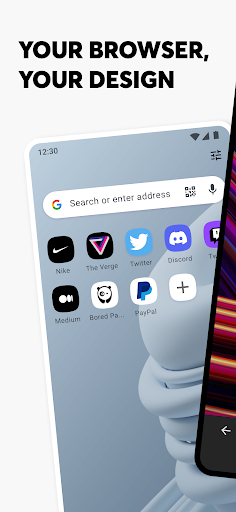
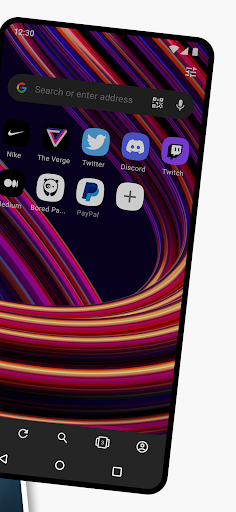
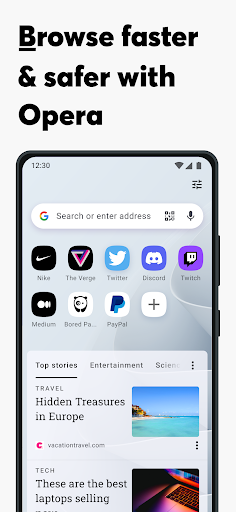
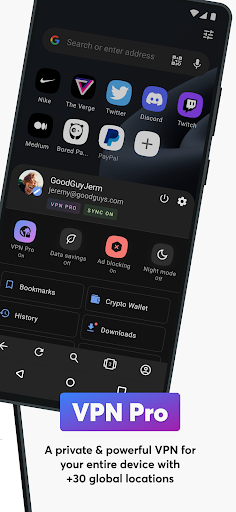
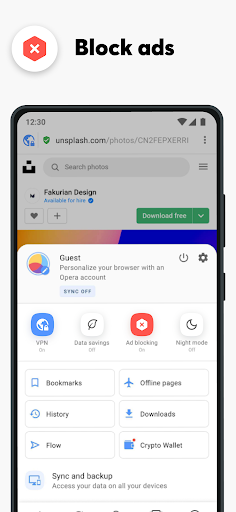
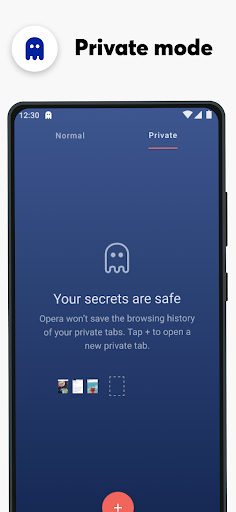
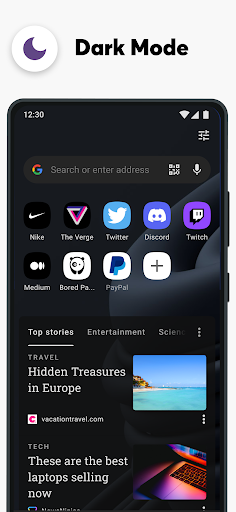
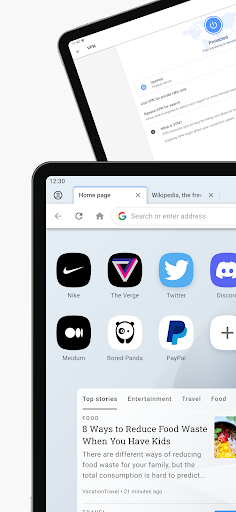
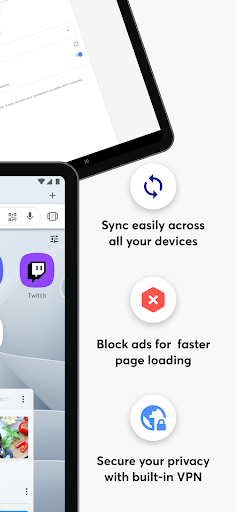
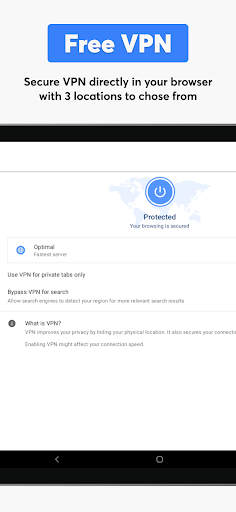
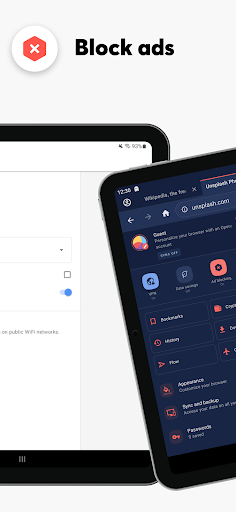
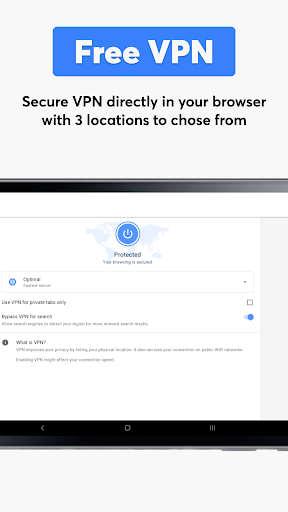
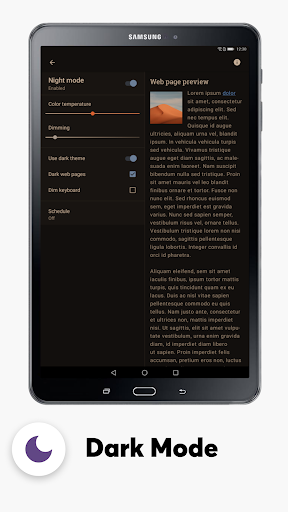
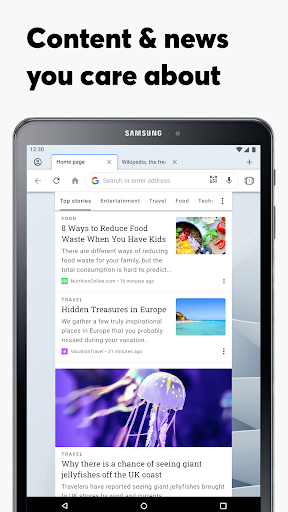
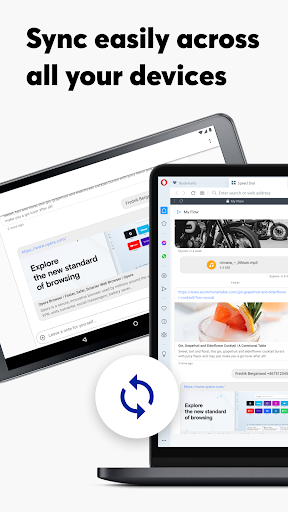
Opera browser with AI feels like a browser made by people who understand that most users are tired of building their own toolkit. After spending real time with it as a daily browser, that is the main impression it leaves behind: convenience. Instead of asking you to install separate blockers, privacy add-ons, sync tools, or AI shortcuts, Opera tries to bundle the essentials into one app and make them accessible without much setup. In practice, that all-in-one approach works better than I expected. The first thing that stands out in regular use is speed. Page loading feels snappy, tab switching is smooth, and the app generally avoids the sluggish, bloated feel that some mobile browsers develop after you have a few too many tabs open. On a phone, that matters more than any flashy feature, and Opera gets the basics right. It opens quickly, stays responsive, and makes casual browsing feel light rather than cumbersome. I especially liked that it does not constantly shove interruptions in your face while you are trying to read or hop between sites. The second major strength is how effective the built-in ad and tracker blocking feels in everyday browsing. This is not one of those checkbox privacy features that exists mostly for marketing. In use, pages look cleaner, load with less junk, and feel calmer. News sites, blogs, and video-heavy pages become more tolerable immediately. The difference is particularly noticeable on pages that would normally drown in banners, pop-ups, autoplay clutter, and tracking overhead. If your frustration with the modern web is that everything feels noisy and invasive, Opera offers relief right away. Its privacy pitch is also helped by the built-in VPN. I would not treat that as a magic shield for every possible privacy concern, but as a built-in convenience feature, it is genuinely useful. The value is not just that it exists, but that it is simple enough that normal people may actually use it. Turning on privacy tools should not feel like configuring a server rack, and Opera keeps it approachable. That said, this is also where one of the app’s limitations shows up: enabling extra protection can introduce some lag. During testing, browsing remained usable, but there were moments when pages felt a bit less immediate with the heavier privacy stack enabled. Opera’s AI integration, Aria, is another area where the app feels more modern than many standard browsers. I found it most useful as a quick sidekick rather than a reason to install the browser on its own. It is handy for summarizing, asking simple follow-up questions, or getting quick help without leaving the browsing flow. That kind of integration makes sense on mobile, where jumping between apps can become surprisingly annoying. The good news is that Aria does not dominate the app. It is there when you want it, but the browser remains a browser first. Cross-device features are also a strong point. If you already move between phone and desktop during the day, Opera’s syncing and Flow-style continuity tools make the ecosystem feel cohesive. Sending links or picking up where you left off is quick and painless. It is one of those features that sounds minor on paper and becomes surprisingly sticky once you build it into your routine. Opera also deserves credit for usability touches that make reading on a phone less frustrating. Text handling is better than average, and the browser often feels designed for actual human reading rather than just raw page rendering. On cramped screens, that matters. Long articles are less of a chore, and the app’s general presentation is modern without becoming overly decorative. Still, Opera is not flawless, and its weaknesses are worth talking about because they are the kind you notice only after the honeymoon period. The first is that some parts of the interface can feel inconsistent. Certain controls are excellent, while others are oddly small, tucked away, or behave in ways that are less intuitive than they should be. I ran into moments where navigation gestures and tab behavior felt slightly off compared to the polish elsewhere. Nothing was catastrophic, but this is not a perfectly frictionless UI. The second weakness is customization. Opera offers more personality than the average mobile browser, and that is appreciated, but there are still areas where it feels like it stops just short of power-user friendly. If you love tailoring every part of your browsing setup, you may find yourself wanting deeper control over layouts, text presentation, or advanced behavior. The third weak point is that some desktop-class conveniences still feel incomplete on mobile. The browser is packed with useful ideas, but a few details give the impression that the mobile version does not always go as far as it could. This shows up in things like advanced navigation behavior, reading options, and certain workflow niceties that would make the app feel even more mature. So who is Opera browser with AI for? It is for people who want a fast, modern browser with useful extras already built in. If you care about ad blocking, cleaner browsing, privacy tools, easy syncing, and the occasional AI assist, Opera is an easy recommendation. It is also a strong choice for users who are frustrated with slower or more cluttered browsers and want something that feels more self-contained. Who is it not for? If you are extremely particular about advanced browser controls, want maximum extensibility, or prefer a stripped-down browser with almost no bundled extras, Opera may feel opinionated in ways you do not love. And if you rely heavily on very specific UI behaviors, some quirks may annoy you over time. Overall, Opera browser with AI is one of the most complete mobile browsing packages available. It is fast, useful, and thoughtfully equipped for the messy reality of the modern web. It does not nail every advanced detail, but it gets the big things right often enough that it is easy to keep using long after the initial test period is over.