Apps Games Articles
Firefox Fast & Private Browser
Mozilla
Rating 4.6star icon
Editor's summary
Editor rating
star icon star icon star icon star icon
half star icon
4.5

One-line summary Firefox is one of the easiest mobile browsers to recommend if you care about privacy and extensions, but a few rough edges in tab handling, sync, and small interface quirks keep it from feeling completely effortless.

  • Installs

    100M+

  • Developer

    Mozilla

  • Category

    Communication

  • Content Rating

    Everyone

  • Latest version

    148.0.2

  • Package

    org.mozilla.firefox

In-depth review
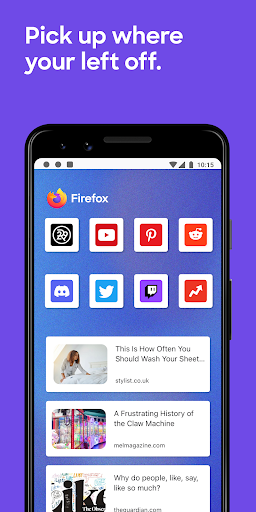
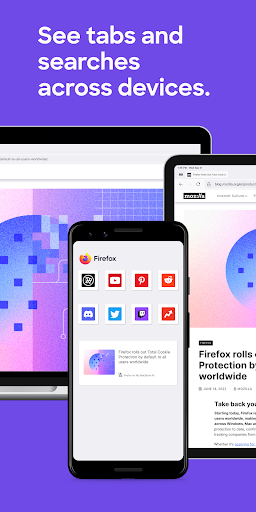
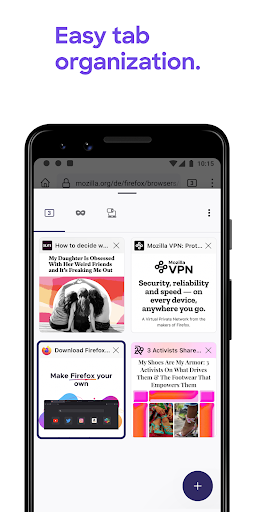
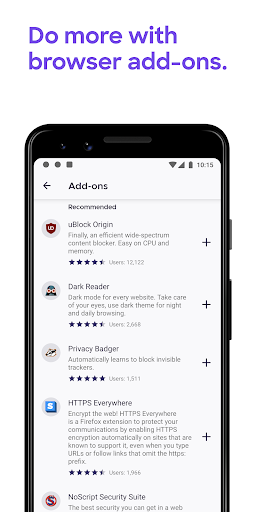
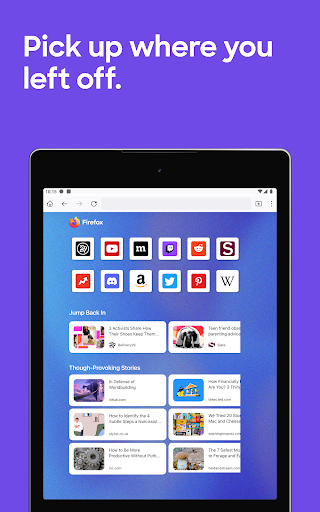
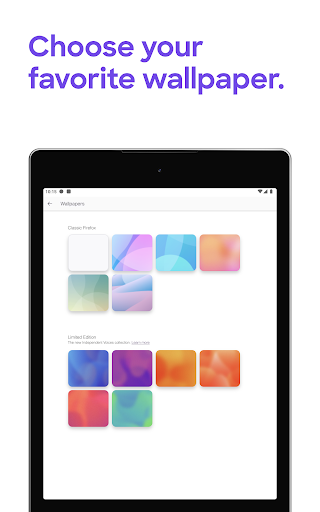
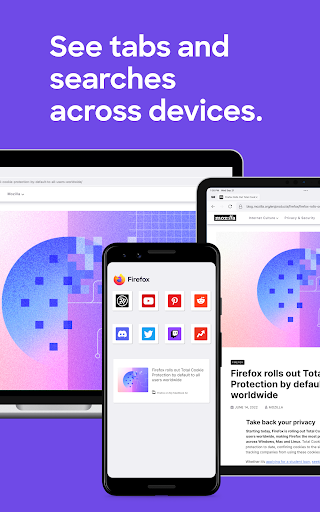
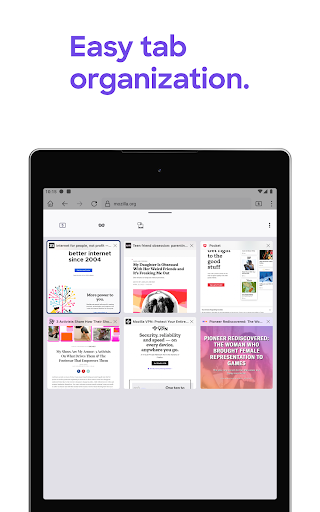
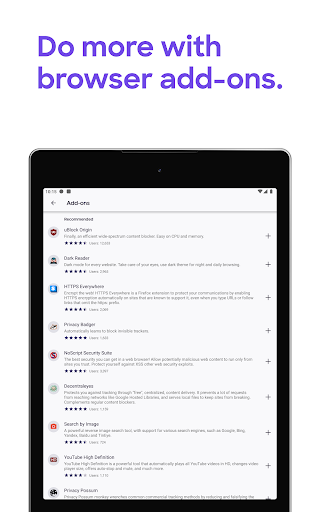
Firefox Fast & Private Browser feels like one of the few Android browsers that still has a personality. After spending real time with it as a daily browser, what stood out most was not just that it is fast enough or private enough, but that it gives you a sense of control that many mobile browsers have gradually squeezed out. It does not feel like a stripped-down companion to a desktop app. It feels like a real browser. The best thing about Firefox on Android is that it combines strong default privacy with practical customization. You install it, start browsing, and it immediately feels less noisy than many alternatives. Tracker blocking is not an abstract checkbox buried in settings; it shows up in everyday use as fewer shady page behaviors, fewer obvious tracking attempts, and generally less friction while moving around the web. If you are tired of feeling watched, redirected, or profiled every time you open a page, Firefox makes a very strong first impression. Then there is extension support, which is the app's biggest advantage in actual day-to-day use. This is the feature that changes Firefox from a good browser into a browser I actively want to keep installed. On mobile, extensions are still rare enough to feel almost rebellious, and here they are genuinely useful. Privacy tools and ad blockers make a visible difference, especially on cluttered sites and video-heavy pages. It is one thing to promise a cleaner web experience; it is another to actually make the web feel calmer, faster, and less irritating. Firefox does that. Performance is solid. In general browsing, pages open quickly, scrolling feels responsive, and the browser stays out of the way. I would not call it dramatically faster than every rival in every situation, but it is absolutely in the tier where speed stops being a concern. More importantly, it feels efficient. It launches reliably, keeps common tasks simple, and does not burden you with unnecessary setup before you can browse comfortably. Reader Mode is also a genuinely nice touch for long articles, cutting through clutter in a way that makes mobile reading more pleasant. Another strength is how comfortably Firefox fits into multi-device use. When signed in, syncing tabs, bookmarks, passwords, and history makes the app feel connected rather than isolated. If you already use Firefox elsewhere, the mobile version becomes much more valuable because it can pick up where you left off. The built-in password features are similarly practical: they are not flashy, but they remove friction from everyday logins and account management. That said, Firefox on Android is not polished in every corner. Its biggest weakness is that some small interactions feel oddly awkward for such a mature browser. The address bar can be one of them. There are moments where text selection, copying a URL, or clearing an existing search feels less intuitive than it should. These are not catastrophic issues, but they happen often enough to stand out because they affect basic browsing habits. When a browser gets the big ideas right but stumbles on tiny repetitive actions, the friction becomes memorable. Tab management is another area where Firefox is good, but not quite great. The app handles ordinary browsing well enough, and the interface is generally clean, but once you build up a lot of tabs, organization starts to feel limited. It lacks some of the convenience features power users may want, particularly for grouping and moving through tabs in more flexible ways. If you are the kind of person who treats your browser like a working desk with multiple projects open at once, Firefox can feel a little less elegant than it should. The third complaint is consistency. Most of the time the app feels stable and dependable, but there are enough hints of occasional crashes, sync hiccups, or features not behaving quite as expected that I would not call it flawless. In my own use, these were not deal-breakers, but they do keep Firefox from reaching that rare “invisible tool” status where you never think about the browser at all. Sometimes you are reminded that this is a very good app still smoothing out a few edges. What I like about Firefox is that even its flaws feel fixable rather than fundamental. The core experience is strong. The interface is pleasant, dark mode looks good, the option to move the address bar for one-handed use is practical, and the browser still feels aligned with people who want more say over how they browse. It respects the idea that mobile users may want the web on their terms, not just a simplified funnel into one ecosystem. Who is this for? Firefox is for Android users who care about privacy without wanting to micromanage settings, for people who want extension support on mobile, and for anyone who values a browser that can sync cleanly with a desktop setup. It is also a smart pick for users who read a lot, bounce between devices, or want a browser that feels more customizable than the default options. Who is it not for? If you want the absolute most frictionless mainstream experience with perfect site handling, or if you rely heavily on advanced tab organization and seamless ecosystem integration above all else, Firefox may occasionally test your patience. People who never install extensions and do not care about privacy features may also wonder whether its advantages matter enough for them. Still, after using it extensively, Firefox Fast & Private Browser remains one of the strongest browser choices on Android. It is fast, capable, privacy-conscious, and refreshingly customizable. It does not win because it is perfect. It wins because it offers meaningful control and a better everyday browsing experience in the places that matter most.