Apps Games Articles
Google Chrome
Google LLC
Rating 4.1star icon
Editor's summary
Editor rating
star icon star icon star icon star icon
half star icon
4.5

One-line summary Google Chrome is still one of the easiest browsers to recommend for its speed, sync, and polish, but its appetite for memory and battery keeps it from being an automatic pick for everyone.

  • Installs

    10B+

  • Developer

    Google LLC

  • Category

    Communication

  • Content Rating

    Everyone

  • Latest version

    VARY

  • Package

    com.android.chrome

In-depth review
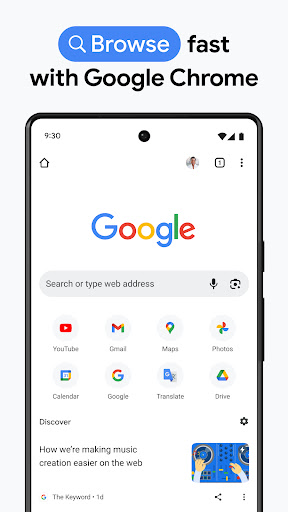
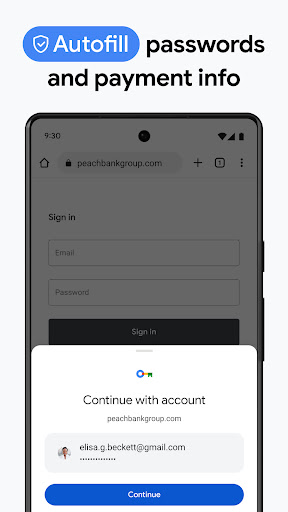
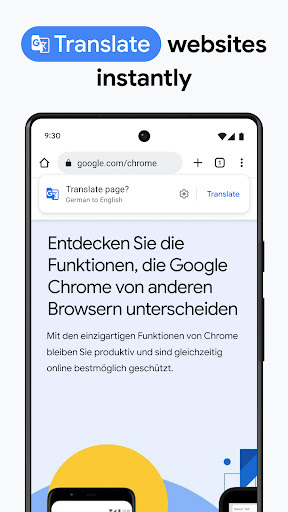
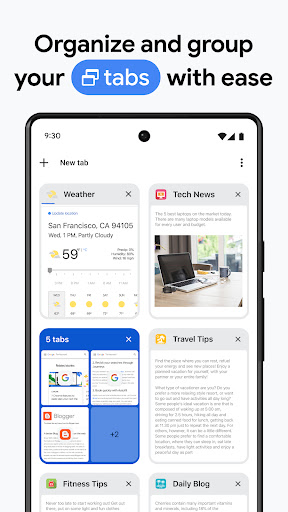
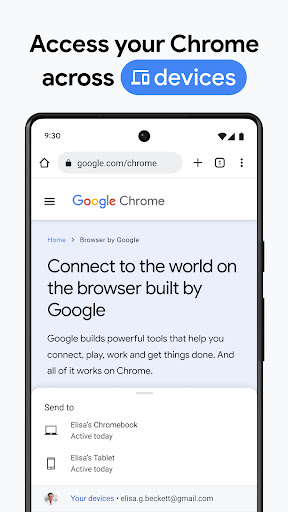
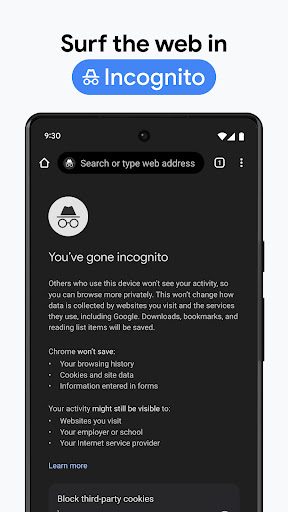
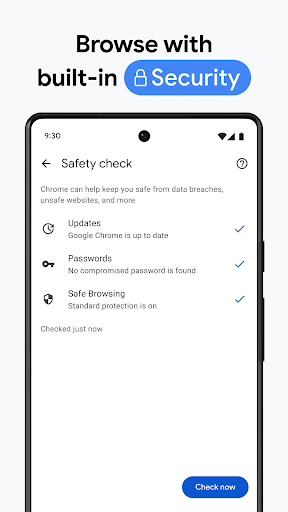
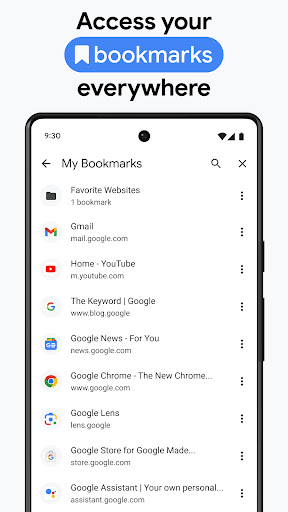
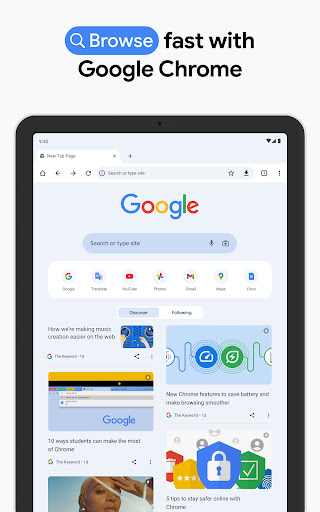
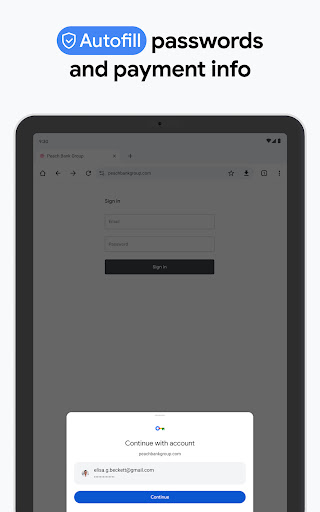
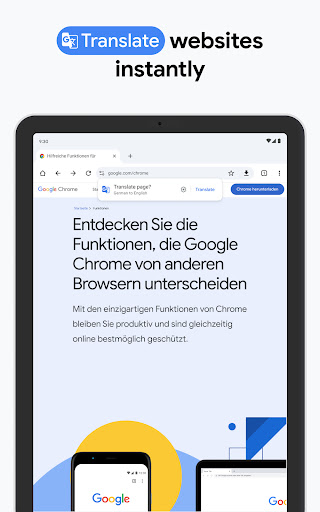
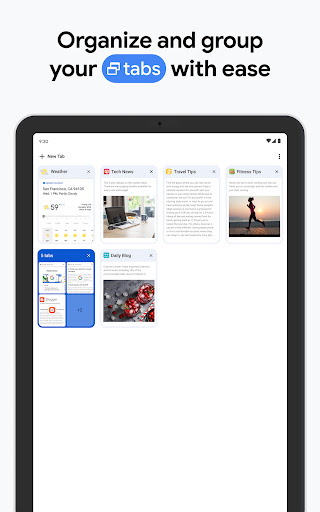
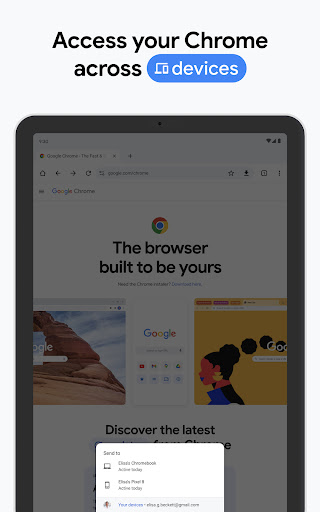
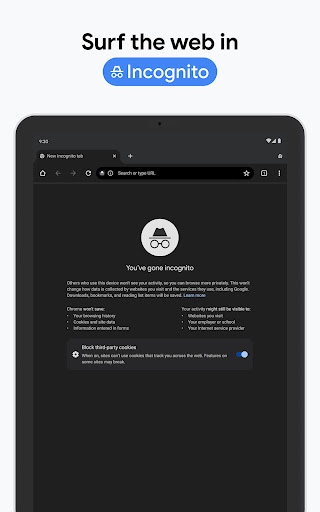
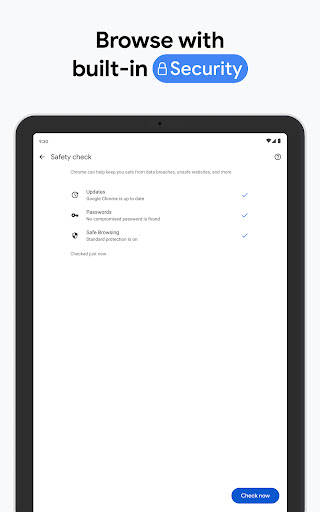
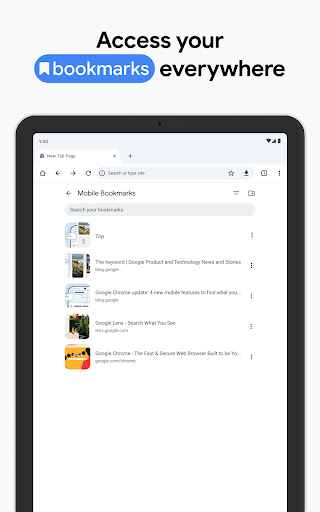
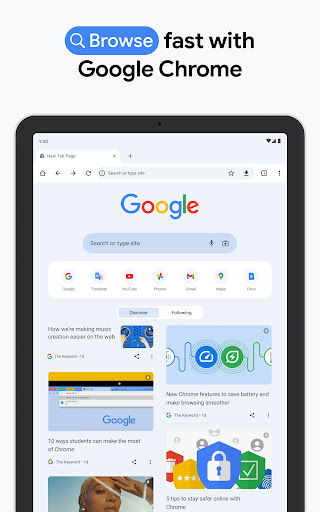
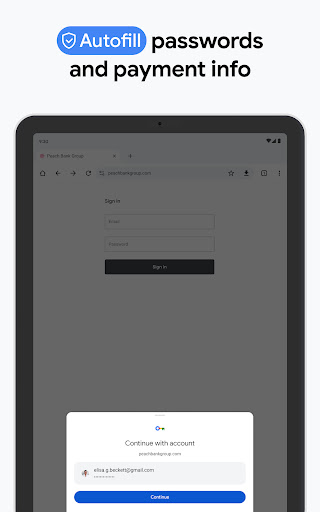
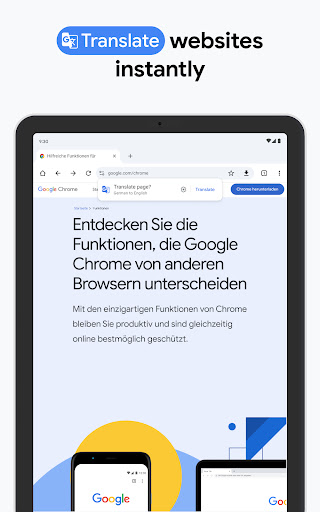
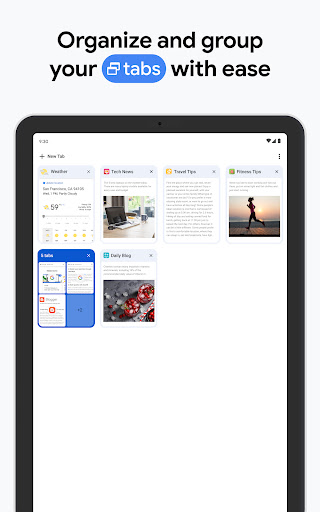
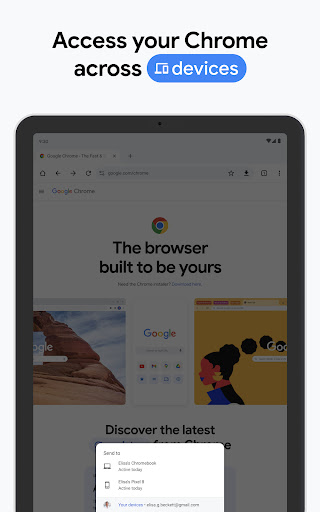
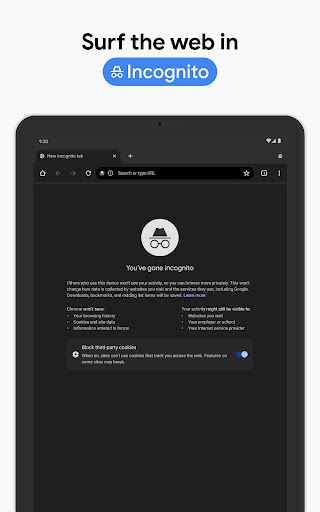
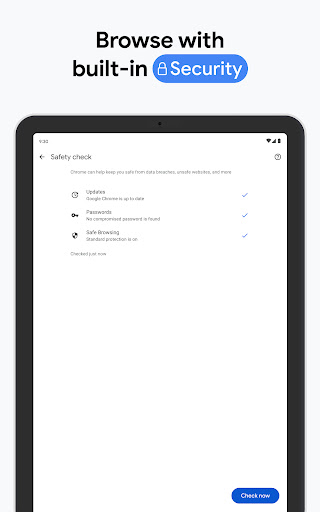
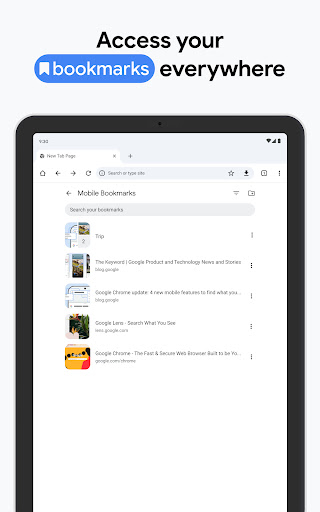
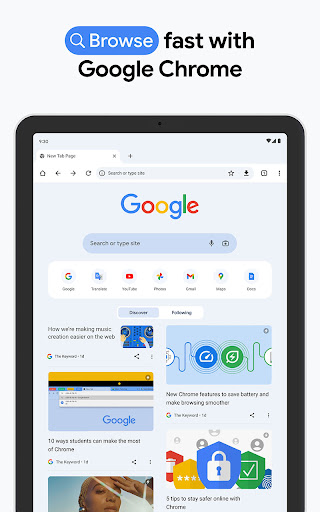
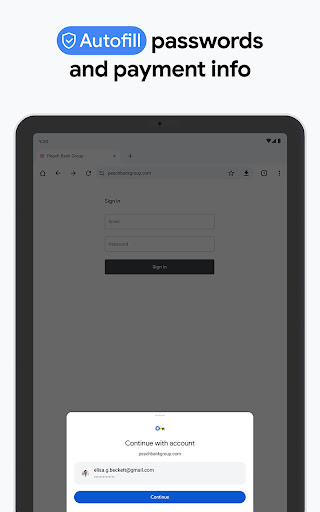
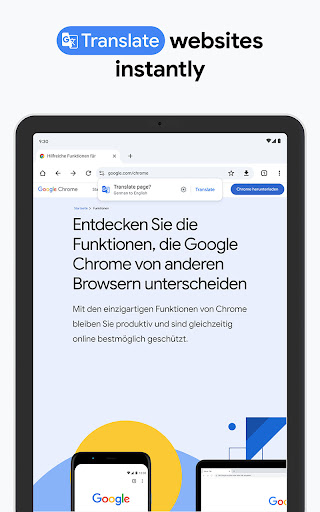
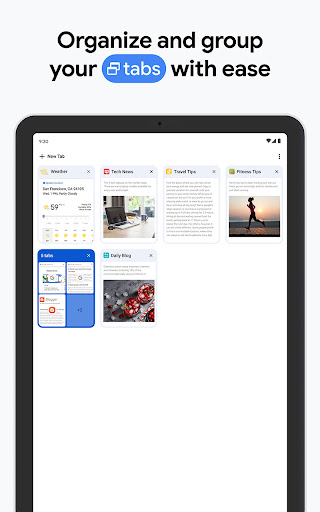
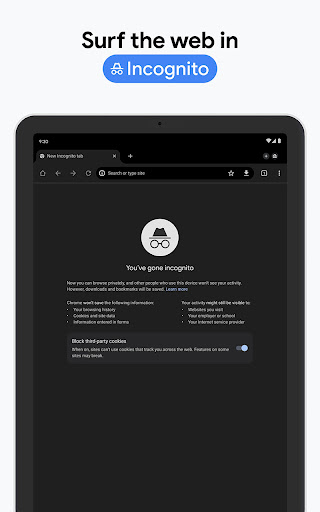
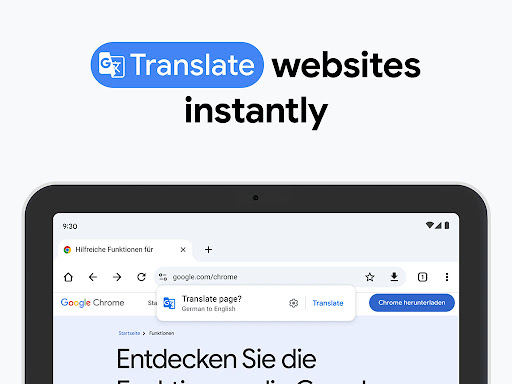
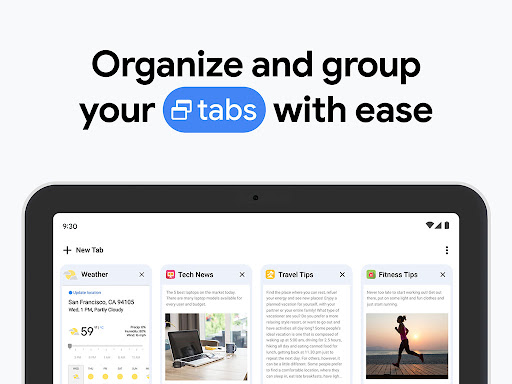
Google Chrome on Android feels like the browser equivalent of a default setting that became genuinely hard to replace. After spending real time with it as an everyday browser rather than just a backup app, what stands out is not one flashy feature but how consistently friction-free the core experience is. Open it, search, jump between tabs, resume a page on another device, autofill a password, translate a site, and move on. Chrome is very good at getting out of the way. That sounds simple, but plenty of browsers still stumble on the basics. Chrome generally does not. In day-to-day use, page loading is fast, scrolling is smooth, and the interface is familiar enough that almost anyone can pick it up instantly. The app has the kind of clean, utilitarian design that does not beg for attention. Whether I was reading articles, opening heavy web pages, signing into accounts, or quickly searching for directions or product information, Chrome kept the experience moving. It rarely felt dramatic, but it often felt dependable, and that matters more in a browser than flashy visual tricks. The biggest strength here is ecosystem convenience. If you already live in Google’s world, Chrome fits in effortlessly. Signing in and having bookmarks, browsing history, saved passwords, and open tabs follow you between devices is still one of the app’s best arguments. During testing, that continuity made a real difference. I could start reading something on a phone, switch to a laptop later, and not feel like I was starting from scratch. Password autofill also removes a lot of daily irritation. This is not glamorous functionality, but it saves time constantly, and Chrome handles it with very little setup pain. Another strength is feature integration that feels useful rather than cluttered. Voice search is handy when typing is inconvenient. Built-in translation is one of those tools you stop noticing until you need it, and then it suddenly feels essential. Google Lens integration is also in line with Chrome’s overall character: practical, fast, and easy to reach when you want to search based on what you see instead of what you can describe. Add in incognito mode, password management, and the general safety prompts, and Chrome comes across as a browser that tries to cover the full everyday web routine without forcing users into advanced settings. A third strength is just overall polish. Chrome feels mature. Menus are predictable, tab handling is easy enough for everyday multitasking, and basic browsing actions are streamlined in a way that many casual users will appreciate. It is the kind of app you can hand to almost anyone and trust that they will know what to do. For students, office workers, and people who switch between phone and computer often, that polished familiarity is a major selling point. Still, Chrome is not flawless, and some of its weaknesses show up precisely because so many people use it as their main browser all day. The most obvious complaint is resource use. On lighter phones or during longer sessions with many tabs, Chrome can feel heavier than ideal. It is not always a problem, but it is noticeable enough to mention. Battery drain can creep up faster than you would like, and if you are the type of person who leaves a lot of tabs open, the app can start feeling less graceful than it does in quick, casual use. Chrome remains fast, but it does not always feel light. The second frustration is that some safety and verification layers can interrupt the flow of browsing. Security matters, and Chrome takes it seriously, but there are moments when checks, warnings, or verification steps make the experience feel slightly overmanaged. Most of the time that is a fair trade-off, especially for less technical users, but in practice there were occasions where a page took too long to settle or an extra warning screen broke the rhythm. Security is one of Chrome’s selling points, yet it can occasionally become part of the friction. The third weakness is that Chrome’s simplicity can also feel limiting for people who want a browser with a stronger sense of customization or a lighter, more specialized identity. Yes, it supports useful tools and works well for mainstream browsing, but if your top priorities are squeezing every bit of battery life from your phone, keeping resource use to a minimum, or shaping the browser into something highly personalized, Chrome may feel more practical than exciting. It is polished, but it is not especially adventurous. So who is Google Chrome for? It is for the vast majority of Android users who want a fast, familiar browser that syncs smoothly across devices, handles passwords and autofill well, and offers a stable, low-learning-curve experience. It is especially good for people already tied into Google services, because the convenience adds up quickly. It is also a strong fit for students, professionals, and general users who want a browser that just works for search, reading, streaming, shopping, and account-heavy web use. Who is it not for? Power users who obsess over efficiency, users with older or lower-end devices sensitive to memory and battery use, and anyone looking for a browser with a more distinctive philosophy may want to look elsewhere. Chrome is excellent at mainstream browsing, but it is not always the leanest or most flexible option. In the end, Google Chrome remains easy to recommend because it nails the fundamentals better than most apps ever manage to. It is fast, stable, well integrated, and genuinely convenient across devices. The trade-off is that it can feel a bit heavy and occasionally too protective for its own good. Even so, if you want a browser that is broadly reliable and polished enough to disappear into your daily routine, Chrome still earns its place near the top.