Apps Games Articles
Microsoft Edge: AI browser
Microsoft Corporation
Rating 4.7star icon
Editor's summary
Editor rating
star icon star icon star icon star icon
half star icon
4.5

One-line summary Microsoft Edge is one of the best all-round mobile browsers if you live across phone and PC, but its AI-heavy extras and occasional interface quirks can still get in the way of an otherwise excellent core browsing experience.

  • Installs

    100M+

  • Developer

    Microsoft Corporation

  • Category

    Communication

  • Content Rating

    Everyone

  • Latest version

    145.0.3800.99

  • Package

    com.microsoft.emmx

In-depth review
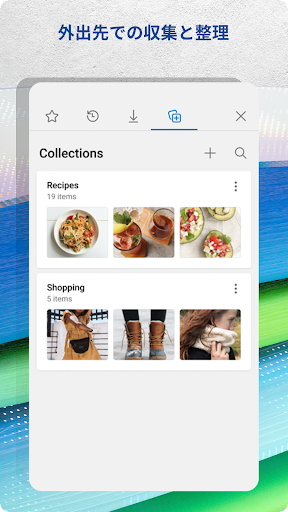
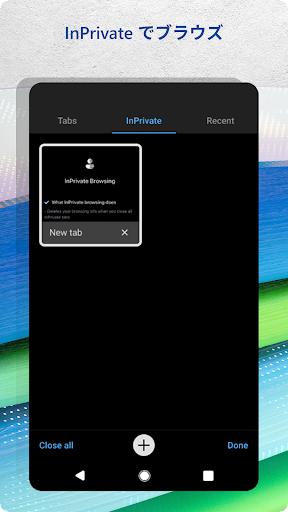
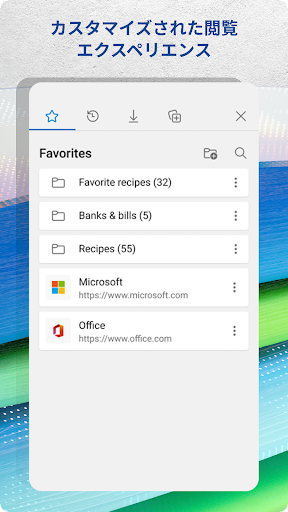
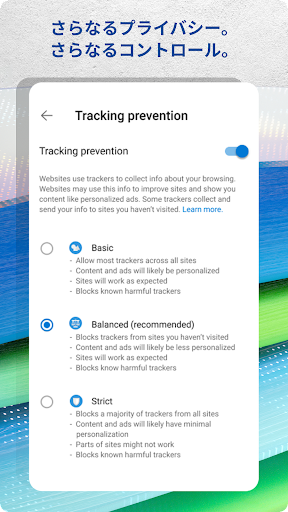
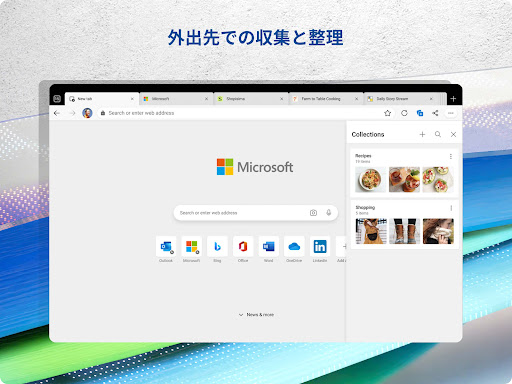
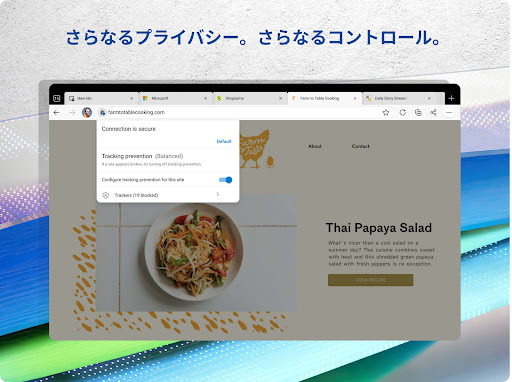
Microsoft Edge on Android is one of those apps that is much better than its old reputation would lead you to expect. After spending real time with it as a daily browser, the biggest surprise is not any single flashy feature, but how complete it feels. This is not a stripped-down mobile companion to a desktop browser. It feels like a serious browser in its own right, with enough sync, organization, reading, and AI tools built in that it can realistically replace Chrome for a lot of people. The first thing I noticed in day-to-day use was speed. Edge feels quick loading pages, snappy moving between tabs, and generally light on its feet. It does not have that bloated, overworked feel some mobile browsers develop once you start piling on tabs, saved passwords, and cross-device syncing. Navigation is straightforward, the UI is clean enough to stay out of the way, and the app makes good use of limited screen space. On a phone, that matters. Browsers live or die by whether they make simple actions feel effortless, and Edge usually does. Its best feature, by far, is ecosystem sync. If you already use Edge on a Windows PC, this app immediately makes sense. Favorites, passwords, history, open tabs, and collections create the kind of continuity that makes your phone feel like an extension of your desktop instead of a separate device. I found that especially useful when moving between work browsing and personal browsing throughout the day. Start reading something on a laptop, continue it on the phone, save it to a collection, and pick it back up later. That kind of convenience adds up fast, and Edge handles it better than many mobile browsers. Collections deserve special mention because they are more practical than they sound. A lot of browsers let you save pages; fewer make those saved items feel organized. In Edge, collections are useful for research, shopping, trip planning, or just keeping topic-based groups of links tidy. It is one of those features that can sound niche until you use it for a week and then wonder why more browsers do not treat organization this seriously. The second major strength is that Edge actually brings useful desktop-style features to mobile instead of assuming phone users only want the bare minimum. Extensions are a big part of that appeal. The app’s support for add-ons gives it a flexibility that many mobile browsers still lack. Combined with built-in features like Read Aloud, ad blocking tools, password management, and strong tab handling, Edge feels unusually capable. Read Aloud in particular is excellent in everyday use. It is handy for long articles, accessible when you are multitasking, and more polished than the checkbox implementation it could easily have been. Then there is Copilot, which is clearly central to Microsoft’s pitch. In practice, the AI experience is a mixed bag, but mostly a useful one. The best use case is not asking it grand philosophical questions; it is using it while browsing. Summarizing a long page, pulling quick context from what you are reading, or helping draft and rewrite text makes much more sense than bolting on a chatbot for novelty. Used that way, Copilot can genuinely save time. The integration feels more natural here than in many apps that simply cram AI into a menu and call it innovation. That said, Edge is not perfect, and some of its rough edges are exactly where you would expect. One issue is that the app can feel busy. Even though the interface is generally clean, there are moments when Edge seems too eager to show you everything it can do: news feed content, AI features, extras in menus, and browser tools competing for attention. If all you want is a minimal browser that opens pages and disappears, Edge can feel slightly over-equipped. The second weakness is that some interactions are not as polished as the best parts of the app. During testing, the app was mostly stable, but there are occasional interface oddities that break the flow, especially around forms, tab behavior, or small layout glitches. None of this ruined the experience, but Edge is the kind of feature-rich browser where little bugs stand out more because so much else feels refined. The third complaint is philosophical as much as practical: Edge is strongest if you buy into Microsoft’s way of doing things. If you do not use Microsoft services, do not care about syncing with a PC, and have no interest in Copilot, some of Edge’s biggest advantages become less important. At that point, the app is still a very good browser, but not quite as compelling. Its identity is tied to being more than a browser, and that will not suit everyone. Privacy and security tools are another plus. Tracking prevention, InPrivate browsing, password monitoring, and Microsoft Defender SmartScreen all add reassurance without requiring much effort from the user. I would not call Edge the most privacy-first browser available, but it does a respectable job of making safer browsing accessible to normal people who are not going to spend an hour tuning settings. So who is this app for? It is an easy recommendation for anyone who already uses Windows or Edge on desktop, anyone who wants strong sync across devices, and anyone who likes the idea of having AI assistance and productivity features built directly into the browser. It is also a great fit for users who want a more full-featured mobile browser without sacrificing speed. Who is it not for? If you prefer an ultra-minimal browser, dislike AI features on principle, or want a browser whose entire personality is privacy-first simplicity, Edge may feel a little too crowded and a little too Microsoft-shaped. Overall, Microsoft Edge on Android is far more than a backup browser. It is fast, smart, genuinely useful across devices, and surprisingly enjoyable to live with. It does have some clutter and occasional quirks, but the total package is strong enough that for many people, this could easily become the default browser on their phone.