Apps Games Articles
All Documents Reader:PDF/Word
Ora Tools
Rating 3.9star icon
Editor's summary
Editor rating
star icon star icon star icon
half star icon
empty star icon
3.7

One-line summary All Documents Reader:PDF/Word is easy to like as a one-stop file opener for PDFs and Office docs, but I’d hesitate to fully recommend it if you want a consistently polished, premium-feeling reading and editing experience.

  • Installs

    1M+

  • Developer

    Ora Tools

  • Category

    Tools

  • Content Rating

    Everyone

  • Latest version

    3.2.9

  • Package

    reader.alldocuments.ora

Screenshots
In-depth review
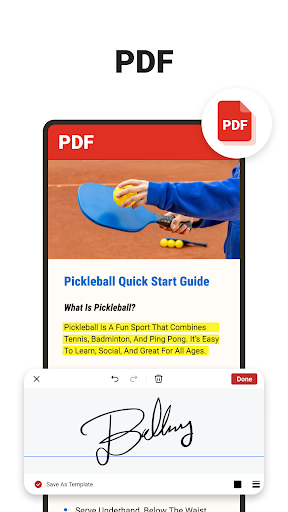
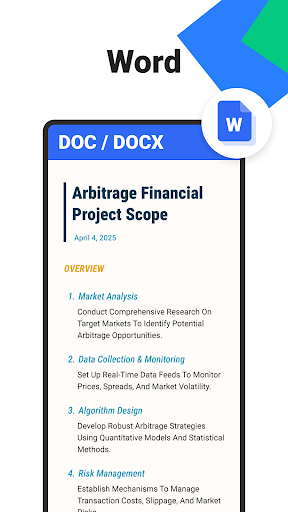
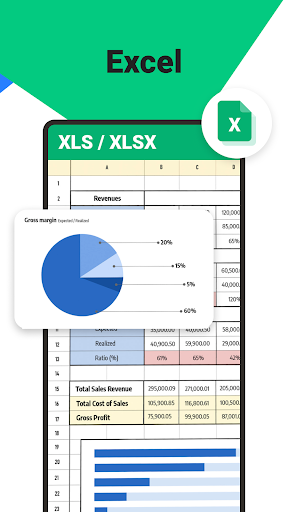
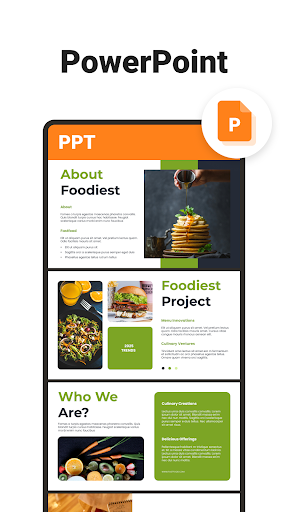
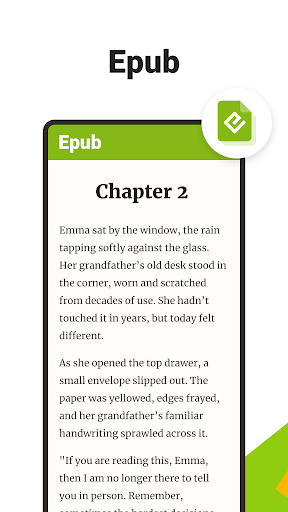
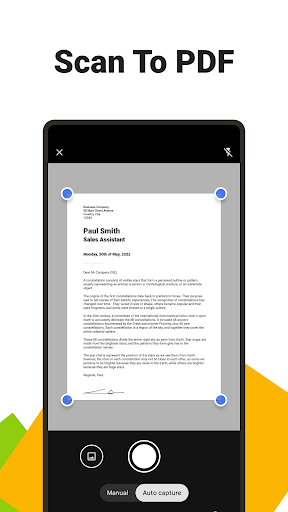
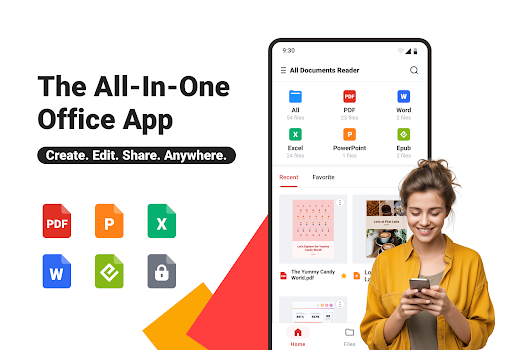
All Documents Reader:PDF/Word aims for a very familiar promise: one app that can open nearly everything sitting in your Downloads folder, from PDFs and Word files to spreadsheets, slides, and EPUBs. After spending time with it as an everyday utility rather than a demo-piece app, my impression is that it gets a lot of the basics right. It is practical, broad in scope, and clearly designed for people who don’t want to think too hard about which app opens which file. At the same time, it also feels like the kind of Android tool that is most useful when you keep your expectations grounded. The first thing that works in its favor is convenience. If your phone is cluttered with attachments, forms, lecture notes, ebooks, and the occasional scanned receipt, this kind of app makes immediate sense. Instead of bouncing between separate viewers, All Documents Reader tries to collect your files in one place and sort them by type. In day-to-day use, that centralization is genuinely handy. Opening a recent PDF, then switching over to a DOCX, then checking a PPT file feels straightforward, and the basic file-browsing flow is easy to understand. It is not trying to be clever; it is trying to be useful, and for many people that is enough. I also liked that the app’s purpose is obvious from the moment you start using it. This is not a social platform, not a note-taking system, and not a workspace pretending to do ten unrelated things. It is built around document access. The search-and-organize angle is one of its better qualities because document apps live or die by how quickly they get you to the file you actually need. Here, the experience feels serviceable and, in good moments, efficient. Recent files and format-based grouping reduce friction, especially if you work with mixed file types throughout the day. The PDF side is where the app sounds most ambitious, and that’s also where it becomes a bit more mixed in practice. On paper, features like annotation, form filling, signing, merging, splitting, scanning to PDF, and conversion make this seem like an all-in-one toolkit. In use, the value depends on what kind of user you are. If your needs are simple—read a PDF, skim pages, mark something up, maybe scan a paper document into a PDF—the app covers a lot of ground in one place. That breadth is its second major strength. For students, office workers, and anyone handling routine paperwork on a phone, not having to install separate tools for every task is a real win. The reading experience itself is decent, especially for casual and practical use. PDFs open in a way that feels familiar, and support for horizontal and vertical viewing helps when switching between dense reports and more comfortable reading. EPUB support is also a nice inclusion for people who keep books and documents in the same app. I would not call it luxurious or deeply refined, but I would call it usable, and that matters more than flashy design in this category. That said, this is not the smoothest document app I’ve used, and that becomes clearer the longer you spend with it. The first weakness is that the app feels broad before it feels deep. It can do a lot, but not every feature gives the sense of being best-in-class. If you only need a file opener, that’s fine. If you expect a truly advanced editor or a highly polished power-user environment, the app starts to feel more like a multitool than a specialist instrument. The second issue is polish. The app’s Play profile shows ads and in-app purchases, and that alone doesn’t make it a bad experience, but it does shape the overall feel. In utility apps, even light interruptions can make the experience feel less focused than it should. Document handling is one of those categories where users often want calm, speed, and reliability above all else. Anything that adds friction—whether visual clutter, extra prompts, or a slightly busy interface—stands out more here than it would in a casual app. A third weakness is trust in the more ambitious claims. Features like AI summarization and document security tools sound appealing, but they also raise the bar. In actual use, what matters is whether the app feels dependable enough to become your default place for sensitive files, serious editing, or repeated productivity work. My impression is that All Documents Reader is better as a convenient general-purpose companion than as the one document app I’d entrust with every critical workflow. It works best when used for access, reading, light management, and occasional edits—not when judged as a full desktop-class replacement. Who is this for? It is for Android users who regularly open downloaded files, students juggling PDFs and Office docs, and anyone who wants one reasonably capable app instead of a folder full of single-purpose viewers. It is especially sensible for people who value convenience and coverage over perfect refinement. Who is it not for? Power users who need robust, professional-grade editing; readers who want a premium, distraction-free experience; and anyone who is extremely sensitive to app clutter or interruptions may want something more focused. Overall, All Documents Reader:PDF/Word is a competent utility with a clear everyday use case. Its biggest strength is that it reduces document chaos: one app, many formats, and enough tools to handle common tasks without much fuss. Its biggest limitation is that it never fully escapes the feeling of being a generalist. If you approach it as a practical document hub, it does a solid job. If you approach it expecting a polished productivity powerhouse, it falls short. For many people, that still makes it worth keeping installed—just not necessarily worth relying on for everything.