Apps Games Articles
ChatGPT
OpenAI
Rating 4.8star icon
Editor's summary
Editor rating
star icon star icon star icon star icon
half star icon
4.5

One-line summary ChatGPT is one of the most genuinely useful apps on Android for writing, learning, and everyday problem-solving, but some of its best features and higher limits sitting behind a paywall will give budget-conscious users pause.

  • Installs

    1B+

  • Developer

    OpenAI

  • Category

    Productivity

  • Content Rating

    Teen

  • Latest version

    1.2026.062

  • Package

    com.openai.chatgpt

In-depth review
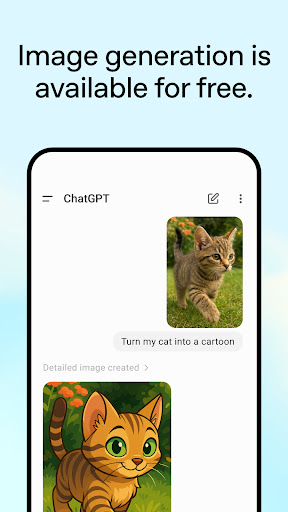
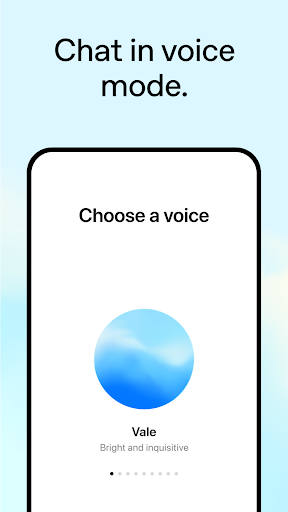
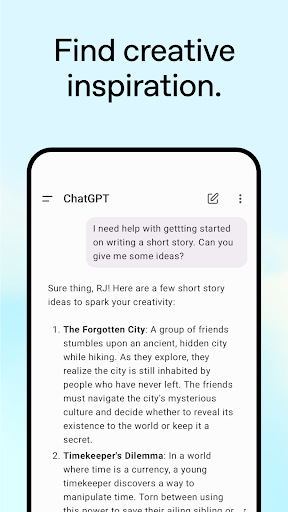
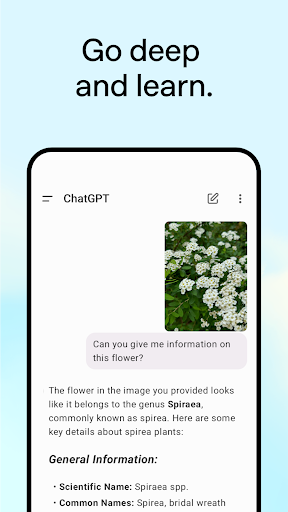
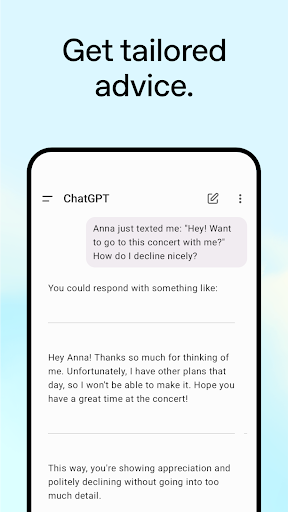
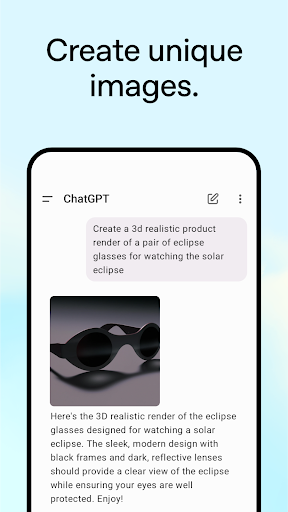
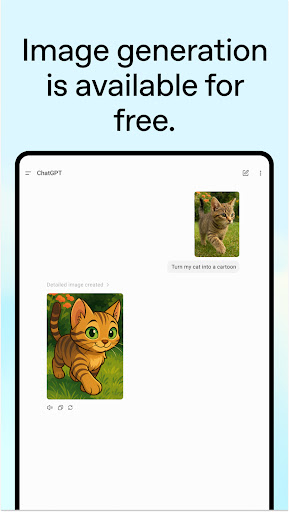
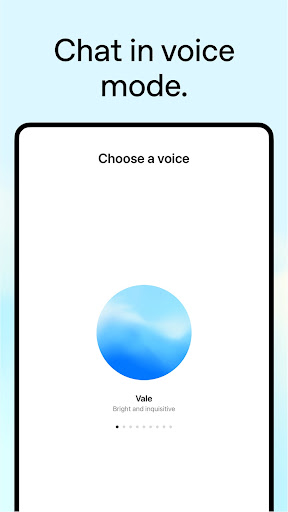
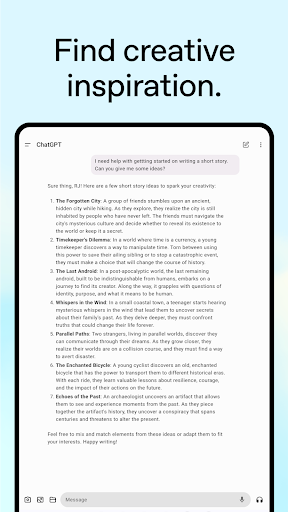
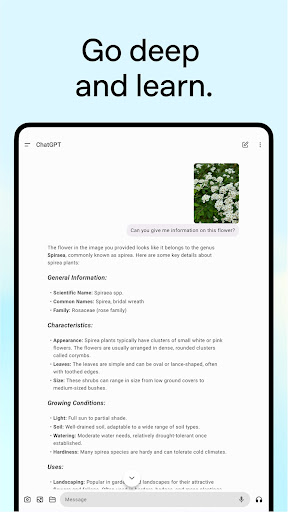
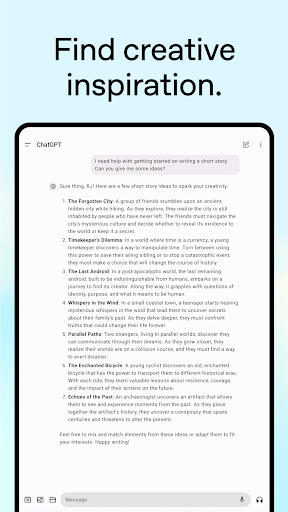
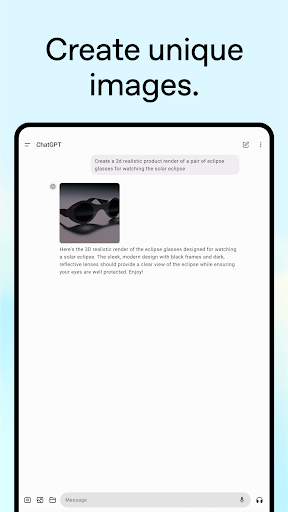
ChatGPT is one of those rare apps that can feel like a toy in the first five minutes and a daily utility by the end of the week. After spending real time with it on Android, that was the biggest takeaway: this is no longer just a novelty chatbot. It has matured into a flexible, polished assistant that can help with writing, planning, studying, brainstorming, quick research, image-based questions, and even casual back-and-forth conversation when typing feels too slow. The core experience is impressively approachable. Open the app, type a question, and you get a clean, readable answer without the visual clutter that comes with a traditional web search. That simplicity matters. For everyday tasks, ChatGPT often feels faster than opening a browser, sorting through sponsored links, and hunting for the useful paragraph hidden halfway down a page. In testing, it was especially strong for practical requests: rewriting an awkward email, generating ideas for a weekend itinerary, summarizing a concept in plain language, or helping structure a document when the blank page problem kicks in. The app’s greatest strength is not that it knows everything, but that it turns vague intent into usable output with very little friction. That ease of use is backed by a well-designed interface. Conversations are easy to follow, long responses are neatly formatted, and the app generally feels more focused than many AI tools that try to bury users in too many modes and menus. It also helps that your chat history syncs across devices, which makes the Android app feel like part of a larger workflow rather than a disposable mobile version. Start something on your phone, continue later elsewhere, and it all feels connected. For an app built around ongoing conversations, that continuity is a major win. A second strength is how broad the app’s usefulness really is. During hands-on use, ChatGPT handled several roles convincingly: writing assistant, explainer, editor, brainstorming partner, study tool, and lightweight planning assistant. It’s particularly good when you already know what you want but need help shaping it. Students can use it to break down a difficult topic into simpler terms. Professionals can use it to outline messages, proposals, or marketing copy. Casual users can use it for recipes, travel ideas, or making sense of something they just photographed. The photo upload feature gives the app a more practical edge than text-only AI tools, because it opens the door to things like reading a handwritten note, identifying a landmark, or pulling information from an image. Voice is another area where the app feels modern rather than merely functional. Talking to ChatGPT can be much more natural than typing a long prompt on a phone keyboard, especially when you are multitasking or trying to think through an idea out loud. The experience is not magical in every moment, but it does make the app feel more personal and fluid. Used well, it starts to resemble a conversational utility rather than a search box with personality. That said, this is not a flawless app, and the weaknesses are noticeable precisely because the strengths are so strong. The first issue is reliability of answers. ChatGPT is often helpful, but it is not infallible. In practice, it can occasionally be too confident, too general, or simply a little off, especially when a question demands precise factual detail. It usually shines more as a thinking and drafting partner than as a final authority. If you are using it for critical decisions, technical accuracy, or anything where mistakes matter, you still need to verify important details. The second frustration is limits and feature gating. The app is free to download and very useful even in its free form, but heavy users will quickly feel the boundaries. Some advanced features, higher usage ceilings, or premium capabilities are clearly meant to nudge people toward paying. That does not make the app bad, but it does change who will get the best experience. If you are a casual user who asks a few questions a day, the free version may be enough. If you want to rely on it for image work, frequent uploads, or more demanding use, the restrictions can become irritating. The third weak point is memory and conversation management. ChatGPT can maintain context well within a session, and that is one of the reasons it feels so useful, but the experience is not always as seamless as you might hope. Sometimes chats need to be reset or restarted, and long-term personalization can feel inconsistent. There are moments when you expect the app to remember a preference or carry context more intelligently than it does. On mobile, that can break the illusion of having a smart ongoing assistant and remind you that you are still working around system limits. There are also smaller rough edges. File and photo interactions are useful, but not always as frictionless as they should be. Some users will want stronger search within existing chats, more persistent access to previously loaded conversations when offline, or more practical utility features beyond conversation itself. None of these issues ruin the app, but they do stand out once ChatGPT becomes part of your daily routine. So who is this app for? It is excellent for students, writers, freelancers, office workers, language learners, and generally curious people who want quick, structured help without digging through a dozen web pages. It is also a great fit for anyone who struggles to start writing or organize thoughts. If you want an assistant that can explain, draft, brainstorm, and rephrase on demand, ChatGPT is one of the best options available on Android. Who is it not for? If you need guaranteed accuracy, unrestricted premium features without paying, or a tool that behaves like a perfect long-term memory system, this app will occasionally frustrate you. It is also not ideal for people who expect every answer to be complete, current, and authoritative without any fact-checking. Even with those caveats, ChatGPT remains easy to recommend. In everyday use, it saves time, reduces friction, and makes your phone feel more useful. That is a high compliment for any productivity app. It is not perfect, and it still asks for a little skepticism from the user, but as a practical AI companion on Android, it is one of the most compelling apps you can install.