Apps Games Articles
Gboard - the Google Keyboard
Google LLC
Rating 4.5star icon
Editor's summary
Editor rating
star icon star icon star icon star icon
half star icon
4.5

One-line summary Gboard is still the Android keyboard I’d recommend first because it makes everyday typing faster, smarter, and more flexible than most rivals, though its layout quirks and some buried customization choices can still get in the way.

  • Installs

    5B+

  • Developer

    Google LLC

  • Category

    Tools

  • Content Rating

    Everyone

  • Latest version

    VARY

  • Package

    com.google.android.inputmethod.latin

In-depth review
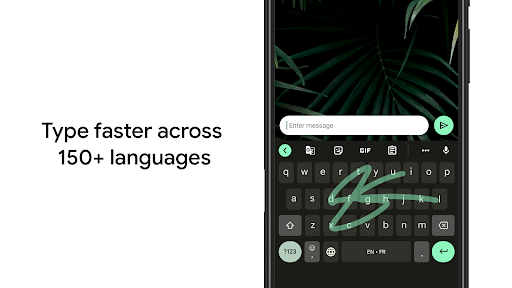
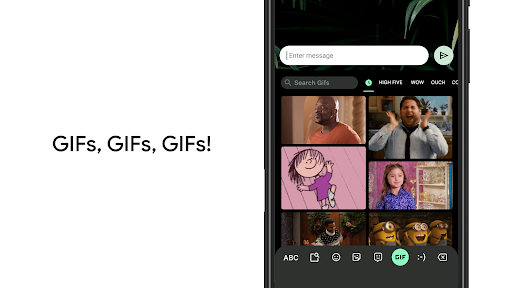
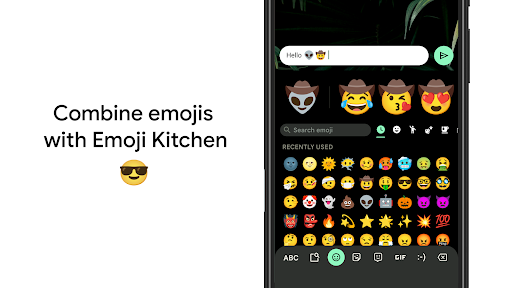
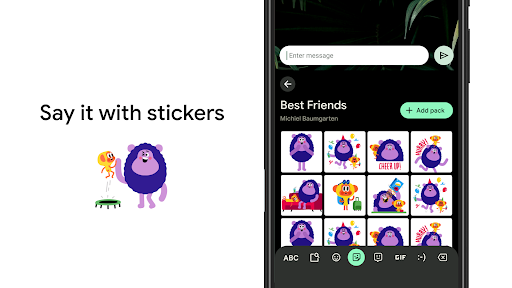
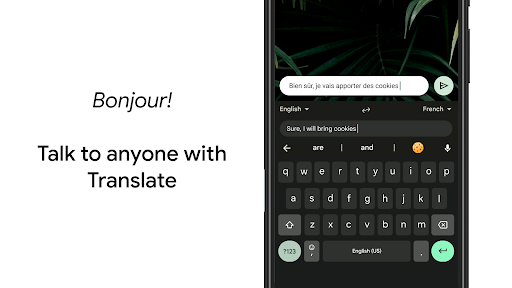
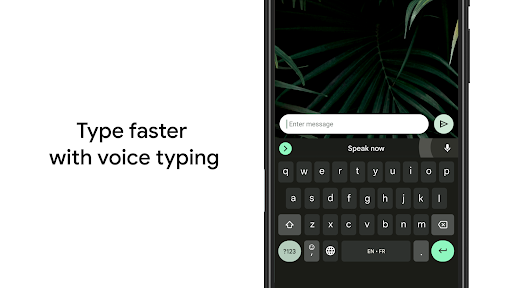
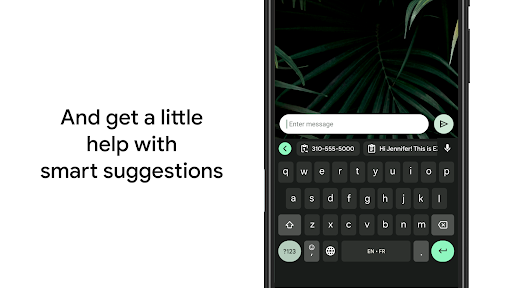
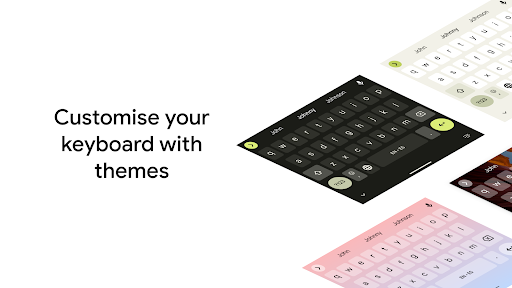
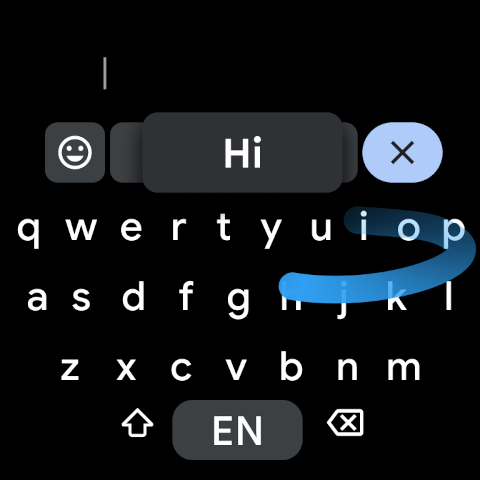
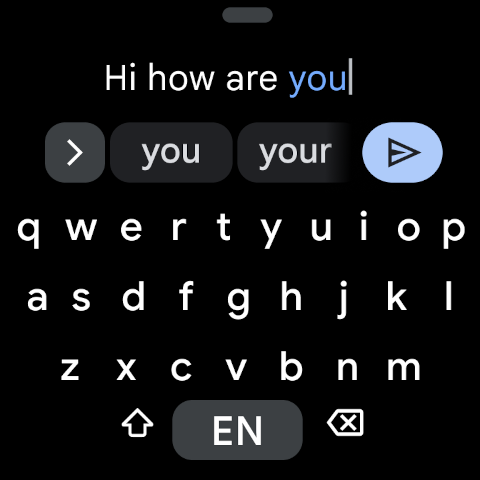
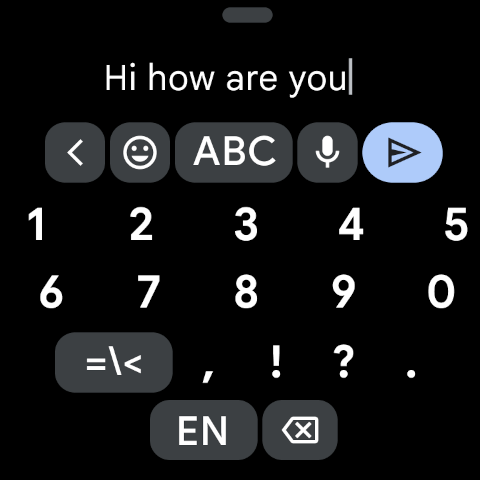
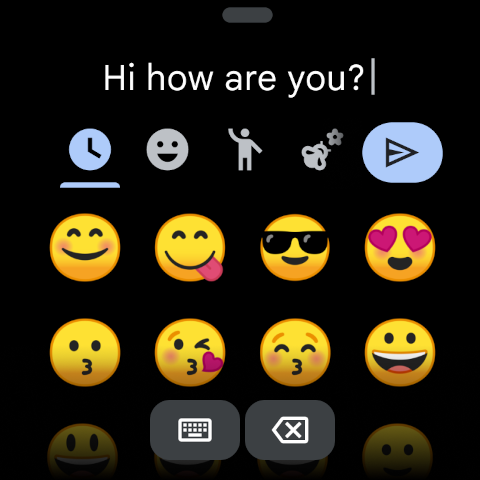
Gboard is one of those apps that disappears when it’s doing its job well, and that is probably the highest compliment you can give a keyboard. After spending real time with it as a daily driver, what stood out most was not one flashy headline feature, but how consistently competent it feels across hundreds of tiny interactions: tapping out messages, correcting mistakes, switching languages, dropping in emoji, dictating a reply while walking, and nudging the cursor around when autocorrect gets a little too confident. The best thing about Gboard is speed. Not benchmark speed, but human speed. It gets out of your way. Key presses register cleanly, glide typing is reliable enough to trust for quick messages, and prediction is usually good enough that you start noticing how much less work your thumbs are doing. On a phone, that matters. A keyboard can have all the features in the world, but if the basics feel even slightly off, you feel it all day. Gboard generally doesn’t feel off. It feels tuned. I especially liked how adaptable it is once you spend a few minutes in settings. You can make the keyboard larger, switch to one-handed mode, enable a number row, surface symbol hints, float the keyboard, and tweak the visual style without turning the whole thing into a mess. That matters more than it sounds. A lot of keyboard apps offer customization, but too often it feels cosmetic first and practical second. Here, most of the options genuinely change comfort and usability. On a larger phone, one-handed mode is genuinely useful. For anyone who types a lot of numbers or symbols, keeping extra characters easier to reach makes Gboard feel much more efficient. Voice typing is another area where Gboard earns its reputation. In normal day-to-day use, it is simply convenient. I found it especially good for short replies, reminders, and those moments when typing is slower than speaking. It is not magic, and you still need to glance over what it produced, but it is good enough that I actually wanted to use it rather than treating it like a gimmick. That same practical feeling carries over to multilingual typing. If you regularly move between languages, Gboard’s suggestions and corrections feel much less rigid than many default keyboards. Instead of forcing you into a clumsy manual mode switch every few seconds, it often feels like it understands what you are trying to do. Then there is the “fun” side of the app, and to Gboard’s credit, it mostly stays tasteful. Emoji search is genuinely useful, not just decorative, and GIF and sticker support is there when you want it. Emoji Kitchen is the kind of feature that could have been throwaway fluff, but in practice it adds a bit of personality without cluttering the core typing experience. Just as important, these extras are accessible from the keyboard toolbar and do not completely hijack the layout. That said, Gboard is not flawless, and the weaknesses are worth talking about because they show up in real use. First, some layout decisions can be mildly irritating. Depending on your typing habits and screen size, certain punctuation keys can feel awkwardly placed, and there are moments when you need one extra tap to reach symbols you use all the time. That does not sound dramatic, but on something you use constantly, small ergonomic annoyances accumulate. Gboard is efficient overall, yet not always perfectly optimized for every thumb and every habit. Second, customization is good, but not endlessly deep. You can personalize the look and adjust useful settings, but if you are the kind of user who wants obsessive control over every visual and behavioral detail, Gboard can start to feel a bit preset-driven. It lets you tune the experience; it does not let you rebuild it from scratch. That is a fair design choice, but power users may still bump into its limits. Third, some features feel uneven depending on device and context. Not everything is supported everywhere, and a few tools feel more polished than others. Translation from within the keyboard is handy, for example, but it works best as a convenience feature rather than something you want to rely on for long, nuanced writing. Likewise, handwriting and certain extras are nice to have, but they are not central enough to define the experience. Still, what keeps Gboard ahead is how rarely it becomes a problem. Many keyboard apps have one standout feature and then trip over the fundamentals. Gboard does the opposite. It starts with a solid foundation and layers useful extras on top. The autocorrect is generally smart without feeling unbearably aggressive, the personal dictionary is genuinely handy for names and niche vocabulary, and accessibility-minded choices like clear contrast and adjustable sizing make it easier to live with across different needs. Who is it for? Almost any Android user who wants a dependable, full-featured keyboard without ads or needless friction. It is especially good for people who use voice typing, switch between languages, like gesture typing, or want practical customization without a lot of setup pain. It is also a strong pick for users who found their phone’s default keyboard too stiff, too inaccurate, or too limited. Who is it not for? People who want extreme visual customization, highly unusual layouts, or a radically different typing philosophy may find it a little too mainstream. And if a specific key placement irritates you, no amount of smart prediction will completely erase that annoyance. In the end, Gboard feels like a mature tool made by a company that understands how often a keyboard gets used. It is fast, stable, smart, and flexible in all the ways that matter most. Its flaws are real, but they are the kind of flaws you notice in a very good app, not the kind that push you away from it. For most Android users, it remains the keyboard to beat.
Alternative apps