Apps Games Articles
Clock
Google LLC
Rating 4.0star icon
Editor's summary
Editor rating
star icon star icon star icon star icon
half star icon
4.5

One-line summary Clock is one of the easiest alarm apps to live with every day thanks to its clean design and dependable basics, but power users may bounce off its oddly rigid scheduling and a few small interface frustrations.

  • Installs

    1B+

  • Developer

    Google LLC

  • Category

    Tools

  • Content Rating

    Everyone

  • Latest version

    VARY

  • Package

    com.google.android.deskclock

In-depth review
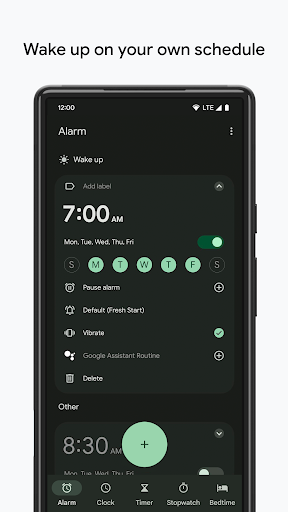
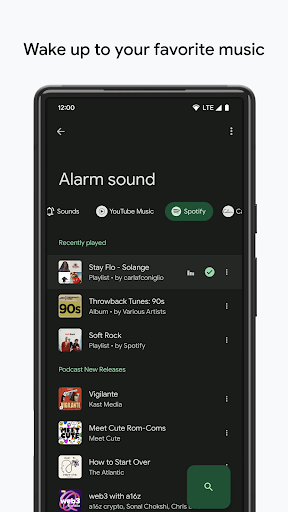
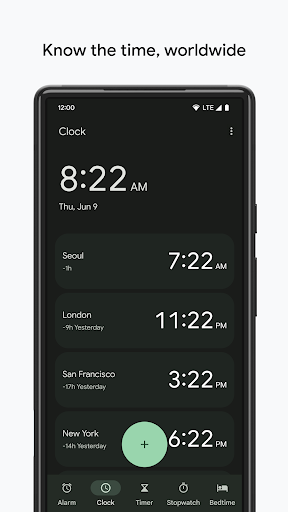
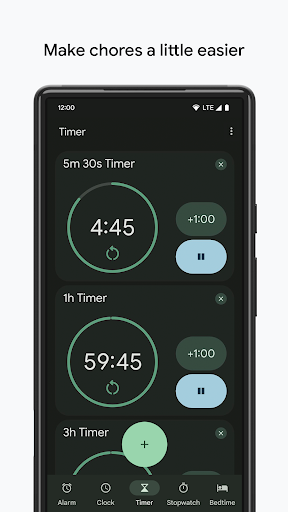
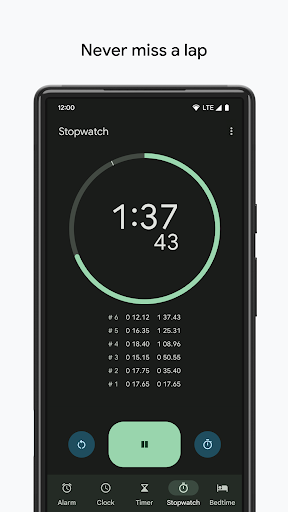
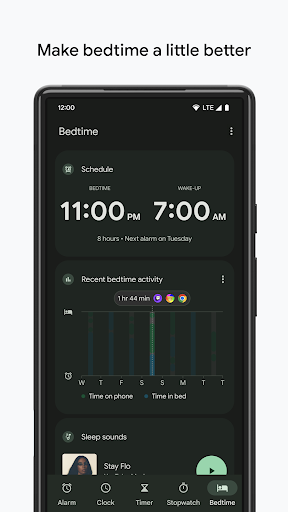
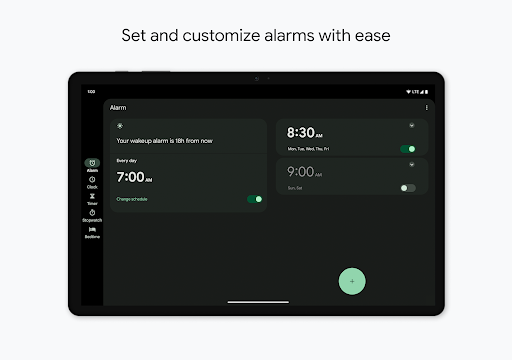
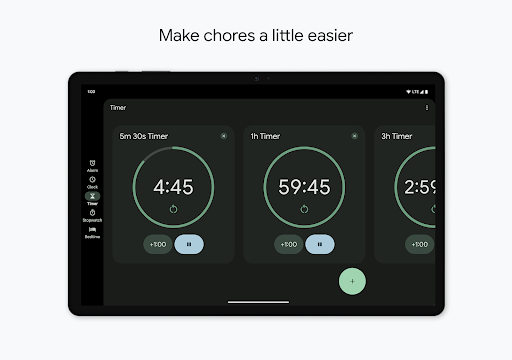
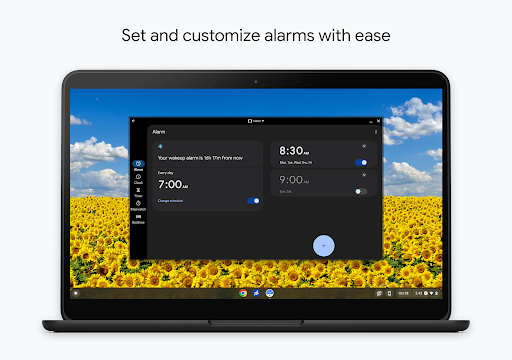
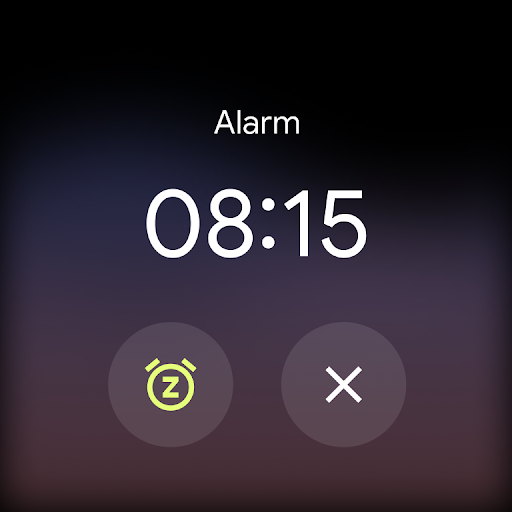
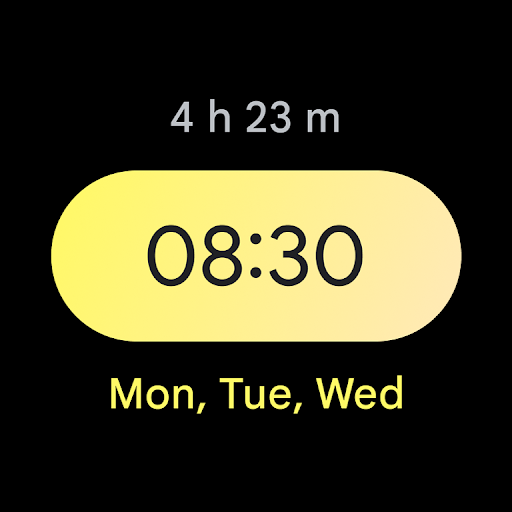
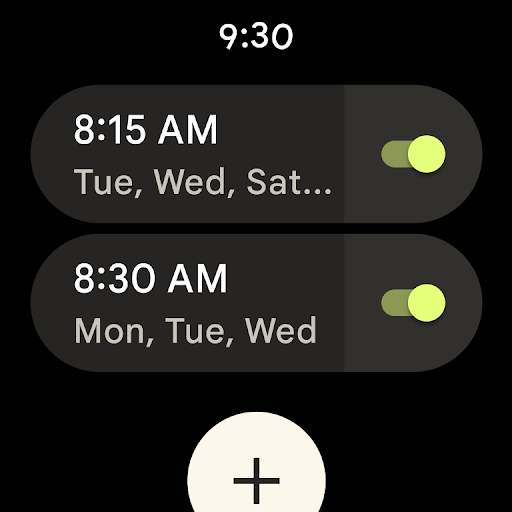
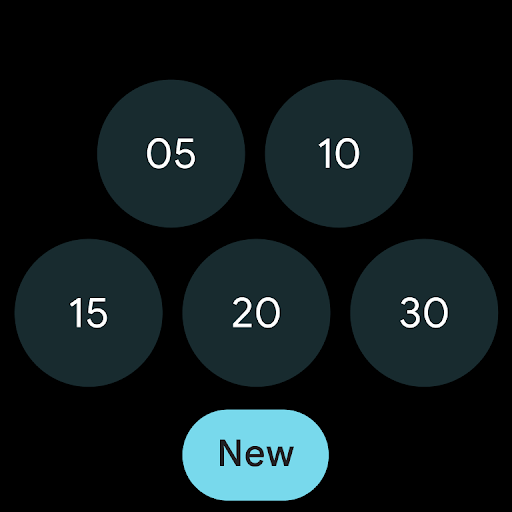
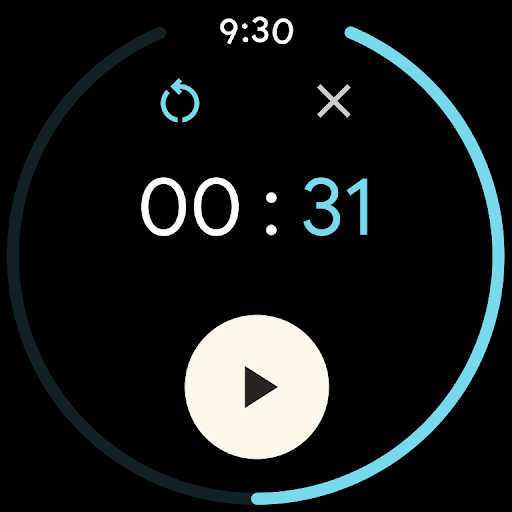
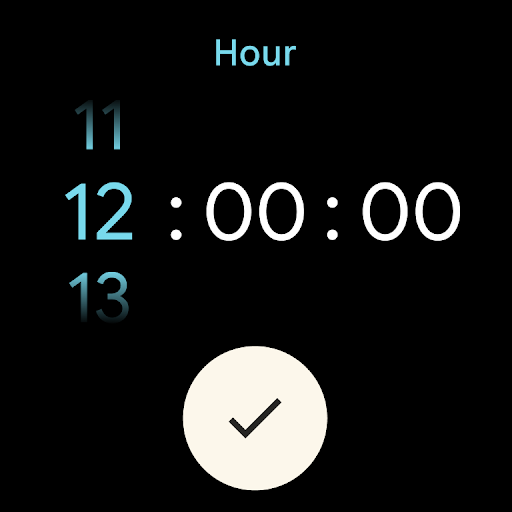
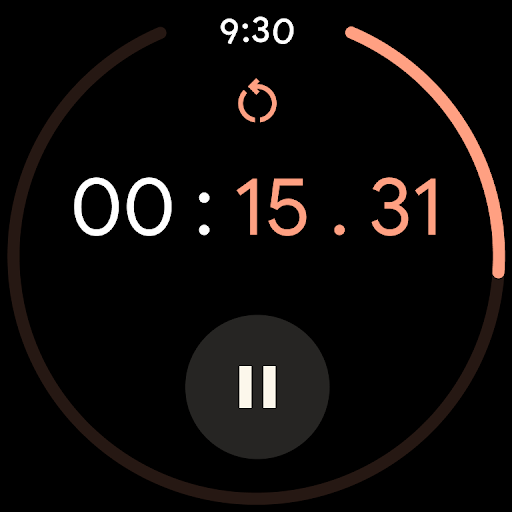
Google’s Clock is the kind of app most Android users stop noticing precisely because it does its job so well. After spending real time with it as a daily alarm, timer, and occasional world clock utility, my main takeaway is simple: this is a polished, practical app built for repetition. You open it half-awake, set something important, trust it, and move on. That sounds like faint praise, but for a clock app, reliability and low friction matter more than flashy ideas. The first thing that stands out is the interface. Clock is clean without feeling barren, and it manages that tricky balance between modern and legible. Tabs are straightforward, the main functions are where you expect them to be, and alarms are easy to scan at a glance. In everyday use, that matters more than aesthetics alone. You are usually interacting with this app in a hurry: setting a kitchen timer with wet hands, adding a weekday alarm before bed, checking another city’s time before a call, or fumbling to stop an alarm before your brain has fully booted. Clock generally respects those moments. It feels calm, not cluttered. The alarm experience is the core of the app, and in my use it remains the strongest reason to recommend it. Creating multiple alarms is simple, labeling them is quick, toggling them on and off is intuitive, and the app doesn’t bury common settings under layers of menus. There is a welcome sense that the app is designed by people who understand repetition: daily wake-ups, gym reminders, medication reminders, and backup alarms all fit naturally here. The customization is not endless, but it covers the essentials well enough for most people. If your needs are straightforward and recurring, Clock feels dependable rather than demanding. Another genuinely nice touch is that the app doesn’t stop at basic beeps and countdowns. The integration with music services for alarms gives it a little more personality than the average default utility app. Waking up to a playlist is a small quality-of-life improvement, but it helps the app feel less sterile. The Bedtime tools also add value beyond a simple alarm grid. For users trying to build a sleep routine rather than just survive the morning, that part of the app makes Clock feel more rounded and thoughtful. Timers and stopwatch are similarly solid, though less memorable. They work, they are easy to reach, and they fit naturally into the same design language. The world clock feature is useful for anyone dealing with remote teams, relatives abroad, or regular travel. Again, the app’s strength is not that it reinvents these tools; it’s that they are all housed in one consistent, low-maintenance place. Still, Clock is not perfect, and some of its limitations become obvious once you move beyond basic use. My biggest frustration is scheduling flexibility. The app handles one-time alarms and weekly recurring alarms well enough, but there are moments when it feels oddly rigid. If you want a more nuanced pattern, such as a temporary exception to a recurring schedule or something closer to a monthly alarm, the app starts feeling more stubborn than smart. That may sound minor, but if your routine changes often, these small scheduling gaps become repetitive annoyances. The second weakness is that some interactions are a little more fiddly than they should be. Most of the app is clean and obvious, but not every screen is equally intuitive. The timer interface, in particular, can feel less immediate than the alarm screen. It is usable, but not quite as effortlessly readable on first contact. And because Clock is the kind of app you often use in distracted or sleepy moments, any hesitation stands out more than it would in a social or entertainment app. The third issue is that Google sometimes seems to value visual simplicity over control. There are areas where I wanted just a bit more user choice: more flexibility in widgets, more options for temporarily pausing all alarms without fully reworking routines, and finer control over how recurring alarms behave on exceptional days. None of these omissions ruin the app, but they do keep it from feeling definitive. Clock is excellent at the common cases, less so at edge cases that become very common for busy people. That said, the app’s overall day-to-day feel is still very strong. It is fast, uncluttered, and clearly designed to disappear into your routine instead of constantly demanding attention. I especially appreciate that it avoids the bloat and gimmickry found in some utility apps. There are no ads getting in the way, no obvious pressure to upgrade, and no sense that the app is trying too hard to be clever. It gives you alarms, timers, a stopwatch, bedtime features, and world clock tools in a cohesive package, and most of the time that is exactly what I want. Clock is for Android users who want a dependable, attractive default that covers the essentials with minimal fuss. It is especially good for people who value clean design, straightforward alarm management, and a simple daily workflow. If you mostly need recurring alarms, a reliable timer, and the occasional bedtime routine, this app is easy to recommend. It is less ideal for users who want highly advanced scheduling logic, deeper customization, or more specialized behavior for irregular routines. If your life runs on exceptions rather than habits, you may eventually run into the edges of what Clock is willing to do. In the end, Clock succeeds because it understands its role. It is not trying to become a productivity empire. It is trying to wake you up, keep your timers handy, and stay out of the way. In actual use, that restraint works in its favor. I came away impressed not because it does everything, but because it does the important things with confidence and clarity. For most Android users, that is more than enough.