Apps Games Articles
Microsoft Excel: Spreadsheets
Microsoft Corporation
Rating 4.8star icon
Editor's summary
Editor rating
star icon star icon star icon star icon
half star icon
4.5

One-line summary Microsoft Excel: Spreadsheets is the easiest app to recommend if you want serious spreadsheet power on a phone, but its mobile-first compromises, cloud nudges, and a few fiddly formatting quirks keep it from feeling as effortless as the desktop classic.

  • Installs

    1B+

  • Developer

    Microsoft Corporation

  • Category

    Productivity

  • Content Rating

    Everyone

  • Latest version

    16.0.19127.20134

  • Package

    com.microsoft.office.excel

In-depth review
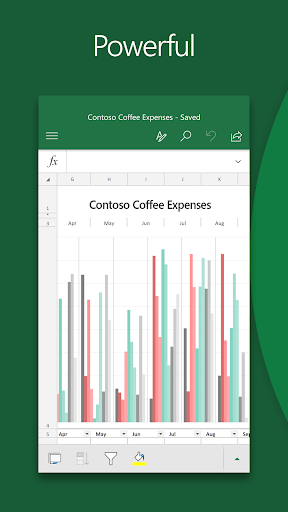
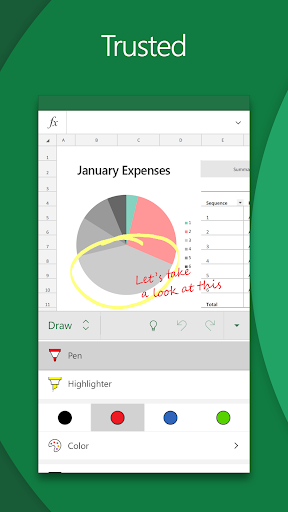
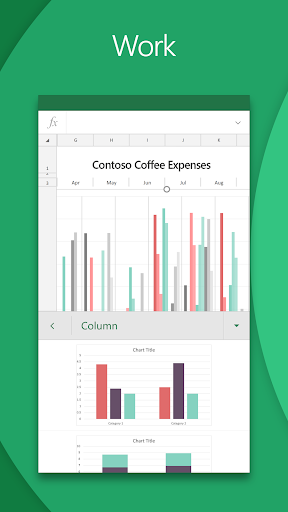
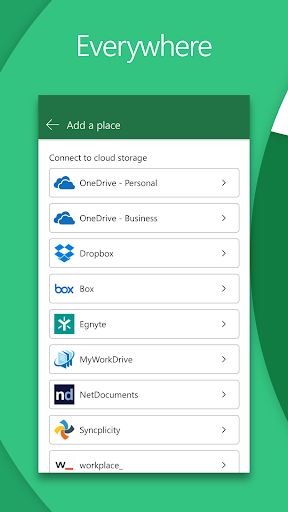
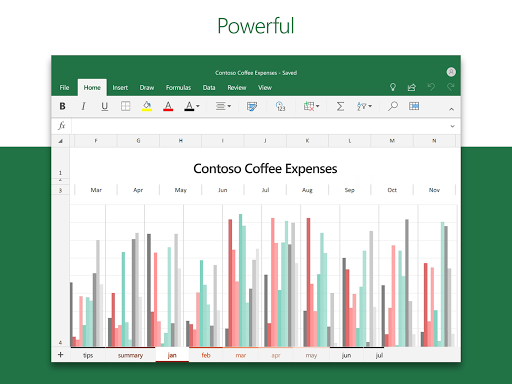
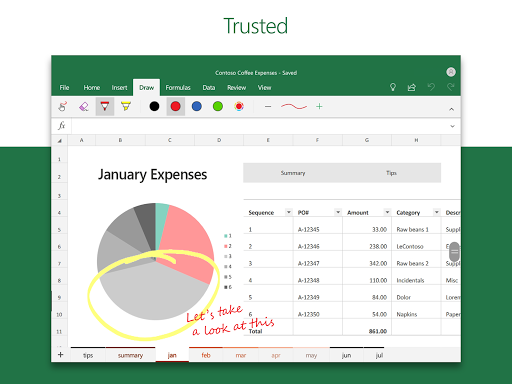
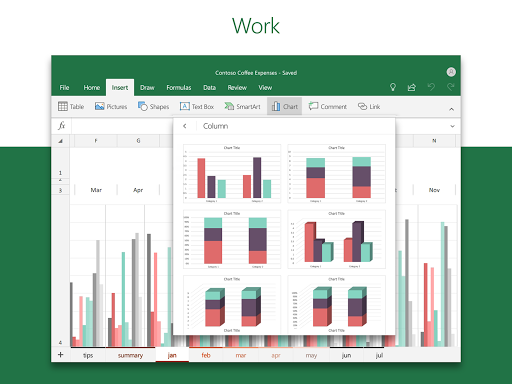
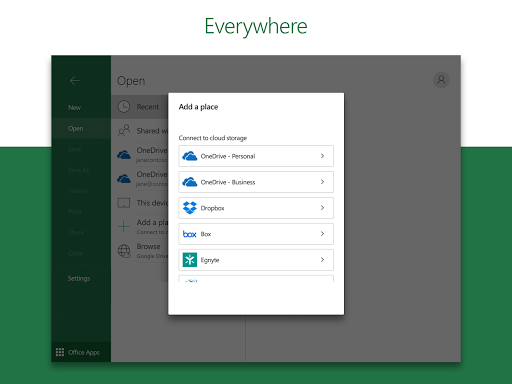
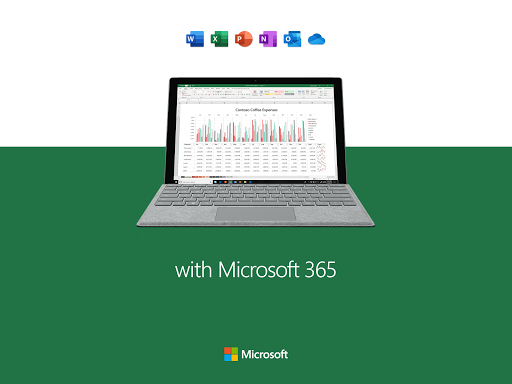
Microsoft Excel on Android feels less like a stripped-down mobile companion and more like a genuine attempt to bring real spreadsheet work to a small screen. After spending time using it for routine budgeting, quick edits to existing workbooks, list management, and chart checks, my biggest takeaway is simple: this is still the best spreadsheet experience on mobile for people who actually use spreadsheets, not just view them. That distinction matters. Plenty of mobile office apps can open a file and let you type into a few cells. Excel goes further. It feels built for users who expect formulas, sorting, formatting, charts, and a recognizable workflow rather than a watered-down note-taking grid. If you already know Excel from desktop, the app makes a respectable effort to preserve that mental model. The ribbon-style controls are adapted for touch, the core spreadsheet logic behaves as expected, and moving between devices is smoother than it has any right to be. The first major strength here is functional depth. I was able to create and edit sheets, run formulas, organize data into sensible tables, and make quick visual checks with charts without feeling boxed in. For day-to-day work like expense tracking, inventory lists, task logs, and simple reporting, the app is genuinely capable. It is especially good for opening an existing workbook and making updates on the move. A budget sheet that would normally wait until I got back to a laptop became something I could maintain in spare moments during the day. That convenience is the app’s strongest selling point. The second strength is sync and continuity. When paired with Microsoft’s ecosystem, Excel becomes very easy to live with across devices. I could start with a spreadsheet on a PC, tweak it on my phone, then reopen it later without friction. That continuity is one of the reasons Excel remains so useful on mobile. It is not trying to replace the desktop experience entirely; it is extending it. For anyone whose work or personal organization already revolves around Excel files, that makes the app feel practical instead of novelty-grade. The third strength is that, despite its complexity, the app is surprisingly clean in everyday use. The absence of ads helps enormously. There is no junk cluttering the screen, no cheap interruptions, and no sense that the interface is trying to monetize every tap. Auto-save behavior is also reassuring in normal editing, and pinning important files makes recurring tasks faster. For an app people may open dozens of times a week just to update a number or check a sheet, those small conveniences matter. Still, using Excel on a phone is not frictionless, and the app does have real annoyances. The first is the learning curve of the interface. Excel mobile is competent, but not always intuitive. Simple tasks such as formatting cells, finding certain edit actions, or navigating less-common tools can take extra digging. On a desktop, Excel’s density is manageable because there is space for it. On a phone, even a well-adapted interface occasionally feels like a compromise. You can get used to it, but there are moments when it asks for more patience than a mobile app ideally should. The second weakness is that some advanced users will quickly hit the ceiling. Excel on Android is powerful, but it is not the full desktop program in your pocket. If your workflow depends on advanced automation or highly specialized desktop-only capabilities, this app is better treated as a companion than a replacement. I found it excellent for reviewing, adjusting, and maintaining spreadsheets, but less convincing as the place where I would want to build every complex workbook from scratch. The third complaint is that file handling and formatting details can be mildly irritating. The app clearly prefers living in Microsoft’s cloud universe, and while that can be convenient, it can also feel pushy if you want to stay local or control exactly where files are saved. I also ran into little quality-of-life issues that are easy to dismiss individually but noticeable over time: some formatting choices feel less precise than they should, color selection is not always satisfying, and certain small actions take more taps than they ought to. None of this breaks the app, but it keeps the experience from feeling truly elegant. Performance, though, is generally solid. In regular use, Excel feels stable, fast enough, and dependable for opening familiar spreadsheets and making edits without drama. It is especially comfortable for recurring personal productivity tasks: household budgets, spending trackers, schedules, checklists, logs, and quick business sheets. If that is your use case, Excel on Android earns its place quickly. Who is it for? This app is for people who already think in rows and columns. If you manage budgets, track expenses, maintain lists, update reports, or need compatibility with real Excel files, this is a strong recommendation. It is also a smart choice for students and professionals who work across phone and desktop and want continuity rather than reinvention. Who is it not for? If you want a dead-simple spreadsheet app with almost no learning curve, or if you need the complete breadth of desktop Excel’s advanced power-user toolkit, this may feel either too fiddly or not quite enough. Likewise, if you dislike cloud-centric workflows, some parts of the experience may irritate you. In the end, Microsoft Excel: Spreadsheets succeeds because it respects what spreadsheets are supposed to be: serious tools. On mobile, that seriousness comes with some usability compromises, but the app still delivers more real work value than most alternatives. It is not perfect, and it is not always graceful on a small screen, but if you need genuine spreadsheet capability in your pocket, Excel remains the app to beat.