Apps Games Articles
Power File Manager & Cleaner
[email protected]
Rating 4.5star icon
Editor's summary
Editor rating
star icon star icon star icon star icon empty star icon
4.1

One-line summary Power File Manager & Cleaner is easy to recommend if you want a simple all-in-one tool to browse files and clear clutter, but I’d hesitate if you want a cleaner, more focused experience without the usual free-utility friction.

  • Installs

    5M+

  • Developer

    [email protected]

  • Category

    Tools

  • Content Rating

    Everyone

  • Latest version

    1.0.24

  • Package

    com.power.explorer.clean.files.manager

In-depth review
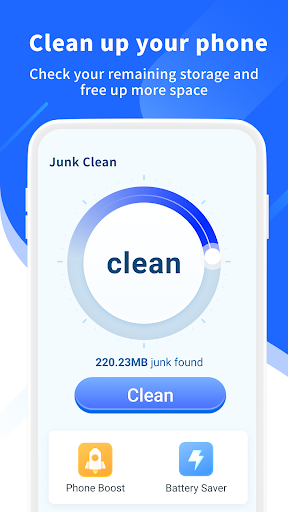
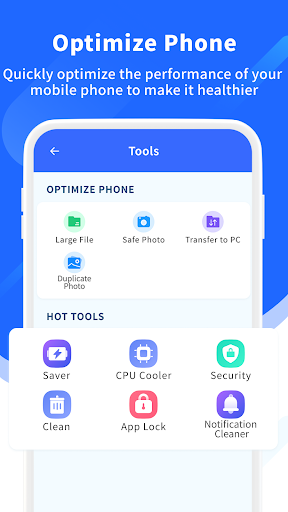
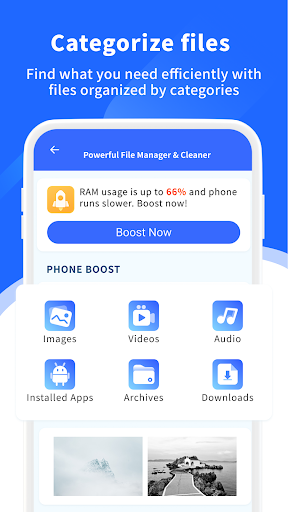
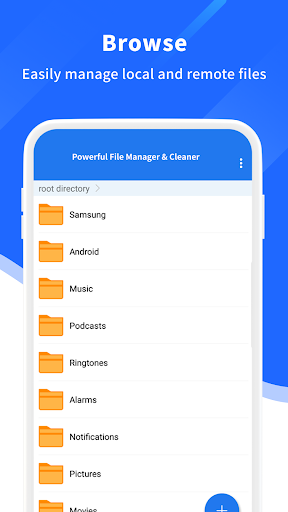
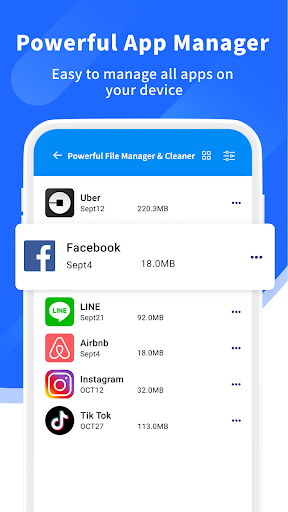
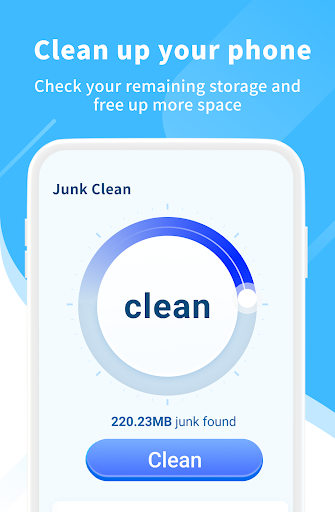
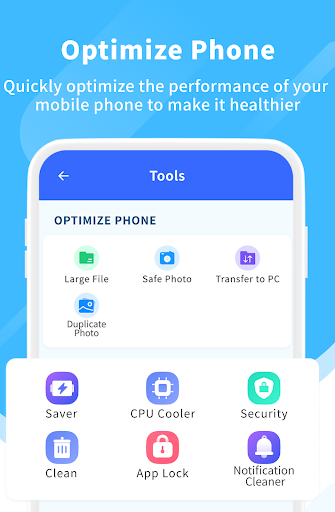
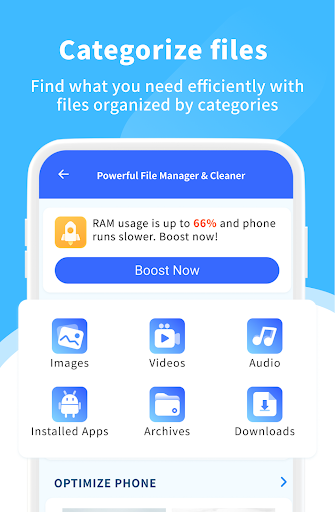
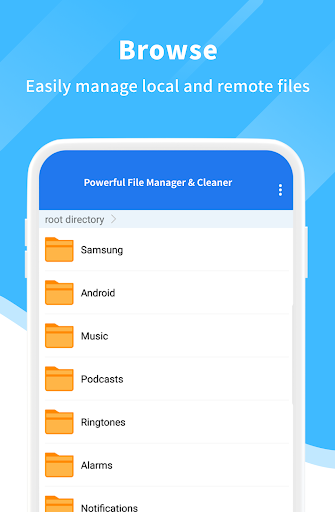
Power File Manager & Cleaner is the kind of Android utility app that tries to solve a very common problem in one place: finding files, sorting through storage, and getting rid of junk without making the whole process feel technical. After spending time with it as a day-to-day file utility, what stood out most is that it generally succeeds at being approachable. You do not need to be the kind of person who knows every folder name on your phone to get value out of it. The app feels designed for regular users first, and that works in its favor. The first thing I noticed while using it is that the app leans hard into convenience. Instead of treating file management as a dry folder-tree exercise, it presents the phone’s contents in a more digestible way. For many people, that matters more than raw power. If you just want to quickly locate downloads, large files, leftover media, or items that are safe to review for deletion, the app feels much less intimidating than the old-school file browsers that dump you straight into a maze of directories. That is one of its biggest strengths: it lowers the barrier to basic phone maintenance. In actual use, the file browsing side is serviceable and easy to understand. Moving through common storage areas feels straightforward, and the app does a decent job of making everyday tasks feel accessible rather than buried. I liked that it did not require much learning before I could start checking what was taking up space. For casual users, this simplicity is exactly the point. If your relationship with file management begins and ends with “Why is my storage full?” this app meets you where you are. The cleaning angle is the other obvious draw, and here too the app is useful in a practical, everyday sense. It gives the feeling of helping you reclaim space without forcing you through a complicated process. There is satisfaction in opening an app like this, getting a quick overview of storage pressure, and being guided toward what can be cleared. For users who tend to ignore digital clutter until the phone starts slowing down or refusing new downloads, that kind of nudge is valuable. The app makes maintenance feel less like a chore, which is not a small achievement. Another strength is that the app seems built for broad appeal rather than expert depth. That may sound backhanded, but it is actually why many people will like it. There is a practical comfort in using a utility that does not constantly ask you to make advanced decisions. You can open it, understand the basic categories, and act on them quickly. That makes it a solid fit for users who want a little more control over their storage without turning file management into a project. That said, Power File Manager & Cleaner also carries the trade-offs that often come with free all-in-one utility apps. The biggest weakness is focus. Because it tries to be both a file manager and a cleaner, the experience can sometimes feel more functional than elegant. You can sense that the app wants to keep you moving through its maintenance tools, but that means it does not always deliver the calm, precise feeling that power users may want from a dedicated file explorer. If you are the kind of user who cares about granular organization, advanced folder work, or a more professional file-management environment, this app may feel a bit broad rather than deep. A second issue is that the interface, while approachable, can also feel busy at times. There is a difference between making things easy and making everything compete for attention, and this app occasionally edges toward the latter. In short sessions that is not a major problem, but over repeated use it can make the experience feel less polished than the rating might suggest. I never found it unusable, but I did find myself wishing for a cleaner visual hierarchy and fewer distractions while trying to perform simple tasks. The third weakness is that the app’s identity as a “cleaner” can create a slightly pushy feeling compared with a pure file browser. When I use a file manager, I usually want confidence and control; when I use a cleaning tool, I want speed and convenience. Combining both can work, but here the cleaner side tends to shape the tone of the whole app. That is good for people who want guided cleanup, but less ideal for users who prefer a quieter, more manual experience. So who is this app for? It is best for everyday Android users who want an easy way to explore storage, find common file types, and clear unnecessary clutter without much effort. It is especially suitable for people who are not comfortable digging through folders manually and would rather have the app surface the important stuff for them. It is also a reasonable pick for users who like free utility apps and are willing to accept a slightly busier experience in exchange for convenience. Who is it not for? It is not the best match for advanced users who want a highly refined file explorer, deep control over folder structures, or a minimalist interface built around precision. It is also less appealing for anyone who dislikes the feel of multi-purpose cleaner apps and would rather manage storage in a more deliberate, less guided way. Overall, Power File Manager & Cleaner earns its place by being useful more often than it is annoying. It is not the most elegant utility in this category, and it does not feel laser-focused, but it does handle the core jobs most people open it for. In my time with it, the app delivered a practical mix of accessibility, storage awareness, and low-friction cleanup. That makes it a good recommendation for mainstream users, even if enthusiasts will probably want something more specialized.