Apps Games Articles
QuickBooks Online Accounting
Intuit Inc
Rating 3.9star icon
Editor's summary
Editor rating
star icon star icon star icon star icon empty star icon
4.2

One-line summary QuickBooks Online Accounting is one of the most capable mobile bookkeeping apps for invoicing, receipts, and on-the-go business admin, but its complexity and occasional reliability hiccups make it less ideal if you want something dead simple.

  • Installs

    5M+

  • Developer

    Intuit Inc

  • Category

    Business

  • Content Rating

    Everyone

  • Latest version

    27.43.0

  • Package

    com.intuit.quickbooks

In-depth review
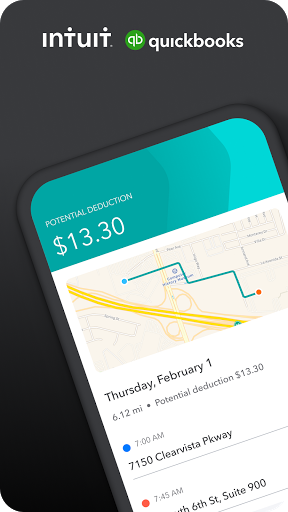
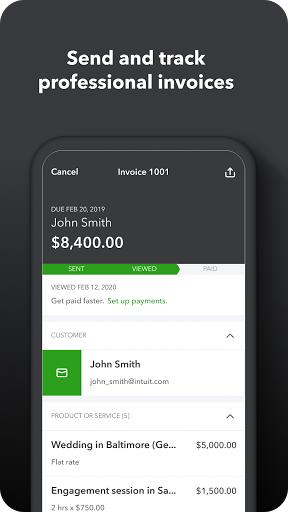
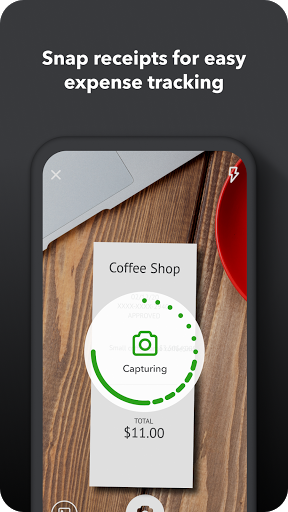
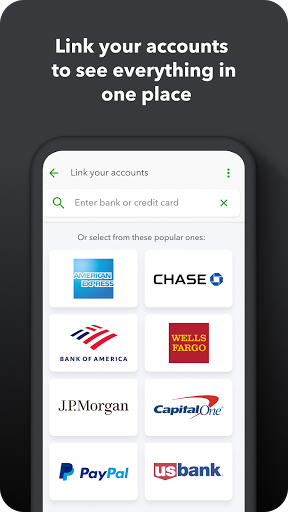
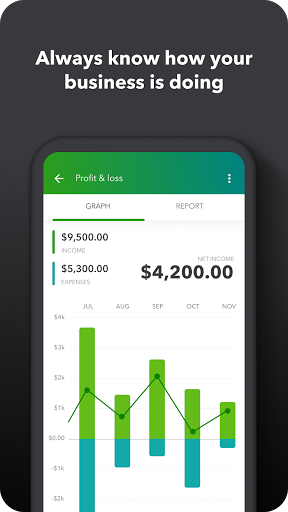
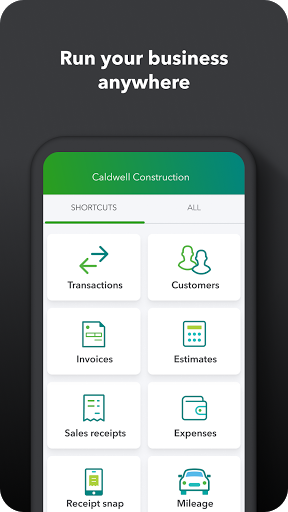
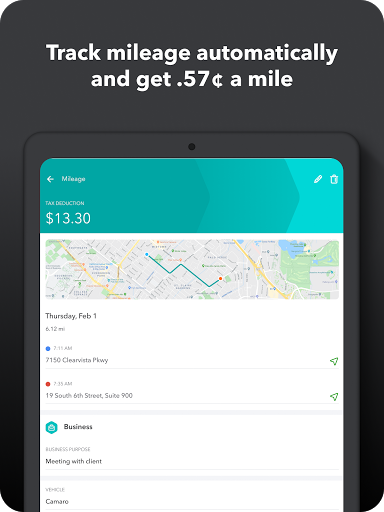
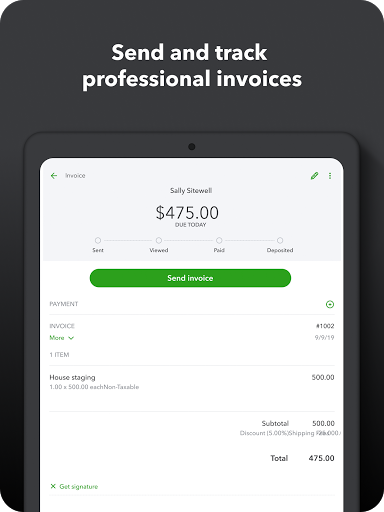
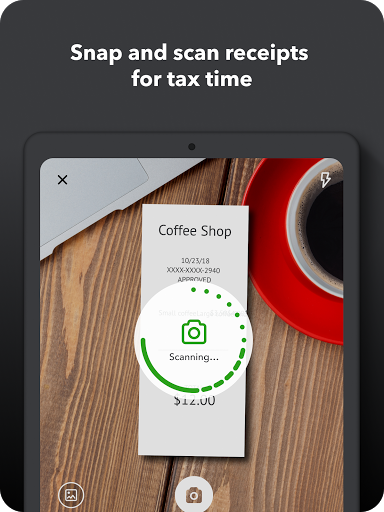
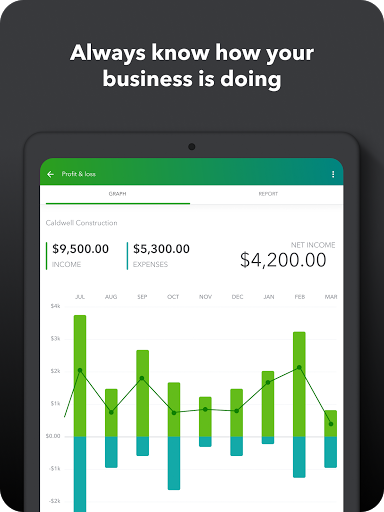
QuickBooks Online Accounting feels like a serious business tool that has been squeezed, with varying degrees of success, into a phone-sized experience. After spending time with it as a day-to-day companion rather than just a quick demo, my overall impression is positive: this is a genuinely useful app for small-business owners who need to keep the lights on while away from a desk. It is not a lightweight invoice toy, and it is not especially beginner-friendly in every corner, but it is powerful in ways that matter. The first thing that stands out is how much you can actually get done from the app. Creating invoices, capturing receipts, checking payments, and keeping an eye on transactions all feel like real work tasks rather than watered-down mobile shortcuts. That matters. Many business apps promise mobility but still push you back to the desktop the moment you need to do anything beyond viewing data. QuickBooks gets closer than most to being a practical field tool. If you spend your day moving between job sites, client visits, or errands, the app makes a strong case for itself. In everyday use, invoicing is one of its best features. The workflow is fast enough that I could imagine actually using it in the moment instead of leaving billing for later. Adding customer details, creating an estimate, or sending an invoice from the phone feels streamlined when everything is already in your account. The app also does a good job of making money movement feel visible. You are rarely left wondering whether a payment is pending, received, or still needs chasing. That sense of operational clarity is one of the app’s biggest strengths. Receipt capture is another area where the app feels genuinely helpful. Snapping a photo and having it stored and tied back into your records is the kind of small convenience that saves a surprising amount of friction over time. For busy owners who tend to accumulate receipts in glove compartments, backpacks, and pockets, this alone can make the app feel worth opening regularly. The experience is not glamorous, but it is practical, and practical is exactly what accounting software should be. The mileage tracking feature is also easy to appreciate in concept. Automatic GPS-based trip tracking is the kind of feature that can save time and help with deductions, especially for contractors and service professionals. When it behaves properly, it adds real value because it removes one more manual log from your life. But this is also where one of the app’s frustrations shows up: some functions feel a little less dependable than they should for a financial tool. Mileage, in particular, can be the kind of feature that users rely on heavily, so any inconsistency there feels bigger than a minor bug. If a trip tracker misses trips or fails to save them, that is not just annoying; it chips away at trust. That brings me to the app’s biggest weakness: QuickBooks can feel complicated. Not impossible, not badly designed overall, but undeniably dense. There are a lot of pathways, a lot of accounting concepts, and a lot of small decisions buried inside normal tasks. If you already understand basic bookkeeping, you will likely adapt and start to see the efficiency. If you do not, the learning curve can be steep enough that some screens feel more like software you must study than software you simply use. The app tries to be approachable, but there is no escaping the fact that accounting itself is complicated, and the mobile experience does not fully hide that. Navigation is mostly competent, but not always graceful. The app includes a lot, and you can feel that weight. Some areas feel modern and quick, while others feel like they are carrying the complexity of a larger platform behind them. I never found it unusable, but I did have moments where I had to slow down and think, “Where exactly does this action live?” That is not ideal on mobile, where speed and clarity matter more than on desktop. The newer AI-focused touches are interesting, especially where they reduce repetitive admin work, but they do not change the core personality of the app. This is still accounting software first. The automation and assistance can help smooth rough edges, but they do not magically turn QuickBooks into something effortless for someone who dislikes financial admin. In my testing mindset, the app felt best when used by someone who wants a capable mobile companion to an existing bookkeeping process, not someone hoping the app will do all the thinking for them. That leads directly to who this app is for. QuickBooks Online Accounting is a strong fit for small-business owners, freelancers, contractors, and operators who need serious mobile access to invoicing, expenses, receipts, and payment visibility. It is particularly useful for people who are in motion all day and cannot wait until they get back to a computer to handle business admin. It is much less suitable for someone who wants ultra-simple personal finance tracking, or for a brand-new business owner who is intimidated by accounting terminology and expects a frictionless, minimal experience. In the end, I came away respecting QuickBooks Online Accounting more than enjoying it, and that is not a criticism. Accounting apps do not need to be fun; they need to be dependable, efficient, and broad enough to cover real business needs. QuickBooks largely succeeds. Its strengths are clear: strong invoicing tools, genuinely useful receipt and expense handling, and robust on-the-go access to core business finances. Its weaknesses are also clear: a noticeable learning curve, navigation that can occasionally feel crowded, and some trust-sensitive features like mileage tracking that need to be rock solid every time. If you can live with that balance, it is one of the better mobile business accounting options available.