Apps Games Articles
Google Lens
Google LLC
Rating 4.6star icon
Editor's summary
Editor rating
star icon star icon star icon star icon
half star icon
4.5

One-line summary Google Lens is one of the most genuinely useful camera-based tools on Android, but while it’s brilliant at turning photos into answers, it still isn’t flawless enough to trust blindly on every search.

  • Installs

    1B+

  • Developer

    Google LLC

  • Category

    Tools

  • Content Rating

    Everyone

  • Latest version

    VARY

  • Package

    com.google.ar.lens

Screenshots
In-depth review
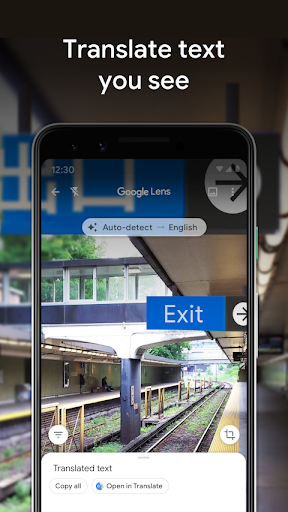
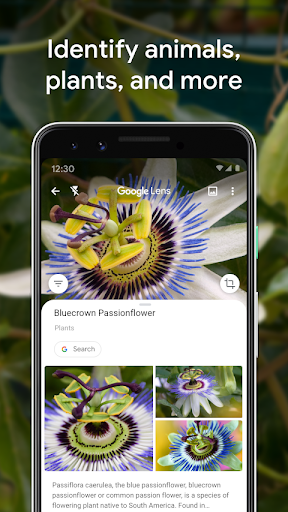
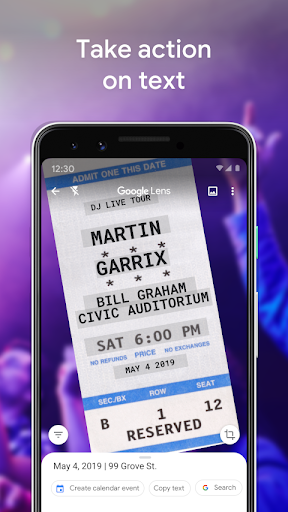
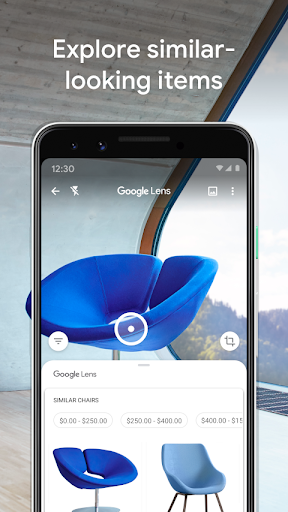
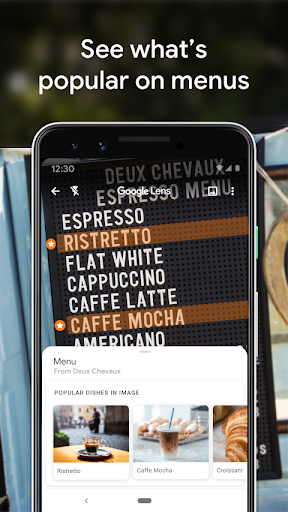
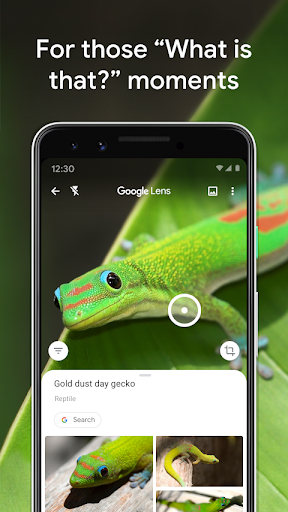
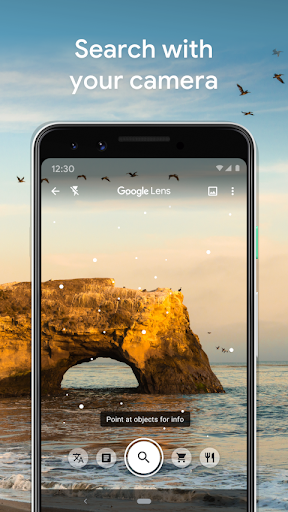
Google Lens is one of those rare apps that can feel like a tech demo the first time you use it and a daily utility once you live with it for a while. After spending real time with it across translation, object lookup, text capture, plant identification, and product search, my takeaway is simple: this is not a novelty app anymore. It is fast, flexible, and often surprisingly effective, especially when you point it at something you don’t know how to describe in words. What makes Lens so compelling in practice is how little friction there is between curiosity and an answer. Open the app, point the camera, tap, and in many cases you get useful context almost immediately. That sounds obvious, but a lot of visual search tools still feel fussy or inconsistent. Lens usually does a good job of making the process feel natural. I found it especially handy for the kinds of everyday problems that don’t justify a long manual search: identifying a plant in a park, copying text from a printed page, translating packaging, or figuring out what a random household item is called before trying to replace or resell it. The text tools are easily among its strongest features. In my testing, scanning printed text and pulling it into editable form saved a lot of time, especially for long paragraphs, labels, and awkward codes that would be annoying to type by hand. Translation is even more impressive because it feels immediate and practical rather than academic. Pointing Lens at foreign-language instructions, signs, or menus gives you a quick sense of what matters, which is often all you need. It is not just a gimmick for travel photos; it genuinely reduces friction in the moment. For students, travelers, online sellers, and anyone who regularly deals with text in the physical world, this alone makes the app worth having. The second big strength is product and image search. Lens shines when you have a picture but not the right vocabulary. I used it on decor, clothing, tools, and miscellaneous objects, and it regularly surfaced visually similar items or exact matches faster than a typed search would have. That is where the app feels smartest: not in answering abstract questions, but in bridging the gap between “I can see it” and “I know what it is now.” If you shop visually, sell secondhand items, collect antiques, or just stumble across things you want to identify or price-check, Lens can save a surprising amount of time. Its third major strength is broad usefulness. Many apps do one of these jobs; Lens does several reasonably well in one place. It can identify landmarks, pull details from text, scan QR codes, translate signs, and recognize plants and animals without making you jump between a stack of separate utilities. That all-in-one convenience matters. Lens has the feel of a utility you keep around because eventually something odd appears in front of you and it becomes the fastest route to an answer. That said, this is not magic, and it should not be treated as infallible. The first weakness is accuracy drift. Lens is often excellent, but not always precise, particularly with obscure objects, lookalike products, tricky angles, or living things that are visually similar. With plants, insects, antiques, or niche hardware, it can get close without necessarily getting it exactly right. Sometimes the top result is correct; sometimes the useful clue is buried a little further down. It works best when you treat it as a strong starting point rather than final authority. The second annoyance is that framing matters more than the app would like to admit. A cluttered scene can send Lens chasing the wrong part of the image. I ran into cases where it focused on a background detail or a visually dominant element instead of the item I actually wanted identified. Usually you can recover by cropping, retaking the photo, or refining the selection, but it breaks the illusion of effortless intelligence. Clean photos produce better results, and that means the app rewards a bit of patience. The third drawback is inconsistency in translation and visual interpretation. Translation is extremely useful, but small changes in angle, distance, blur, or text size can alter the result more than you might expect. Most of the time you still get the gist, which is often enough, but if the stakes are high, you should verify the output. The same caution applies to visual search generally: Lens is dependable enough to assist you, not dependable enough to replace your judgment. From a design standpoint, the app feels mature. It is quick to launch, easy to understand, and doesn’t bury its core functions behind clutter. That simplicity is a big part of why it works. You do not need a tutorial to figure out what to do with it. The best tools disappear into the background, and Lens often achieves that. Who is it for? Almost anyone with an Android phone, honestly, but especially travelers, students, bargain hunters, collectors, gardeners, secondhand sellers, and curious people who run into unfamiliar objects and text all the time. If your instinct is to point your phone at the world and ask, “What is this?” Lens is built for you. Who is it not for? Anyone expecting laboratory-grade identification, perfect translations, or face-value certainty from every result. If you need guaranteed precision, you will still have to double-check what Lens gives you. Overall, Google Lens succeeds because it turns the camera into a practical search tool instead of a party trick. It is genuinely helpful, frequently impressive, and useful far more often than it misses. Its errors are real, but they are the kind you learn to work around. For a free app, it earns a permanent place on the phone by solving small real-world problems faster than almost anything else.