Apps Games Articles
Google Authenticator
Google LLC
Rating 3.9star icon
Editor's summary
Editor rating
star icon star icon star icon star icon empty star icon
4.2

One-line summary Google Authenticator is one of the easiest and fastest 2FA apps to live with every day, but I’d hesitate if you want stronger in-app protection and a truly foolproof recovery story.

  • Installs

    100M+

  • Developer

    Google LLC

  • Category

    Tools

  • Content Rating

    Everyone

  • Latest version

    7.0

  • Package

    com.google.android.apps.authenticator2

In-depth review
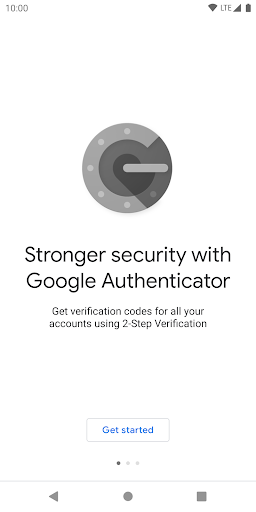
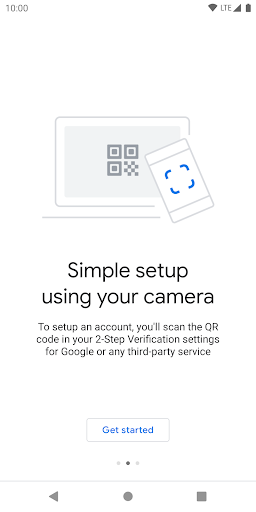
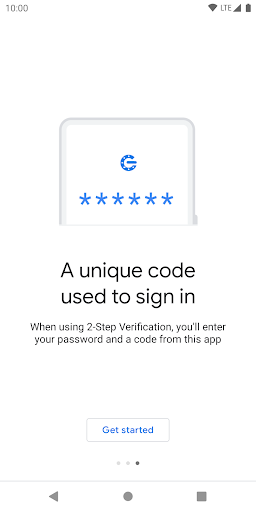
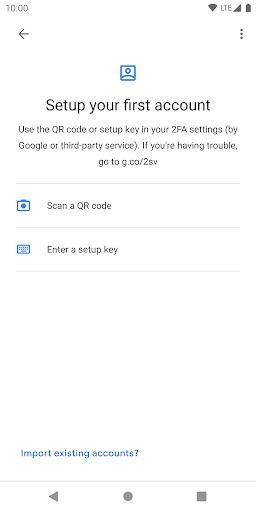
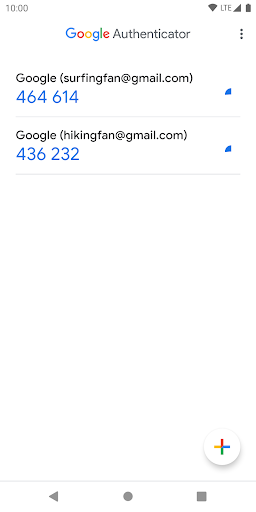
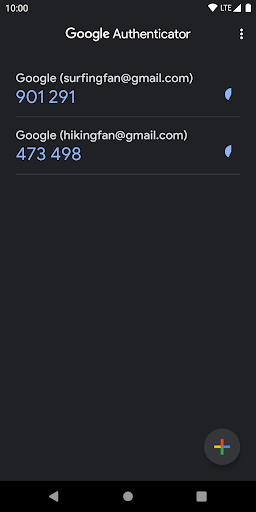
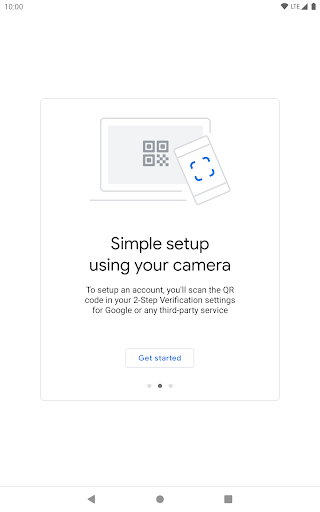
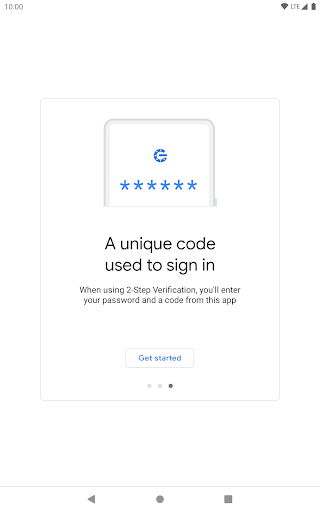
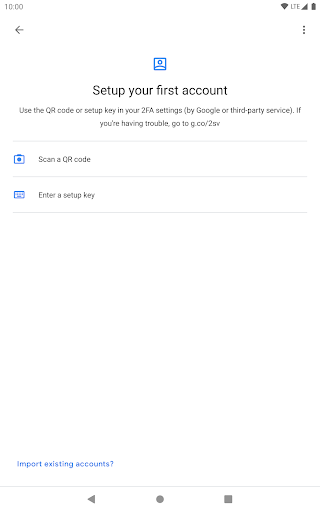
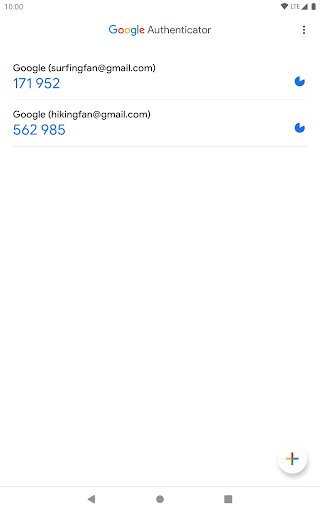
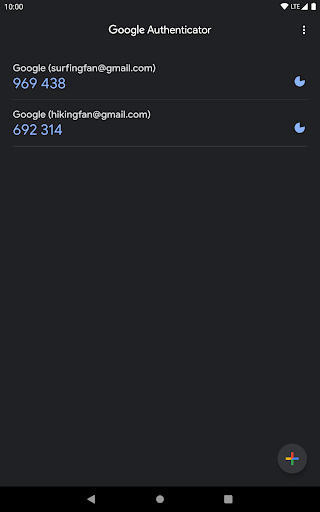
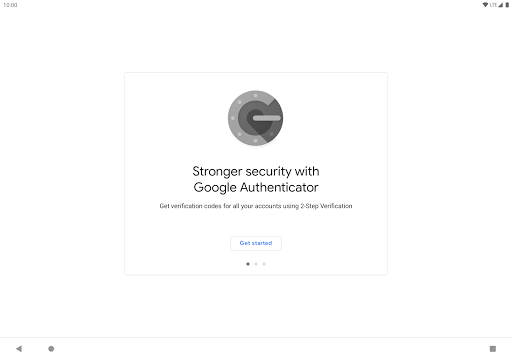
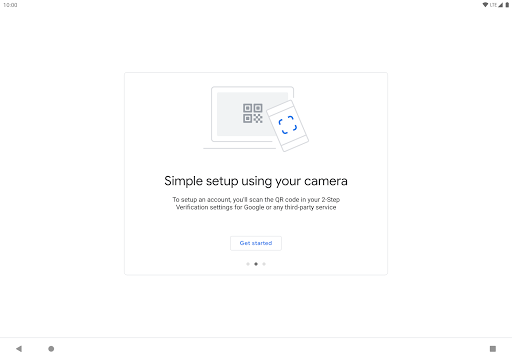
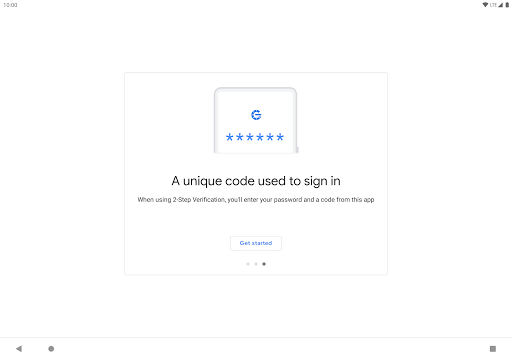
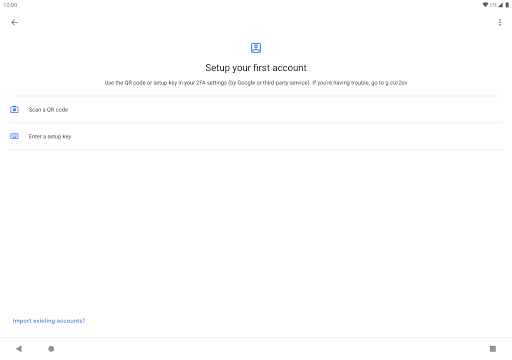
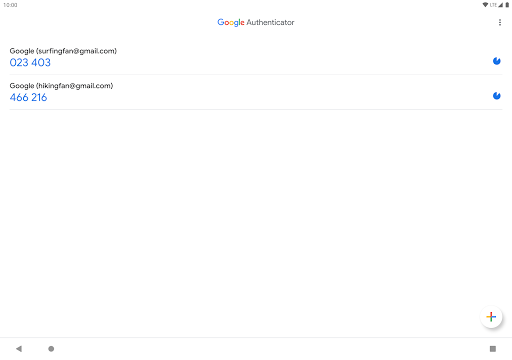
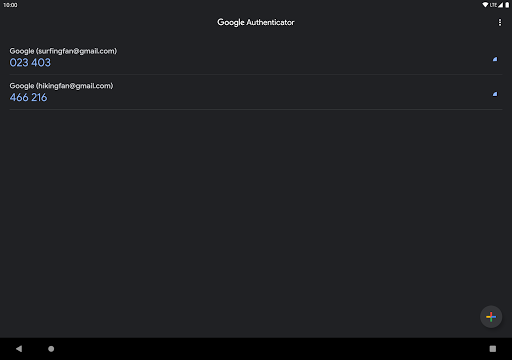
Google Authenticator is one of those apps that ideally disappears into the background of your digital life. You open it, grab a six-digit code, log in, and move on. After spending real time with it in that exact rhythm, that is mostly what this app gets right: it is quick, clean, and refreshingly light on nonsense. It does not try to turn two-factor authentication into a mini operating system. It just gives you your codes. The first thing that stands out is how straightforward setup feels. Adding accounts by QR code is fast, and the app does a good job of making the initial process feel almost frictionless. For a security tool, that matters more than it sounds. If an authenticator app is awkward during setup, people put it off. Google Authenticator lowers that barrier well. We added multiple accounts and the experience stayed simple: scan, label, done. It supports the standard use case most people actually need, and it does so without burying the basics under extra menus or power-user jargon. Day to day, the app is similarly efficient. Open it and your codes are right there. The interface is plain, but in a good way. There is no visual clutter competing with the task at hand. Codes are easy to read, the countdown behavior is familiar, and the app is responsive enough that it never feels like it is slowing down the login process. That might sound like faint praise, but for an authenticator app, speed and predictability are the whole game. In our testing, it felt stable and dependable, which is exactly what you want from a utility you often reach for when you are already in the middle of doing something else. A practical quality-of-life improvement is code copying. Being able to quickly copy a code instead of memorizing it and switching back and forth makes mobile logins noticeably less annoying. When you are bouncing between apps, even a tiny reduction in friction matters. Managing multiple accounts is also handled reasonably well. If you have a modest collection of services using 2FA, the app remains easy to navigate and does not overwhelm you. There is real value in how little mental load it adds. Another meaningful strength is that Google has clearly tried to soften one of the oldest pain points of authenticator apps: losing access when you change or lose a phone. The app now presents ways to sync or transfer accounts between devices, and that does improve the experience compared with the old-school “hope you saved every backup code” routine. In practice, that makes the app easier to recommend to mainstream users than it once was. If your priority is a familiar, low-maintenance authenticator from a company most people already trust, Google Authenticator is a comfortable fit. Still, this is not a flawless security tool, and the rough edges become more noticeable the longer you use it. The biggest hesitation is app-level protection. Google Authenticator is handling sensitive login codes, yet it still feels a bit too bare when it comes to locking down access inside the app itself. If your phone is already protected, that may be enough for some people, but others will want a stronger sense that opening the authenticator requires another layer of verification. As it stands, the app’s simplicity can also feel like a lack of security controls. The second weakness is recovery confidence. Yes, sync and transfer options help, but this is still an area where users need to stay organized. If your phone is lost, wiped, or replaced unexpectedly, the recovery path can become stressful fast if you have not planned ahead. During setup, Google Authenticator does not always create that reassuring feeling of “I know exactly how I would get back in if disaster struck.” That uncertainty matters because authenticator apps are at their most important precisely when something goes wrong. The third issue is organization at scale. If you only use 2FA for a handful of accounts, the app’s minimalism is ideal. If you use it for dozens and dozens of services, the list can start to feel cramped and utilitarian rather than thoughtfully managed. Searching helps, and rearranging entries is useful, but this still feels like a basic list manager rather than a polished vault for heavy 2FA users. Power users may find themselves wishing for better grouping, sorting, or richer account organization. That gets to who this app is really for. Google Authenticator is best for ordinary users who want reliable, familiar, no-cost two-factor authentication without a learning curve. If you are enabling 2FA on Google, social accounts, shopping sites, game services, or work logins and you just want a tool that works offline and stays out of the way, this app makes a lot of sense. It is also a strong fit for people who value simplicity over feature depth. It is less ideal for users who obsess over security controls, want more robust backup and recovery assurance, or manage a huge number of accounts and expect advanced organization. If you treat your authenticator like a serious security hub, Google Authenticator may feel too stripped down. In the end, I came away with a positive impression. Google Authenticator does the core job very well: it is easy to set up, fast to use, and dependable in everyday authentication. That alone makes it useful enough to recommend widely. But it also carries the familiar trade-off of many Google utility apps: simplicity first, with some deeper control and peace-of-mind features still feeling undercooked. For most people, that balance will be perfectly acceptable. For others, it will be the exact reason to look elsewhere.