Apps Games Articles
QR & Barcode Reader
TeaCapps
Rating 4.6star icon
Editor's summary
Editor rating
star icon star icon star icon star icon
half star icon
4.6

One-line summary QR & Barcode Reader is easy to recommend because it scans fast, handles more than just basic QR links, and stays refreshingly lightweight—though the free version’s ads and a few small workflow quirks keep it from feeling flawless.

  • Installs

    100M+

  • Developer

    TeaCapps

  • Category

    Productivity

  • Content Rating

    Everyone

  • Latest version

    VARY

  • Package

    com.teacapps.barcodescanner

In-depth review
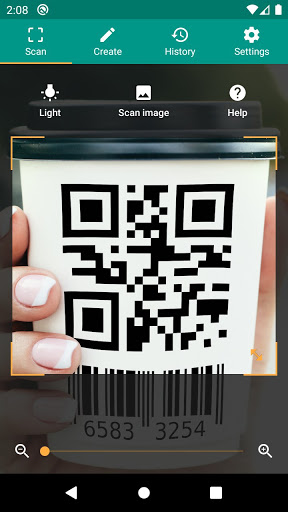
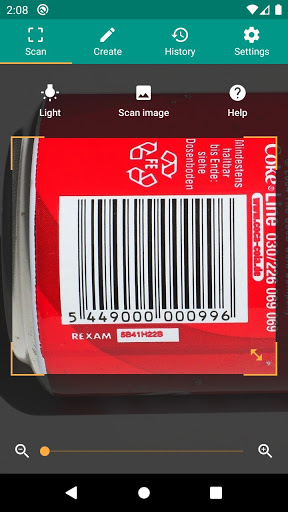
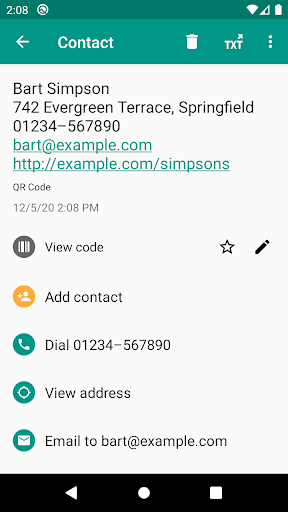
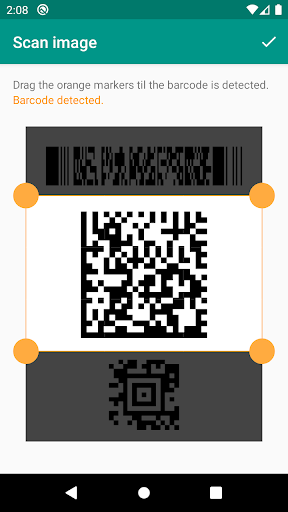
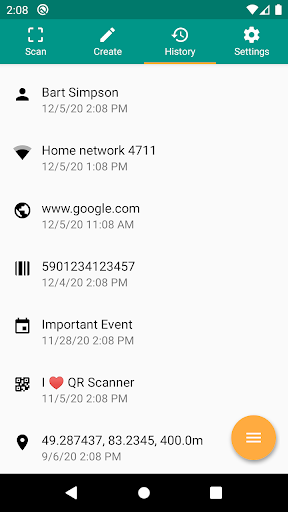
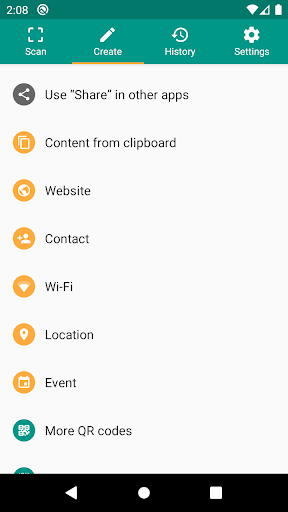
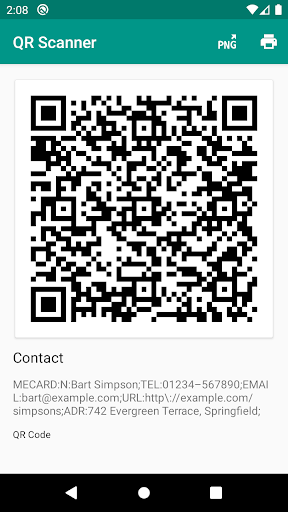
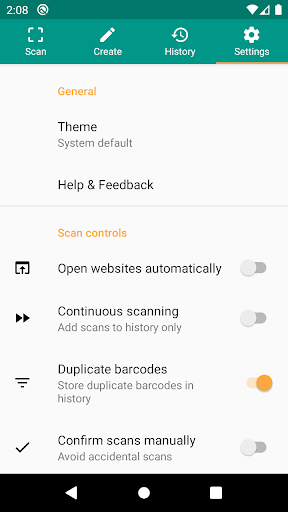
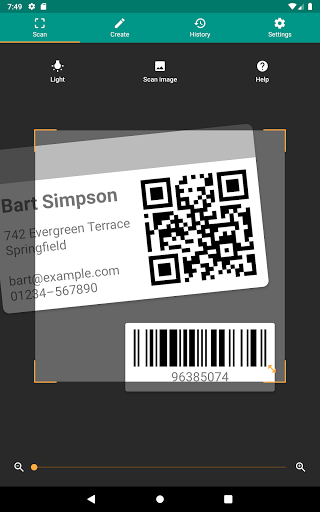
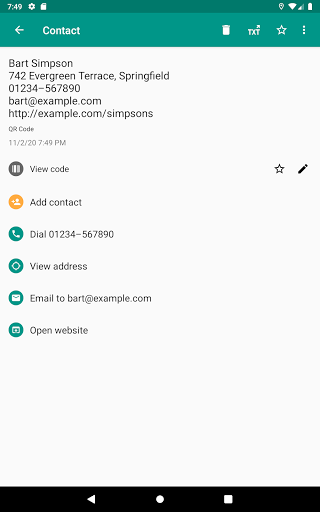
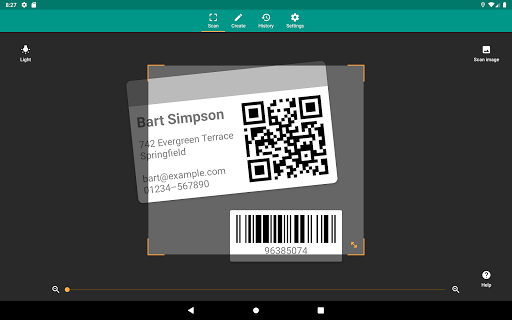
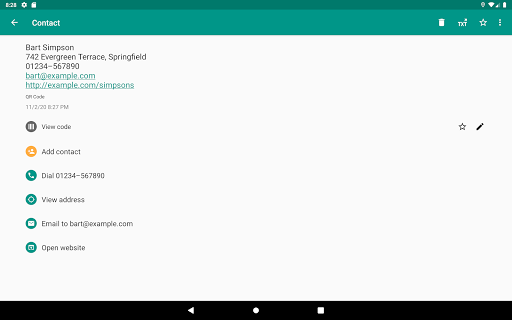
QR & Barcode Reader is the kind of utility app that lives or dies by one simple question: when you need it, does it work instantly and get out of your way? After spending time with it in everyday situations—scanning restaurant menus, reading product barcodes, opening Wi‑Fi QR codes, and pulling codes from saved images—the answer is mostly yes. This is a practical, polished scanner that understands its job better than a surprising number of apps in the same category. The first thing that stands out is speed. Launch the app, point the camera, and it usually locks onto a code with very little hesitation. That may sound like a low bar, but plenty of scanner apps still fumble with focus, take too long to interpret what they’re seeing, or bury the result behind extra taps. Here, the process feels streamlined. Even smaller or awkwardly positioned codes are handled well, and the zoom and flashlight options make a real difference in everyday use rather than feeling like checklist features. In low light, the torch is exactly the kind of practical addition you want. When a code is physically small or printed at a less-than-ideal distance, zoom helps the app keep the target framed without forcing you into an uncomfortable close-up. A second strength is that this app goes beyond live camera scanning in useful ways. Being able to scan from images already on your device is one of those features that becomes indispensable once you have it. In testing, this made the app much more flexible for screenshots, saved event tickets, online receipts, and product images sent through chat. It also means the app is not tied entirely to the moment you are standing in front of a code. Likewise, the built-in QR and barcode creation tools give it more staying power than a one-trick scanner. If you need to generate a quick QR code for a link, contact info, or other shareable data, it is right there without having to install a separate app. The third big win is interface discipline. QR & Barcode Reader feels compact and focused. It does not try to become a social layer, shopping portal, or bloated productivity suite. The layout is straightforward, the key actions are obvious, and the scan history is useful instead of ornamental. Saving previous scans turns out to be genuinely handy, especially if you revisit the same codes or want a record of product labels, venue check-ins, or menus. For anyone who works with repeated scans—inventory-like tasks, product reference, or simply keeping track of useful codes—the history and export functions add real value. That said, this is not a perfect experience. The first drawback is ads. To the app’s credit, the advertising in the free version is generally less aggressive than in many utility apps, but it is still there, and any ad in a scanner app carries a bit of friction because scanning is often a quick, functional task. Bottom-banner ads are easier to tolerate than full-screen interruptions, yet they still slightly cheapen an otherwise clean interface. If you are highly sensitive to ads in utility tools, you will notice them even if they are relatively restrained. The second issue is that some parts of the workflow feel a little less refined than the core scanner. The actual act of scanning is excellent, but once you move into managing or sharing results, the experience can be a bit inconsistent. The app offers plenty of output and follow-up options, which is good, but there are moments where that flexibility feels a touch clunky rather than elegant. It is not a deal-breaker, but the polish level of the scanner itself is stronger than the polish level of every surrounding menu. The third limitation is that barcode results are only as useful as the linked information available online. The app does a solid job recognizing formats and surfacing actions, but scanning a product code will not magically produce rich details for every item. Sometimes you will get the exact comparison or lookup you want, and other times the returned context is thinner than expected. That is not entirely the app’s fault, but it does affect the user experience, especially if you expect every barcode to behave like a fully populated shopping search. In day-to-day use, the app feels best suited for people who need a dependable general-purpose scanner with a few meaningful extras. It is a strong fit for anyone whose phone camera does not already handle codes well, for users who want to inspect a URL before opening it, for people who scan from screenshots or stored images, and for those who like having scan history and code generation in the same app. It is also a good pick for light organizational use, where exporting scan records or keeping annotations can be useful. It is less ideal for people who want a completely ad-free experience without paying, or for those who only scan an occasional QR code and are already satisfied with their phone’s built-in camera tools. If all you ever do is open a simple web link once in a while, this app may feel more feature-rich than necessary. And if you are extremely particular about every part of the sharing and history workflow feeling frictionless, you may notice a few rough edges around the otherwise excellent core. Overall, QR & Barcode Reader earns its strong reputation honestly. What impressed me most was not one flashy feature, but the consistency: it opens fast, scans fast, reads a broad range of formats, and offers enough extras to be useful without collapsing under its own ambition. The app’s weaknesses are real, especially around ads and some secondary interactions, but they are small beside the quality of the scanning experience itself. For most people looking for a reliable QR and barcode utility on Android, this is one of the easiest apps in the category to install, keep, and actually use.
Alternative apps