Apps Games Articles
Google
Google LLC
Rating 4.2star icon
Editor's summary
Editor rating
star icon star icon star icon star icon
half star icon
4.5

One-line summary Google remains the easiest all-purpose search app to recommend for its speed, Lens, voice tools, and smart everyday convenience, but its growing AI layer and occasional clutter can make simple searching feel busier than it needs to be.

  • Installs

    10B+

  • Developer

    Google LLC

  • Category

    Tools

  • Content Rating

    Everyone

  • Latest version

    VARY

  • Package

    com.google.android.googlequicksearchbox

In-depth review
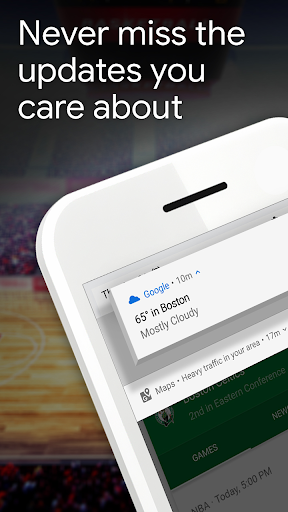
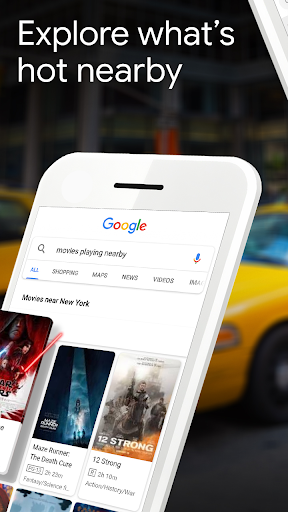
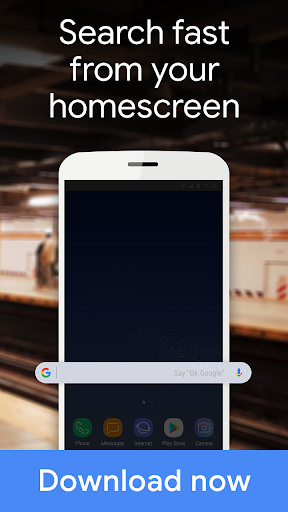
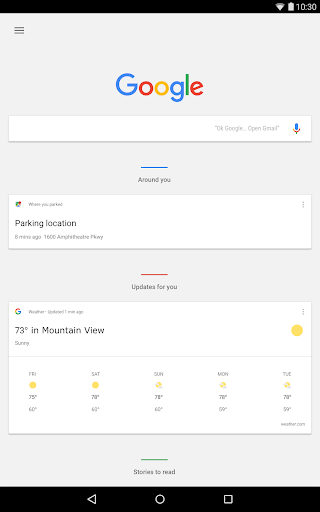
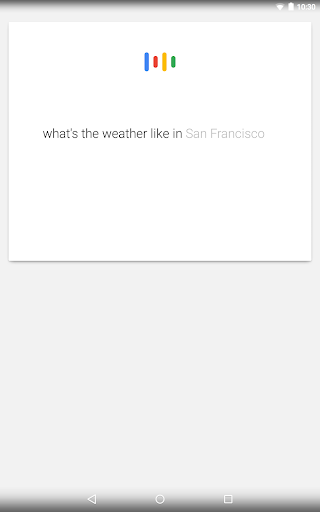
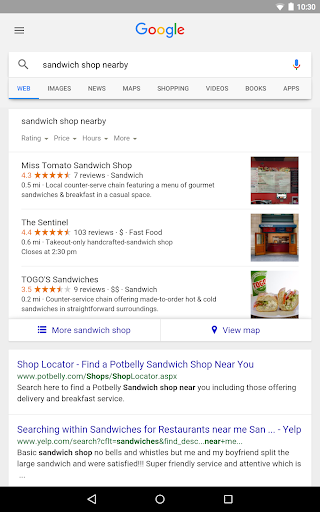
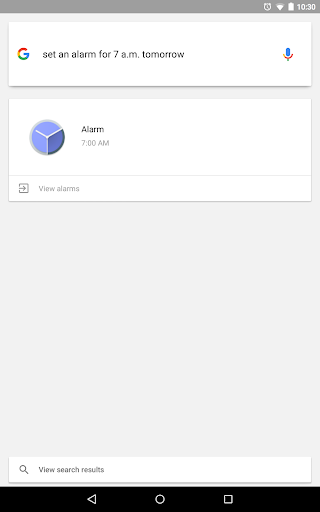
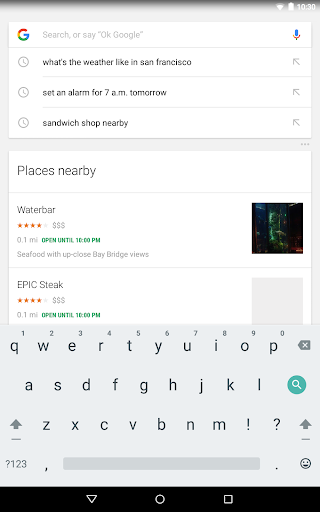
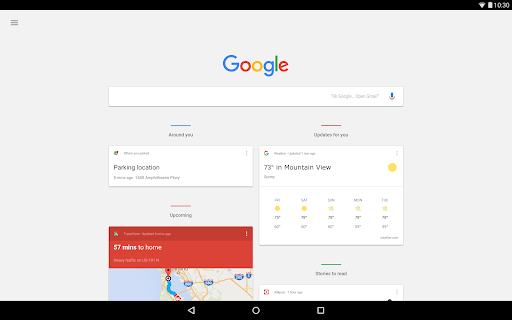
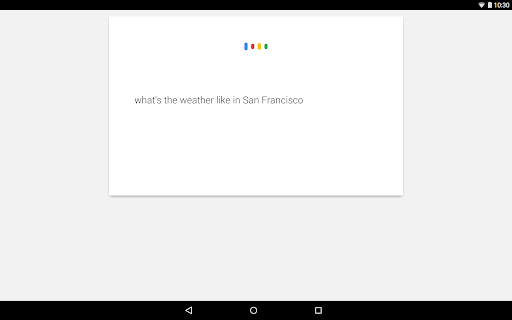
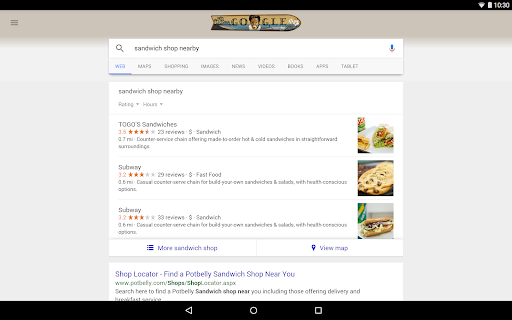
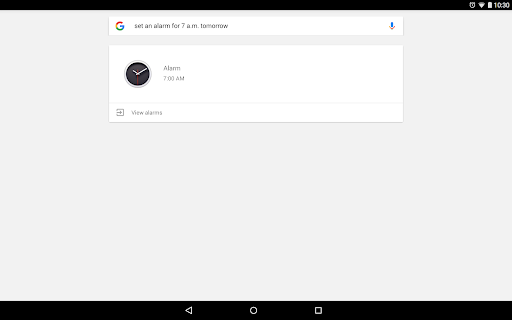
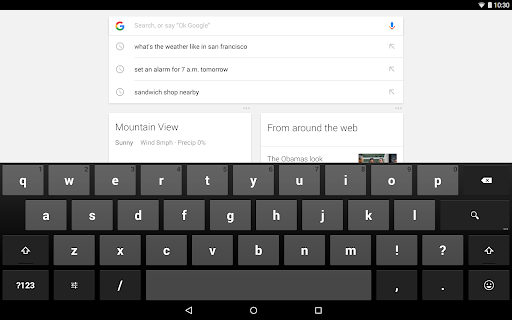
The Google app is one of those apps that feels less like a download and more like part of the operating system. After spending time with it as a daily tool rather than just a search box, what stands out is how much it tries to compress the internet into a fast, mobile-friendly experience. Sometimes that works brilliantly. Sometimes it feels like Google is trying so hard to be helpful that it gets in its own way. At its best, the app is still the fastest route from question to answer on Android. Open it, type a query, speak into the mic, hum a tune, point the camera at something, or use Lens on a screenshot, and you usually get somewhere useful in seconds. That flexibility is the app's biggest strength. Search is no longer just text here, and in practice that makes the app feel genuinely modern. During testing, Lens was especially handy for quick translations, identifying objects, pulling text from images, and checking products from photos. It is one of those features that sounds like a bonus until you start relying on it. The same goes for voice search and song recognition, which make the app feel more natural in moments where typing is inconvenient. Another major strength is how frictionless the app feels when you use it casually throughout the day. The home screen widget remains one of the simplest ways to keep search within reach, and the Discover feed can be surprisingly useful if your interests align with what Google surfaces. Weather, headlines, sports snippets, and topic-based recommendations make the app feel alive beyond just one-off searches. If you already live inside Google's ecosystem, the app fits neatly into that routine. It is fast, familiar, and rarely confusing at a basic level. The third big win is accuracy and breadth. For everyday lookups, homework help, directions, definitions, quick facts, product checks, and how-to questions, the app often delivers strong results quickly. AI Overviews and the newer AI-focused features can be helpful when you want a summarized answer before digging into links. For broad topics or planning-style questions, that can save time. I found it especially useful when I wanted a quick starting point rather than ten blue links and a lot of tab hopping. That said, the Google app is no longer the beautifully simple search companion it once was. Its biggest weakness is increasing clutter. Search, AI Mode, Lens, Discover, widgets, shortcuts, visual tools, and personalized cards all make sense individually, but together they can make the app feel crowded. There is a fine line between multifunctional and busy, and Google sometimes crosses it. If all you want is a clean, neutral search box, the app occasionally feels like it wants to upsell you on five other ways to search before you've finished your first thought. The second weakness is inconsistency in smart features. Lens is useful, but not infallible. It can be excellent for text and object recognition, then feel less convincing on more nuanced tasks. Translation is convenient, but not always perfectly reliable. AI-generated summaries can save time, but they are not something I would trust blindly for anything important. In other words, the app is at its best as a launchpad to information, not as a final authority. The web links are still essential, and the app is smartest when you treat its AI features as assistance rather than certainty. The third annoyance is that the experience can occasionally feel unstable or just slightly off. Nothing here suggests the app is broadly unusable, but there are moments where loading lags, visual bugs appear, or a feature doesn't behave quite as smoothly as the polished branding implies. Some interface choices also feel oversized or overdesigned, and not every new layer improves usability. Google is clearly evolving the app constantly, but that also means the experience can feel uneven depending on which feature you're touching. Who is this app for? Almost anyone on Android who wants a powerful default search experience. It is especially good for students, casual researchers, people who search with their voice, anyone who uses image search often, and users who like having news, weather, and quick information bundled into one app. If you use Lens regularly, the app becomes more than convenient; it becomes genuinely useful. Who is it not for? Privacy-conscious users who dislike deep personalization may feel uneasy with how much Google tries to anticipate their interests. It is also not ideal for minimalists who want a stripped-down, distraction-free search tool. If you dislike AI summaries, content feeds, and layered interfaces, the app can feel heavier than necessary. Overall, the Google app is still excellent because it solves real everyday problems faster than most alternatives. It turns search into something you can speak, snap, circle, hum, and skim. That versatility is hard to beat. But it is also a reminder that the more Google adds, the less invisible the experience becomes. I would still recommend it easily for most Android users, especially if you want the broadest set of search tools in one place. Just go in knowing that modern Google is no longer only a search engine in app form. It is a whole information hub, for better and occasionally for worse.