Apps Games Articles
Wallpapers
Google LLC
Rating 4.1star icon
Editor's summary
Editor rating
star icon star icon star icon star icon
half star icon
4.5

One-line summary Wallpapers is one of the cleanest and easiest ways to keep an Android phone looking fresh every day, but its elegance comes with a trade-off: great curation and simplicity, limited control and occasional awkward wallpaper fitting.

  • Installs

    500M+

  • Developer

    Google LLC

  • Category

    Personalization

  • Content Rating

    Everyone

  • Latest version

    VARY

  • Package

    com.google.android.apps.wallpaper

In-depth review
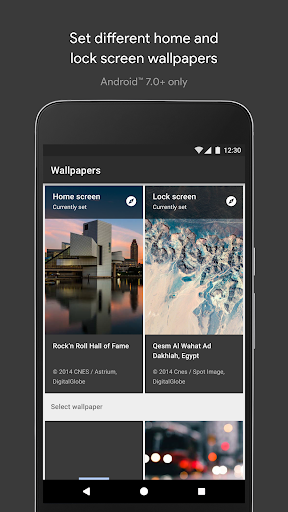
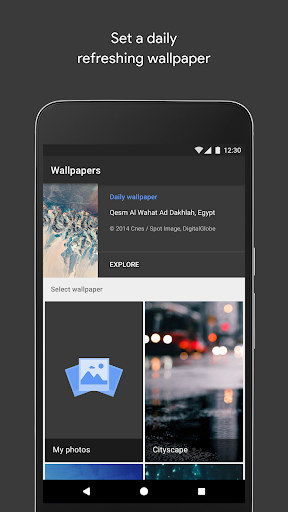
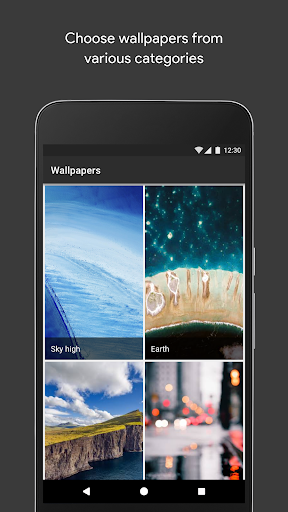
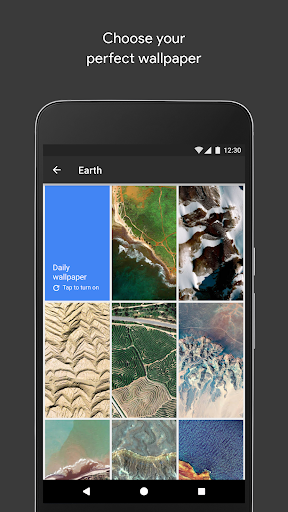
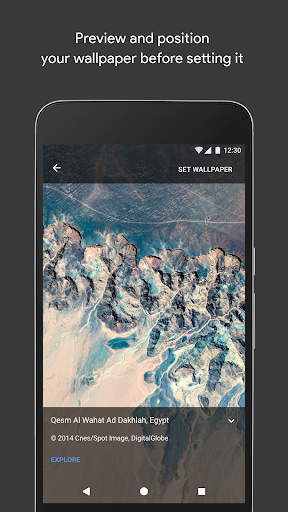
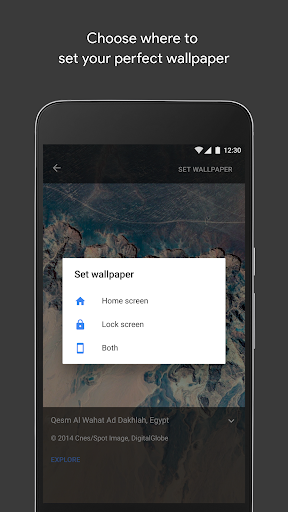
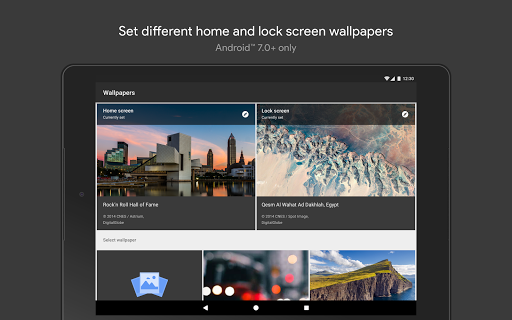
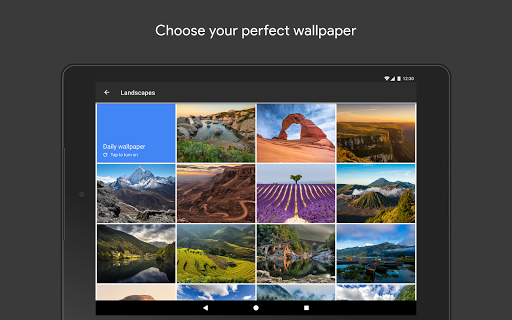
Google’s Wallpapers app is the kind of utility that can easily be dismissed as basic—right up until you actually live with it for a while. After spending time using it as a daily wallpaper manager rather than just a one-time setup tool, what stands out most is how well it understands the rhythm of phone ownership. You do not open an app like this for power-user tinkering every hour. You open it because you want your device to feel good every time you unlock it, and in that respect Wallpapers gets a lot right. The first thing I noticed is how lightweight and frictionless the app feels. The interface is straightforward in the best Google way: open it, browse categories, preview images, set a wallpaper, and move on. There is very little clutter, and that simplicity matters more here than it would in a social or productivity app. A wallpaper app should not feel busy. It should disappear behind the images, and Wallpapers mostly does. Browsing through collections is pleasant, fast, and calm, with enough visual polish to make the experience feel curated rather than random. That curation is the app’s biggest strength. Instead of drowning you in an endless stream of low-quality uploads, it presents a cleaner, more selective library. The image quality is consistently strong, and categories like landscapes and Google Earth-style imagery give the app a premium look even though it is completely free. On a good screen, many of the wallpapers genuinely look excellent. They are the kind of images that can make a phone feel newer or more refined without any extra customization. The second major strength is the daily wallpaper feature. In practice, this is what elevates Wallpapers from a simple gallery into something that changes how your phone feels over time. Choosing a category and letting the app rotate in a new wallpaper each day adds just enough novelty to keep your home screen from becoming stale. It is a small thing, but it works. Over a week or two, that daily refresh starts to feel less like a gimmick and more like a subtle quality-of-life feature. If you enjoy seeing your device take on a slightly different mood every morning, this app is unusually good at delivering that with almost no maintenance. A third strength is flexibility where it matters most. Being able to use your own photos alongside the built-in collections is essential, and Wallpapers handles that without making custom images feel like an afterthought. It is also useful that supported devices can set separate images for the lock screen and home screen. That may sound standard now, but it still makes a real difference in daily use. You can keep something clean and readable behind your app icons while using something more dramatic on the lock screen. That said, the app’s biggest weakness is also tied to its simplicity: it can feel a little too restrained. If you want a wallpaper app with deep organization tools, more advanced shuffling options, or lots of manual control over how images rotate, Wallpapers may feel underpowered. It does the basics elegantly, but it does not always go far enough for people who treat personalization as a hobby. There is a sense that Google intentionally stopped just short of making this a true enthusiast tool. The second weak point is wallpaper fitting and cropping. In normal use, most images look fine, but there are moments when composition becomes awkward and the app does not feel as smart as it should. Some images can end up emphasizing only part of the original frame, and if you are particular about how a photograph should sit across your screen, that can be frustrating. This is especially noticeable with scenic images where the focal point is not centered for phone dimensions. A little more control over framing would go a long way. The third issue is visual practicality. Beautiful wallpapers are not always practical wallpapers, and Wallpapers occasionally forgets that. Some images are simply too busy or bright behind app icons and widgets, especially on a home screen filled with shortcuts and text. There are plenty of stunning options, but not all of them work equally well in real everyday use. A wallpaper can be gorgeous in preview and mildly annoying once you return to your home screen and try to read what is actually on it. There are also a few small rough edges that keep it from being a perfect recommendation. On some devices, the app can feel more like a system component than a standalone app, which makes it slightly less discoverable or intuitive than it should be. And while the library is tasteful, it can also feel narrower than what you might find in wallpaper-heavy third-party apps that prioritize sheer volume. That is the trade-off here: better taste, less abundance. So who is Wallpapers for? It is ideal for Android users who want a polished, no-nonsense wallpaper experience with excellent image quality, zero ads, and just enough automation to keep their phone feeling fresh. It is especially good for people who like curated photography, simple setup, and daily changes without fiddling. It is also a smart choice for anyone who wants a cleaner alternative to ad-heavy personalization apps. Who is it not for? If you want endless categories, intense customization, advanced folder-based rotation from your own media, or exact control over image positioning, you may find it too limited. Likewise, if your main priority is bold visual experimentation rather than clean presentation, this app can feel conservative. In day-to-day use, though, Wallpapers succeeds because it respects your time. It is fast, attractive, free, and mostly invisible once set up. That is exactly what many people want from a wallpaper app. It may not satisfy every customization obsessive, but for anyone looking to make their Android phone look better with minimal hassle, it remains one of the easiest recommendations in its category.