Apps Games Articles
Google Translate
Google LLC
Rating 4.3star icon
Editor's summary
Editor rating
star icon star icon star icon star icon
half star icon
4.5

One-line summary Google Translate is still the easiest translation app to recommend for its speed, language coverage, and genuinely useful camera/offline tools, but you should think twice if you need perfect grammar or nuanced, context-aware translation every time.

  • Installs

    1B+

  • Developer

    Google LLC

  • Category

    Tools

  • Content Rating

    Everyone

  • Latest version

    VARY

  • Package

    com.google.android.apps.translate

In-depth review
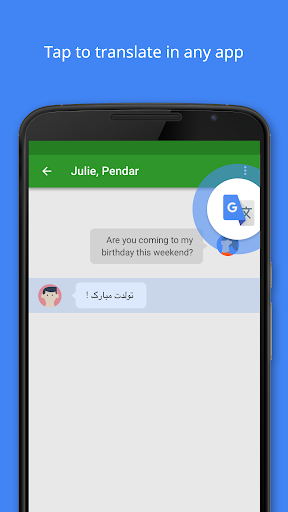
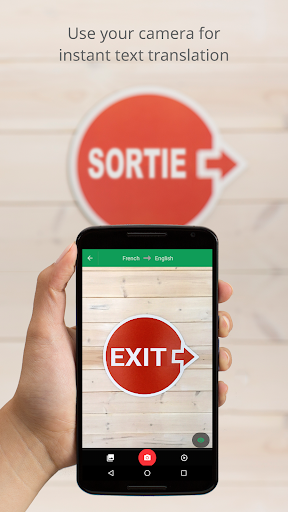
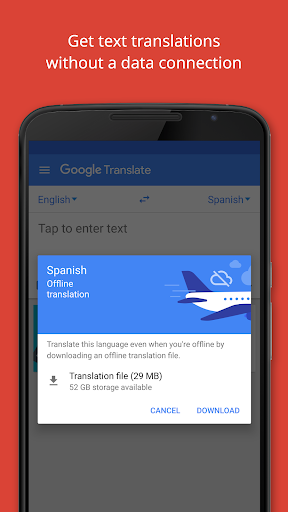
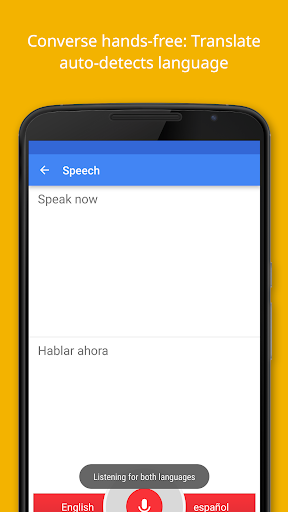
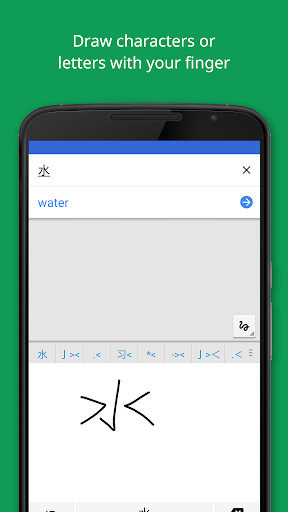
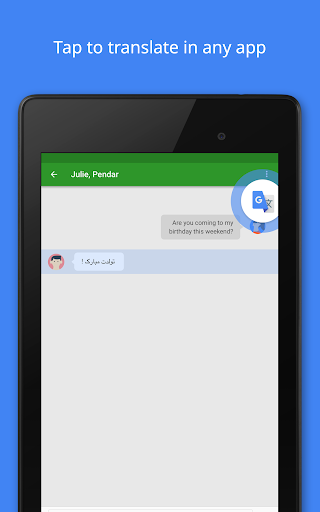
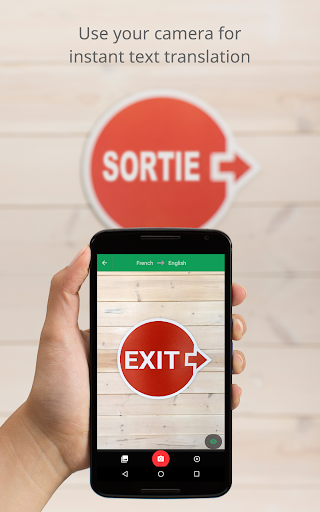
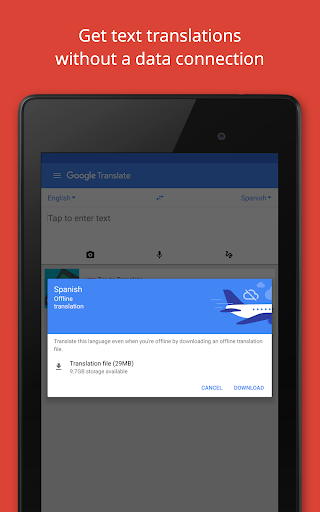
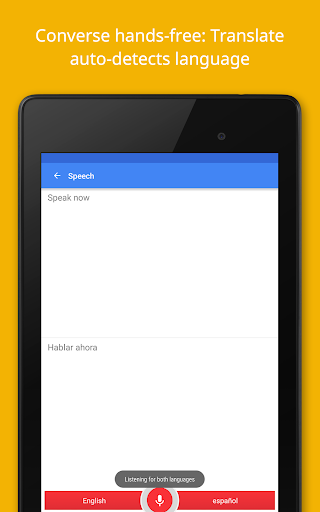
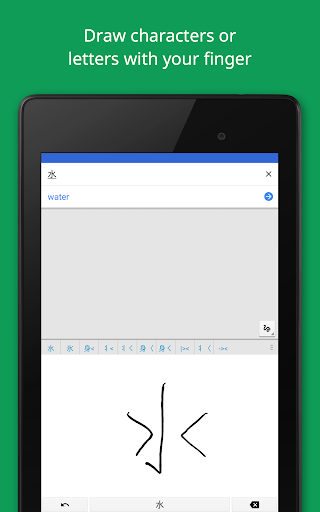
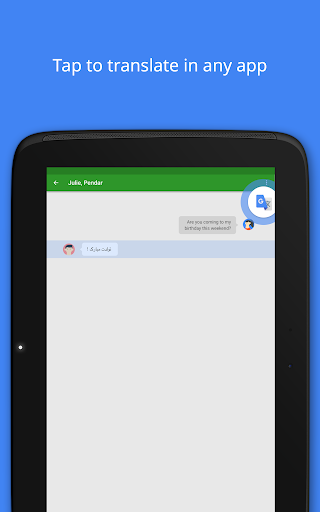
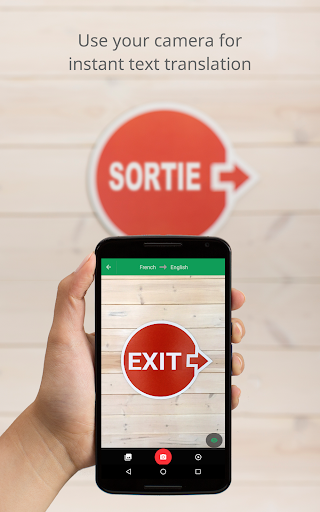
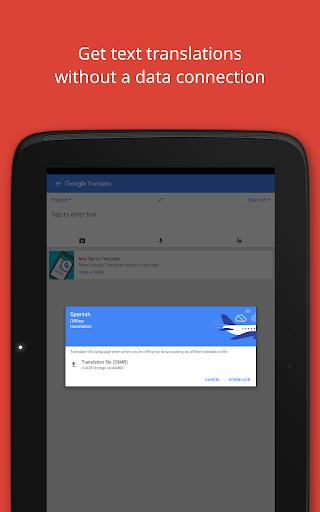
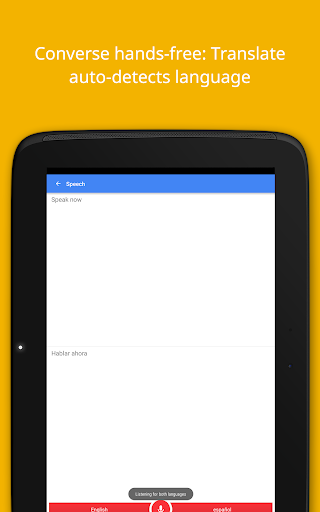
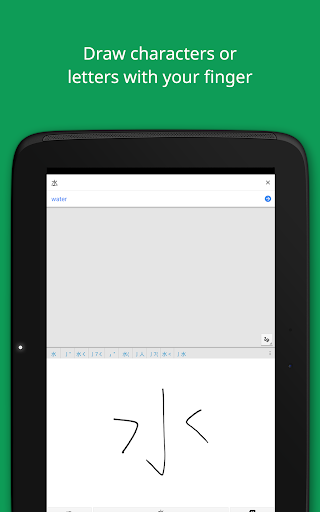
Google Translate remains one of those rare utility apps that feels almost universally useful the moment you install it. After spending real time with it across typed text, voice input, camera translation, and offline packs, the biggest takeaway is simple: this app removes friction better than almost anything else in its category. It is fast, familiar, and versatile enough to solve a surprising number of everyday language problems without asking you to learn much of anything first. What stands out immediately is how approachable the app feels. The interface is clean, and most of the important actions are visible right away: type something, speak something, point the camera, or switch languages. That sounds obvious, but it matters. Translation apps can become cluttered when they try to cram in conversation tools, saved phrases, pronunciation help, and language downloads all at once. Google Translate mostly avoids that trap. It does not feel flashy, but it does feel efficient, and that makes it easy to trust when you need an answer quickly. In day-to-day use, text translation is still the core experience, and it is generally very good. For short phrases, directions, signs, messages, and practical conversation, results arrive almost instantly and are usually clear enough to be useful right away. Copying text from another app and translating it is especially convenient because it turns the app into a utility you can use across your phone rather than a separate destination you have to keep opening. For quick communication, that convenience is a major strength. The second big strength is breadth. Support for a huge range of languages gives Google Translate an advantage that is easy to appreciate once you move beyond the usual English-Spanish-French-German workflow. Whether you are traveling, chatting with family abroad, checking a phrase in a less common language, or trying to decode packaging, menus, and street signs, the app usually has something workable ready. That broad language support, combined with speech, handwriting, and camera input, makes it feel less like a one-trick app and more like a general-purpose communication tool. The camera translation feature is still one of its best tricks. Pointing your phone at printed text and seeing an instant overlay remains genuinely impressive when it works well, and in many common scenarios it works well enough to feel a little magical. Menus, labels, notices, and simple documents are where it shines. Importing a photo for a cleaner scan can also help when live camera results are messy. This is the kind of feature that turns translation from a deliberate task into something almost casual, and for travelers especially, it can be the reason to keep the app installed. Offline support is another practical win. Downloading language packs gives the app real value when you are in a place with weak service or when you want to avoid relying on a connection. It is not identical to the full online experience, and that gap is worth noting, but having offline access at all makes the app much more dependable in real life. That said, Google Translate is not the same thing as human understanding, and the cracks show once you push beyond straightforward use. The first weakness is context. Short translations are usually fine, but longer sentences, idioms, and nuanced phrasing can still come out sounding stiff, awkward, or slightly off. Sometimes the app gives you something that is technically understandable but not something a fluent speaker would naturally say. If you are translating a heartfelt message, formal writing, or anything where tone matters, you still need to slow down and double-check. The second weakness is that some features feel stronger in concept than in execution. Conversation mode can be genuinely helpful, especially for back-and-forth exchanges, but it is not always perfectly smooth. Speech recognition, audio playback, and turn-taking can feel great one moment and slightly clumsy the next, particularly if the environment is noisy or if the phrasing gets long. It is useful enough to rely on in a pinch, but not so polished that you forget you are using software. The third weakness is the unevenness between online and offline use. Offline translation is valuable, but it is clearly a compromise. Some of the app’s smartest, most seamless behavior feels tied to being connected, and the offline experience can feel thinner by comparison. If your use case depends heavily on subtle translation quality or richer features all the time, you will notice the limitation. There are also small usability quirks that keep it from feeling perfect. While the app is easy to navigate overall, certain advanced or secondary features can feel tucked away rather than elegantly integrated. And although the app has improved a lot over the years, there are still moments where it feels like an extremely powerful tool that occasionally outputs something just a little too literal. So who is this app for? Almost anyone who needs quick, practical translation. Travelers, students, multilingual families, customer-facing workers, casual language learners, and anyone who regularly encounters unfamiliar text will get real value from it. It is especially good for people who want multiple ways to translate without paying for a subscription: text, voice, camera, saved phrases, and offline language packs all make it easy to adapt to the situation. Who is it not for? People looking for flawless writing, deep language instruction, or polished native-level phrasing every single time. It can support language learning, but it is not a substitute for learning a language. And if your job or situation depends on precise nuance, you should treat its output as a draft or aid, not a final authority. Even with those limitations, Google Translate remains one of the most useful free apps on Android. It succeeds because it is fast when you are in a hurry, flexible when you need options, and good enough often enough to solve real communication problems. It is not perfect, but it is still one of the easiest apps to keep installed because sooner or later, almost everyone ends up needing exactly what it does.