Apps Games Articles
Gmail
Google LLC
Rating 4.1star icon
Editor's summary
Editor rating
star icon star icon star icon star icon
half star icon
4.5

One-line summary Gmail remains one of the easiest email apps to live with thanks to its speed, search, and excellent account handling, but occasional sync hiccups and update-related annoyances keep it from feeling untouchable.

  • Installs

    10B+

  • Developer

    Google LLC

  • Category

    Communication

  • Content Rating

    Everyone

  • Latest version

    VARY

  • Package

    com.google.android.gm

In-depth review
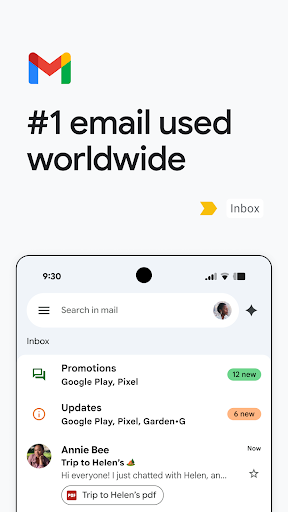
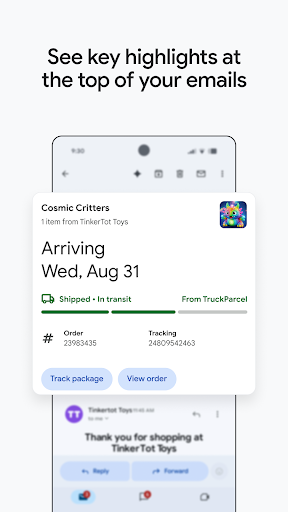
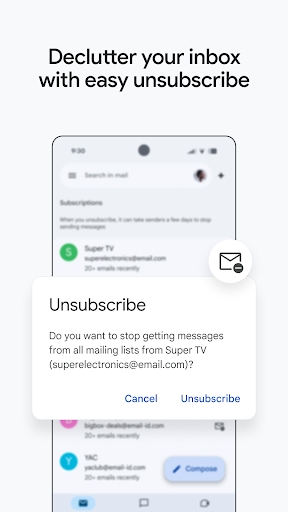
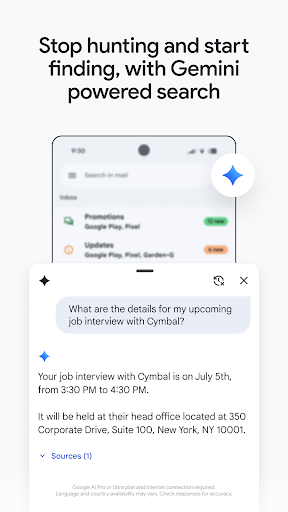
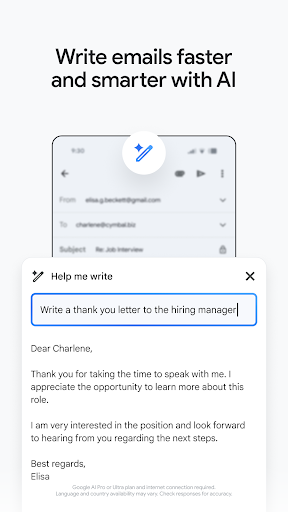
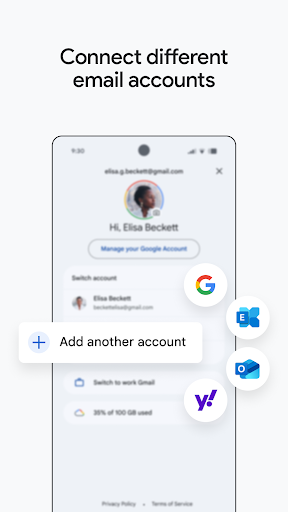
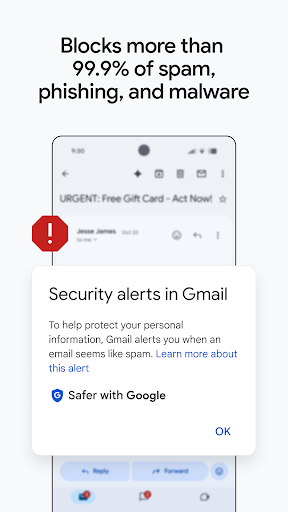
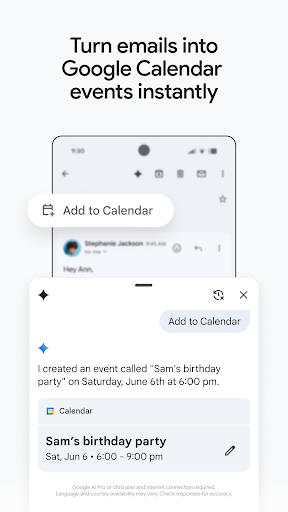
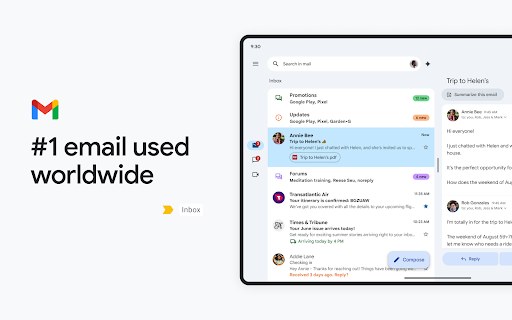
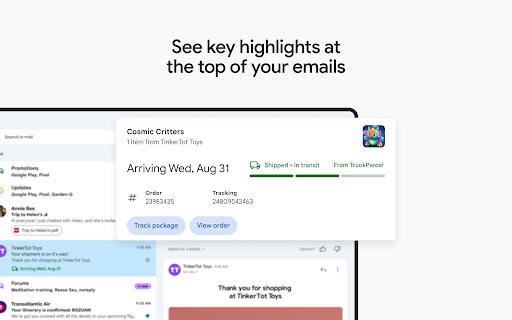
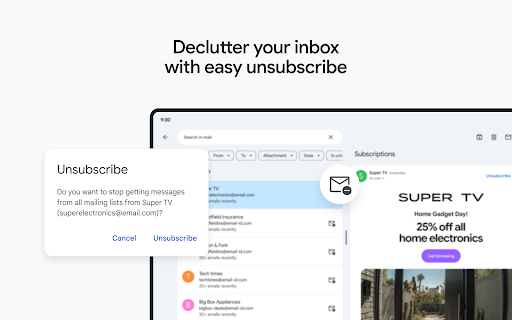
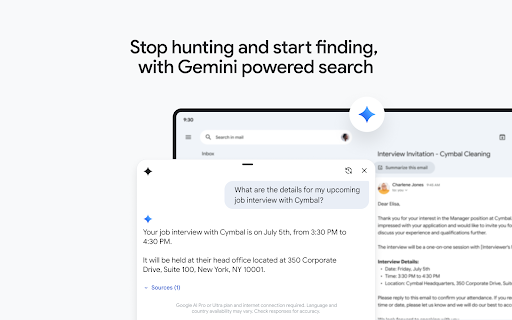
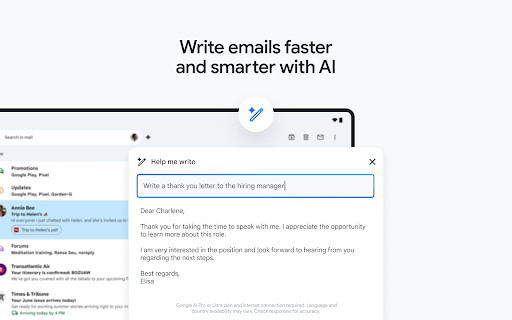
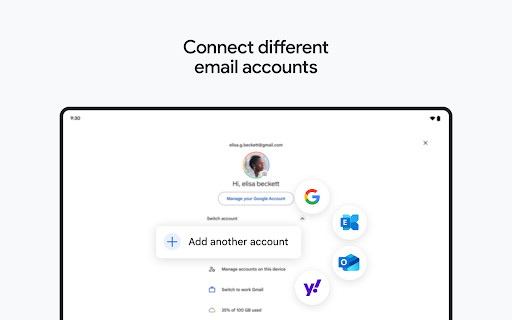
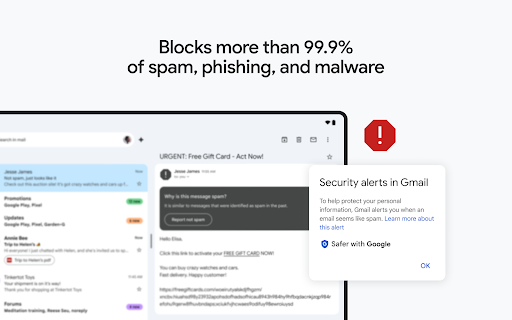
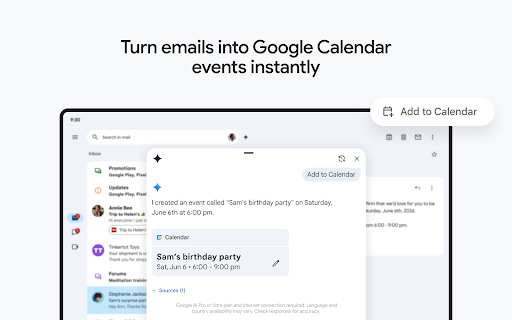
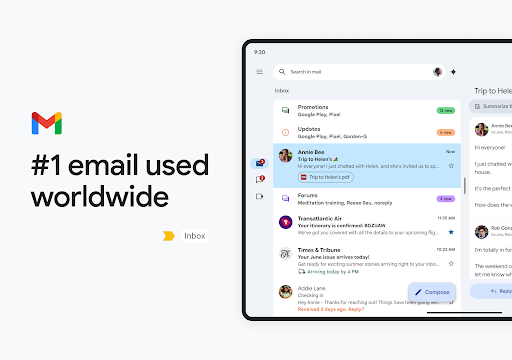
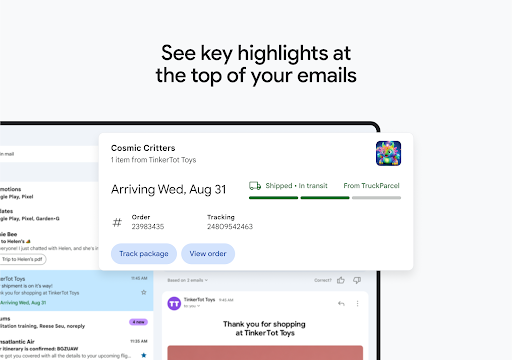
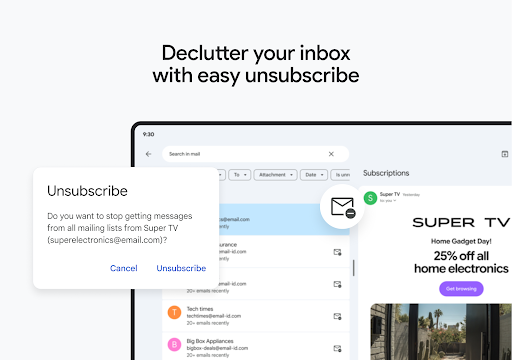
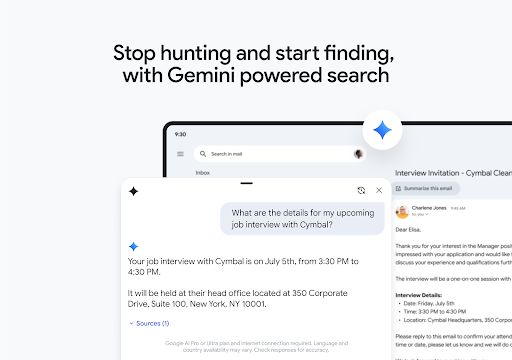
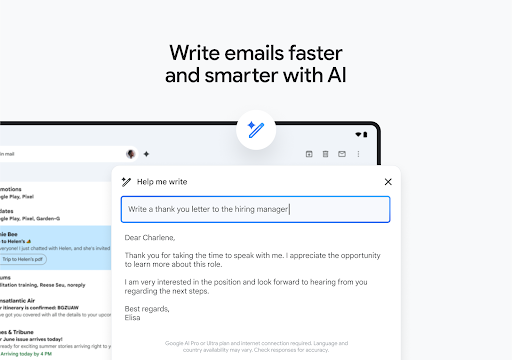
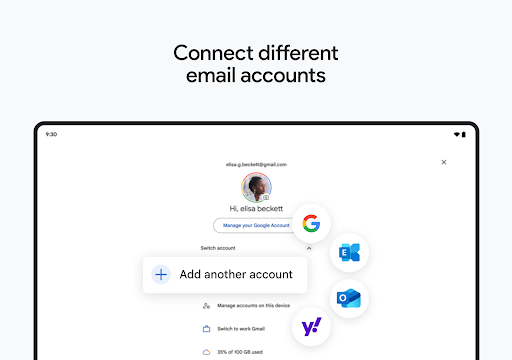
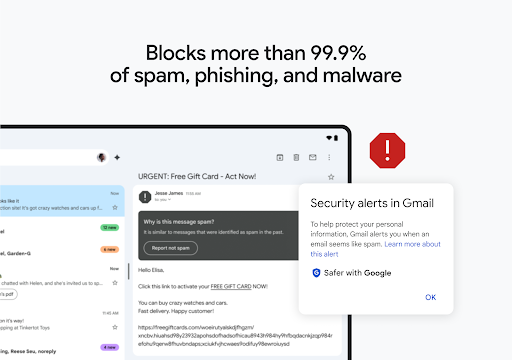
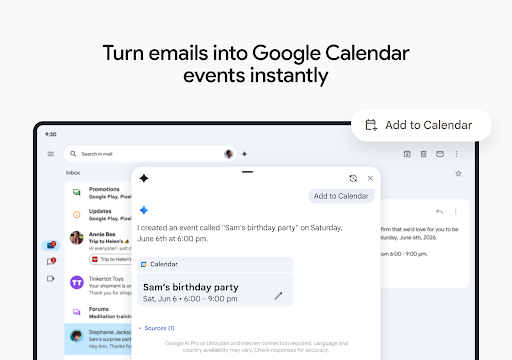
Gmail is one of those apps that many people install by default and then stop thinking about, which is both a compliment and a trap. The compliment is obvious: when an email app works, it should quietly do its job. The trap is that Gmail has become so familiar that it is easy to miss just how polished much of the experience really is until you spend time using other mail clients. After using Gmail on Android as a daily driver, what stands out most is not one flashy feature but the overall sense of competence. It is fast, organized, and generally very good at staying out of your way. The first thing Gmail gets right is layout. The app feels clean without becoming sterile, and it does a solid job of presenting a lot of information without making the inbox feel claustrophobic. Messages are easy to scan, search is strong, and navigating between inboxes, labels, and accounts is mostly effortless. If you juggle a personal Gmail address, a work account, and maybe a non-Google inbox, the app’s multiple-account support is one of its biggest strengths. Switching between accounts is usually seamless, and Gmail does a better job than many mail apps at making several inboxes feel manageable on a phone screen. That organization extends to everyday triage. Gmail is at its best when you are trying to get through a messy inbox quickly. Search remains one of the app’s strongest advantages; even when I could not remember exact subject lines, Gmail was usually smart enough to surface what I needed with a couple of keywords. Labels, categories, and spam filtering also pull their weight. The app does not make inbox management feel exciting, but it does make it feel efficient, and that matters more. Security and spam handling are another major reason Gmail remains easy to recommend. In regular use, it does a very good job of keeping obvious junk away from the main inbox, and that alone removes a lot of friction from daily email use. That said, it is not perfect. Spam still slips through at times, and unwanted promotional mail can pile up faster than it should. The app has become better about helping you unsubscribe and clean things up, but there are still moments when you feel like you are managing around the clutter rather than being fully protected from it. The app also benefits from tight integration with Google’s wider ecosystem. If you already live in Google Calendar, Drive, Meet, or Docs, Gmail feels like part of a connected workspace rather than a stand-alone inbox. That integration can genuinely save time. Small conveniences, like acting on information from emails without a lot of app-hopping, make Gmail feel practical rather than showy. Newer AI-adjacent tools and writing assistance are present too, though their usefulness depends heavily on how much you want that kind of help in your inbox. For some people, these additions will feel productive. For others, they will simply be background noise beside the core email functions. Still, Gmail is not beyond frustration. The biggest issue I ran into was inconsistency after updates or during sync-heavy use. Most of the time, the app runs smoothly, but there are occasional stretches where it feels laggier than it should, or messages do not seem to appear across devices quite as reliably as expected. Those moments are especially annoying because Gmail sets such a high baseline that even minor hiccups stand out. Email is one of those categories where trust matters, and if a sent message or account refresh does not behave quite right, confidence drops quickly. Third-party account support is another area where Gmail is good, but not always graceful. In theory, having Outlook and other non-Google accounts inside one polished app is a real advantage. In practice, account switching and reauthorization can occasionally become fussier than they should be. When that happens, Gmail stops feeling like a universal inbox and starts feeling like a Google-first app that merely tolerates the rest. That does not ruin the experience, but it does limit how confidently I would recommend it to someone who relies primarily on non-Google accounts. There are also still little mobile usability gaps that can feel surprising in such a mature app. Gmail is powerful, but not every action is as fluid on mobile as it should be. Bulk message handling can sometimes feel more tedious than necessary, and some controls are buried in layers of settings. If you like fine-tuning notifications, for example, the options are there, but they are not always intuitive. And while the app has improved over time in areas like label management, it can still feel as if the desktop version gets the first-class treatment and mobile gets the practical compromise. So who is Gmail for? It is a great fit for Android users who want a dependable default email app, especially if they already use Google services and want strong search, solid spam filtering, and clean multi-account management in one place. It is also a strong choice for people who want an email app that feels familiar, stable, and efficient rather than experimental. Who is it not for? If you need highly specialized mailbox workflows, want every advanced control to be effortless on mobile, or depend heavily on non-Google accounts and expect perfect consistency, Gmail may occasionally test your patience. It is very good, but it is not friction-free. Overall, Gmail remains one of the best general-purpose email apps on Android because it nails the fundamentals: speed, organization, and trust. It is not flawless, and some update-related quirks and account issues keep it from perfection, but in day-to-day use, it is still the app I would hand to most people first.