Apps Games Articles
Google Chat
Google LLC
Rating 4.4star icon
Editor's summary
Editor rating
star icon star icon star icon star icon
half star icon
4.5

One-line summary Google Chat is an easy app to recommend if you want a clean, cross-device messaging hub tied into Gmail and Workspace, but it is harder to love if you expect every chat feature to feel as flexible and polished as a modern consumer messenger.

  • Installs

    50M+

  • Developer

    Google LLC

  • Category

    Business

  • Content Rating

    Everyone

  • Latest version

    VARY

  • Package

    com.google.android.apps.dynamite

In-depth review
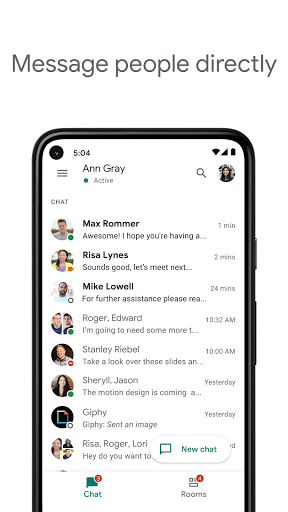
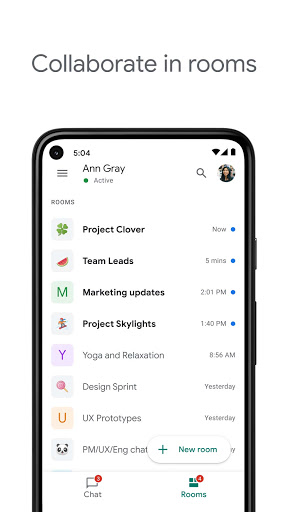
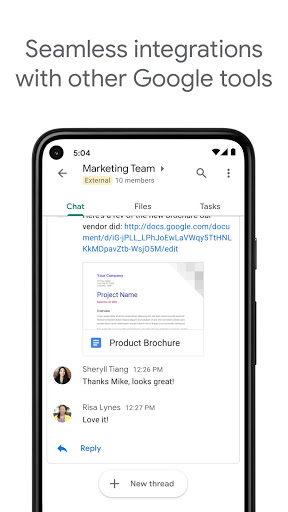
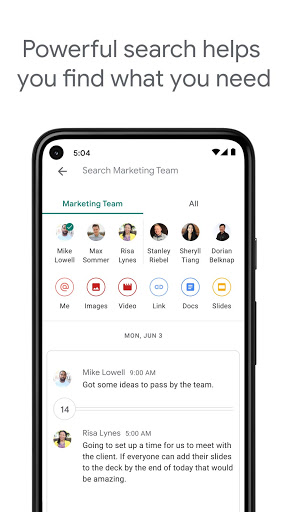
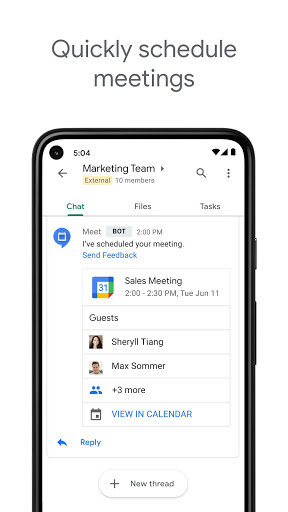
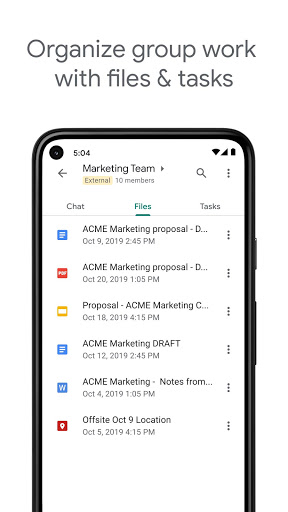
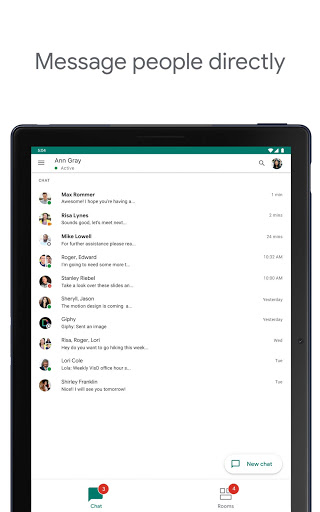
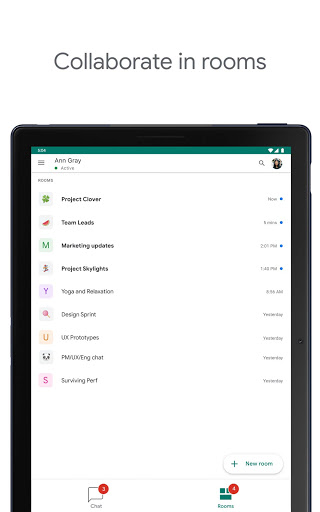
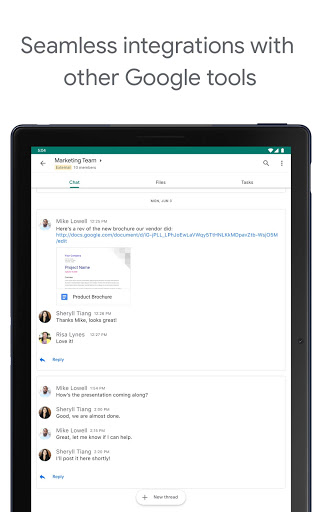
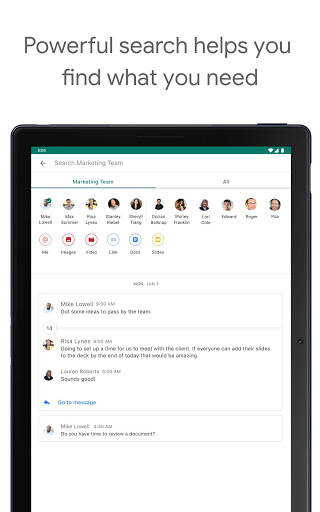
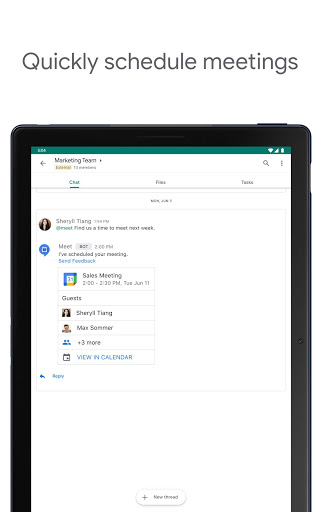
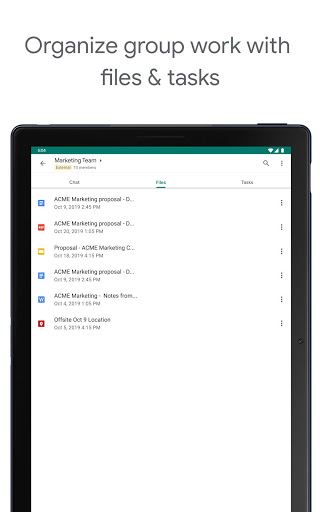
Google Chat sits in an interesting place: it is clearly built with Google Workspace in mind, but it is also surprisingly usable as a general-purpose messaging app if your life already revolves around a Google account. After spending time with it as an everyday communication tool, what stands out most is not one flashy feature but the overall convenience. It is the kind of app that becomes more useful the deeper you are in Google’s ecosystem. The setup is painless. If you already use Gmail, Chat feels like a natural extension rather than a separate social network you need to build from scratch. Starting one-to-one chats is straightforward, group conversations are easy to create, and the app does a good job of keeping conversations accessible across phone and desktop. That cross-device continuity is one of its best qualities. Messages stay in sync well, and there is a reassuring sense that your conversations are always where you left them, whether you opened Chat from the app or from another Google surface. In day-to-day use, the interface feels efficient rather than playful. This is not a messenger that tries to overwhelm you with visual flair. It aims for clarity, and most of the time it succeeds. Text threads are readable, file sharing is simple, and pulling in links, documents, and meeting options feels smoother here than in many messaging apps because Google’s services are already close at hand. If you collaborate in Drive, schedule in Calendar, or jump into Meet calls regularly, Chat saves steps. That integration is the app’s biggest strength. It is not just messaging for messaging’s sake; it is messaging with context. The second major strength is accessibility for people who do not want to rely on a phone number. Google Chat works well as an email-based communication tool, and that makes it genuinely useful for students, families, friends on mixed devices, or anyone using Wi-Fi without active cellular service. In testing, that simple account-based model made onboarding easy. You are not dealing with the usual friction of “what number is attached to this account?” If the other person has a Google account, getting a conversation going is relatively painless. The third strength is that Google Chat is often pleasantly dependable. Core messaging is fast, notifications are generally effective, and the app does not feel bloated with ads or aggressive upsells. It keeps the focus on communication. Search is also valuable once your message history grows. If you are the kind of user who needs to dig up old links, shared files, or a decision buried in a busy thread, Chat is much better than casual messaging apps that treat history as disposable noise. That said, Google Chat does not always feel as fully featured as its best qualities suggest. The first weakness is that some parts of the experience still feel oddly restricted or inconsistent depending on account type or context. Certain actions that many people now take for granted in messaging, like more flexible editing or deleting behavior, do not always feel universal. That can make the app feel less consumer-friendly than its clean design implies. If you are coming from a modern chat app where every message tool is equally available to everyone, Google Chat can feel a step behind. The second weakness is that communication controls could be better. Group conversations and Spaces are useful, but moderation and personalization options do not always go far enough. During use, I often had the sense that Chat is strongest when everyone behaves predictably and the group is relatively focused. Once conversations get noisy, you start wanting more nuanced control: better chat management, more customization, easier handling of mentions, more obvious formatting tools, and finer notification tuning. These are not deal-breakers, but they are exactly the sort of refinements that separate a solid communication app from one that feels deeply polished. The third weakness is that media handling can be uneven. Sending images is easy enough, but richer media workflows do not always feel perfectly smooth. Depending on what you are trying to send, the process can feel slower or less elegant than expected. There are also moments when small bugs or account-switching annoyances break the flow. None of this ruins the app, but it does remind you that Google Chat is at its best with text, links, files, and lightweight collaboration rather than highly expressive, media-heavy conversation. I also found the personality of the app a little subdued. That will be a plus for some people and a minus for others. If you want a chat platform that feels professional, tidy, and quietly capable, this is a strong fit. If you want deep chat themes, heavy customization, playful social features, or a richer emotional layer to conversations, Google Chat can feel a bit plain. Even small things, like notification tone preferences or message layout choices, can leave you wishing for more control. Who is Google Chat for? It is for people already using Gmail and other Google services, for teams and groups that want communication tied to documents and meetings, and for individuals who need a reliable messaging app without depending on a phone number. It is also a sensible option for mixed-device households, students, and lightweight collaboration. Who is it not for? It is not ideal for people who want the most expressive consumer messaging experience, advanced social features, or maximum control over every aspect of chat behavior. It is also less appealing if your contacts are not already comfortable living inside Google’s ecosystem. Overall, Google Chat is a very good app that becomes excellent in the right environment. It is clean, capable, and more versatile than many people assume at first glance. Its best moments come when messaging blends seamlessly into the rest of your Google workflow. Its weaker moments come when you expect it to match the flexibility and polish of the very best standalone chat apps. Even so, if your priorities are reliability, easy account-based messaging, and strong Google integration, it is one of the easiest communication apps to keep using once it is in your routine.
Alternative apps