Apps Games Articles
Microsoft Teams
Microsoft Corporation
Rating 4.7star icon
Editor's summary
Editor rating
star icon star icon star icon star icon
half star icon
4.5

One-line summary Microsoft Teams is one of the best all-in-one collaboration apps you can put on a phone, but its crowded interface and occasional lag still make it feel heavier than it needs to be.

  • Installs

    500M+

  • Developer

    Microsoft Corporation

  • Category

    Business

  • Content Rating

    Everyone

  • Latest version

    1416/1.0.0.2026033106

  • Package

    com.microsoft.teams

In-depth review
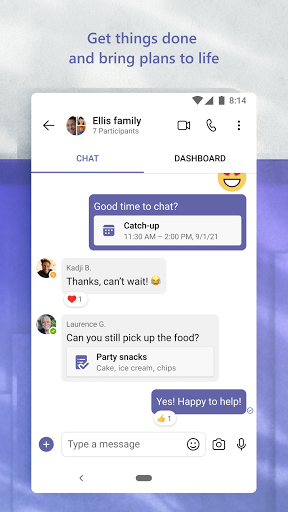
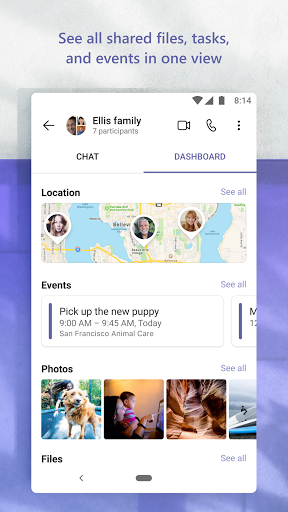
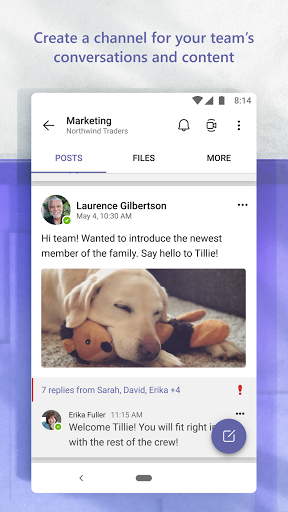
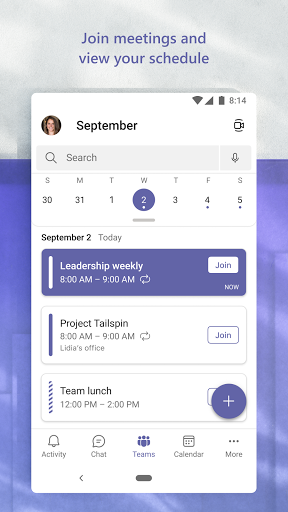
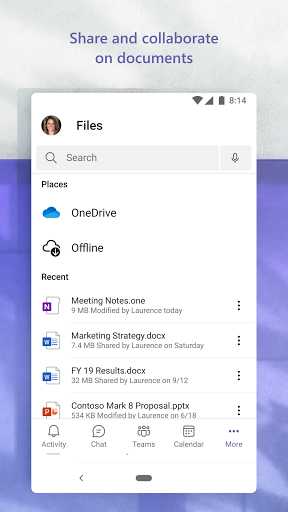
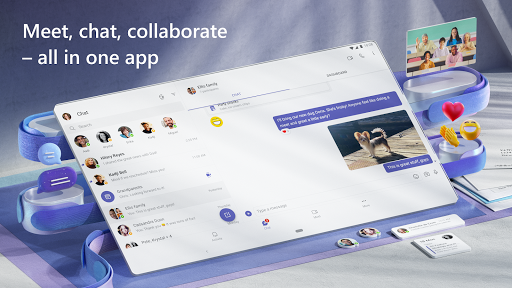
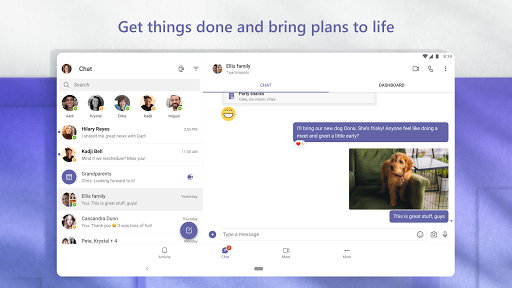
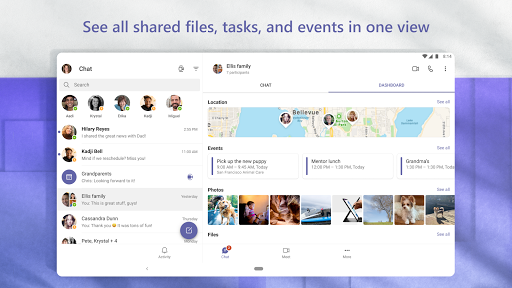
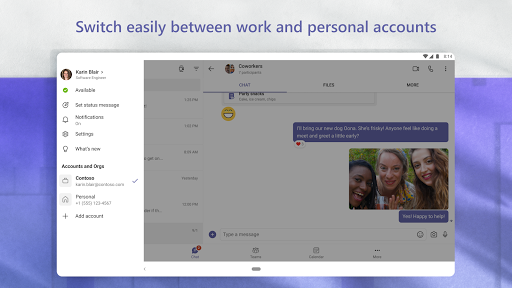
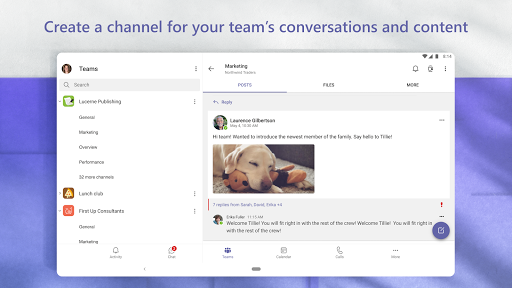
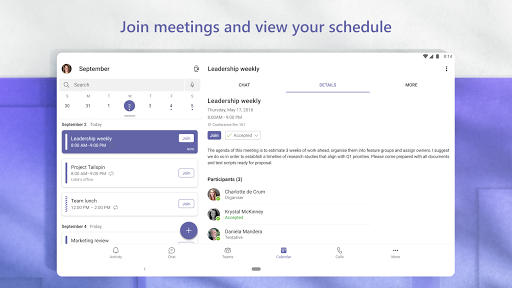
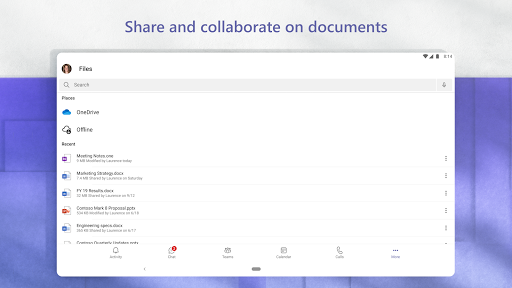
Microsoft Teams is the kind of app that tries to be your office, classroom, group chat, file cabinet, and meeting room all at once. After spending real time with it on mobile, that ambition mostly pays off. This is a genuinely capable collaboration app that handles messaging, meetings, file sharing, task coordination, and multi-account life better than most. At the same time, it can feel bloated, visually busy, and occasionally awkward in ways that remind you just how much Microsoft has stuffed into it. The best thing about Teams is how quickly it becomes a daily hub once your contacts or organization are already inside it. Jumping between chats, channels, meetings, and shared files is much smoother than it has any right to be given how many moving parts there are. In practice, we found it especially strong for the kind of mixed communication modern work and school demand: a quick direct message in one moment, a scheduled video meeting the next, then a shared document or file upload right after. That transition from chat to call to collaboration is where Teams feels most convincing. On mobile, the app generally does a good job of keeping important functions close at hand. Starting or joining a meeting is straightforward, and link-based joining removes a lot of the old friction that used to make meeting apps annoying. The calling and meeting experience is solid overall. Audio and video quality are dependable under normal conditions, and when everything is working as intended, Teams gives off a reassuringly professional feel. Screen sharing, shared documents, and meeting tools make it useful beyond simple face-to-face conversation. It is not just an app for talking; it is an app for getting through actual work. Another clear strength is ecosystem integration. Teams feels most at home when it is connected to the wider Microsoft world. If your day already involves Outlook, Word, Excel, PowerPoint, shared documents, and Microsoft accounts, Teams reduces the need to bounce between separate apps. Files are easier to surface, conversations stay tied to the work around them, and the overall experience becomes more coherent. We also liked how easy it is to keep multiple identities in one place. Switching between work, school, and personal accounts is much less painful than it could be, and that alone will matter to a lot of people. Security and structure are also part of the appeal. Teams is not trying to be a casual, throwaway messenger. It feels designed for environments where access, identity, and shared information actually matter. That can mean more sign-ins and more authentication prompts than some people want, but the tradeoff is a stronger sense that conversations and documents are not just floating around unsecured. Still, using Teams every day also exposes its biggest weakness: complexity. The app has so many tabs, layers, views, and collaboration modes that new users can easily feel dropped into the deep end. Chats, communities, teams, channels, tasks, files, calendars, and meeting tools all coexist, but they do not always feel elegantly unified. Sometimes Teams feels less like a carefully designed mobile app and more like a powerful workplace system compressed onto a small screen. If you are comfortable with digital workspaces, that is manageable. If you just want a simple communications app, it can feel like overkill. Performance is the second major issue. Teams is usable, but not especially light. On phones and laptops alike, it can feel heavy, and that heaviness shows up in little ways: lag when multitasking, slower loading in some tabs, and the occasional sense that the app is doing more in the background than you asked it to. During our time with it, the core functions remained dependable, but the experience was not always graceful. This is not the app you install because you want something lean and fast. The third frustration is inconsistency around smaller features. The basics are strong, but some secondary tools and workflows feel less polished than the headline experience. Certain add-ons, task-related areas, device-specific behaviors, and advanced controls can be less intuitive than they should be. There are moments where you know Teams can do a lot, but the app does not always make those capabilities easy to discover or pleasant to use. That is especially true for people who are not already steeped in Microsoft’s way of organizing work. Who is Teams for? It is an excellent fit for professionals, students, schools, distributed teams, and families or groups that want one place for messaging, meetings, and shared content. If you already live in Microsoft services, Teams becomes even more compelling. It is also a strong choice for people who need multiple accounts and want a secure, no-ads environment that can handle both formal and informal communication. Who is it not for? Anyone looking for a minimal, dead-simple chat or video calling app may find Teams too busy. If your needs are limited to quick calls, lightweight messaging, or a cleaner interface with less setup and structure, Teams may feel unnecessarily large for the job. Overall, Microsoft Teams earns its reputation. It is not the prettiest or simplest collaboration app, and it still has rough edges around performance and usability, but when it comes to breadth and day-to-day practicality, it is hard to ignore. We came away impressed by how much real work it can absorb into one app. If you can tolerate a little complexity, Teams is one of the most useful collaboration tools available on Android.