Apps Games Articles
Apple Music
Apple
Rating 4.6star icon
Editor's summary
Editor rating
star icon star icon star icon star icon
half star icon
4.5

One-line summary Apple Music is easy to recommend if you care about sound quality and a polished, ad-free listening experience, but I’d hesitate if you rely heavily on casting and cross-device control outside Apple’s own ecosystem.

  • Installs

    100M+

  • Developer

    Apple

  • Category

    Audio

  • Content Rating

    Teen

  • Latest version

    VARY

  • Package

    com.apple.android.music

In-depth review
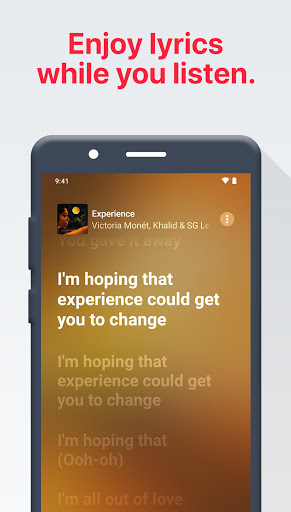
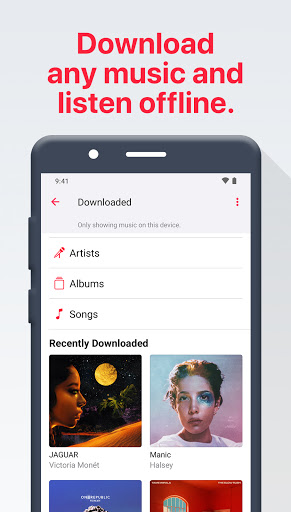
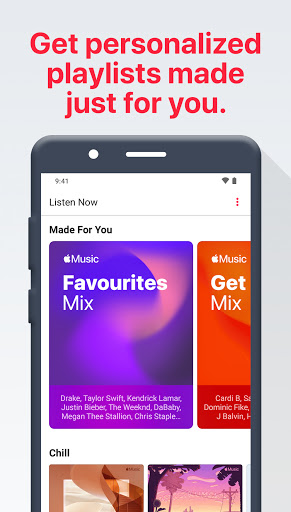
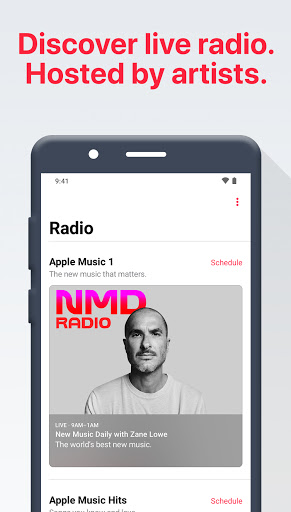
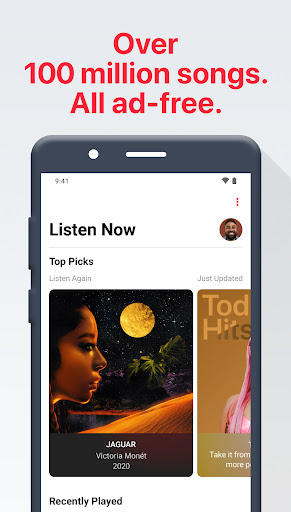
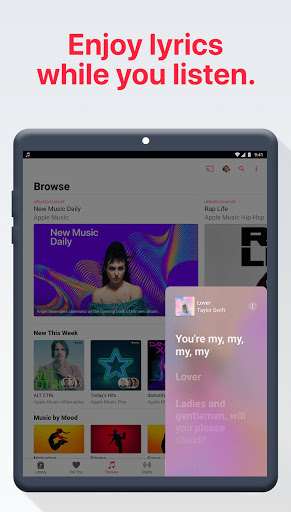
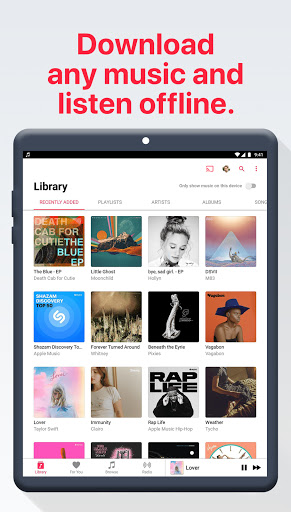
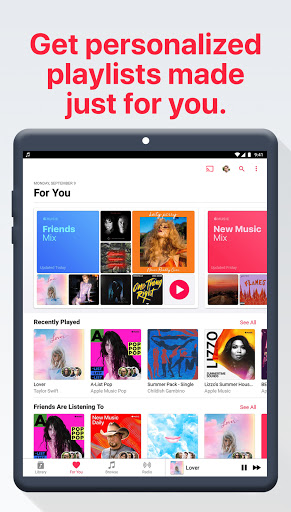
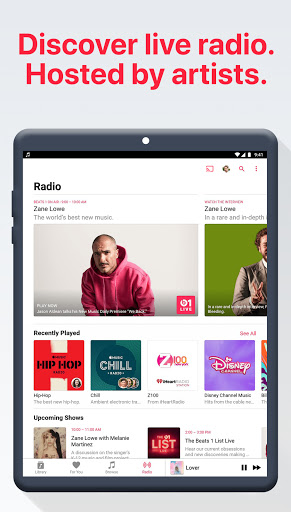
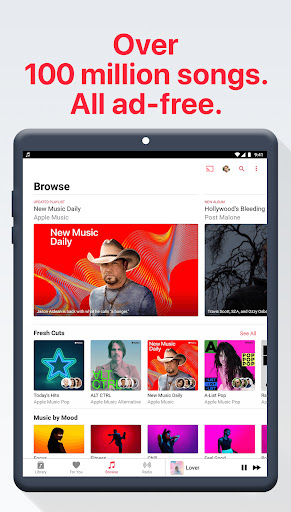
Apple Music on Android is one of those apps that quietly overturns expectations. I went in assuming it would feel like a second-class port: functional, maybe, but clearly not where the developer’s heart is. After spending real time with it as a daily music app, that assumption fell apart pretty quickly. This is not a token Android release. It’s a genuinely strong streaming app that feels focused on music first, and that focus comes through in almost every part of the experience. The first thing that stands out in day-to-day use is how clean the app feels. Apple Music doesn’t bombard you with junk, clutter, or endless gimmicks trying to drag you away from listening. The interface is streamlined in a way that makes browsing albums, jumping into playlists, checking lyrics, and returning to your library feel natural. It has that rare quality where it gets out of the way once you understand the layout. I spent most of my time moving between Listen Now, search, saved albums, and playlists, and the app stayed fast enough and predictable enough that I never felt like I was fighting it. Its biggest strength, though, is the listening experience itself. Apple Music has built its identity around audio quality, and even on Android that comes through clearly. Tracks sound rich, detailed, and well-served by the app’s higher-quality options. If you care about hearing more space in a mix, cleaner instrument separation, or simply getting the most out of decent headphones, this app makes a very persuasive case for itself. Even without turning every session into an audiophile exercise, the overall presentation feels premium. This is one of those apps where you notice yourself listening more closely. The second major win is the library depth and editorial feel. Search is reliable, and once I started bouncing between mainstream albums, catalog deep cuts, radio-style programming, and curated playlists, the app felt less like a cold utility and more like a place built by people who actually like music. The editorial selections are useful rather than noisy. Recommendations generally stayed on track for me, and I appreciated that discovery didn’t feel purely algorithmic. There’s room to wander here, which matters if you’re the kind of listener who still cares about albums, artist pages, and context instead of just passive background playback. The lyric implementation is also excellent. Time-synced lyrics are one of those features that can sound minor on paper and become essential once they’re done well. Apple Music does them well. Following along line by line is smooth, and it adds a lot whether you’re learning a song, half-remembering a chorus, or just wanting a more immersive listen. It’s one of the most polished parts of the app. That said, Apple Music is not flawless, and its rough edges are real enough to mention. The first weakness is that occasional bugs still interrupt the polish. Most of the app feels refined, but every now and then something in library behavior or navigation reminds you that this is software, not magic. I ran into moments where organization felt a little inconsistent, especially when managing saved music versus playlists. None of it was catastrophic, but it did create the occasional “why is this handled this way?” pause. The second weak point is ecosystem friction. Apple Music works well on Android, but some of the shine fades when you start expecting seamless control across non-Apple smart speakers or voice-driven playback setups. Casting support is there, and basic playback to other devices is possible, but remote control behavior is not always as smooth or unified as the best-connected competitors. If your home audio life revolves around hopping between phone, smart speaker, and TV with perfect handoff and full remote controls, you may hit some frustration. Third, there are still a few missing niceties that power users may notice. An in-app equalizer would be welcome, especially for listeners who like to tailor sound without depending on device-level settings. There are also moments where the app’s approach to library management feels more opinionated than flexible. If you’re very particular about exactly how artists, albums, and saved tracks should surface, you may occasionally find yourself adapting to Apple Music’s system instead of the other way around. What I do appreciate is that the app remains very usable in ordinary life. Offline downloads are easy to manage, and once music is saved, the app does a good job of turning your phone into a dependable music player for commuting, flights, school, or patchy-signal areas. Features like crossfade and autoplay help maintain momentum during long listening sessions, and small touches like animated art and playlist customization make the app feel modern without becoming distracting. Who is this app for? It’s for listeners who actually sit with music: people who care about albums, lyrics, audio quality, and a cleaner, premium-feeling interface. It’s also a strong fit for Android users who want a paid, ad-free service that treats music as the main event rather than a vehicle for podcasts, short videos, and platform clutter. Who is it not for? If you want a free tier, this won’t be your app. If your setup depends heavily on best-in-class casting, speaker handoff, and universal remote control across every device in your home, you may find the experience less elegant than you want. And if you demand total control over every organizational detail in your library, some of Apple Music’s quirks may annoy you more over time. Still, after extended use, my overall impression is very positive. Apple Music on Android feels mature, thoughtful, and far more at home on the platform than many people expect. It delivers where it matters most: sound, selection, and a listening experience that keeps the spotlight on the music. Its flaws are real, but they don’t outweigh the fact that this is one of the best music streaming apps you can install on an Android phone today.