Apps Games Articles
QR & Barcode Scanner
Gamma Play
Rating 4.8star icon
Editor's summary
Editor rating
star icon star icon star icon star icon
half star icon
4.5

One-line summary QR & Barcode Scanner is easy to recommend because it opens fast and scans almost instantly, but the ad-heavy result screen and bare-bones design can occasionally make a simple task feel less clean than it should.

  • Installs

    500M+

  • Developer

    Gamma Play

  • Category

    Tools

  • Content Rating

    Everyone

  • Latest version

    VARY

  • Package

    com.gamma.scan

In-depth review
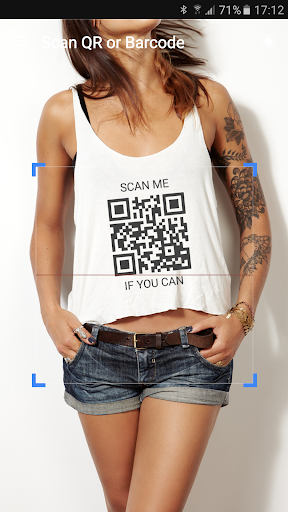
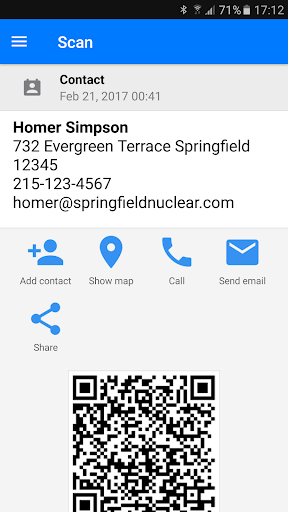
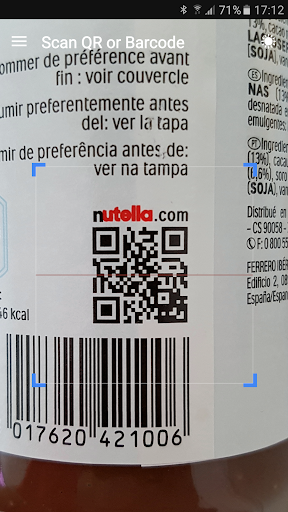
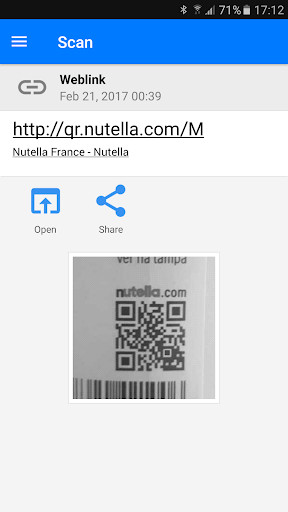
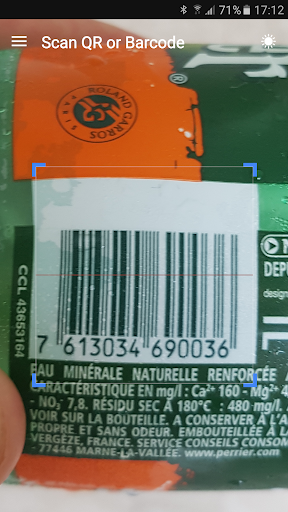
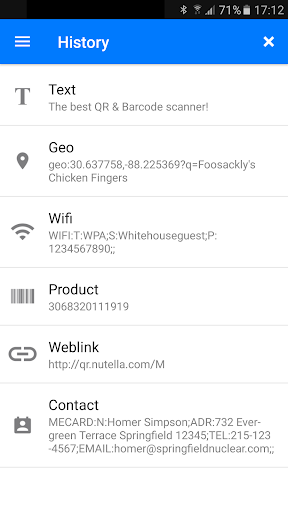
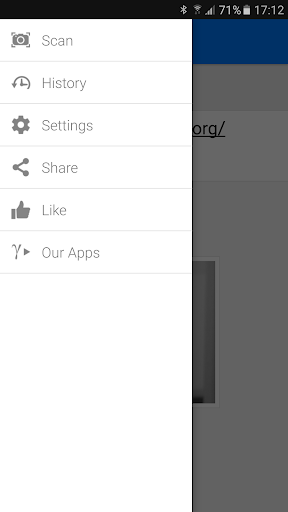
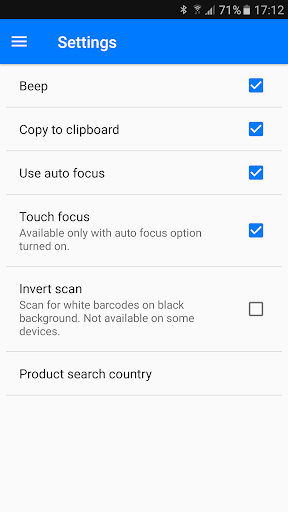
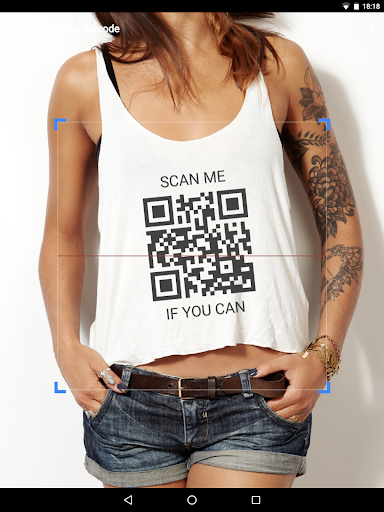
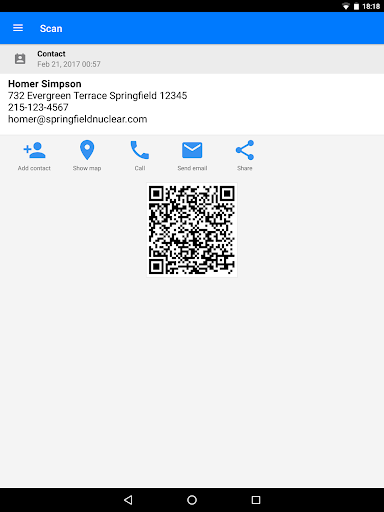
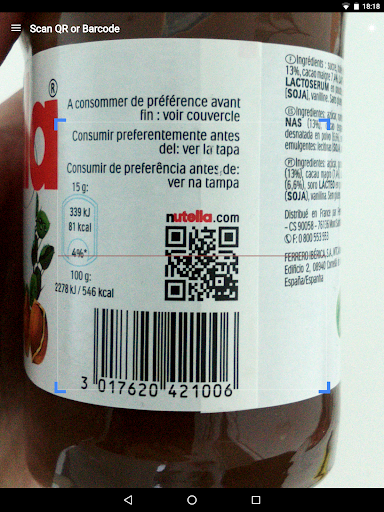
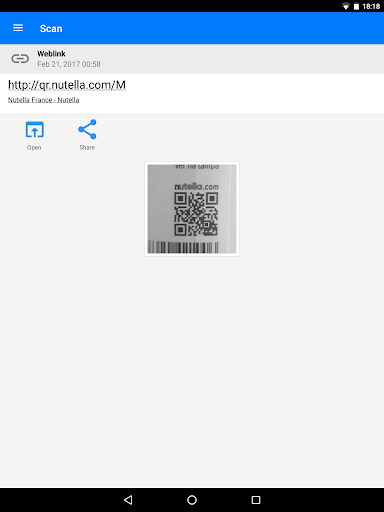
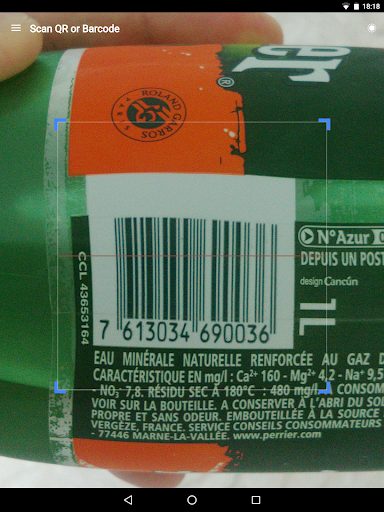
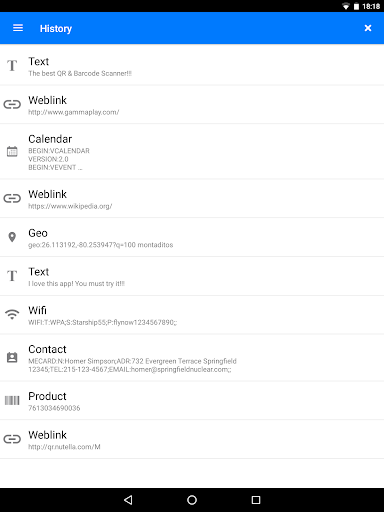
QR & Barcode Scanner is the kind of utility app most people install for one immediate job and then either delete within five minutes or keep for years. After spending time with it in everyday use, I can see why this one has stuck around on so many phones. It does the most important thing right: it gets out of your way. From the moment you open the app, the experience is refreshingly direct. There is no long setup process, no account nonsense, and no confusing dashboard trying to upsell you into a premium tier. You launch it and the camera is ready. That sounds basic, but for a scanner app, that first impression matters more than almost anything else. In practice, the app feels very fast. Point the camera at a QR code and it usually recognizes it before you have time to steady your hand. It also handles the common real-world situations well: restaurant menus, product barcodes, Wi-Fi codes, website links, and contact information all scan with very little friction. That speed is the app’s biggest strength. In testing, I rarely had to reposition the phone much, and it did not demand perfect framing to work. Even slightly awkward angles and smaller printed codes were often picked up surprisingly quickly. If all you want is a dependable scanner that launches fast and reads codes with minimal fuss, this app absolutely delivers. The second thing I liked is that it is not limited to live camera scanning. Pulling a QR code from an image or screenshot is genuinely useful, and this app makes that process simple enough that it feels like a built-in feature Android forgot to include. I tested it with saved images and screenshots, and it turned what could have been a tedious workaround into a quick two-tap process. That makes the app more versatile than a lot of one-purpose scanners. A third strength is the extra utility around the scan itself. History is one of those features you do not appreciate until you need it, and here it is genuinely helpful. If you scanned a code yesterday and forgot to save the link, the app gives you a practical way to retrieve it. The QR generation tools are also a nice bonus. They are not the reason to install the app, but they make it more than just a reader. Being able to create a QR code for a link, contact, or clipboard content adds some everyday usefulness without making the app feel bloated. That said, the app is not perfect, and its biggest flaw is obvious almost immediately: ads affect the flow. To be fair, this is a free app, and the ads are not always aggressive in the way some utility apps are. But the placement can be clumsy, especially around the result screen. At times, the screen presents the scanned result alongside promotional content in a way that can make the interface feel less trustworthy than it should. In a scanner app, clarity matters. When you scan a code, you want a clean, unmistakable path to the result. Anything that visually competes with that moment is annoying. The second weakness is that the app’s design feels more functional than refined. It is easy to use, but not especially elegant. Menus and options are straightforward, yet the overall presentation has that familiar utility-app feel: practical, a bit plain, and occasionally rough around the edges. That is not a dealbreaker for something this simple, but it does mean the app can feel more utilitarian than polished. The third issue is that barcode scanning usefulness depends heavily on what kind of code you are scanning. For QR links and basic data, the app feels excellent. For product lookups and shopping-related scans, the experience can be more hit or miss depending on what information is attached to the barcode and what action you expect next. The app can read the code quickly, but that does not always guarantee a rich or satisfying result beyond the raw number or a basic lookup path. In other words, it is strongest as a scanner, not as a full shopping intelligence tool. Who is this app for? It is for people who want a fast, uncomplicated scanner that works right away. If you regularly scan restaurant menus, package labels, event QR codes, Wi-Fi credentials, or links from signs and posters, this app is exactly the kind of practical tool that earns a permanent place on your phone. It is also a good fit for users who occasionally need to scan codes from screenshots or generate their own QR codes without hunting for a second app. Who is it not for? If you are extremely sensitive to ads, or you want a beautifully designed, premium-feeling utility with zero visual clutter, this may not be your favorite. It is also not the best pick if you expect every product barcode scan to blossom into a rich shopping comparison experience. The core scanner is excellent; the surrounding experience is simply more basic. Overall, QR & Barcode Scanner succeeds because it understands the assignment. Most of the time, you open it, point your camera, and you are done in seconds. That simplicity is worth a lot. I would recommend it to most Android users without hesitation, with one small warning: turn on the setting that automatically opens scanned URLs if you want the cleanest experience. Do that, and this app becomes exactly what a good utility should be—fast, helpful, and easy to forget until the moment you need it again.
Alternative apps