Apps Games Articles
Text Free: WiFi Calling App
Pinger, Inc
Rating 4.4star icon
Editor's summary
Editor rating
star icon star icon star icon star icon
half star icon
4.5

One-line summary Text Free is one of the most genuinely useful free Wi-Fi calling apps on Android, but you have to accept ads, occasional credit friction for calls, and performance that still rises or falls with your internet connection.

  • Installs

    10M+

  • Developer

    Pinger, Inc

  • Category

    Social

  • Content Rating

    Everyone

  • Latest version

    VARY

  • Package

    com.pinger.textfree.call

In-depth review
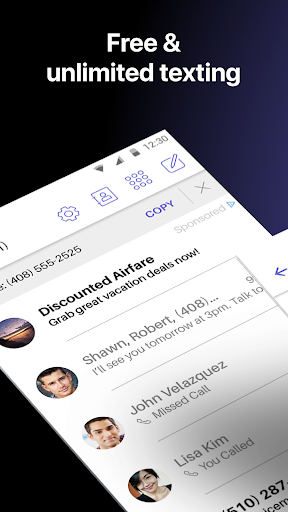
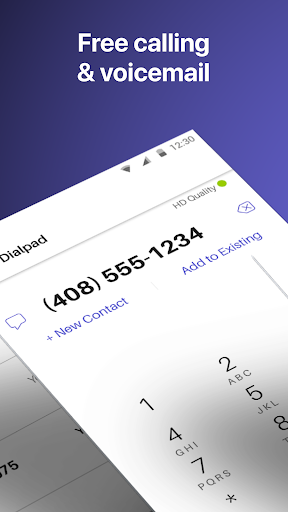
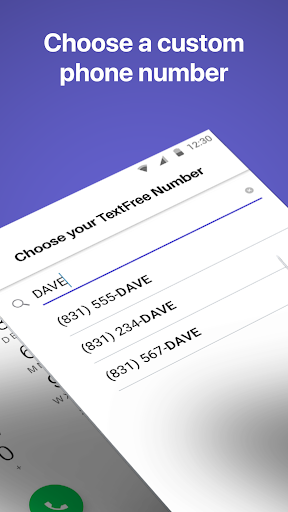
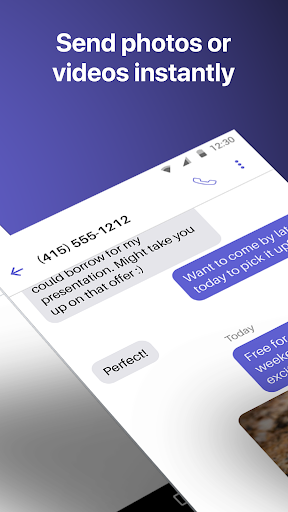
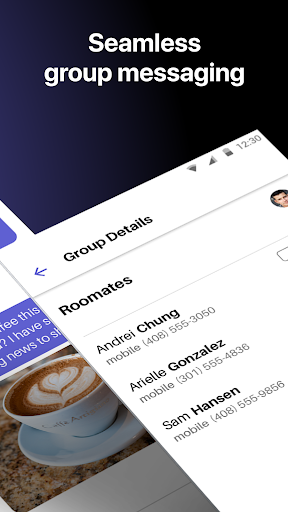
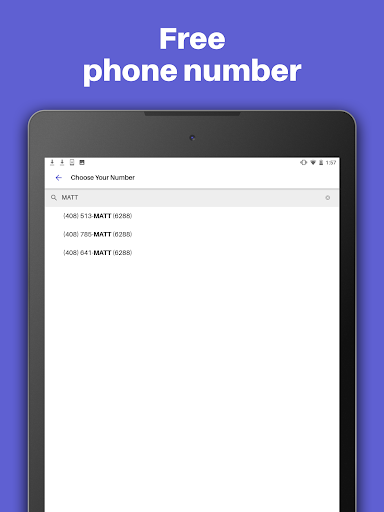
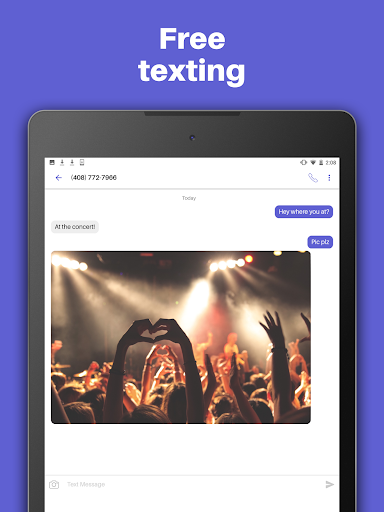
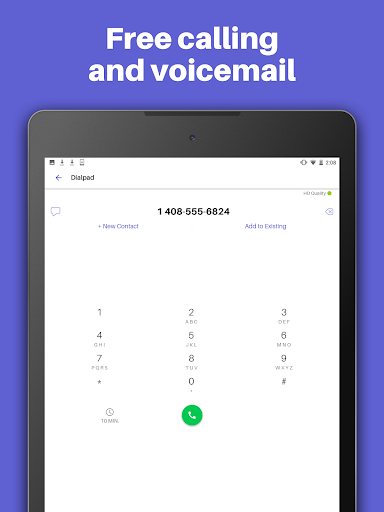
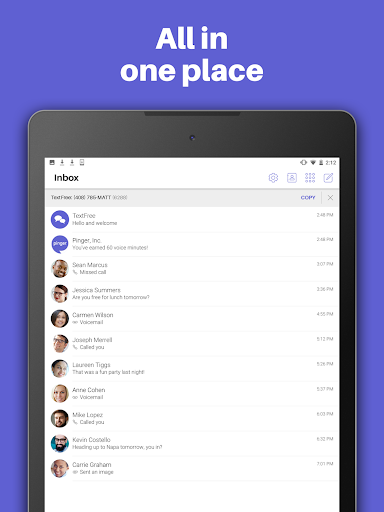
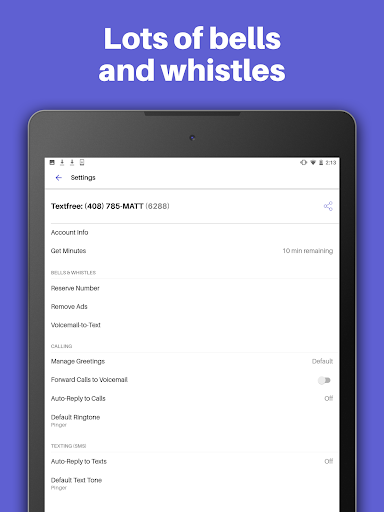
Text Free: WiFi Calling App feels like one of those rare utility apps that understands exactly why people install it. You are not here for novelty. You are here because you need a working phone number, a way to send texts over Wi-Fi, and a calling app that does not immediately corner you into a subscription before you can even test it. After spending time with it, that practical focus is the app’s biggest strength: it gets you from install to having a usable second number very quickly, and in day-to-day use it feels closer to a real backup line than many so-called free texting apps do. The first good sign is setup. Choosing a number is straightforward, and the app does a nice job of making the whole second-number idea feel simple instead of sketchy or overcomplicated. There is a real sense that you can get up and running fast, which matters because apps in this category often drown users in account hoops and upgrade prompts before they have proved any value. Text Free is much better about that. Within a short time, we were sending texts, receiving replies, and using it like a spare phone line rather than a demo. Texting is, frankly, the star of the experience. Messages go through reliably enough to inspire confidence, and the app supports the kinds of things most people now expect: photos, videos, GIFs, audio messages, emojis, and group texting. In practice, that makes Text Free feel less like a stripped-down emergency tool and more like something you could actually keep around for regular use. We especially liked how normal the messaging flow feels. It is not elegant in a premium flagship-app way, but it is easy to understand, and it does not fight you. For people who need a second line for side work, temporary use, or periods without active carrier service, that simplicity is valuable. Calling is good, with an important asterisk. On a solid Wi-Fi connection, voice quality can be surprisingly clear, and incoming calls being part of the experience makes the app far more useful than text-only alternatives. When conditions are right, it absolutely works as intended. But this is also where the app’s limitations are impossible to ignore. Call quality is tied heavily to your network quality, and the experience can swing from perfectly usable to frustrating if the connection is weak or inconsistent. That is not unique to Text Free, but it is a real part of living with it. If your home Wi-Fi is strong, you may come away impressed. If your signal is patchy, this app will remind you very quickly that internet calling is only as good as the connection feeding it. The second major strength is that the free model still feels meaningfully free. That sounds obvious, but it is not. Plenty of apps in this category advertise free calling and texting, then immediately bury basic utility behind trials, top-ups, or aggressive restrictions. Text Free does include ads, and calls can involve credit or minute management depending on how you use it, but the app generally gives you a workable path to keep using it without spending money. Watching ads to earn more calling access is not glamorous, but it is understandable, and crucially, it often feels like a tradeoff rather than a trap. If you just need a backup line during a rough month, a temporary number, or Wi-Fi-based communication when carrier service is unavailable, Text Free delivers real value. There is also a welcome sense of maturity here. Features like custom tones, wallpapers, auto-reply, and syncing your conversations across devices make the app feel lived-in rather than bare minimum. We would not call the interface beautiful, but it is functional and seasoned. It knows what kind of app it is. The ability to keep a record of messages and move to another device without feeling like you are starting over adds to that impression. For practical users, that matters more than flashy design. Still, the app is not frictionless. The first obvious annoyance is advertising. Ads are part of the bargain, and while they do not completely ruin the experience, they are noticeable enough that frequent users will eventually feel nudged toward the paid tier simply for peace and quiet. The second complaint is that calling can feel less unlimited in practice than texting, because minute or credit mechanics create just enough mental overhead to remind you that voice service is the part being monetized more aggressively. Texting feels carefree; calling sometimes feels managed. The third weakness is number permanence. Text Free can absolutely work as a stable second number, but the app also makes it clear that holding onto that number long term is tied to continued use or subscription. That means this is not the ideal choice if you want a forever number with zero maintenance or uncertainty. For casual and temporary use, that is fine. For mission-critical identity use, especially if you hate the idea of a number expiring, it is something to think about carefully. So who is this app for? It is excellent for anyone who needs a temporary or secondary phone number, people relying on Wi-Fi because their carrier service is interrupted, users who want a low-cost communication backup, and anyone who mainly needs dependable texting with occasional calls. It also makes sense for side hustles, personal privacy, or keeping a separate contact line without carrying another device. Who is it not for? If you need rock-solid call quality in poor network conditions, hate ads on principle, or want a permanent primary number without worrying about activity requirements, you may find the compromises irritating. It is also not the best fit for someone who expects a polished premium communications app experience while staying entirely on the free tier. Even with those caveats, Text Free stands out because it solves a real problem without too much drama. It feels useful, tested, and refreshingly honest about what it offers. The texting experience is strong, the second-number setup is easy, and the calling side is genuinely serviceable when your connection cooperates. For a free Wi-Fi calling app, that is more than enough to make it worth recommending.