
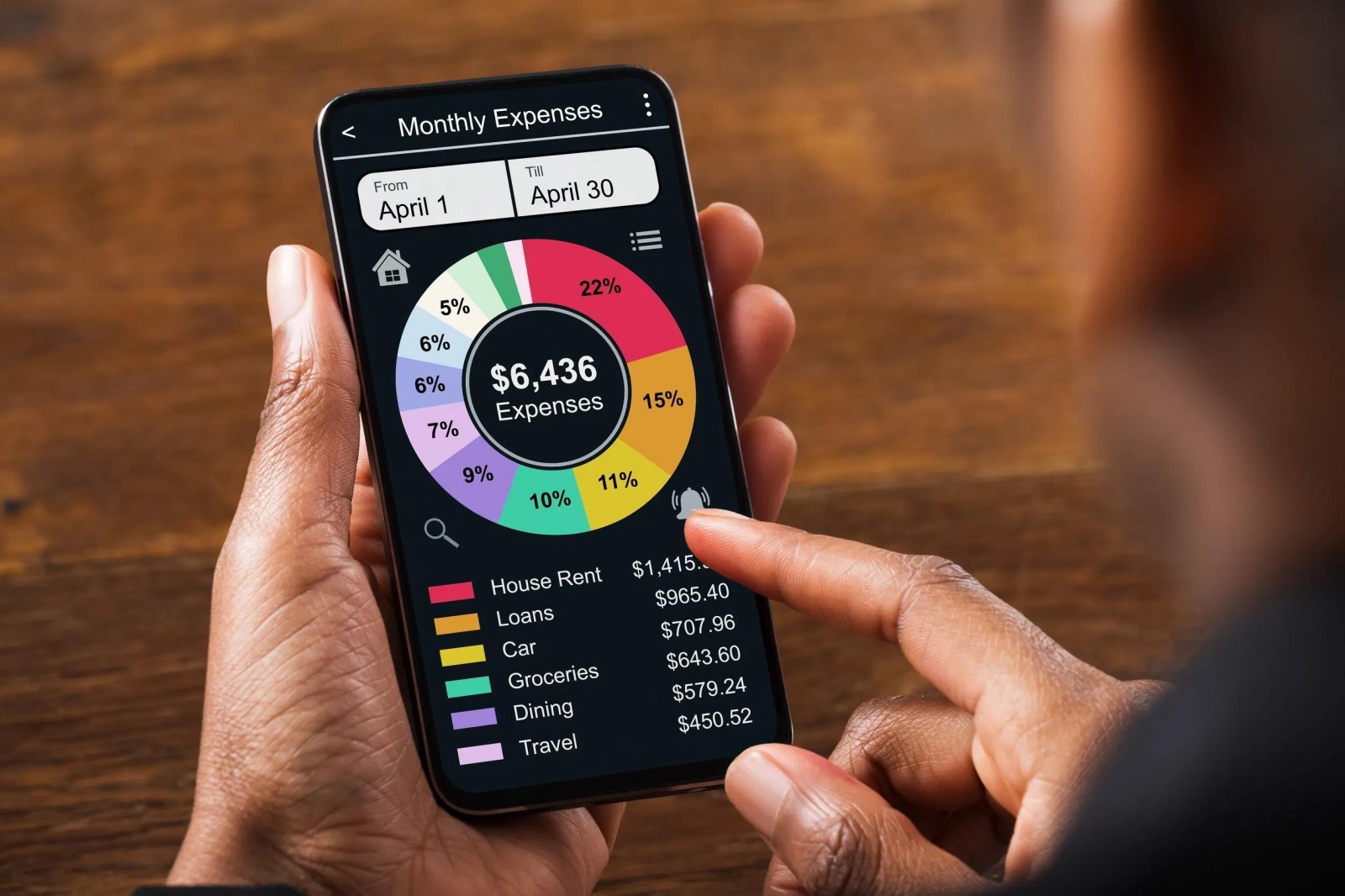
Privacy-First Budgeting: Which Expense Tracker Apps Don't Sell Your Data?
Content
Privacy-first budgeting is harder than it sounds
Most people say they want a budgeting app that respects privacy. What they usually mean is simpler: they want help organizing their money without feeling like they have handed over their entire financial life in exchange.
That is a fair concern. Expense trackers can be unusually intimate pieces of software. They may see your paycheck, your rent, your subscriptions, your debt payments, and every late-night impulse purchase. In return, they promise convenience: automatic categorization, alerts, dashboards, and savings nudges.
The problem is that “secure” and “private” are not the same thing. An app can use encryption and still ask for sweeping access to your accounts. It can be polished and useful while still collecting more information than a cautious user would prefer. And in the data provided here, that distinction matters, because several apps describe security features, but none makes a clear, explicit promise in the supplied material that it does not sell user data.
So instead of pretending we can certify a perfect privacy winner from incomplete evidence, it is more honest to ask a narrower question: which of these apps let you manage money with the smallest practical exposure, and which ones demand more data in exchange for better automation?
First, what “privacy-first” should mean in practice
For a budgeting or expense app, privacy-first usually comes down to a few practical tests:
- Does the app need direct links to your bank and credit accounts?
- Does it work mainly from manual input, limited payment data, or broader account aggregation?
- Is it focused on a narrow financial task, or does it try to become your full financial control center?
- Does the app description emphasize security only, or does it also say something specific about privacy?
On that basis, the five apps here fall into very different categories. Only one, Rocket Money, is a true all-in-one budgeting and expense-tracking product. The others are money-related in narrower ways: payments, finance news, claims, or habit building. That makes the comparison slightly unconventional, but also useful. If your real goal is minimizing data exposure, a less feature-rich app may actually fit better than a powerful dashboard.
Rocket Money: the strongest budgeting tool, with the biggest privacy trade-off
If you want the most capable expense tracker in this group, Rocket Money is the obvious starting point. Its core appeal is convenience. The app tracks expenses, finds subscriptions, helps cancel them, monitors budgets by category, and can even help lower bills. Reviews in the supplied data repeatedly highlight the same thing: once linked, it saves users from manual entry and surfaces recurring charges they had forgotten.
That is the upside of full aggregation. You do not have to log receipts, remember due dates, or hunt through bank statements. For many people, that is exactly why budgeting apps are worth using.
But this is also where privacy-minded users should slow down. Rocket Money’s value depends on linking accounts and letting the app “track all your accounts so you don’t have to.” From a data-minimization perspective, that is the opposite of a light-touch setup. It may still be secure; the profile explicitly mentions bank-level security and privacy. Yet broad access is still broad access. If your definition of privacy-first is “share as little as possible,” Rocket Money is hard to call a perfect match.
Still, there is a reason it ranks first. If your actual goal is practical budgeting that works automatically, Rocket Money gives you the strongest toolset here. It also looks more purpose-built for real household money management than anything else in the dataset.
Best fit: users who prioritize automation and visibility.
Less ideal for: users who want strict data minimalism or who are uncomfortable linking multiple financial accounts.
Google Wallet: strong security posture, but not a true budget app
Google Wallet sits in a different category. It is primarily a digital wallet for cards, tickets, passes, and payments. That means it does not replace a dedicated expense tracker, but it does deserve attention in a privacy-first discussion because many people really want a safer, tidier way to handle everyday transactions rather than a full analytics suite.
The supplied description stresses secure access and keeping essentials protected in one place. It also notes transaction details and smart receipt-related information, plus integration with other Google services. User reviews are generally positive about convenience and a sense of security.
For privacy, Google Wallet offers a mixed picture. On one hand, it appears designed to reduce friction at checkout and centralize payment credentials without exposing your physical cards every time. One review even notes that it does not share the real credit card number in a transaction context. That is meaningful from a payment-security angle.
On the other hand, Wallet is tightly integrated into a larger ecosystem. The app description explicitly mentions syncing with Calendar, Assistant, Maps, Shopping, and more. Some users will love that convenience. Others will see it as exactly the sort of cross-service connection they are trying to avoid.
So Google Wallet is not the answer if you want category-by-category budgeting. But if your version of privacy-first is “secure, streamlined payments without carrying everything physically,” it can be a sensible part of a low-friction money setup.
Best fit: users focused on payment security and daily spending convenience.
Less ideal for: users looking for detailed budget analysis or minimal ecosystem integration.
MSN Money: light financial utility without deep personal expense tracking
MSN Money is not an expense tracker in the same sense as Rocket Money, but that is partly why it is interesting for privacy-conscious readers. Its focus is market data, financial news, watchlists, and basic tools such as a mortgage calculator, currency converter, tip calculator, wealth estimator, and retirement planner.
That narrower scope means it is less likely, based on the supplied information, to require the same level of intimate transaction visibility as a full budgeting app. If your main concern is avoiding an app that watches every purchase while still wanting some financial structure, MSN Money may feel less invasive.
The trade-off is obvious: it does much less for day-to-day expense management. You are not getting the same subscription detection, budget category monitoring, or linked-account spending visibility that Rocket Money provides. The app’s rating in the dataset is also notably lower than the strongest performers here, which may give some users pause.
Still, there is a legitimate audience for this kind of tool. Not everyone wants a machine reading their checking account. Some people only want contextual financial information, a watchlist, and a few calculators to support broader decision-making. In that narrower role, MSN Money is useful.
Best fit: users who want financial awareness and tools without making an app the center of their transaction history.
Less ideal for: users who need a real budget workflow or automatic expense categorization.
PayMe: money recovery rather than money tracking
At first glance, PayMe - Claim Your Money may seem out of place in an article about budgeting. It is not designed for routine expense tracking. Instead, it helps users identify eligible class action settlements, file claims quickly, and track payout status.
But there is a reason to include it in a privacy-focused money roundup. PayMe approaches personal finance through a limited task: helping users recover money they may be owed. Compared with an app built to ingest every transaction across your financial life, that narrower mission can appeal to people who prefer specialized tools over one giant financial hub.
The app description emphasizes a guided claim process, real-time status updates, and secure handling through encryption and standard authentication. Those are useful details, although they speak more to transaction safety than to broader data-use policies. The app also includes a coming-soon subscription cancellation feature, which gestures toward savings management, but based on the provided data it is not yet the reason to download it.
The limitation is simple: PayMe is not a budgeting solution. It may help you recover funds or track claims, but it will not replace a spending tracker or monthly budget planner.
Best fit: users who want to pursue settlement claims without paperwork headaches.
Less ideal for: anyone expecting a full expense dashboard or ongoing personal finance analysis.
Habit Gift: the privacy-friendly option only if you redefine the problem
Habit Gift is the most indirect recommendation here. It is not a finance app in category terms, and it does not claim to track expenses. Instead, it logs habits, counts walking activity, and offers rewards for consistent behavior.
Why include it at all? Because some people use budgeting apps not only to measure money, but to change behavior. If what you really need is more discipline around routines, incentives, and consistency, a habit app can sometimes support financial goals without requiring bank access.
For example, someone trying to spend less may benefit from building daily check-in habits, no-spend routines, exercise habits that replace paid entertainment, or simple accountability patterns. Habit Gift does not promise those outcomes directly, but its reward-based structure could motivate behavior change in a way a ledger never will.
From a privacy angle, this kind of tool can be appealing precisely because it is not a deep financial aggregator. The compromise is equally clear: it offers almost none of the practical visibility people expect from an expense tracker. You are not seeing categories, balances, subscriptions, or monthly cash flow.
Best fit: users who want indirect support for money discipline through habit formation.
Less ideal for: anyone who needs concrete budgeting data.
So which app “doesn’t sell your data”?
Based strictly on the supplied data, none of these apps can be confidently labeled that way.
That is not the same as saying they do sell user data. It simply means the provided descriptions and features focus mostly on functionality, convenience, and security. A few mention privacy in broad terms, but not with the kind of explicit, verifiable language a privacy-focused reader would want before making a strong editorial claim.
That is an important distinction. Too much app coverage treats “secure,” “safe,” and “private” as interchangeable. They are not. Encryption, authentication, and a good rating do not automatically answer what happens to your financial data behind the scenes.
The most privacy-conscious way to choose from this list
If you are trying to minimize exposure, your decision is less about finding a magical zero-data app and more about choosing the smallest necessary tool.
- Choose Rocket Money if automated budgeting is worth the account-linking trade-off.
- Choose Google Wallet if your main concern is secure daily payments rather than deep budgeting.
- Choose MSN Money if you want financial context and tools without turning over transaction-level oversight to a budgeting app.
- Choose PayMe if your goal is recovering eligible money, not monitoring spending.
- Choose Habit Gift if behavior change matters more than financial dashboards.
In other words, the privacy-first answer may be not to use the most powerful budgeting app at all.
A realistic bottom line
For pure budgeting features, Rocket Money is the standout. For low-friction secure payments, Google Wallet makes more sense. For lighter-touch financial information, MSN Money is the least like a traditional account-harvesting budget app. PayMe and Habit Gift are niche alternatives that may support your finances in narrower or more behavioral ways.
But if your question is strictly, “Which expense tracker apps here clearly promise not to sell my data?” the honest answer is that the provided data does not let us say that with confidence.
That may sound unsatisfying, but it is also the most useful conclusion. Privacy-first budgeting is not about trusting marketing language. It is about understanding what each app needs from you, what convenience it gives back, and whether that exchange feels proportionate.
For many users, the best privacy move is not chasing a perfect app. It is choosing a smaller one.
Conclusion
If you want the best budgeting functionality, Rocket Money is the most complete choice in this dataset, but it also asks for the deepest access to your finances. If you care more about limiting exposure, lighter-purpose apps such as Google Wallet or MSN Money may be more comfortable, even though they are less capable budget tools. The key lesson is simple: privacy-first budgeting usually means accepting fewer features in exchange for sharing less.
Apps in this article

Why included: Rocket Money is the clearest match for people who want automated expense tracking, budgeting, and subscription monitoring in one place.
Best for: Users who want convenience and broad financial visibility from linked accounts.
Watch out: Its strongest features depend on linking financial accounts, which is useful but inherently exposes more personal data to the service.

Why included: Google Wallet is not a budgeting app in the classic sense, but it is relevant for privacy-conscious money management because it centralizes payments, cards, passes, and receipt details with a strong emphasis on secure access.
Best for: People who want to reduce wallet clutter and manage day-to-day spending access securely on their phone.
Watch out: It is more of a payment and wallet layer than a full expense tracker, and its integration across Google services may feel too connected for users seeking minimal data sharing.
Why included: MSN Money earns a place for readers who want financial tools and budgeting context without making it their primary transaction-level expense tracker.
Best for: Users who mainly want finance news, watchlists, market data, and lightweight money tools alongside general budgeting awareness.
Watch out: It is not built around detailed personal expense categorization in the way dedicated budgeting apps are.

Why included: PayMe approaches money from a different angle: recovering funds through class action claims rather than tracking daily spending. It is useful in a privacy discussion because it avoids presenting itself as a full account-aggregation budget dashboard.
Best for: People interested in claiming eligible settlement money and tracking those payouts.
Watch out: It is not a true budgeting app, and some features require a paid subscription for full access.

Why included: Habit Gift is the least traditional inclusion, but it represents a low-finance-data alternative for users trying to improve money habits indirectly through routine building and rewards.
Best for: People motivated by rewards and habit logging rather than bank-linked expense tracking.
Watch out: It is an entertainment-oriented habit app, not a dedicated expense tracker, so its budgeting usefulness is indirect.