
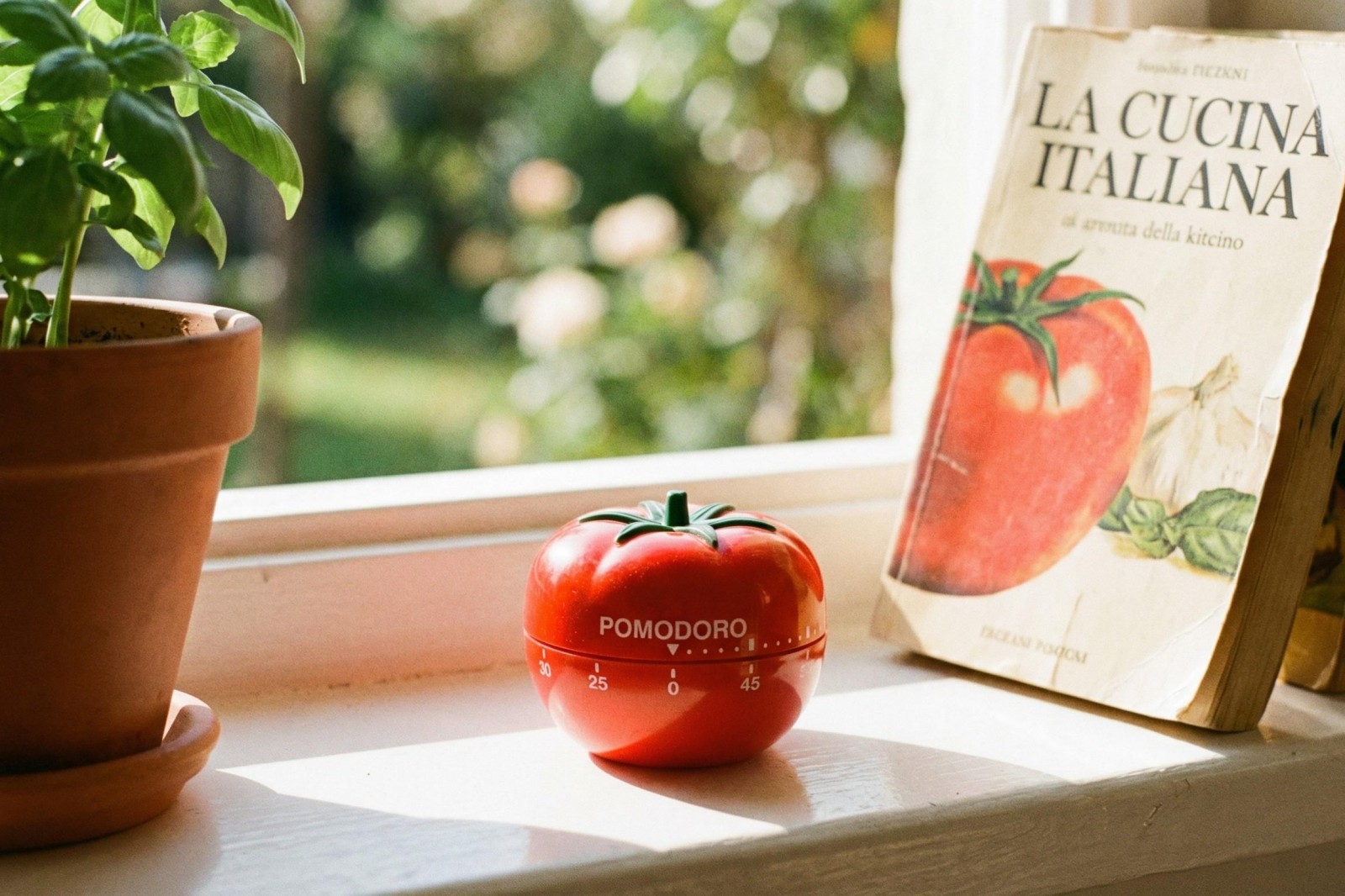
5 Best Minimalist Pomodoro Apps for Deep Work in 2026.
Content
5 Best Minimalist Pomodoro Apps for Deep Work in 2026.
Minimalist Pomodoro apps are harder to find than they should be. Plenty of apps claim to help you focus, but many pile on analytics, social features, habit systems, or visual clutter that can end up feeling like another form of procrastination.
The five apps below are not identical, and not all of them are classic Pomodoro timers in the strict sense. But each one can play a useful role in a deep-work routine built around focused intervals, short breaks, and less friction. Some are direct timer apps; others support the conditions that make Pomodoro-style work actually stick.
That distinction matters. For some people, “minimalist” means a straightforward timer and nothing else. For others, it means an app that stays out of the way while still nudging them to begin, protect a session, or recover well during breaks. With that in mind, here are the best options from this list.
1. Focus Friend by Hank Green
If you want the app here that most clearly matches the phrase minimalist Pomodoro app for deep work, Focus Friend by Hank Green is the one to start with.
Its core setup is refreshingly direct: you run focus sessions, take breaks, and repeat. The app explicitly supports the Pomodoro method with break timers, and its focus timer can be customized to fit your preferred rhythm instead of forcing a rigid 25/5 split. That flexibility matters in real-world deep work, where some people work best in 15-minute starts while others prefer 45-minute concentration blocks.
What makes Focus Friend stand out is that it adds motivation without becoming a full-blown productivity operating system. Your “Bean Friend” focuses when you focus, and finishing sessions earns decorations and rewards. On paper, that sounds less minimalist than a plain countdown clock. In practice, it may still feel lighter than many dashboard-heavy apps because the motivation is simple and immediate rather than analytical.
There is also a practical deep-work feature here: Deep Focus Mode, which can lock distracting apps during sessions. That gives Focus Friend a meaningful advantage over timer-only tools. A Pomodoro timer is helpful, but a timer that also reduces temptation is usually better.
The user reviews reinforce this picture. Several reviewers describe it as a gentle nudge rather than a punitive blocker, and that tone seems to be part of its appeal. Users mention reading, bedtime phone avoidance, and studying as strong use cases. That suggests the app works well not only for desk work, but also for any moment when you need a small boundary between intention and distraction.
The trade-off is obvious: if you want a stark, text-only experience, the cozy visual layer may feel too cute. The decoration and character system will not suit everyone. But among the apps listed here, it is the most coherent blend of focus timer, break structure, and low-friction motivation.
2. QuickBooks Workforce
At first glance, QuickBooks Workforce looks like an odd inclusion in a Pomodoro roundup, and it is fair to say it is not a traditional deep-work app. It is primarily a workforce and time-tracking tool. Still, for a particular kind of user, it can function as a surprisingly effective minimalist work-block companion.
Why? Because some people do not need another motivational app. They need accountability. QuickBooks Workforce is built around clocking in and out, viewing time in real time, editing timesheets, and staying aligned with schedules. If your deep-work sessions are tied to billable hours, shift blocks, or self-managed work windows, this kind of structure can be more useful than a decorative timer.
Its strongest argument in this context is its clean, intuitive interface paired with real-time access to work hours and updates. That creates a more utilitarian style of focus: start a block, track it, and move on. It is especially suitable for freelancers who want to turn focus sessions into logged work, or for small teams trying to create more disciplined concentration windows without adopting a more specialized focus platform.
The review data also hints at why some individuals use it beyond conventional employment setups. One reviewer says the free version worked well for personal activity tracking, which is telling. That is not proof that it is a Pomodoro replacement for everyone, but it does suggest it can be repurposed successfully by users who value simple time accountability.
There are trade-offs, though. This is not a purpose-built focus environment. It does not present itself as a deep-work coach, and its broader payroll and scheduling context can feel excessive if all you want is a silent timer. One review also mentions repeated logouts as an annoyance, even though that issue was later described as fixed. So while the interface is clean, the overall experience may still carry more administrative weight than a dedicated focus app.
In short: QuickBooks Workforce is best for users who think of deep work as protected labor time, not as a self-improvement ritual.
3. Yoga-Go: Yoga For Weight Loss
Including Yoga-Go in a minimalist Pomodoro article only makes sense if you take breaks seriously. Deep work is not just about the work interval; it is also about what happens between intervals. And for many people, the biggest reason Pomodoro routines collapse is that breaks become phone-scrolling sessions instead of actual recovery.
Yoga-Go offers a different kind of break structure. Its sessions range from short 7- to 30-minute workouts, with a large library of yoga, Pilates, stretching, chair yoga, meditation, and breathing-oriented options. That makes it a useful break companion for people who want their time away from cognitively demanding tasks to be physically or mentally restorative.
This is especially helpful if your work is screen-heavy. A five-minute or ten-minute movement break can reset posture, lower stress, and make the next focus block easier to sustain. The app’s personalized plans and varied practice types also mean you can tailor breaks to your needs: gentle stretching for stiffness, breathing for anxiety, or short energizing movement when your concentration dips.
The reviews suggest a generally positive experience, but they also add nuance. Some users praise the soothing voice, guided meditation, and adaptive plans. Others note that the app can feel subscription-driven, somewhat repetitive, or a bit talkative. One beginner reviewer wished for clearer guidance on workout order, and another mentioned that the pace can move quickly at first.
Those are worth keeping in mind. Yoga-Go is not minimalist in the same way as a one-screen timer. It is broader, more guided, and more content-rich. But if your goal is to build a realistic deep-work system rather than simply install a timer, it earns a place here as a high-quality break tool.
Use it beside a timer app, not instead of one.
4. Software Environment Defender
Software Environment Defender is the most indirect pick in this article, but it still fits a certain interpretation of minimalist deep work: remove friction, reduce clutter, and make the device itself less chaotic.
According to the available data, the app focuses on real-time monitoring and protection, privacy and security enhancements, and optimization tools such as clearing cache, removing unnecessary files, and improving performance. It also mentions app permissions management and secure browsing.
That does not make it a Pomodoro app. But it can support deep work in a practical way if your phone feels noisy, sluggish, or over-permissioned. Minimalism is partly environmental. A cleaner-performing device with fewer intrusive behaviors can make it easier to stay inside a work block without random interruptions or the feeling that your phone is constantly demanding attention.
This recommendation comes with more caution than the others because the available profile data is thinner, and there is no focus-specific framing in the source material. We can say it may help create a tidier digital environment. We cannot honestly say it provides Pomodoro sessions, break logic, or focus analytics.
So who is it for? Mostly for users who already have a timer they like and want to make their device less distracting at the systems level. If you believe productivity starts with pruning the environment, not adding more productivity software, this app makes more sense than it first appears to.
Still, it remains a supporting tool, not a centerpiece.
5. Video&Drama Player All Format
Like Software Environment Defender, Video&Drama Player All Format is not a traditional Pomodoro pick. Its place on this list depends on a specific use case: timed study or learning sessions built around lectures, tutorials, or recorded material.
The app’s relevant strengths are its simple interface, support for multiple video formats, and customizable playback options, including playback speed control. Those features are practical when you are doing focused learning in 20- to 40-minute chunks and want your media app to stay unobtrusive.
A minimalist study setup often benefits from this kind of simplicity. Instead of bouncing between a browser, a cluttered streaming interface, and multiple tabs, a dedicated player can make video-based work feel more contained. Playback speed control is especially helpful for review sessions, and recorded history may also help users keep track of what they have covered.
The obvious limitation is that this is not a timer, blocker, or task organizer. It supports deep work only when the work itself is media-based. If your Pomodoro sessions revolve around writing, coding, reading, or admin tasks, it will not be central to your routine.
There is also a broader point here: deep work is not always silent document editing. For many students and self-learners, focused learning means consuming long-form video or audio with intention. In that context, a clean player can be part of a minimalist Pomodoro system, even if it is not the timer itself.
Which app is actually best for minimalist deep work?
If you want the shortest answer, it is this:
- Best overall: Focus Friend by Hank Green
- Best for work accountability: QuickBooks Workforce
- Best for restorative breaks: Yoga-Go
- Best for reducing device friction: Software Environment Defender
- Best for timed video study: Video&Drama Player All Format
The key is not to force one definition of minimalism onto everyone.
Some users want as few features as possible. Others want an app that does one thing well and helps them avoid distraction. Focus Friend is the strongest all-rounder because it combines actual Pomodoro-style timing with break support and optional blocking. It does add personality, but compared with many productivity apps, it still feels relatively contained.
QuickBooks Workforce is a more serious, work-structured alternative if your issue is not motivation but consistency. Yoga-Go is the best reminder that good deep work depends on good breaks. And the final two apps show that focus can also be supported indirectly by simplifying the device environment or making study media easier to control.
Final verdict
For most people, Focus Friend by Hank Green is the best place to begin in 2026. It is the only app here that clearly centers timed focus sessions, break structure, and distraction management in one package.
But the strongest deep-work setup may not be a single app. A minimalist system can be as simple as:
- a focus timer,
- a cleaner phone environment, and
- a break activity that genuinely restores attention.
That is why this list is intentionally mixed. Minimalist productivity is less about having fewer apps at all costs and more about using only the apps that serve a clear purpose. On that standard, each of these five earns its place.
Conclusion
If you want a straightforward recommendation, start with Focus Friend by Hank Green. It is the clearest match for minimalist Pomodoro-based deep work, balancing session timing, breaks, and distraction control without becoming overly complex. The other apps make sense when your definition of focus is broader: accountable work logging, better breaks, a cleaner phone environment, or structured video study.
Apps in this article

Why included: It is the clearest fit for Pomodoro-style deep work thanks to its built-in focus timer, break timers, customizable session lengths, and optional app locking.
Best for: People who want a simple timer with a light motivational layer rather than a heavy productivity system.
Watch out: Its cozy, gamified design is charming, but it is not truly bare-bones if you dislike decoration rewards or character-based motivation.

Why included: While designed for workforce time tracking, it offers a clean interface, real-time access to time information, and practical structure for users who treat focus as accountable work blocks.
Best for: Freelancers, solo operators, or teams that want timed work sessions connected to schedules and logged hours.
Watch out: It is more of a work-hours tool than a dedicated Pomodoro app, so the focus experience is less purpose-built.
Why included: Its short guided sessions, mindfulness angle, and 10-30 minute workout structure make it a useful companion for break intervals between deep work sessions.
Best for: Users who want their Pomodoro breaks to be restorative rather than purely idle.
Watch out: This is a wellness app, not a focus timer, and some users may find the subscription model or instructor guidance more involved than they want.

Why included: Its real-time monitoring, permissions management, and optimization tools can support a stripped-down, less distracting phone environment for concentration.
Best for: People who think minimalist deep work starts with reducing device clutter and interruptions.
Watch out: It is a security and optimization app, not a Pomodoro tool, so its role here is indirect.

Why included: Its simple interface and playback speed controls can be useful for deep-work-adjacent study sessions, such as watching lectures during timed intervals.
Best for: Students and self-learners who use Pomodoro blocks for video-based learning.
Watch out: It is a media player rather than a timer, so it only fits if your focus sessions revolve around video or audio study.