Apps Games Articles
MetaMask - Blockchain Wallet
MetaMask Web3 Wallet
Rating 4.5star icon
Editor's summary
Editor rating
star icon star icon star icon star icon
half star icon
4.5

One-line summary MetaMask remains one of the easiest ways to jump into self-custody and web3 on mobile, but its occasional sluggishness and clunky in-app browser still keep it from feeling truly effortless.

  • Installs

    10M+

  • Developer

    MetaMask Web3 Wallet

  • Category

    Finance

  • Content Rating

    Everyone

  • Latest version

    7.26.0

  • Package

    io.metamask

In-depth review
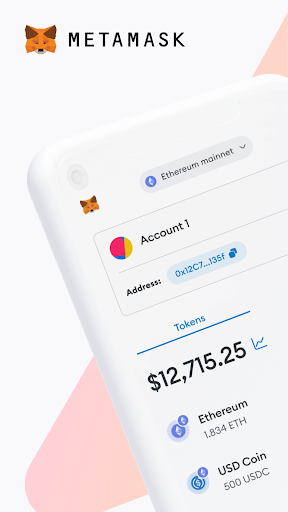
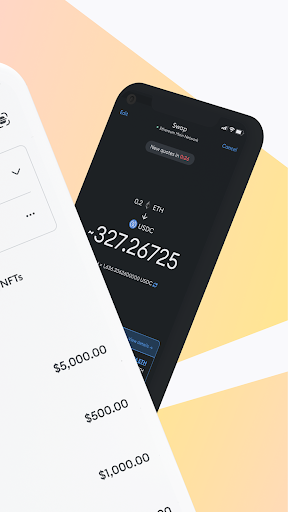
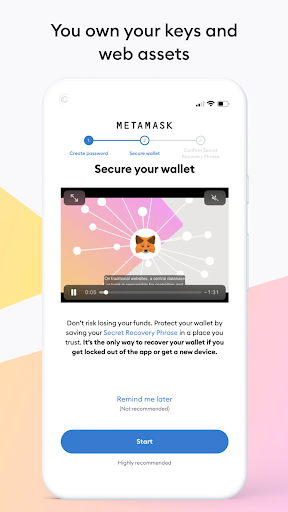
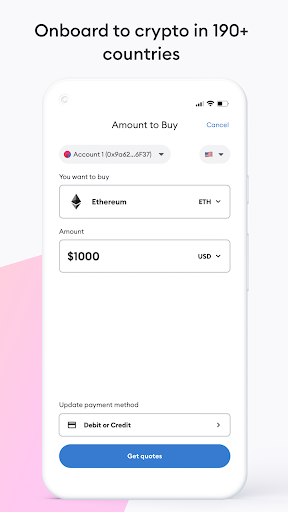
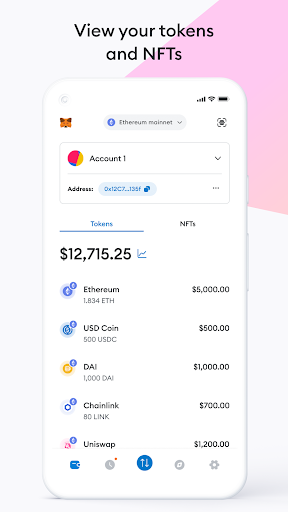
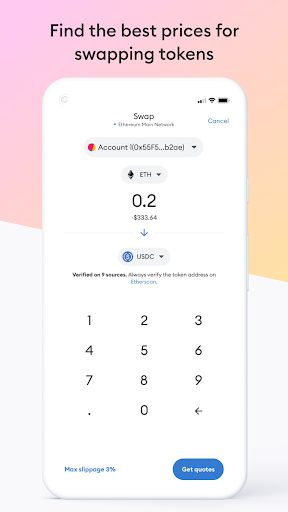
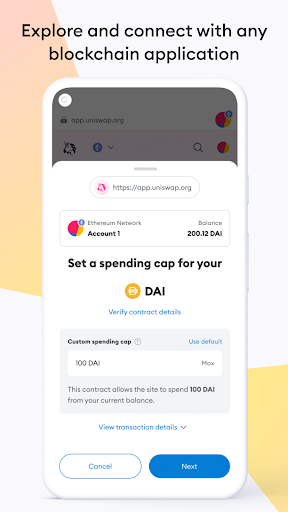
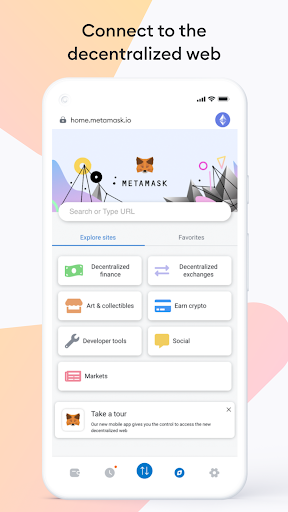
MetaMask on Android feels like one of those apps that has become important enough to crypto that it almost fades into the background—until you actually need to use it every day. After spending real time with it as a mobile wallet, dapp gateway, and general-purpose crypto companion, my takeaway is that MetaMask is still one of the best starting points for self-custody on a phone, but it is not the smoothest finance app experience you can install. The first thing MetaMask gets right is onboarding. Setting up a wallet feels serious without feeling intimidating. The app does a good job of making recovery phrase backup feel central to the experience, which is exactly what a self-custody wallet should do. Nothing about the initial flow suggested a toy app or a stripped-down mobile wallet. It feels like software built around the assumption that you are holding something valuable and need to understand that responsibility. That tone matters, and MetaMask strikes it well. Once inside, the app is generally easy to understand. The main wallet views are clean, balances are easy to scan, and moving between assets, network choices, and transaction actions is straightforward enough that even someone relatively new to web3 can find their footing. That simplicity is one of MetaMask’s biggest strengths. For a category of apps that can easily drown users in jargon, addresses, approvals, and chain switching, MetaMask usually keeps the interface legible. Its second major strength is versatility. During testing, MetaMask felt less like a single-chain wallet and more like a portable control panel for web3 activity. If you use different networks, interact with tokens beyond the obvious majors, or want a wallet that can connect to decentralized apps without a lot of ceremony, MetaMask still earns its reputation. It handles the basic wallet jobs, but the reason people keep coming back to it is that it sits at the center of a much larger ecosystem. For users who want to explore DeFi, NFTs, token swaps, and chain hopping from a phone, MetaMask gives you a lot of room to grow. The third clear strength is trust in the day-to-day handling of sensitive actions. I liked the way the app frames transaction signing and wallet control. Security language is visible without becoming overbearing, and the app consistently reminds you that this is your wallet, not an account someone else can rescue for you. That self-custody emphasis is part of the MetaMask experience. If you want full control over your crypto, that is a feature, not a burden. But using MetaMask for more than a few quick transactions also reveals the rough edges. The biggest frustration is performance consistency. At its best, the app feels fast and dependable. At its worst, it can be oddly slow to load, slow to update, or just a little hesitant when switching contexts. That kind of lag matters more in a wallet than it does in a social app, because when numbers, balances, or token data take too long to refresh, you immediately start wondering whether something is broken. The in-app browser is the second weak point. It is useful because many dapps are easiest to access from inside the wallet, but it does not always feel polished. In my time with the app, the browser could feel clunky, especially around network changes and site connections. There is a sense that MetaMask wants to be an all-in-one mobile web3 hub, but the browser experience still feels more functional than elegant. It works often enough to be important, yet just awkward enough to be annoying. The third weakness is that multi-network flexibility sometimes comes with multi-network friction. MetaMask supports a lot, but the app can occasionally feel less graceful on less common chains or during transitions between networks. Small issues like balances not appearing immediately, pricing lag, or needing to poke around after a switch can interrupt what should be a smooth flow. None of that ruined the experience for me, but it did remind me that MetaMask is at its best when you are comfortable with how wallets and chains behave. Beginners can absolutely use it, but they will still need patience. That is really the key to who this app is for. MetaMask is for people who want to own and control their crypto directly, connect to web3 services, and do more than simply buy and hold in a custodial exchange app. It is especially good for curious beginners who are ready to learn, and for active crypto users who want a flexible wallet that works across networks. It is not ideal for someone who wants a perfectly streamlined banking-style app with no technical rough spots, no self-management, and no need to think about recovery phrases, network selection, or signing requests. After extended use, I came away impressed more than delighted. MetaMask does not always feel sleek, but it does feel capable. It gives you real control, broad compatibility, and a surprisingly approachable mobile experience for something as potentially complex as web3. The trade-off is that it still has moments of friction—especially in the browser and during heavier multi-chain use—that remind you this is power-user software trying hard to be mainstream. If you want a mobile crypto wallet that can grow with you, MetaMask is still one of the safest recommendations in the category. Just go in expecting a learning curve, a few awkward moments, and the occasional slowdown. For many users, that is a fair price to pay for the flexibility and control it offers.
Alternative apps