Apps Games Articles
Doctor On Demand
Doctor On Demand, Inc
Rating 4.8star icon
Editor's summary
Editor rating
star icon star icon star icon star icon
half star icon
4.5

One-line summary Doctor On Demand is one of the easiest telehealth apps to actually live with day to day, but its occasional scheduling and cancellation friction keeps it just short of effortless.

  • Installs

    1M+

  • Developer

    Doctor On Demand, Inc

  • Category

    Medical

  • Content Rating

    Everyone

  • Latest version

    3.65.0

  • Package

    com.doctorondemand.android.patient

In-depth review
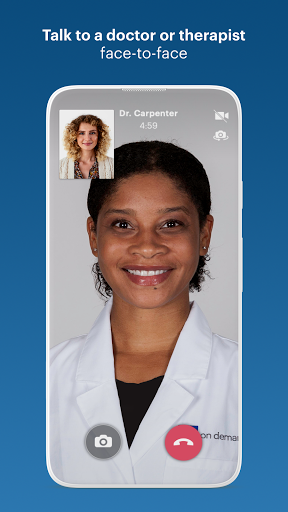
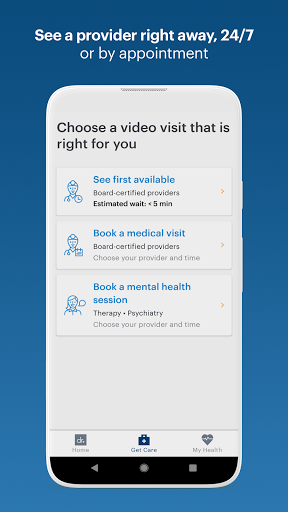
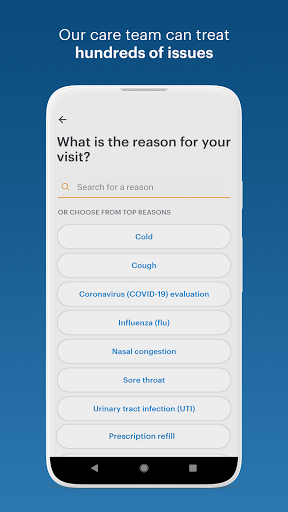
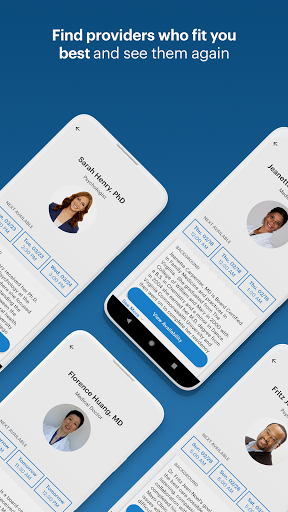
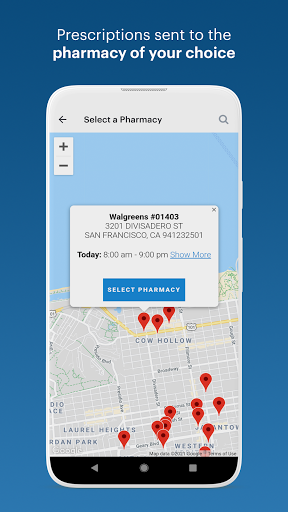
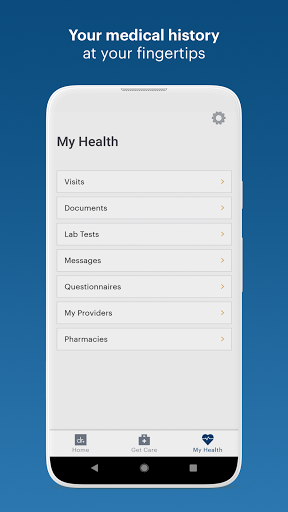
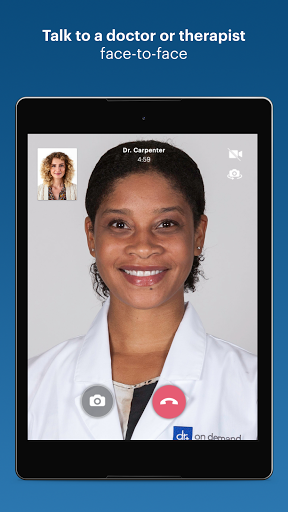
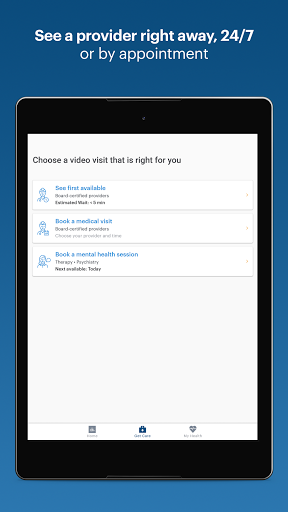
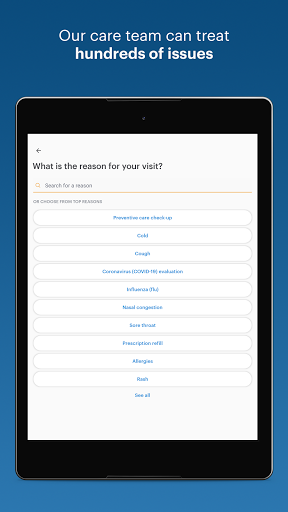
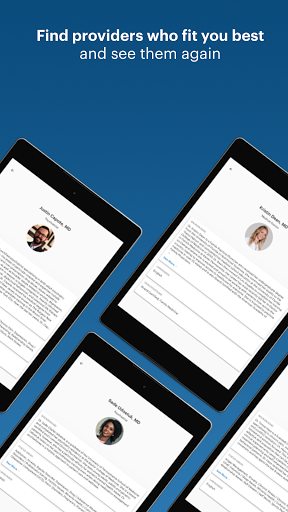
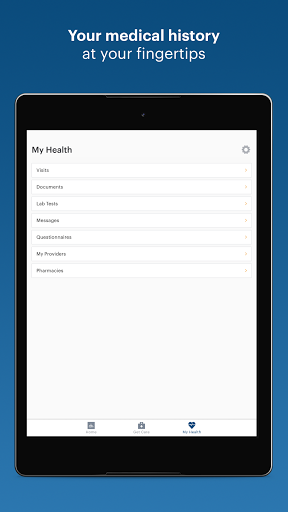
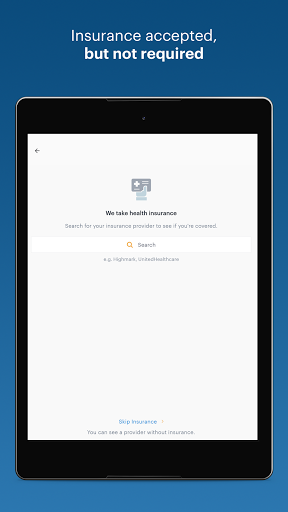
Doctor On Demand feels like a telehealth app built by people who understand that when you open it, you usually do not want to “explore features” — you want help, quickly, with as little friction as possible. After spending time with it as a patient app rather than just skimming store screenshots, that is the impression that stayed with me most. It is polished where it matters: getting into care, finding a provider, understanding what kind of visit you are booking, and handling the basic logistics of a virtual appointment without making you fight the interface. The onboarding is straightforward. Account setup does not feel overly clever or bloated, and the app moves you toward a real medical task quickly: choosing an appointment type, seeing availability, and getting to a visit. That matters because many health apps overcomplicate the first-run experience with excessive menus and education screens. Here, the path from download to booking is refreshingly direct. I also liked that the app does a good job of making virtual care feel less anonymous than some on-demand services. You are not just dropped into a generic “next available doctor” flow; there is enough structure around provider selection and scheduling to make the experience feel closer to a real clinic than a faceless queue. That is the app’s first major strength: convenience without too much chaos. If your goal is urgent care for everyday issues, mental health support, or follow-up care that does not require a physical office, Doctor On Demand makes a strong case for itself. Appointment booking is flexible, and the option to either take the next available provider or schedule ahead is exactly what a telehealth app should offer. In actual use, this makes the service fit both kinds of users: the person who woke up sick and wants help now, and the person who wants a therapist or psychiatrist appointment on a specific day and time. The second thing the app gets right is usability. Navigation is clean, and most of the core tasks are intuitive enough that you do not need to learn the app before using it. Appointment reminders, care access, and visit history are presented in a way that makes it easy to keep track of what is coming up and what has already happened. I especially appreciated that the app feels serviceable rather than flashy. In healthcare, boring in the best way is a compliment. You want clear buttons, obvious next steps, and minimal ambiguity, and Doctor On Demand mostly delivers that. The third strength is scope. This is not just an “I have a cold” app. The broader mix of urgent care, therapy, psychiatry, and support for prescriptions, labs, and doctor’s notes makes it useful beyond one-off emergencies. That wider range gives the app staying power on your phone. Some telehealth apps get installed for one rash, one sinus infection, one late-night question — and then disappear into the app drawer. Doctor On Demand feels more like a service you might keep because it can cover several different health needs from the same account. Still, it is not flawless, and the rough edges matter because this is healthcare, not food delivery. The biggest weakness I ran into is that scheduling and cancellation interactions can feel a little too brittle. The general flow is easy, but there are moments where the app seems less forgiving than it should be. In a medical app, that is a problem. If a tap is too easy to trigger, if a cancellation flow is not as clearly protected as it should be, or if rescheduling becomes confusing when something goes wrong, the stress level spikes fast. This is one area where the app could use more guardrails and confirmation steps. A second weakness is that support and error handling do not feel as polished as the booking experience. The app itself is mostly smooth, but when something technical misfires — especially around appointments or billing-related moments — the experience can turn from reassuring to frustrating. In normal use, you may never hit that wall. But if you do, the app does not always inspire confidence that the problem will be resolved quickly and transparently. The third weakness is that some small details still feel undercooked. Wait-time estimates do not always feel perfectly reliable, and there are places where patient profile management could be more flexible. For an app this mature, I wanted a bit more control over personal medical details and a little more precision in the live-visit status experience. These are not deal-breakers, but they are exactly the sort of quality-of-life improvements that separate a very good medical app from a truly excellent one. Who is this app for? It is a very good fit for people who value speed, home-based convenience, and access to licensed providers without the overhead of traditional scheduling. It is especially compelling for routine urgent care concerns, basic treatment plans, prescription-related visits when medically appropriate, and ongoing mental health care that benefits from easier scheduling. It also makes sense for people whose insurance works with the platform, since that can make the convenience even more attractive. Who is it not for? If you are uncomfortable with telehealth in general, need hands-on physical evaluation, or have zero tolerance for occasional appointment-flow hiccups, this may not feel dependable enough to replace a local care option. It is also not ideal for people who want extensive control over every administrative detail inside the app itself. Overall, Doctor On Demand is one of the better telehealth experiences on Android because it understands the core assignment: reduce friction, get patients to care quickly, and make the process feel calm. Most of the time, it succeeds. And when it does, it feels modern, practical, and genuinely useful. The reason it stops short of perfection is that the app’s weak points show up at the worst possible moments — when an appointment is time-sensitive, when a cancellation is accidental, or when a technical issue needs human help. Even so, for most people looking for a reliable virtual care app they will actually use, this is an easy recommendation.
Alternative apps