Apps Games Articles
Tubi: Free Movies & Live TV
Tubi TV
Rating 4.9star icon
Editor's summary
Editor rating
star icon star icon star icon star icon
half star icon
4.5

One-line summary Tubi is one of the easiest free recommendations in streaming thanks to its huge, genuinely watchable library and surprisingly light ad load, but occasional buffering, playback quirks, and uneven catalog quality keep it just shy of perfect.

  • Installs

    100M+

  • Developer

    Tubi TV

  • Category

    Entertainment

  • Content Rating

    Teen

  • Latest version

    VARY

  • Package

    com.tubitv

In-depth review
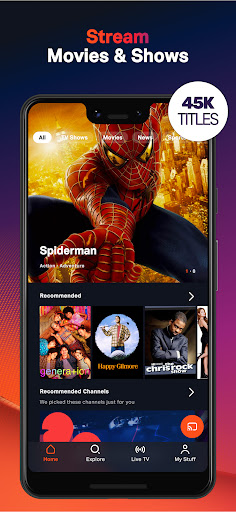
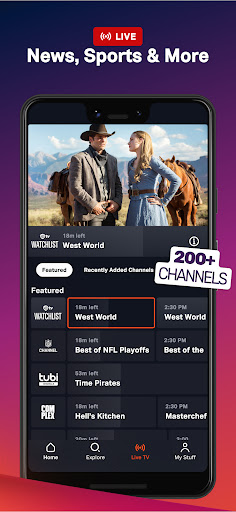
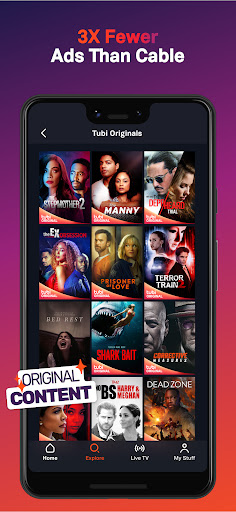
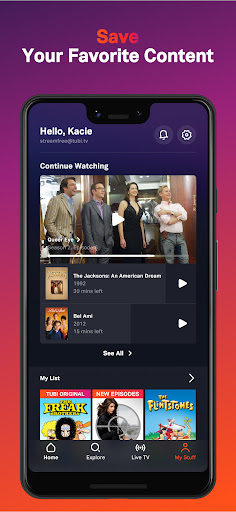
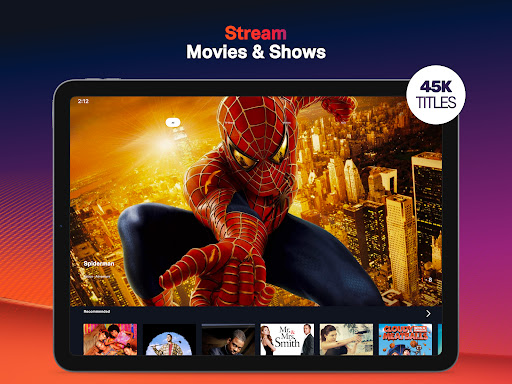
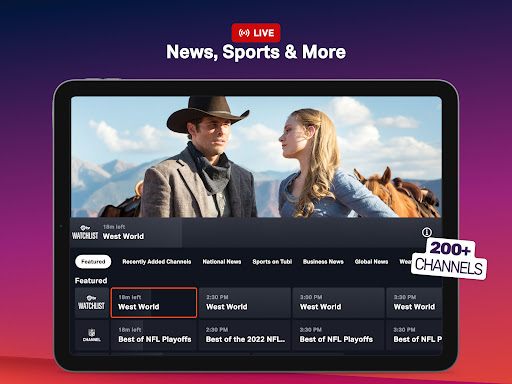
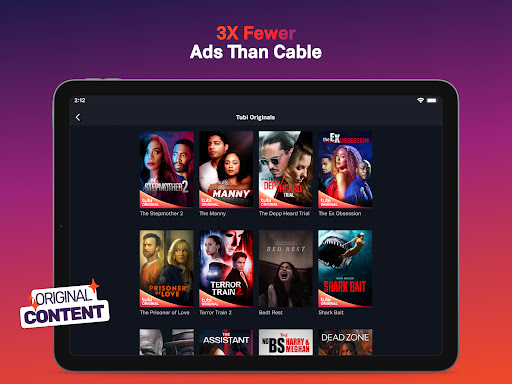
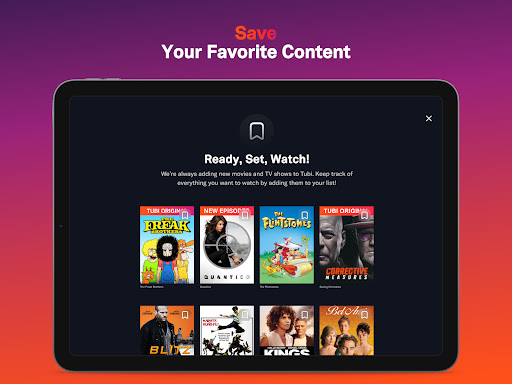
After spending real time with Tubi on mobile, it’s easy to understand why the app has become such a default recommendation for anyone tired of juggling subscriptions. This is one of those rare free streaming apps that doesn’t feel like a bait-and-switch. You open it, start browsing, pick something, and it actually lets you watch without immediately pushing you into a payment funnel. That sounds basic, but in the free-streaming world it still feels refreshingly rare. The first thing that stood out in daily use was the sheer breadth of the catalog. Tubi is not just a random pile of forgotten titles thrown into an app and padded with public-domain filler. Yes, there is plenty of older, lower-budget, cult, and offbeat material here, but that’s part of the appeal rather than a flaw. In practice, Tubi feels like a very good digital video store mixed with a comfort-food TV hub. I found it especially strong when I wasn’t hunting for one specific prestige title and instead wanted to browse by mood: action, horror, crime, old-school thrillers, sitcom comfort watching, anime, live channels, and assorted “I forgot this existed” discoveries. That kind of serendipity is where Tubi really shines. The second strength is the ad experience, which is much better than the word “free” usually implies. Ads are absolutely part of the package, and anyone expecting a fully uninterrupted viewing experience should stop here. But in my time with the app, the breaks felt shorter and less aggressive than many ad-supported services that also charge money. The ad placements were generally tolerable and didn’t constantly yank me out of what I was watching. There’s still friction, of course, but it’s the kind you quickly accept because the tradeoff is obvious: a large library for no subscription fee. The third big positive is usability. Tubi’s interface is approachable from the start. It’s easy to jump in without feeling lost, and the content organization is one of the app’s quiet strengths. Rows, categories, recommendations, and watch history all make sense. I particularly liked that the app encourages casual exploration instead of forcing a narrow algorithmic tunnel. It works well for both targeted searches and aimless evening browsing, and those are two very different use cases. If you create an account and actually settle in, the watchlist and continue-watching flow make the app feel more polished and less disposable than a lot of free services. That said, Tubi is not flawless, and the rough edges are noticeable once you use it regularly. The biggest weakness is playback inconsistency. Most of the time, streams started quickly and ran well, but not every viewing session was perfectly smooth. I ran into the occasional skip, momentary buffering, and the kind of minor playback hiccup that doesn’t ruin the night but does remind you this isn’t a premium-tier technical experience every second of the day. Live channels felt more vulnerable to this than on-demand content, and that’s where the app’s “good enough” ceiling becomes more obvious. Another complaint is that quality can vary within the catalog itself. Tubi’s huge library is a strength, but it also means not everything feels equally well-presented. Some older titles can look or sound rough around the edges, and a few shows or films simply don’t feel as cleanly delivered as newer content. That is partly the nature of archival and older licensed material, but it still affects the experience if you are picky about presentation. The last drawback is that Tubi occasionally shows its free-service seams in smaller interface behaviors. Auto-play can be inconsistent, and some playback transitions are less elegant than they should be. None of this is catastrophic, but over time these little annoyances stack up: a lingering on-screen prompt, a stream that needs a restart, a live feed that doesn’t feel completely stable. If you are the type of viewer who gets irritated by even occasional friction, you will notice it. Who is Tubi for? It’s ideal for viewers who value variety, don’t mind ads, and enjoy browsing as much as watching. It’s particularly good for people who like older movies, genre films, casual TV marathons, and the simple pleasure of finding something interesting without paying another monthly fee. It’s also great for anyone who wants a low-commitment streaming app that works as a supplement to a paid setup or even, for some people, a replacement for a couple of underused subscriptions. Who is it not for? If you only want the latest prestige blockbusters, demand spotless streaming reliability at all times, or have zero patience for ads, Tubi will test your tolerance. It also may not satisfy viewers who want a tightly curated premium catalog over a broad and sometimes uneven one. Still, judged for what it is, Tubi is excellent. It delivers an enormous amount of entertainment with very little resistance, and it does so with enough polish that it rarely feels cheap. I came away from the app with the same impression I get from the best utility apps: it respects your time more than expected. You may not love every title, and you may occasionally hit buffering or a minor glitch, but as a free streaming experience, Tubi is remarkably easy to keep installed and even easier to keep using.