Apps Games Articles
Jigsawscapes® - Jigsaw Puzzles
Oakever Games
Rating 4.5star icon
Editor's summary
Editor rating
star icon star icon star icon star icon
half star icon
4.5

One-line summary Jigsawscapes is one of the best casual puzzle apps on Android thanks to its huge free catalog and flexible difficulty, but the growing ad friction and a few intrusive design choices keep it from feeling truly premium.

  • Installs

    50M+

  • Developer

    Oakever Games

  • Category

    Puzzle

  • Content Rating

    Everyone

  • Latest version

    5.0.2

  • Package

    jigsaw.puzzle.game.banana

In-depth review
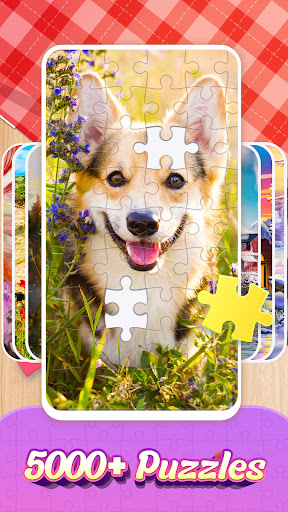
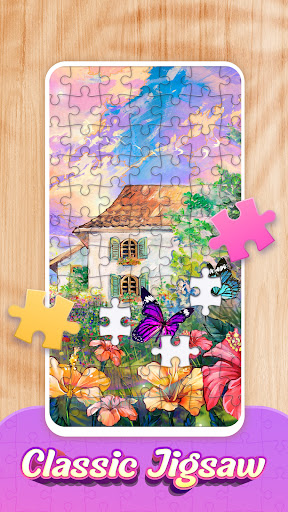
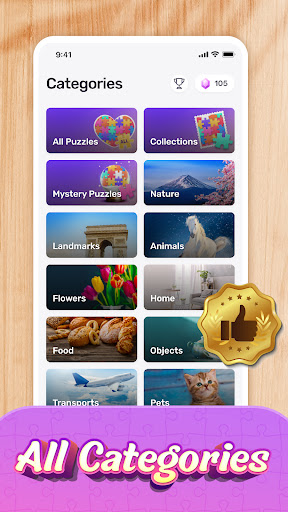
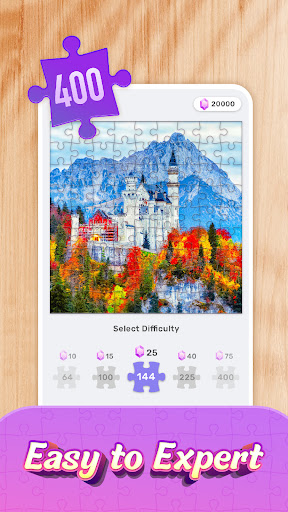
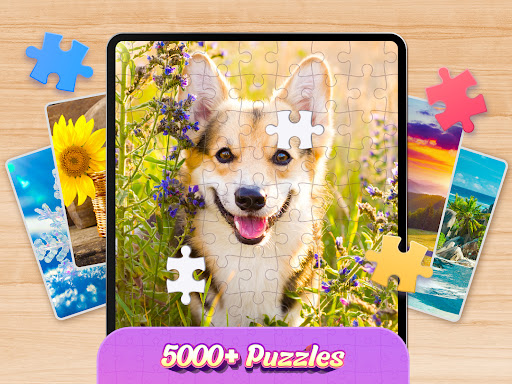
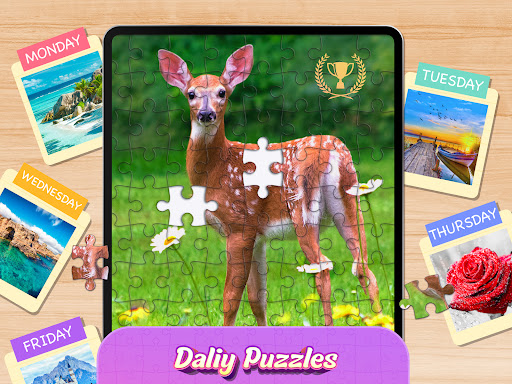
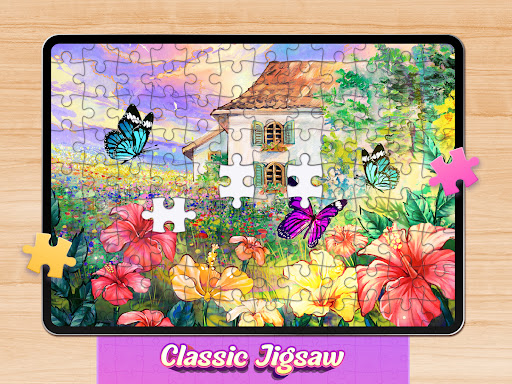
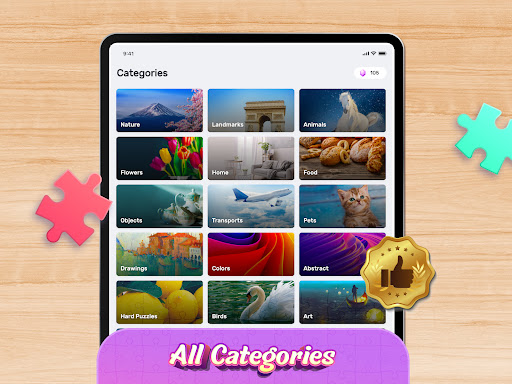
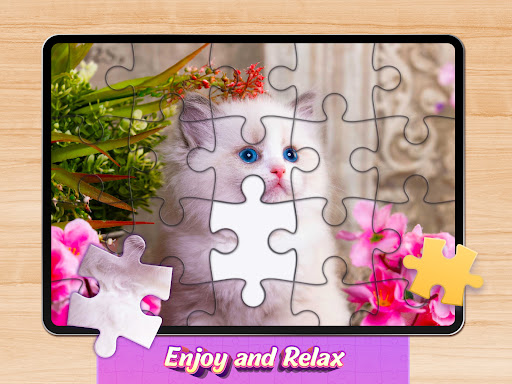
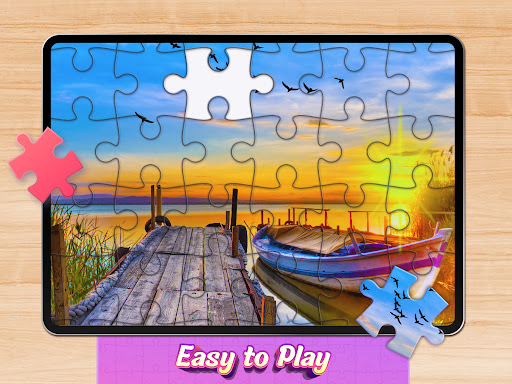
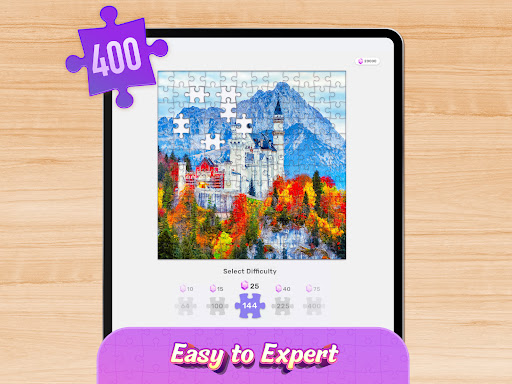
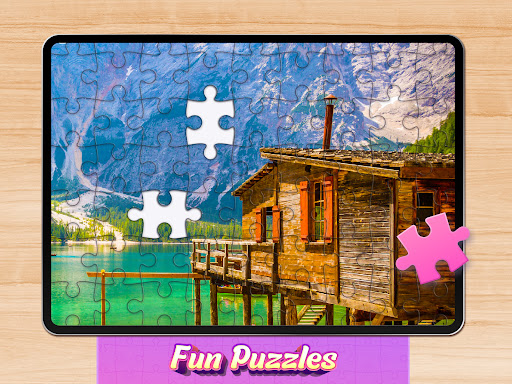
Jigsawscapes® - Jigsaw Puzzles understands something a lot of mobile puzzle apps forget: a jigsaw game is supposed to be calming first and monetized second. After spending real time with it, that is the main reason it stands out. The app gets the fundamentals right in a way that makes it easy to come back to for ten minutes before bed or for a much longer unwind session, and that consistency matters more here than flashy features. The first thing that impressed me was the sheer breadth of content. You are not stuck replaying the same narrow set of images with different borders slapped on them. There is a large, varied library, and it feels broad enough that you can follow your mood rather than the app’s curation. Bright animals, scenic landscapes, flowers, cozy illustrations, city views, more stylized fantasy art, and plenty of generally soothing image choices all help the experience feel fresh even after multiple sessions. More importantly, browsing does not feel like work. The category structure makes it easy to dip into a theme quickly instead of endlessly scrolling for something that looks appealing. The second major strength is the flexibility of the puzzle setup. Jigsawscapes is very good at meeting players where they are. If I wanted a quick, low-effort session, I could choose a smaller piece count and finish something satisfying without committing too much attention. If I wanted more of a mental stretch, I could scale up the number of pieces and settle in. That adjustable difficulty gives the app much more longevity than puzzle games that force every image into a single fixed challenge level. It also makes it approachable for a wide range of players, from people who want a pure relaxation tool to those who enjoy a slightly more demanding digital puzzling session. The third thing it does well is everyday usability. Piece movement feels reliable, the snapping behavior is satisfying, and the overall board interaction is intuitive enough that the app gets out of the way. Small touches matter in a game like this, and Jigsawscapes usually nails them. Being able to change the background color is not a glamorous feature, but in practice it is one of the most useful ones in the app because it genuinely helps with visibility. Depending on the image, switching to a darker or more contrasting background can make edge work and color sorting much easier. The app also avoids the cardinal sin of interrupting the actual act of solving with ads in the middle of a puzzle. That alone makes it dramatically more pleasant than many free-to-play alternatives. Still, this is not a flawless experience, and the biggest issue is obvious: ads. Jigsawscapes is better than many free puzzle apps, but it is not ad-free in any meaningful sense. In my time with it, the ad load felt acceptable when it stayed to the start or end of a puzzle and moved along quickly. The problem is that ad quality and behavior can be inconsistent, and that is where the friction starts to show. Loud ads, sticky close buttons, and the occasional sense that an ad is trying a little too hard to hijack the screen break the otherwise peaceful rhythm. For a game built around relaxation, that mismatch is especially noticeable. The second weakness is that some interface decisions can become mildly intrusive instead of helpful. Jigsawscapes generally has a clean flow, but when guidance tools or puzzle-assist elements show up too aggressively, they can undermine the quiet satisfaction of solving things yourself. In a puzzle app, optional help should feel optional. Anything that nudges too hard risks turning a meditative pastime into a guided task. The third complaint is that not every design tweak serves players on smaller screens equally well. When the puzzle piece shapes or layout choices become more visually busy, the app can feel a bit cramped on a phone. It never becomes unplayable, but there are moments when the board feels less elegant than it should, especially if you prefer larger piece counts and more intricate shapes on a compact display. What I appreciate overall is that Jigsawscapes mostly respects the player’s time and intent. It is not trying to turn jigsaw puzzles into a hyperactive mobile game. The pacing is gentle, the visual variety is strong, and the core interaction remains satisfying over repeated sessions. That makes it easy to recommend to adults who want a low-stress game, to casual players who like dipping in and out, and to anyone who enjoys the tactile satisfaction of assembling image puzzles without needing a physical set on the table. It is also a good fit for players who want control over difficulty rather than a one-size-fits-all challenge. It is less ideal for anyone who is highly sensitive to ads, wants a completely distraction-free premium experience, or prefers advanced social or multiplayer features. It is also not the best match for players who want a very minimalist, stripped-back interface with zero interruptions around the edges. Even with those caveats, Jigsawscapes earns its high standing. It combines a genuinely generous content library, flexible difficulty, and polished core puzzling into a package that is easy to enjoy day after day. It may occasionally chip away at its own calm atmosphere with ad annoyance and a few clumsy UI touches, but the heart of the app is solid. If you want a free jigsaw game that actually feels good to live with, this is one of the strongest options on Android.